
If you’re even moderately into home audio or wireless headphones, you may have heard the term surround sound thrown around. It’s often used as a catch-all term in the marketing of speakers and headphones. It’s a step above traditional stereo sound, which simply delivers audio through two channels — left and right. Surround sound aims to place you in a three-dimensional space and often requires a speaker configuration with multiple channels — front, center, rear, and a subwoofer. Modern Bluetooth headphones can emulate this effect through software trickery called virtual surround sound.
Then there’s Dolby Atmos — a proprietary audio technology that goes a step further and adds height channels to the mix. In professional setups, Dolby Atmos audio is achieved by using multiple channels, including ceiling-mounted or upward-firing speakers. The result is an immersive soundstage where up to 118 individual audio objects can move around in a three-dimensional space. Dolby Atmos content comes in the form of music, movies, or even games.
The best way to experience audio in Dolby Atmos is through a dedicated multi-speaker setup, but this takes up a fair bit of space and requires an investment. Thanks to the use of binaural sound technology, though, you can experience Dolby Atmos content on virtually any pair of headphones — or, to a more limited extent, speakers. The real challenge lies in making this setup work by ensuring you have the right settings enabled on your device.
Playing Dolby Atmos content is a bit tricky
Dolby mentions that you don’t need a special pair of headphones to enjoy content in Atmos. As long as your audio output device can connect to your phone or computer, you’re halfway there. However, you do still need a device that supports Dolby Atmos decoding. Most mid-range phones and flagships come with the necessary licensing to support this feature. On Windows computers, you will need to install the Dolby Access app.
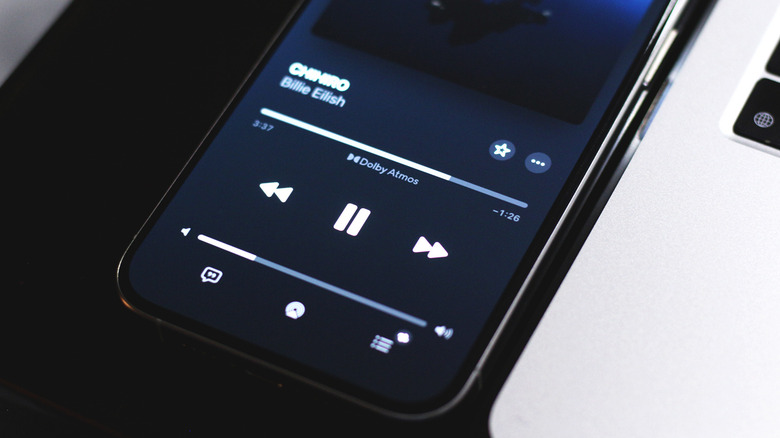
Music streaming platforms that feature Dolby Atmos content include Apple Music, Tidal, and Amazon Music Unlimited. We’ve tested all of these offerings, and generally, Apple Music does a better job of letting you discover and play Dolby Atmos tracks. Tidal has an expansive library too, and segregates its Dolby Atmos tracks from its regular catalog. In either case, you will know you’re playing music in Dolby Atmos when you spot the logo somewhere around the album or track name. Streaming platforms like Netflix and Apple TV+ also feature content in Dolby Atmos.
Even if your phone or computer supports Dolby Atmos, you will generally first have to enable it. This option can usually be found within the sound settings. For example, if you’re using an iPhone with Apple Music, navigate to Settings > Apps > Music > Dolby Atmos, and select either “Automatic” or “Always On.” Once the stars align, you should be able to enjoy music in Dolby Atmos.
Do you need Dolby Atmos enabled headphones?
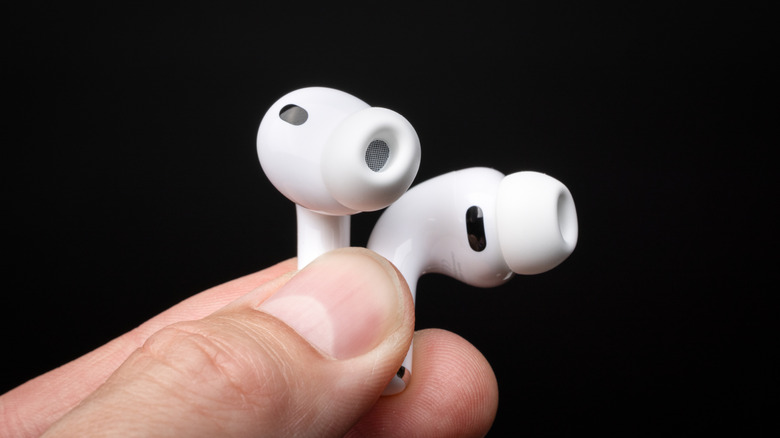
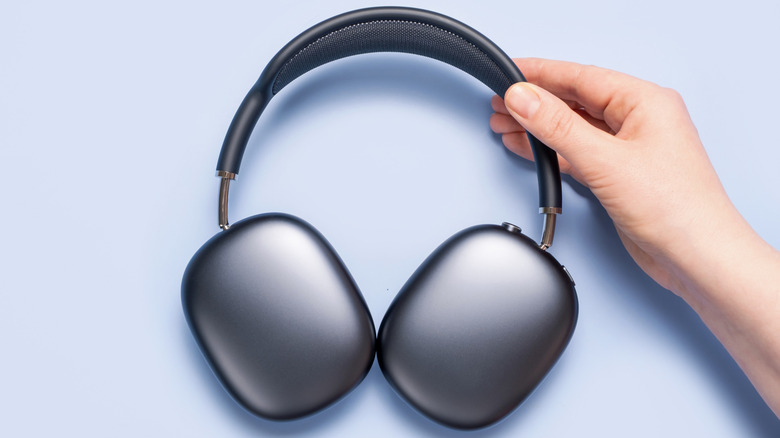
If you’re in the market for a pair of headphones or Bluetooth speakers, you may have seen a few specifically advertise Dolby Atmos support. Dolby even recommends a selection of headphones on its website. We’ve mentioned before, however, that you don’t need any special headphones to enjoy Atmos content — and this is still true. Since the decoding is primarily handled by your smartphone or computer, most Bluetooth headphones will be able to play Atmos mixes.
The story with Bluetooth speakers, though, is a bit different. Unlike headphones, which sit directly on your ears, most Bluetooth speakers don’t offer the same level of channel separation. Even if you get Dolby Atmos audio working, a regular speaker might struggle to reproduce the same experience that a pair of headphones can deliver. Dolby lists support for a good variety of soundbars, though, since they’re often equipped with multiple channels, including up-firing speakers.
Premium offerings like these AirPods 4 we reviewed or the Sonos Ace come with head tracking, which creates an even more immersive listening experience. Headphones labeled with Dolby Atmos support are also more likely to feature higher-end drivers and additional conveniences like active noise cancellation that do make them sound better than cheaper Bluetooth headphones.

Stephan is the sports journalist for the Maple Grove Report.