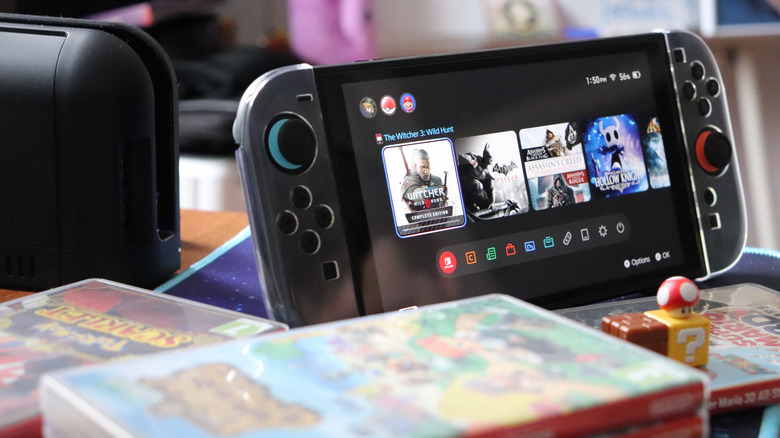

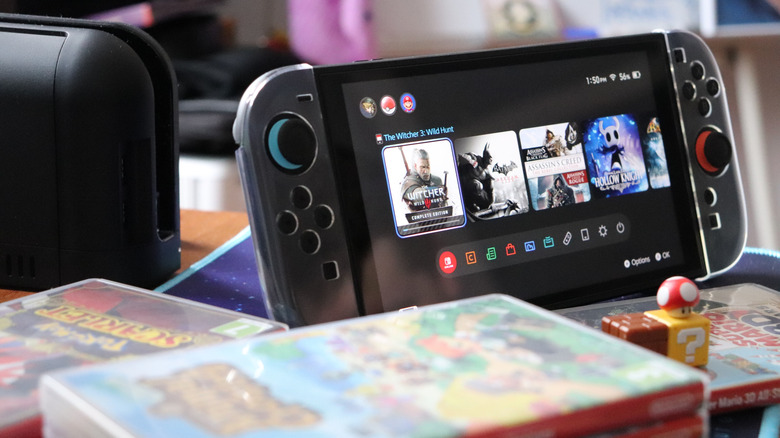
One of the big selling points of the Nintendo Switch lineup is its commitment to being a true handheld console. But mobile gaming isn’t really that appealing if the battery dies quickly. Thus, it’s valid to ask how long the Switch 2’s battery can really last.
According to Nintendo, the Switch 2 can last up to 6.5 hours on a single charge, although most people likely won’t get that much playtime. In reality, many factors can influence a Switch 2’s battery life. According to Nintendo, the average number of hours you can expect from a full charge can vary depending on how it’s used, such as the kind of software it’s running. In fact, it even mentions that some gamers might get just 2 hours or so. This, on paper, makes for a 4.5-hour average, although things are, of course, never that simple.
Real-world testing shows that the Switch 2’s battery life seems to stay at the lower end of Nintendo’s range, at least in more modern titles. In a comparison video, YouTube creator Open Surprise notes that, across Switch 2 titles like “Mario Kart World,” “Hogwarts Legacy,” “Zelda: Tears of the Kingdom,” and “Cyberpunk 2077,” the console generally offers 2.5 to 3 hours of game time. It did better with Switch 1 titles, such as the previous-gen versions of “Hogwarts Legacy, “Zelda: TOTK,” and “Metroid Prime Remastered.” Here, the console managed from 4 to about 5 hours, making it better than the original Switch 1 but worse than Switch 1 V2 and Switch OLED.
How to keep your Switch 2 going for as long as possible
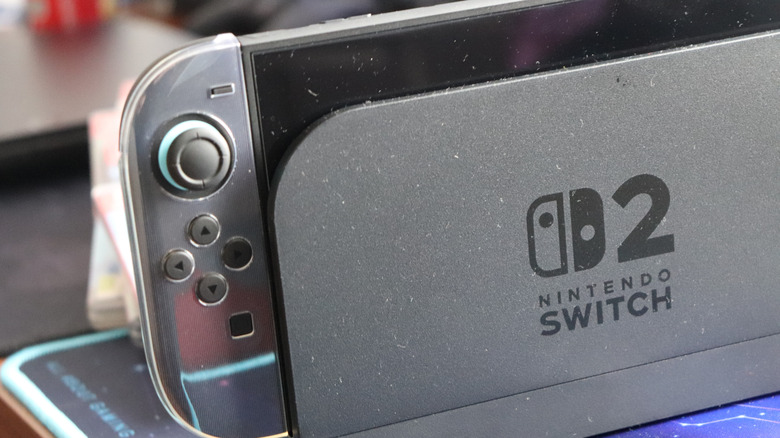
Considering that it takes about three hours to charge a Switch 2 in the console’s Sleep Mode, the handheld console’s battery life means that some games can drain the battery faster than it can be charged. If you’re at home, you can connect it to your dock, letting you play and charge simultaneously without issues, but this battery life can be an issue all the same.
Should you still want to enjoy your Switch 2 without having to sit next to a socket, you can invest in a high-capacity mobile power bank to keep your battery topped up. There are plenty of power bank brands on the market, with names like Anker, Baseus, and Einova leading the pack. So, if you already know you’ll be gaming for extended periods without access to a power outlet, make sure to bring a power bank with enough capacity to charge the Switch 2’s 5,220 mAh battery.
Short of not playing demanding games, you can change several console settings to reduce battery consumption. These include turning on Airplane Mode and turning off Joy-Con vibration. Another good way to ensure battery health is to always charge with an appropriate charger. While you can use a third-party phone charger, you will need one that supplies enough power and supports USB Power Delivery.
There is an issue with the Switch 2’s battery percentage indicator
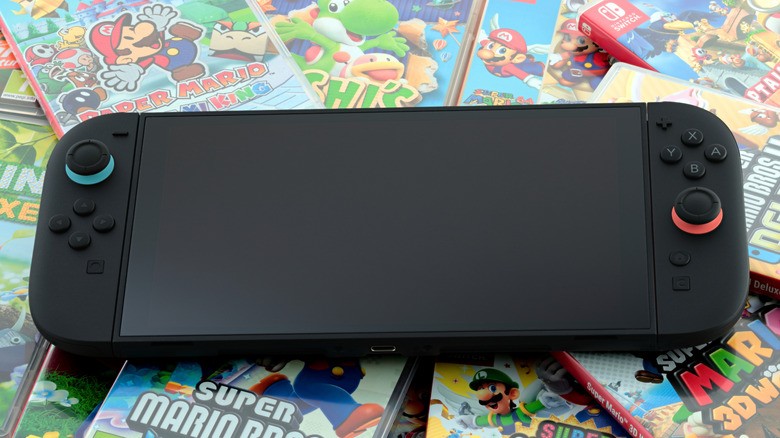
If you notice that your Switch 2’s battery is draining very rapidly, it might not be entirely down to poor battery life. Nintendo identified an issue with the Switch 2’s battery display, which can show a lower charge level than is accurate.
To reset the battery level meter, it recommends updating your Switch 2 to the latest software, turning off your console, and entering Recovery Mode by holding both volume buttons down and pressing the Power button once. Afterward, you can press the Power button again to turn it off. Lastly, turn it on again and use it normally to check if the display is more accurate. If the issue persists, however, you can send it back to have Nintendo’s techs check it out.
However, since the Switch 2 runs on lithium-ion batteries, you will eventually have to deal with the typical disadvantages of these batteries, including battery degradation. This means that you can expect its battery capacity to reduce over time, even with normal use and care. Unfortunately, there’s little you can do about this beyond replacing the battery or always carrying a power bank with you.

Stephan is the sports journalist for the Maple Grove Report.