How to easily encrypt files on an Android phone – and the free app I use to do it


openkeychainhero

Jack Wallen/ZDNET

Follow ZDNET: Add us as a preferred source on Google.


ZDNET’s key takeaways

  • Encrypting files on Android is easy.
  • You can encrypt and decrypt files with this simple app.
  • OpenKeyChain is free to use and open-source.

If you take mobile security seriously (and you should), then you might want to consider file encryption. I’m not talking about saving a file in an encrypted folder to tuck it away from prying eyes. 

No. This is all about encrypting files that you can either leave on your device and view when needed or share with others, knowing they can be viewed only by the recipient.

Also: The Thunderbird email client finally landed on Android, and it was worth the wait

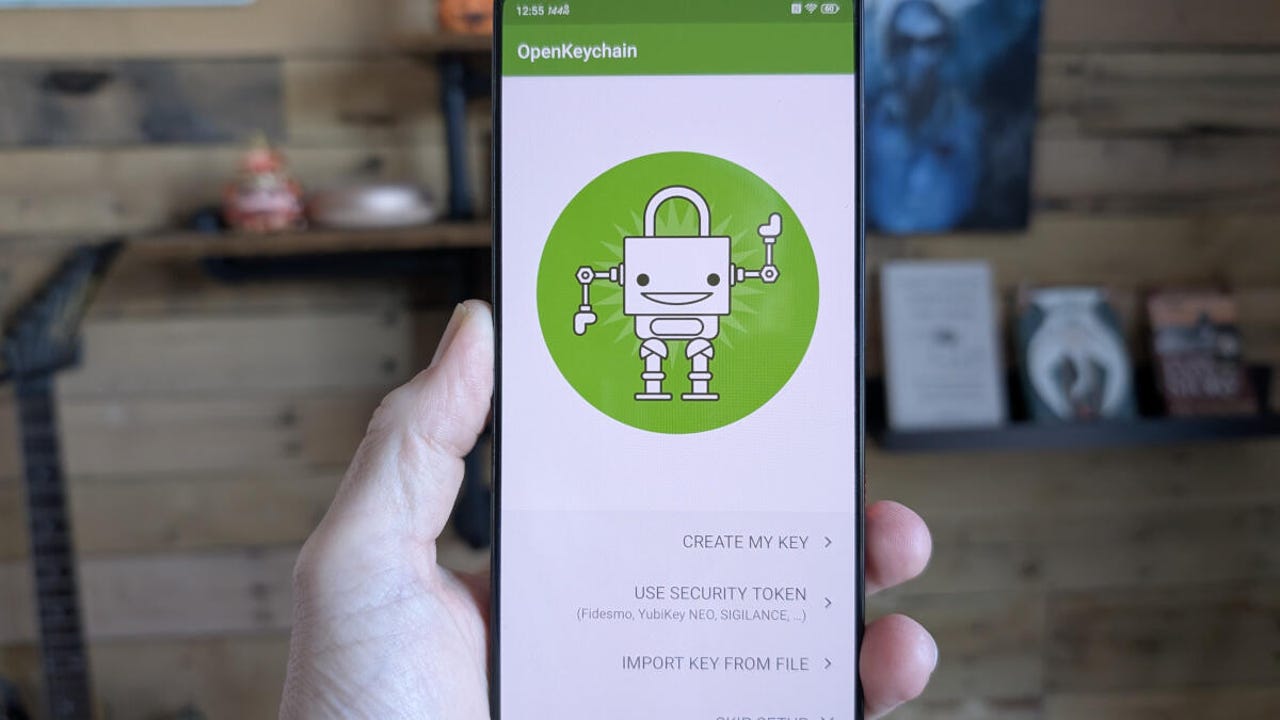
This is made possible by the OpenKeyChain app. This app is all about encryption, and although it makes the process easy, there are some things you’ll need to know before diving in.

Let’s do just that.

It’s all about keys

If you’ve ever used public key encryption on your desktop to securely send a file to someone, you already understand it. If not, let me explain.

Public key encryption uses a key pair: one private and one public. The private key remains on the recipient’s device, while the public key is sent to those who need to send an encrypted file to them. Files encrypted with someone’s private key can only be opened by someone who has the corresponding public key. Without that public key, there’s no way to open the file.

It works, and it works very well. You can have this on Android, and it’s not nearly as hard as you might think. Let’s see how it works.

What you’ll need

To do this, you’ll need an Android device, and you’ll need the OpenKeyChain app installed. Make sure you install that app, and you’re ready to go.

Manage the keys

There are two things you’ll need/want to do. The first is to create your own key.

Open the Keys tab of the app. On that page, tap the three-dot menu in the upper-right corner and then tap “Manage my keys.”


Show more

OpenKeyChain

Creating your first key pair with OpenKeyChain is quite easy.

Jack Wallen/ZDNET

On the resulting page, tap CREATE MY KEY and walk through the user-friendly wizard.


Show more

OpenKeyChain

The keys wizard is very easy to follow.

Jack Wallen/ZDNET

Import a public key

The next thing you have to do is import the public key from someone you want/need to send an encrypted file to. This is where OpenKeyChain really shines. If the person you need to send the encrypted file to also has OpenKeyChain installed, they can open their key, and you can simply scan the QR code associated with their key pair to add their public key. 

Also: 3 ways to stop Android apps running in the background – and why I always do

If the person doesn’t have OpenKeyChain installed, they have to send you their public key, and you then have to import it from within My Keys > + > Import from File. Locate the file the person sent you, and then it’s ready to use.

OpenKeyChain

You have to import a recipient’s key to send them an encrypted file.

Jack Wallen/ZDNET

Encrypting a file

With your key created, you can now encrypt a file. You can either encrypt the file such that it’ll be sent to another user (using the recipient’s public key), or you can encrypt a file that can be saved on your Google Drive account (or your device), using your public key, such that the public key password (that you create within the key creation wizard) is required to open the file.

One thing to keep in mind with saving files to your device. Those files will end in .gpg. If someone gets access to your device, knows you have OpenKeyChain installed, and knows where those files are, they can view them without entering your decryption password (because it’ll automatically match the key pair).

Also: How I share audio from my Android phone to multiple earbuds (and why it’s a big deal)

The good news is that you can hide those files “in plain sight,” to make it harder for someone to find/view them. Also, those files cannot be viewed via Google Drive, because your public key is stored on your device. That means if someone gains access to your Google Drive account, they will not be able to view those encrypted files.

To encrypt a file, follow these steps.

1. Open the Encrypt/Decrypt page

Tap the three-line menu on the main page and then tap Encrypt/Decrypt.

2. Encrypt the file

On the resulting page, tap Encrypt files. You will then have to select who the file is to be encrypted for. If you’re encrypting the file so it can be saved to Google Drive, you’ll use your key pair. If you’re encrypting it for someone else, you’ll have to select their public key.

OpenKeyChain

This is where the magic happens.

Jack Wallen/ZDNET

Either way, tap “Encrypt to” and then type out the name of the recipient. Select the relevant key and then tap “Add file(s).” Locate the file you want to encrypt, and then tap the tiny save icon near the top right (to the left of the share icon). 

Also: How to use Google Messages’ new Trash feature to recover texts you accidentally deleted

Select the folder you want to house the file, give the file a name, and then tap Save. Your file will be saved in the intended location. You can then send the encrypted file to the recipient by whatever means you would normally use (email, messages, etc).

OpenKeyChain

Make sure to give your file a name that doesn’t exactly scream, “Don’t look into this file!”

Jack Wallen/ZDNET

Decrypting a file

This is simple. All you have to do is go to Encrypt/Decrypt, tap “Select input file” under Decrypt/Verify, and then locate and tap the file. You can open the file from within OpenKeyChain, and you’re good to go.




Source link

Leave a Reply

Subscribe to Our Newsletter

Get our latest articles delivered straight to your inbox. No spam, we promise.

Recent Reviews


We may receive a commission on purchases made from links.

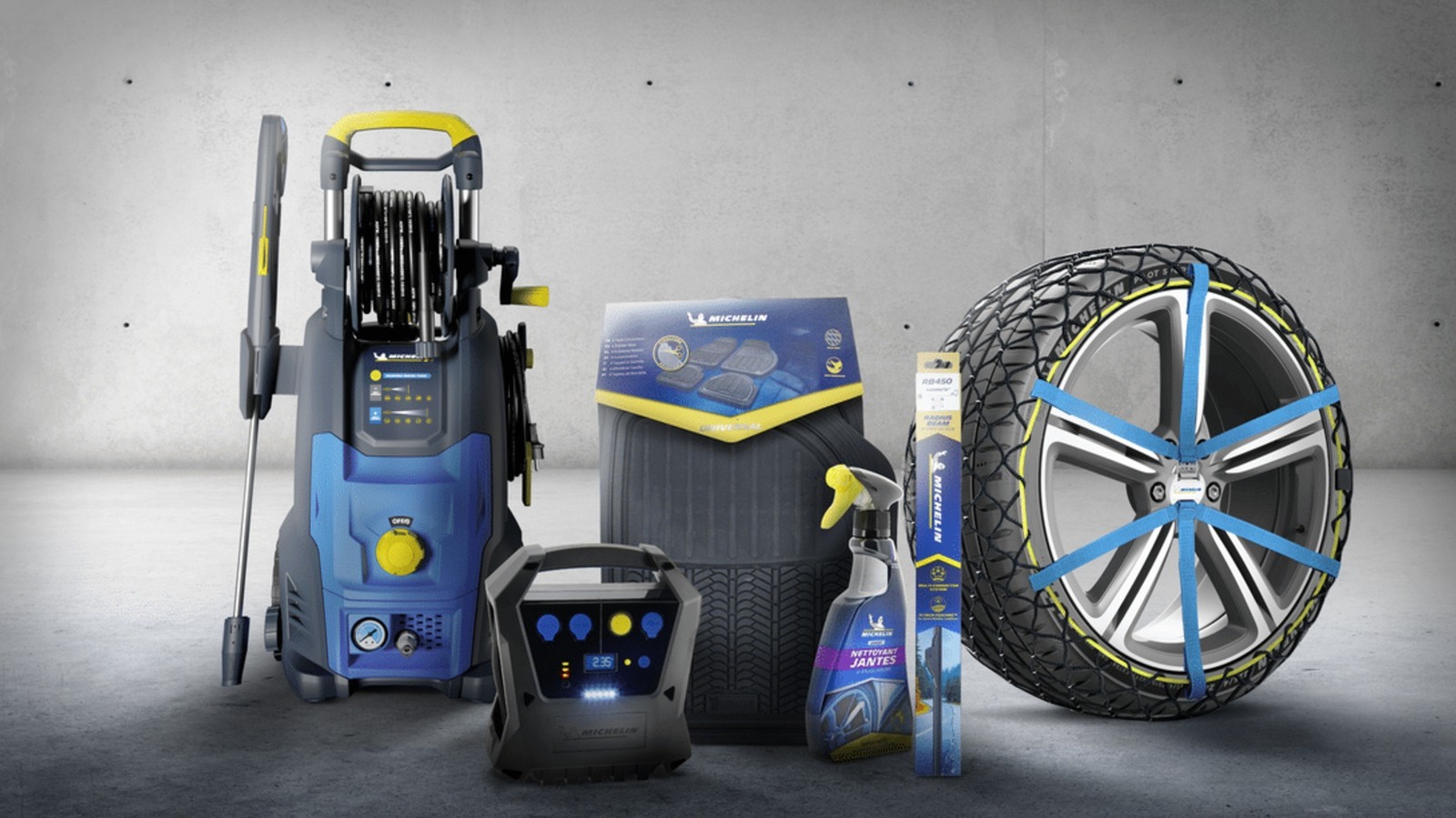
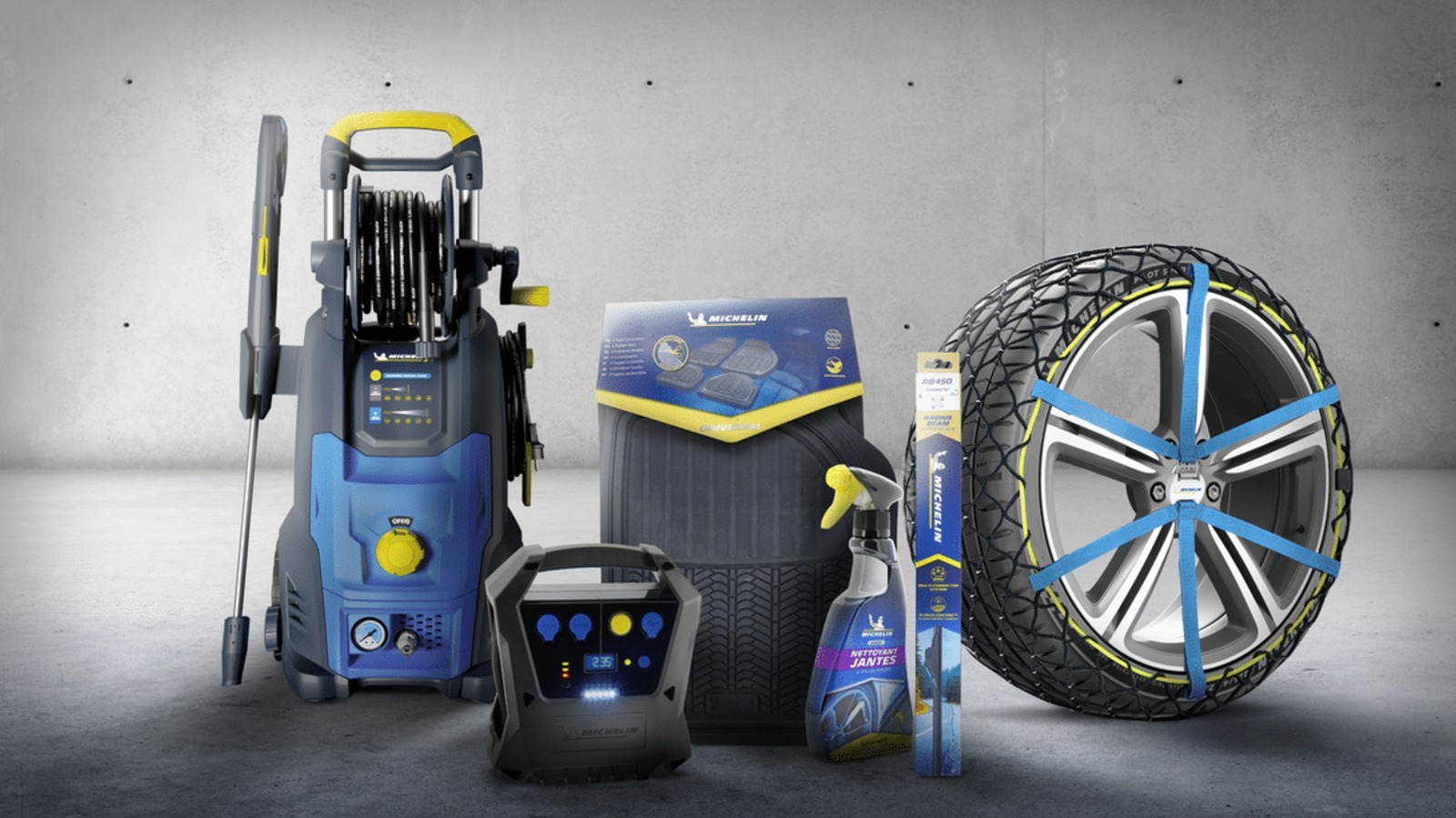
Michelin is a French multinational company that many consumers consider to be one of the most satisfying major tire brands. This firm makes several tire models that offer comfort, performance, all-terrain prowess, and everything in between — including cutting-edge products like the $42,000-per-set Michelin Pilot Sport PAX that it developed specifically for the Bugatti Veyron. Aside from its own tires, Michelin also owns other tire brands that you might be familiar with, including BFGoodrich, Achilles, and Corsa.

While tires are what Michelin is known for, the company has put its name to more than the rubber that wraps around your car’s rims. In fact, the company sells several other products that aren’t tires. So, we’re listing a few Michelin-branded items that you can buy online and in retail stores. While they might not all be made of rubber or even related to vehicles, these tools and accessories can come in handy when keeping your car — and even yourself — in good shape.

Michelin tire inflator

Since Michelin is primarily known for its tires, it makes sense for the company to sell a Michelin-branded tire inflator as well. That way, if you get a flat on one of the Michelin tires on your car or want to regularly top up your car’s tire pressure to maintain optimum performance, you can use a Michelin-branded pump to fill up your tires. The company actually sells several types of inflators on its Amazon page, but it only offers a single motorized unit — the Michelin Micro Tyre Inflator, which is available on Amazon for $98.99.

This little device is only slightly wider than an iPhone 17 and weighs about 400 grams, or 14 ounces. This means it’s easy to store in your car and to move to whichever tire needs topping up. More importantly, it takes power from a 12-volt socket, allowing you to run it using your car’s battery. It also has a USB port for charging your phone (or any other USB device) in case of an emergency.

Some users say that the device is slow, taking about 12 minutes to bring a tire from 10 to 32 PSI, but that’s not unexpected given its small size. Still, it should be good enough for regular weekly maintenance if you know your car’s proper tire pressure, or in case of an emergency. Its biggest downside is that you need a power source to run it, but having a dead battery and a flat tire simultaneously is likely a rare occurrence in many modern cars.

Michelin mini fridge

Taking a road trip during the summer can get you thirsty, and there’s no better way to quench that thirst than by drinking a cool can of soda (or your beverage of choice). If you want to ensure that you’ll always have a cold drink ready while you’re driving on the freeway, Michelin’s mini fridge will help you with that. This nifty little refrigerator is available on Amazon for just $99.99 and can be connected to either 110V AC or 12V DC power, ensuring that it will work on both your desk and in your car.

The mini fridge measures 6.9 x 9.45 x 10 inches (17.5 x 24 x 25.4 cm), meaning it can easily fit on a garage shelf or office desk. It should also be small enough to put on the floor of your car. Despite that relatively small size, it’s large enough to fit six 350-ml cans or four 500-ml bottles, and it will keep these items at a chilly 32 degrees Fahrenheit or 18 degrees Celsius. It also has an LED light on the door, so it can double as a night light if necessary.

Aside from keeping your drinks (and other food items) below room temperature, it also has a few other creature comforts. These include a removable shelf and door basket for flexibility and easy cleaning, as well as a retractable carry handle and a self-locking door to make transportation easier.

Michelin car floor mats

Heavy-duty car floor mats are often made from rubber for durability and water resistance, and since Michelin is in the business of rubber, it makes sense for the company to offer exactly that. So, if you want to protect your vehicle’s floor from dirt, dust, and mud, the company can help you with its Michelin all-weather car floor mats. This four-piece package is available on Amazon for $49.99 and comes in either black or tan.

The surface of these floor mats is specially designed to trap debris, snow, and water, preventing them from ruining the carpet on your vehicle. The mats have a cleat backing that grips your car’s floor and prevents them from slipping. The front row mats also come with what Michelin calls a Gripclip Retention System, allowing them to clip into your vehicle’s safety clips and adding even more reassurance that they won’t accidentally slip while you’re driving and pose a hazard to your safety.

These mats are universal and will work in most vehicles. However, they’re also easy to customize: If you find them a bit too large for the footwell of your tiny hatchback, you can use a pair of scissors to trim the edges for a perfect fit.

Michelin Stealth Ultra wiper blades

While Michelin’s Stealth Ultra wiper blades aren’t generally considered among the best windshield wipers, they appear to be a pretty good choice given their four-star rating on Amazon. These wipers cost $49.99 and are available in various size combinations for all sorts of cars. This ensures that no matter what vehicle you’re driving, you can probably find a set that will fit your needs.

These Michelin wipers are curved to conform to the shape of your windscreen for a clean, streak-free wipe. The company’s Amazon listing claims that these are designed to “withstand rain, wind, snow, mud, dust, or any other debris that might hamper your windshield’s visibility.” While you might think that windshield wipers are pretty simple items, and that you can just purchase any generic wipers off the internet, you must remember that they’re essential so that you have the best visibility possible during inclement weather. So, for your safety, consider investing in a set from a reputable brand like Michelin.

Michelin work boots

Michelin is known for making rubber tires to put on your car’s “feet,” but did you know it also makes shoes for the driver’s feet? The company makes sports & outdoor footwear, as well as shoes for work and safety. For this example, we have the Michelin HydroEdge Steel Toe waterproof work boot, listed for $210 on Amazon and at Georgia Boot. This shoe is available in U.S. sizes from 7.5 up to 14, ensuring that no matter what size you wear, you can get a Michelin work boot for yourself.

As the name suggests, this pair of shoes has steel toes to protect your feet from accidental impacts and is fully waterproof to help keep your feet dry, even in supposedly severe conditions. It also meets ASTM F2413 standards for electrical protection, meaning it has fully insulating soles to protect you from electrical hazards at work. Michelin also added what it calls an Advanced Rear Suspension system to its heel, ensuring proper shock absorption when you walk.


Source link