Is Having A GoPro On Your Helmet Illegal In California? Here’s What You Should Know


From the 1,650-mile stretch of the Pacific Coast Highway that runs all along California’s coast up into Seattle, to more intimate swaths of road like the Redwood Highway that wind lazily through towering, old-growth redwood forests, and shorter, more technical bits like the 2.4-mile “Snake” of Los Angeles County’s Mulholland Highway, California is an expansive playground for motorcycle riders. It’s also a state with an all-inclusive helmet law (California Vehicle Code §27803) that requires both operators and riders to wear a properly secured U.S. Department of Transportation-compliant motorcycle safety helmet, regardless of age, gender, or bike size.

As of 2023 (per the Insurance Institute for Highway Safety), the U.S. had almost 9 million registered motorcycles, doubling since 2002 (at 4.3 million). California’s steady climate and diverse landscapes made it #1 with 936,809. The Sunshine State of Florida was second at 668,046. And if you’re curious, third place went to Ohio, with 407,952, less than half that in California.

Streaming video is now a way of life for everyone, not just those seeking 15 minutes of fame. For instance, according to Global Media Insight, YouTube has over 113 million active channels and 122 million daily active users. GoPro cameras are a great way to show off what you’re doing, whenever and wherever you’re doing it, on whatever vehicle you’re on. And while DOT standards apply nationwide, not every state enforces them the same way, creating a hodgepodge of GoPro camera rules and enforcement practices. Technically, attaching a GoPro to your helmet isn’t illegal in California, but it sits in a very gray area that could result in unpleasant encounters with law enforcement.

A GoPro isn’t essential, but does it matter?

Federal law (49 CFR § 571.218, subsection S5.5) states that helmets can’t have any “rigid projections” longer than 0.20 inches unless they’re an “essential accessory.” Whether you’re an influencer with a streaming channel or just a cautious rider logging rides for safety, GoPro cameras — even with special mounts — aren’t considered an “essential accessory.” Some may argue that it isn’t explicitly illegal either, as there is no specific California law on this issue. Still, helmets must meet federal safety standards.

And here’s where the laws become obfuscated and move into a “gray area.” Subsection 1 (of § 571.218) refers to the 0.20-inch reference as a minimum performance requirement, which appears solely directed at motorcycle helmet manufacturers. Subsection 3 doubles down on that by stating that it applies to all helmets “designed for use by motorcyclists.” This has led to the widespread interpretation that it applies only to the manufacturer as it pertains to safety and testing standards used during the helmet’s design phase, not to what someone does with it after purchase.

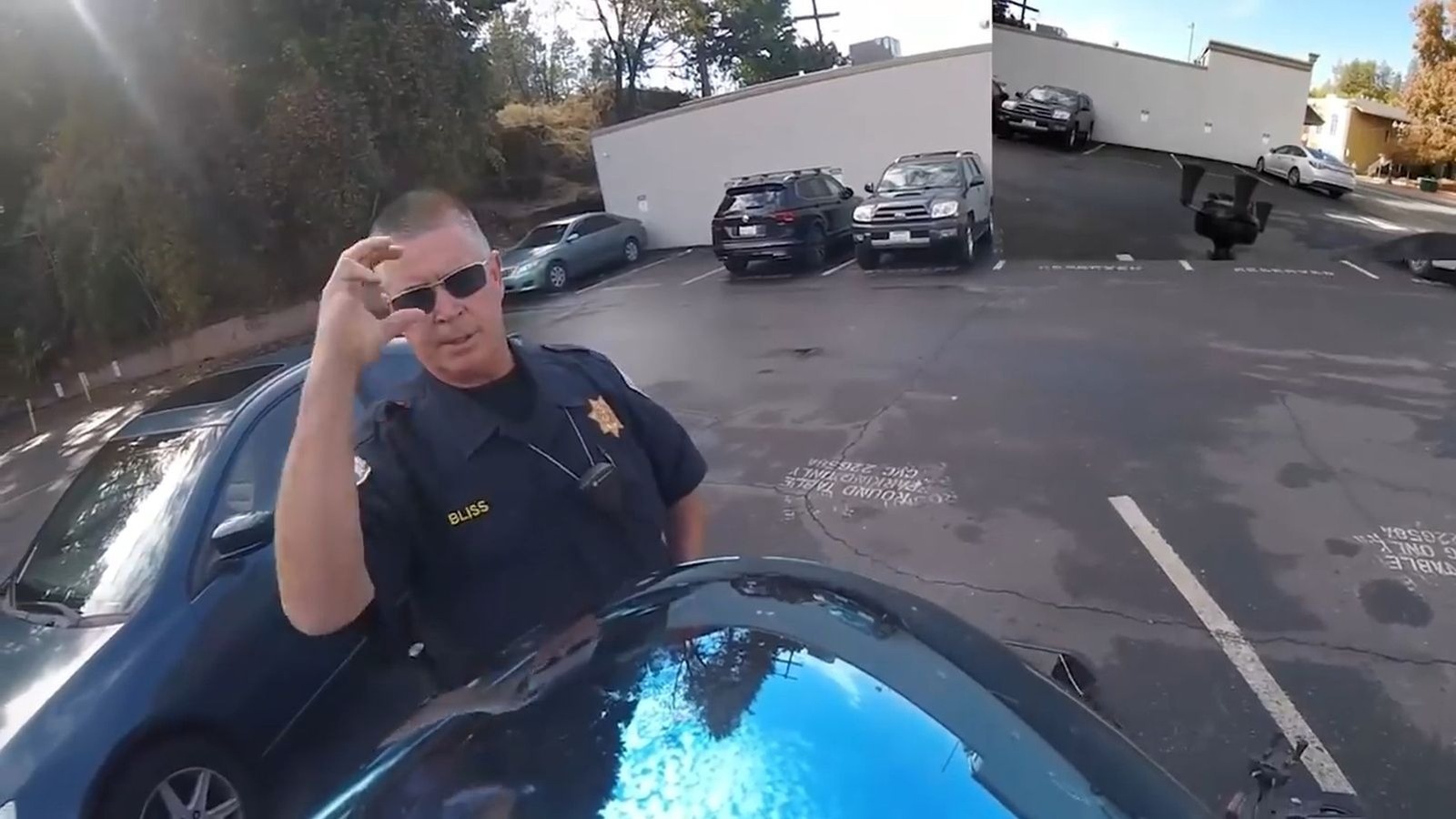
A GoPro does exceed the 0.20-inch federal rule, but because the wording is ambiguous, it’s easy to see why officers might think it includes the end user, and not just the manufacturer. And since technically, riding without a DOT-compliant helmet — think “novelty” helmets that don’t have the necessary thickness, weight, or proper DOT labeling – can result in a fine of $197 to $250 (for a first offense), there is a large margin for interpretive error. So, if you are stopped, it’s probably best to save your arguments for court rather than stand your ground during the actual traffic stop.


Source link

Leave a Reply

Subscribe to Our Newsletter

Get our latest articles delivered straight to your inbox. No spam, we promise.

Recent Reviews


iPhone 17 Pro

Kerry Wan/ZDNET

Follow ZDNET: Add us as a preferred source on Google.


ZDNET’s key takeaways

  • Back Tap lets you trigger actions with double or triple taps.
  • You can customize it to open apps, controls, or shortcuts.
  • It works on most iPhones and even through many cases.

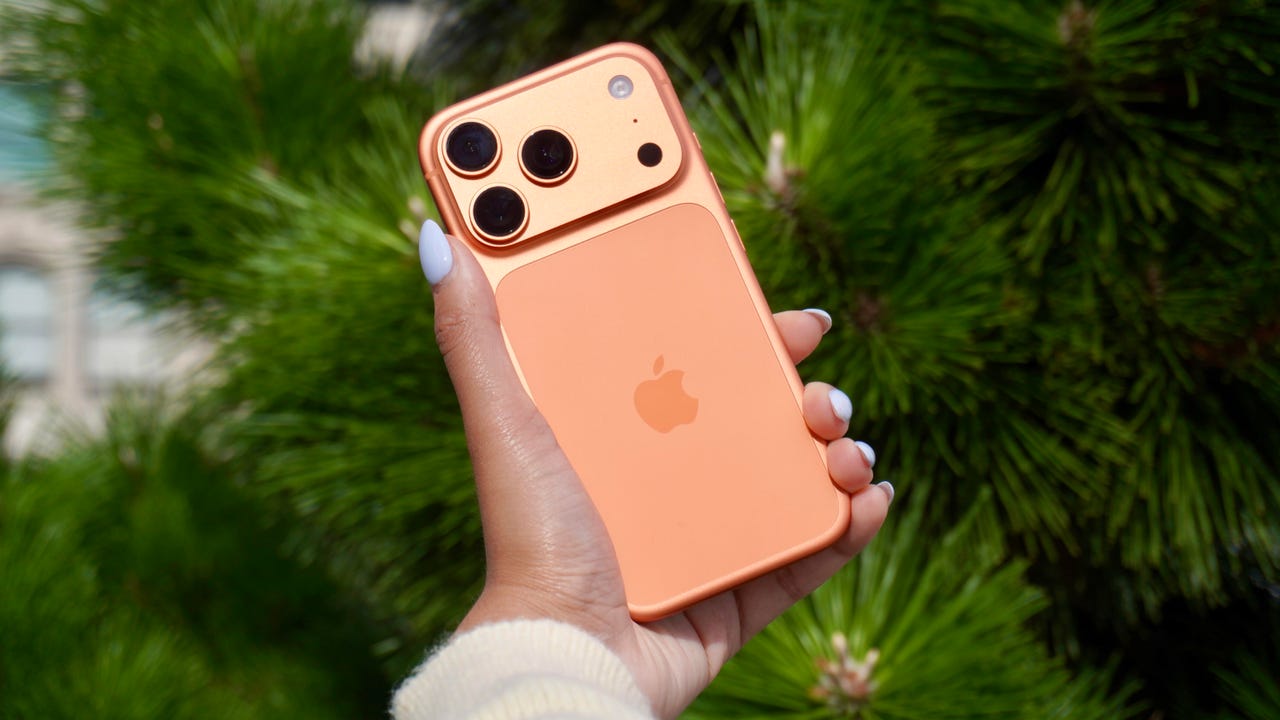
The iPhone has a button on its back. You can’t see it, but with a double or triple tap on the Apple logo, you can open an app, access a system menu, or launch a shortcut. This feature is called Back Tap, and it’s actually been available since iOS 14. The best part is it’s completely customizable. You can set it to do whatever you want, and change it at any time.

I first tried Back Tap years ago, and it quickly became one of those features I use every day. Instead of swiping through menus or hunting for apps, I just tap the back of my phone. It’s one of the fastest ways to get things done.

How to use Back Tap on iPhone

What you’ll need: An iPhone 8 or newer running the latest version of iOS.

1. Go to Accessibility in Settings

Elyse Betters Picaro / ZDNET
2. Open the Touch menu

Elyse Betters Picaro / ZDNET

Scroll to the bottom and select Back Tap. Now you can start customizing the back button on your iPhone.


Show more

3. Select Back Tap

Elyse Betters Picaro / ZDNET

You’ll see two options: Double Tap and Triple Tap. You can use one or both, and assign different actions to them.


Show more

Choose Double Tap or Triple Tap

Elyse Betters Picaro / ZDNET

There should be a long list of actions available under Double Tap and Triple Tap, including system controls, accessibility features, and even some apps. Pick one, and it’ll instantly be active. Just tap the back of your phone to trigger it.

Tip: Tap directly on the Apple logo (or near the center of the back of your phone if you’re using a case), and be quick and deliberate with your taps.


Show more

5. Assign an action

Elyse Betters Picaro / ZDNET

What can I do with Back Tap?

Back Tap supports a wide range of actions, but the best setup really depends on how you use your phone.

At a basic level, you can control system features, like opening Control Center and Notification Center. You can also trigger a screenshot, lock rotation, or adjust volume. Accessibility features are available as well, including VoiceOver, Zoom, AssistiveTouch, and Background Sounds. Popular apps are supported, too, including ChatGPT, Snapchat, Amazon, and more.

Also: Your iPhone’s USB-C port is so versatile – 14 features beyond charging

The most powerful option is probably Shortcuts. If you create a custom shortcut, Back Tap can run it instantly. That means you can combine multiple actions into one tap. For example, you could open ChatGPT and start a voice session, or take a screenshot and save it to a specific folder. This is where Back Tap goes from convenient to genuinely useful and fun to customize.

You get both double tap and triple tap, so you can use them differently. For example, you might use double tap for something you do constantly, like opening Snapchat, and triple tap for something less frequent, like triggering a shortcut.

Back Tap shortcuts

Elyse Betters Picaro / ZDNET

Will Back Tap work with the case on my iPhone?

Yes. It works through most cases, including thicker ones, though sensitivity can vary slightly. If you have a PopSocket or another grip covering the back of your phone, however, you likely won’t be able to trigger Back Tap.

Also: How to turn on Lockdown Mode on iPhone

Why is Back Tap not working for me?

Your taps need to be quick and deliberate. Slower taps, or tapping too lightly, can prevent Back Tap from triggering.

Is there any feedback when Back Tap activates?

There is no haptic feedback, but you can enable a banner notification in the Back Tap menu to confirm it has been triggered.

Also: How to free up your iPhone storage almost immediately

How do I turn Back Tap off?

Go back to the Back Tap menu in Settings and set both Double Tap and Triple Tap to “None.”


Show more


Source link