
Apple products are not cheap, that’s no secret. Only perhaps a select few, like the MacBook Neo, the Mac Mini, and the AirPods 4 could be considered budget or midrange in their respective product categories. For deal-hunters, there’s also a surprisingly good Certified Refurbished program that rigorously tests and resells used products with warranties, free delivery, and even trade-in options. But if that’s not good enough, you can always buy used. A number of Apple products are totally worth grabbing off the secondhand market — even when saving money isn’t the primary objective.
We want to look at Apple products you could buy today and still be plenty happy with. We say that with the caveat that this does not always mean you can use them as-is; be prepared for the possibility of battery replacements, repairs, OS updates or limitations, and, if nothing else, compromises that naturally come with aging tech. Having said that, these five products surprise us by getting the job done in 2026 despite being made by a company that tries every tactic to get you to upgrade.
iPod Classic
Apple may have discontinued the iPod lineup after the iPod Touch, but it can’t totally kill something so iconic. Younger generations are seeing the magic of “vintage” tech, particularly iPods, and buying them in droves anywhere they can, particularly the iPod Classic. Aside from the audio jack-only listening experience and the nostalgia, an iPod can still hold its own today; 30-160 GB of storage is plenty for your music, it supports high bitrate AAC, MP3, and Apple lossless file formats, and it was originally rated for 36 hours of music listening.
Despite the increasing scarcity of these devices, you can find working pre-owned and new sealed units on eBay in the $100 to $500 range. Assuming everything else is functional, the only thing you’d really need to do is replace the battery. Apple has long since discontinued service for these iPod Classic models, but iFixit says you can replace the aging battery. We recommend sending it to an expert if you’re not confident doing it yourself.
You have two choices when buying an iPod Classic: using it vanilla, as Apple intended, or modding it. Some would swear by the former since it adds a lot of intentionality to the experience (e.g., you have to manually add songs over the wire with, yes, iTunes), and thus it’s more meaningful. Taking the latter route, however, gives you all the benefits of the iPod Classic form factor plus modern conveniences like Bluetooth, USB-C, modern SSD storage, and customizable operating systems. Really, you can change so much that the iPod starts to feel like a Ship of Theseus. The wheel, the screen, the front plate, even the case can be swapped.
An older MacBook
It’s not uncommon for people to rock a MacBook a decade old. Apple’s vintage category still supports MacBooks dating back to around 2012, meaning occasional security updates and limited repair support. Compare that to Windows laptops, which seem to need life support to function around year 3 (in my experience). If you need a computer to do the basic stuff like web surfing and checking emails, buy a used MacBook.
Definitely replace the battery if possible. For example, the MacBook Air 13-inch from 2017 has a moderately challenging (10 to 20 minutes) battery replacement, according to iFixit. We’d highly recommend avoiding certain Mac models entirely, such as those that had the infamous butterfly keyboard. The next question you have to ask yourself is what you’re going to do with the OS, assuming this is a MacBook that is no longer getting security updates. For most people, we’d recommend using something like OpenCore Legacy Patcher, which can bring supported models up to date with the latest version of macOS.
If that doesn’t work — or you’re a bit more adventurous — installing Linux on an old MacBook is almost always an option. YouTuber Action Retro shows the installation of Ubuntu on a MacBook Pro from 2011 and gets a buttery-smooth, usable experience, especially after replacing the hard drive with a modern SSD. Linux gives your MacBook another lease on life since Linux distributions are known to support hardware for decades, including security patches and support for the latest version of modern apps. And if you don’t like Ubuntu, you can always try macOS-like Linux distributions such as elementary OS.
MacBook M1 (or any older M-series device)
Every year, Apple introduces the latest iteration in its M-Series lineup of MacBooks; it recently introduced the M5, M5 Pro, and M5 Max chips, with M6 slated for 2026. Thus, the pattern will probably continue. Except Apple made one big mistake: it created chips so good that people can’t find reasons to upgrade even years in the chip’s tenure. The original M1 MacBook Airs released in 2020 continue to perform smoothly and reliably now and, by all accounts, will probably continue to do so for years to come.
As proof, look at the surfeit of user reviews of M1 MacBook Airs in 2026 drawing the same conclusion: unless you’re a power user or professional in need of top-tier, bleeding-edge performance, this will get the job done. Even then, some professionals see no need to upgrade for the situations where it would matter. YouTuber Becca Farsace bought a used M1 MacBook Pro to edit videos, thinking she’d upgrade once she had spare cash. She loved it so much that she never did.
Case in point, if you’ve been eyeballing the latest M-Series MacBooks and you’re not interested in today’s prices, an older model is still a strong option. You’ll likely be astounded by how good it is, especially if you don’t need a ton of power. This is in steep contrast to Windows laptops, which — again, based on personal experience — would be in desperate need of Linux or the trash bin after six years. The only caveat is support longevity; it’s unclear how much longer Apple will support M1 MacBooks, with around eight years being a generous estimate. Once again, though, the “aging” M1 can always turn to OpenCore Legacy Patcher and Linux if Apple decides to leave behind such potent tech.
iPads (that support at least iPadOS 15)
Fewer and fewer people upgrade their phones to the latest model, and that’s when talking about a daily driver device that needs to be snappy and reliable. A device you use much less frequently — like an iPad — has an even lower bar to clear. We’d guess most people only use iPads to do very lightweight productivity and entertainment tasks like web browsing and streaming, something you don’t need the latest iPad M5 for. Luckily, there’s little reason to buy current-gen iPads since older iPads are still great.
As an extreme example, take this 2015 iPad Pro we reviewed way back when. It’s 11 years old at the time of writing, but it still receives regular security updates, even though it has been thoroughly left behind feature-wise. Modern reviews of the device paint it in a positive light, though of course some aspects of the hardware show their age. Popular apps like YouTube and HBO Max still support iPadOS 16, and likely a good chunk of the apps you want to use do as well.
We’re not necessarily saying you should go out and buy the oldest supported iPad, but rather that you consider older options. To give an example, the iPad 7th generation released in 2019 sells for around $100 on eBay and supports up to iPadOS 17. That’s a nice discount compared to the newest iPad, which starts at $349. Granted, the battery replacement on this device is rated as “difficult” by iFixit, and there’s no telling how much longer apps will be supported on it, so you’ll have to decide for yourself if that discount is worth it.
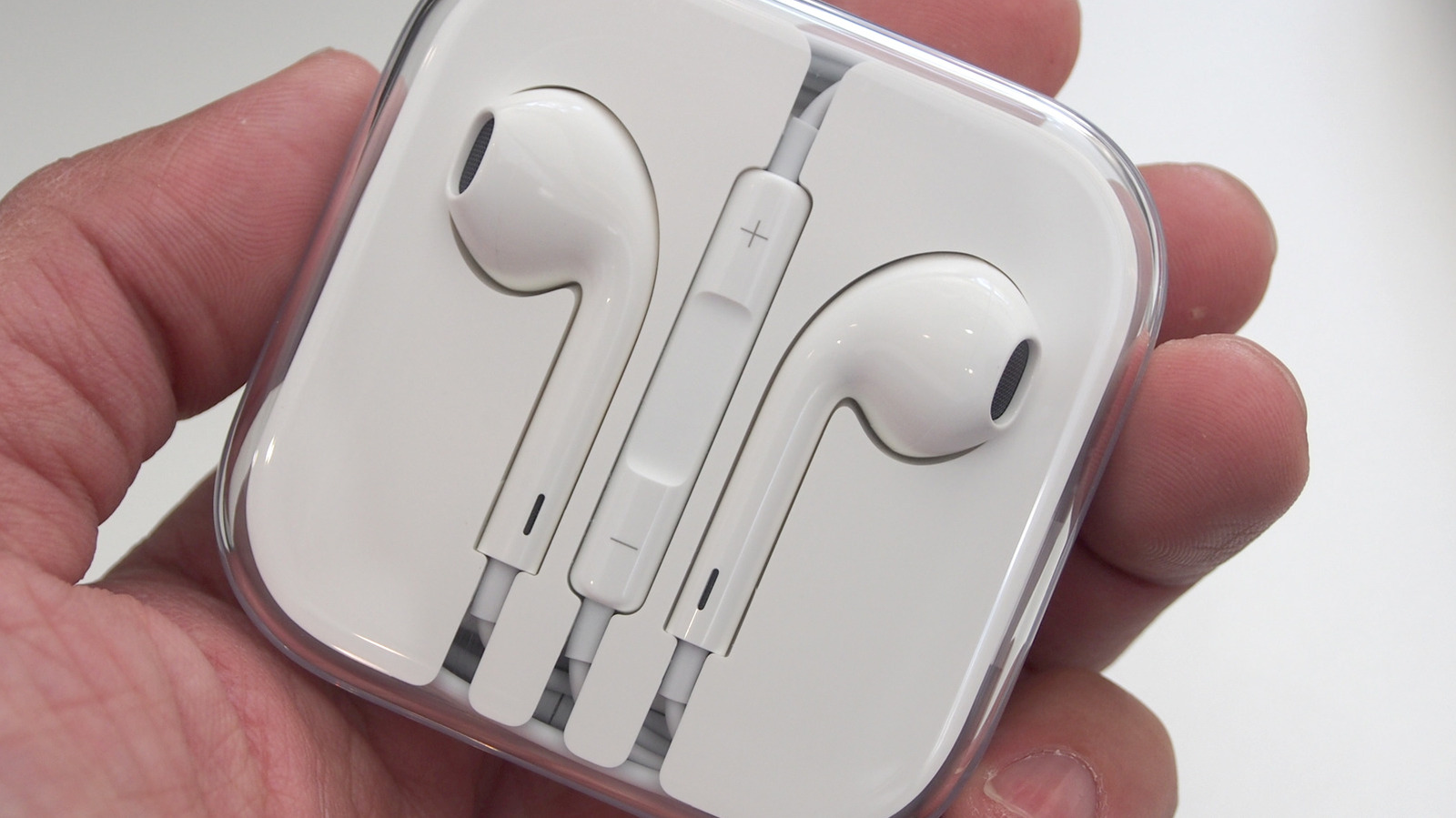
EarPods
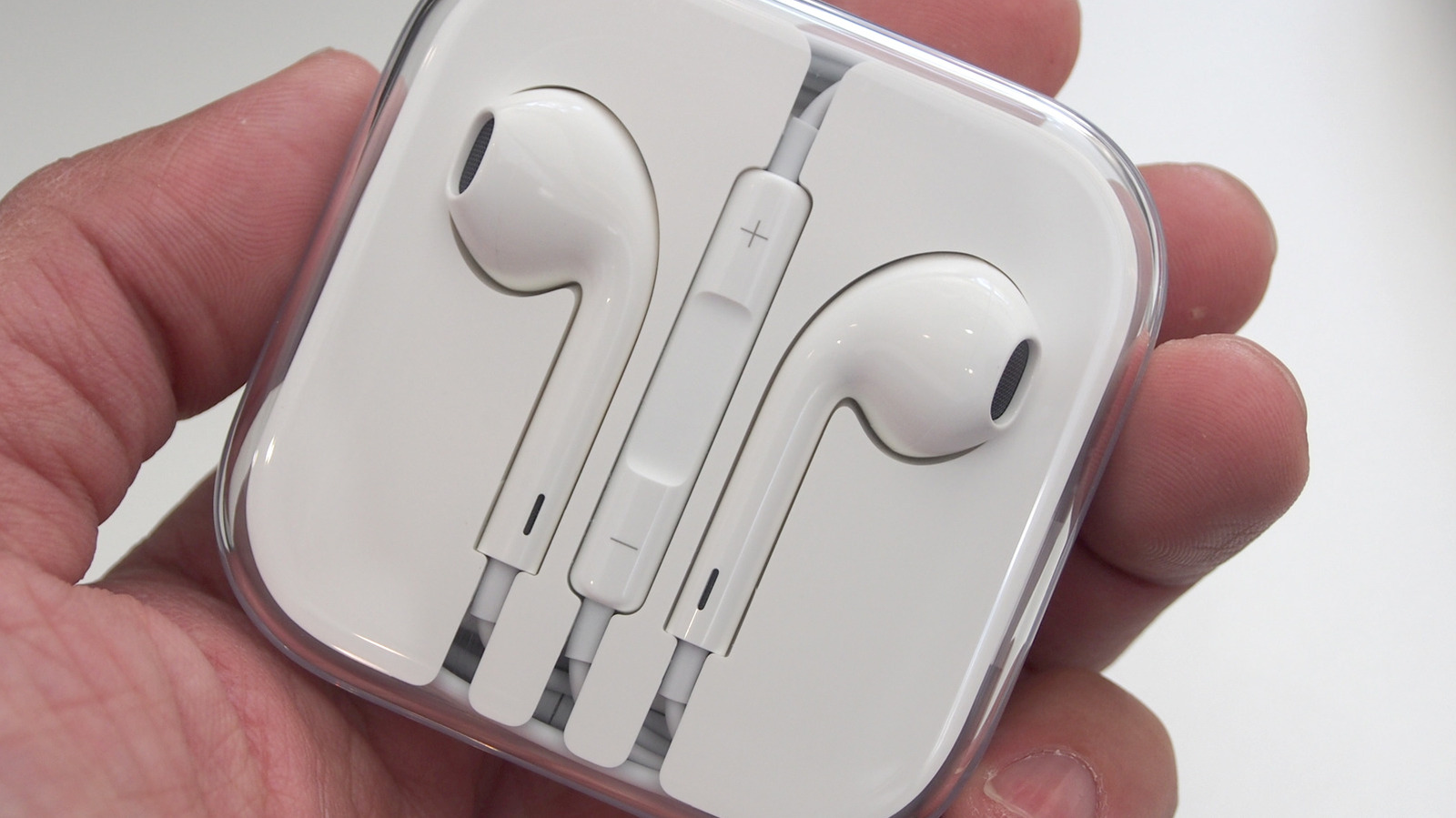
EarPods seem to be officially over. These were Apple’s wired headphones before AirPods, which transitioned to Lightning and USB-C varieties once the headphone jack was gone and somehow survived the wireless explosion till recently. Major retailers have already stopped stocking them (some exceptions exist, like Best Buy and Amazon), but the fact that you can’t find them on Apple’s website says it all. And that’s a shame, because Apple EarPods still have promise for those who miss their headphone jacks.
These definitely aren’t the best earbuds or IEMs that you can buy, but at the roughly $20 price point they sell for, they still surprise with their simplicity and performance. Some people praise them even today. You’d have to deal with the annoying trade-off of not being able to charge your iPhone when they’re plugged in, sure, but you’d have a pair of wired earbuds that work with laptops, handheld game consoles, and anything else that has a spare USB-C port — or a headphone jack, if you get the 3.5mm model of EarPods.
All the benefits of wired earbuds apply: no batteries to charge, no easily dropped and lost AirPods, no Bluetooth connection woes, just hassle-free music and calls. Another area where EarPods hold their own is microphone quality. It’s astoundingly good even if you leave it dangling below your chin where it normally is, and gives the top-end AirPods Pro 3 a run for their money. I’d personally recommend grabbing a budget pair of IEMs near that $20 price point before EarPods, but if you find them, they’re more than worth the price of entry.

Stephan is the sports journalist for the Maple Grove Report.