
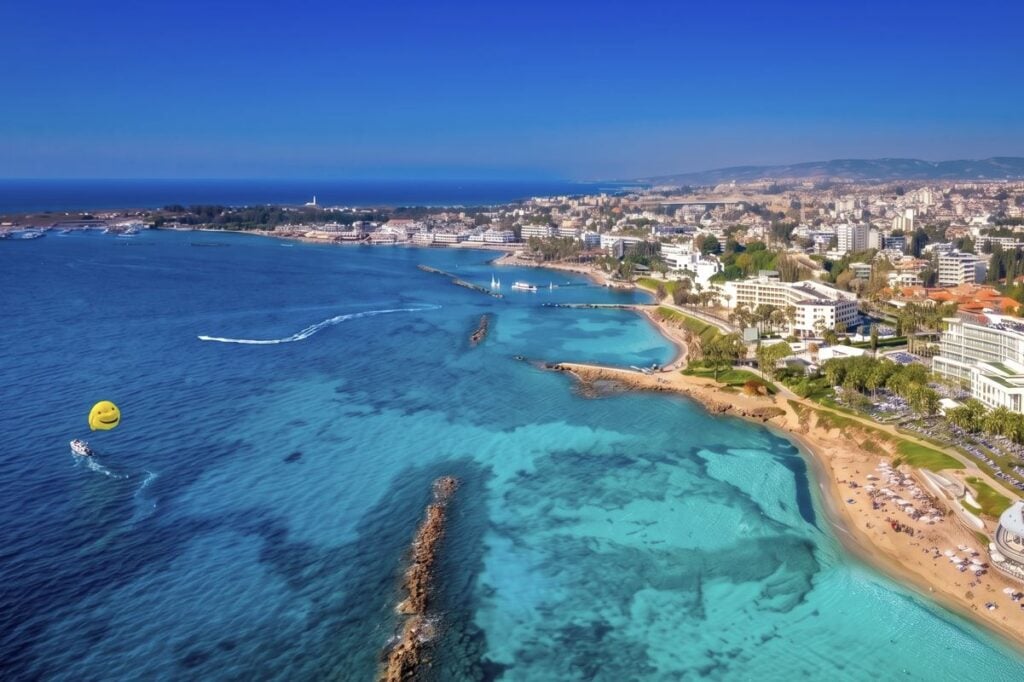

Summer is finally here, and if you are looking for a European beach getaway that is beautiful, sunny, and incredibly safe, you need to look at the latest updates from the U.S. State Department.
When the U.S. government hands out safety ratings, they are famously strict. The State Department does not take chances with American lives, and they certainly do not hand out top-tier safety grades lightly. So, when they officially announce that a destination has been bumped up to a Level 1 status, it is a massive green light for travelers 🚦.
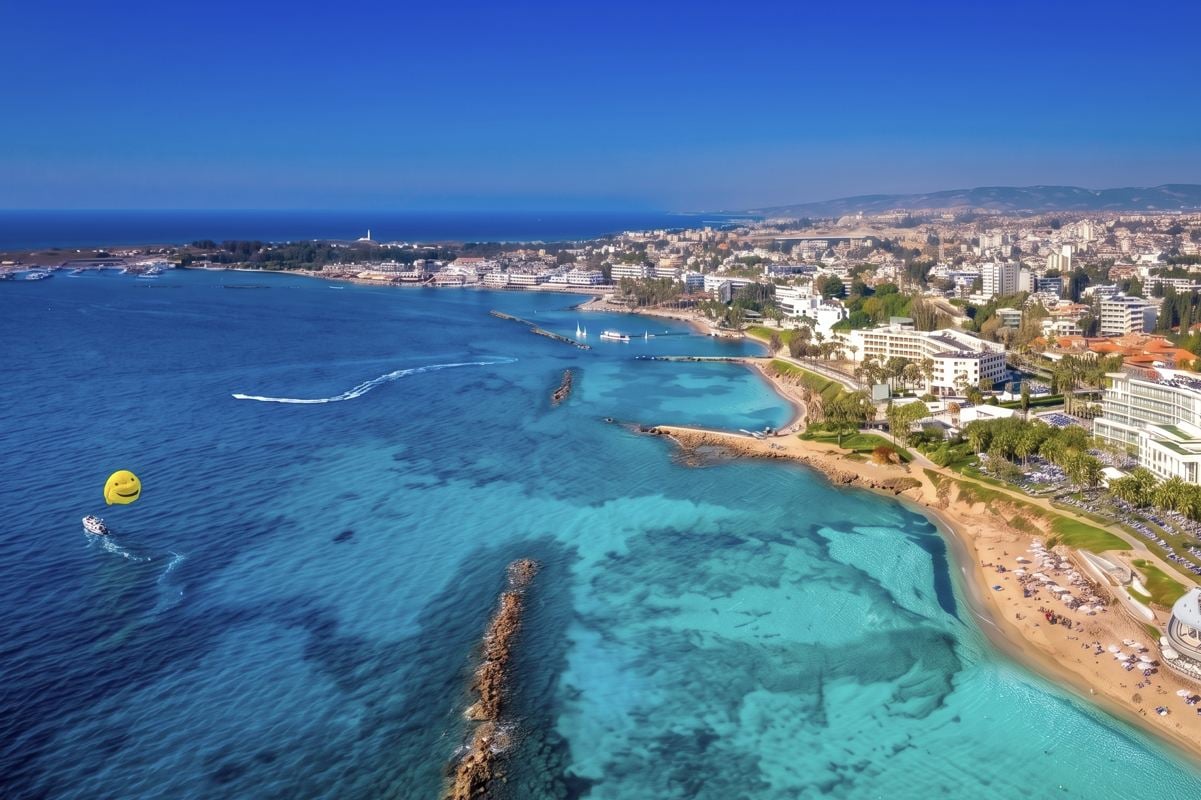
On June 1, 2026, the U.S. State Department officially dropped the travel advisory for the Republic of Cyprus down to a Level 1: Exercise Normal Precautions. This stunning Mediterranean paradise island is officially back to being one of the safest countries in all of Europe.
The Spring Scare And The Summer Rebound
If you have been keeping a close eye on global travel warnings, you might know that Cyprus had a bit of a rough spring on paper. Earlier this year, the island was slapped with a Level 3 travel advisory. It is incredibly important to understand exactly why that happened, because it had absolutely nothing to do with street crime, dangerous tourist zones, or hostility toward visitors.
The warning was entirely related to geopolitical events happening off the island. Following the hostilities between the United States and Iran in late February, commercial flights in the region saw significant disruptions. Then, on March 2, 2026, a drone struck a building on the British Sovereign Base Area located in Cyprus.
Because the State Department is extremely cautious, they immediately raised the advisory level. This understandably caused a temporary panic among tourists who were planning their summer vacations. According to the live Traveler Safety Index, traveler sentiment for Cyprus took a serious hit during that time, with the island’s safety score dropping down to 76 out of 100.

But as the dust settled and the region quickly stabilized, traveler confidence skyrocketed right back up. The live safety score quickly rebounded to a rock-solid 87 and continues to climb today. Travelers on the ground are reporting that the island feels incredibly safe, secure, and ready for summer vacationers.
What A Level 1 Rating Actually Means
Getting a Level 1 rating from the U.S. State Department is the absolute holy grail for international travel. It simply means “Exercise Normal Precautions.”
You do not need to hire private security, you do not need to hide in your resort, and you do not need to constantly look over your shoulder. You just need to use the exact same common sense you would use in your own hometown. Cyprus is generally a very safe destination for travelers. The main tourist areas are peaceful, the locals are welcoming, and the beaches are stunning. Whether you are lounging by the water or exploring ancient ruins, your biggest worry will likely be remembering to reapply your sunscreen ☀️.
The One Catch: Avoid The Level 2 Zone
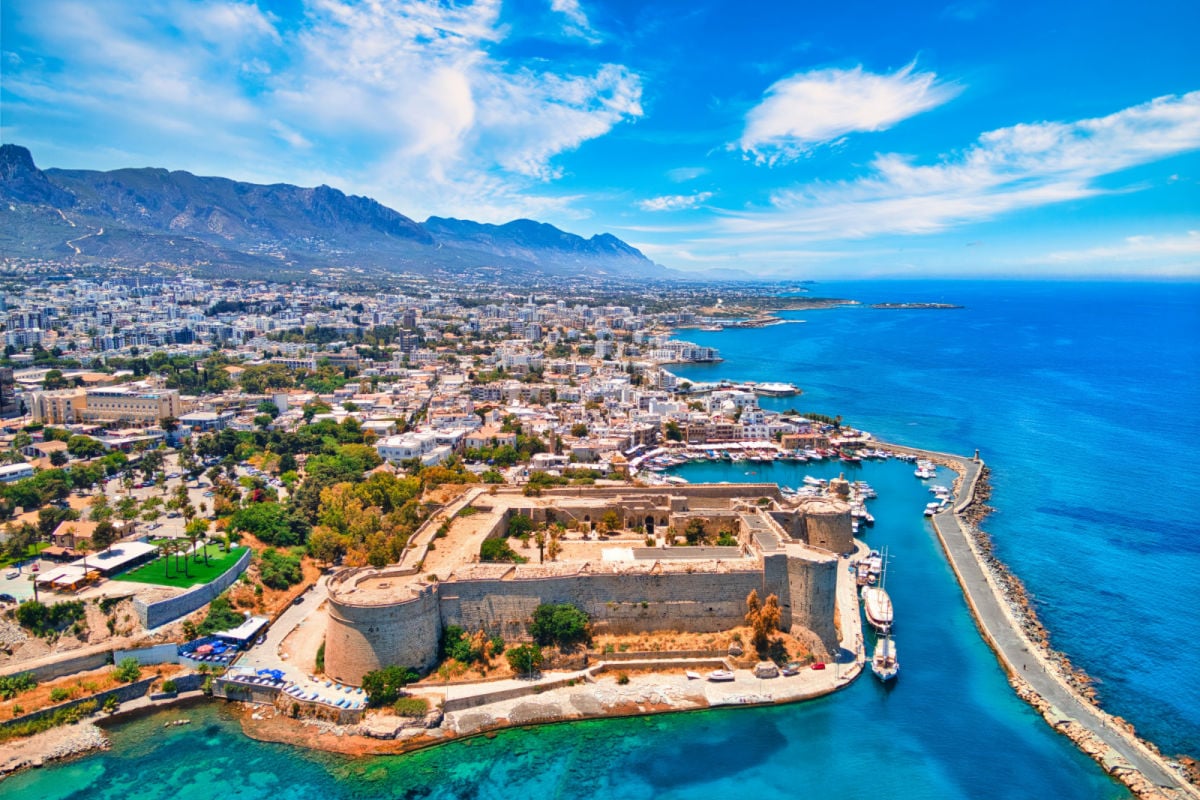
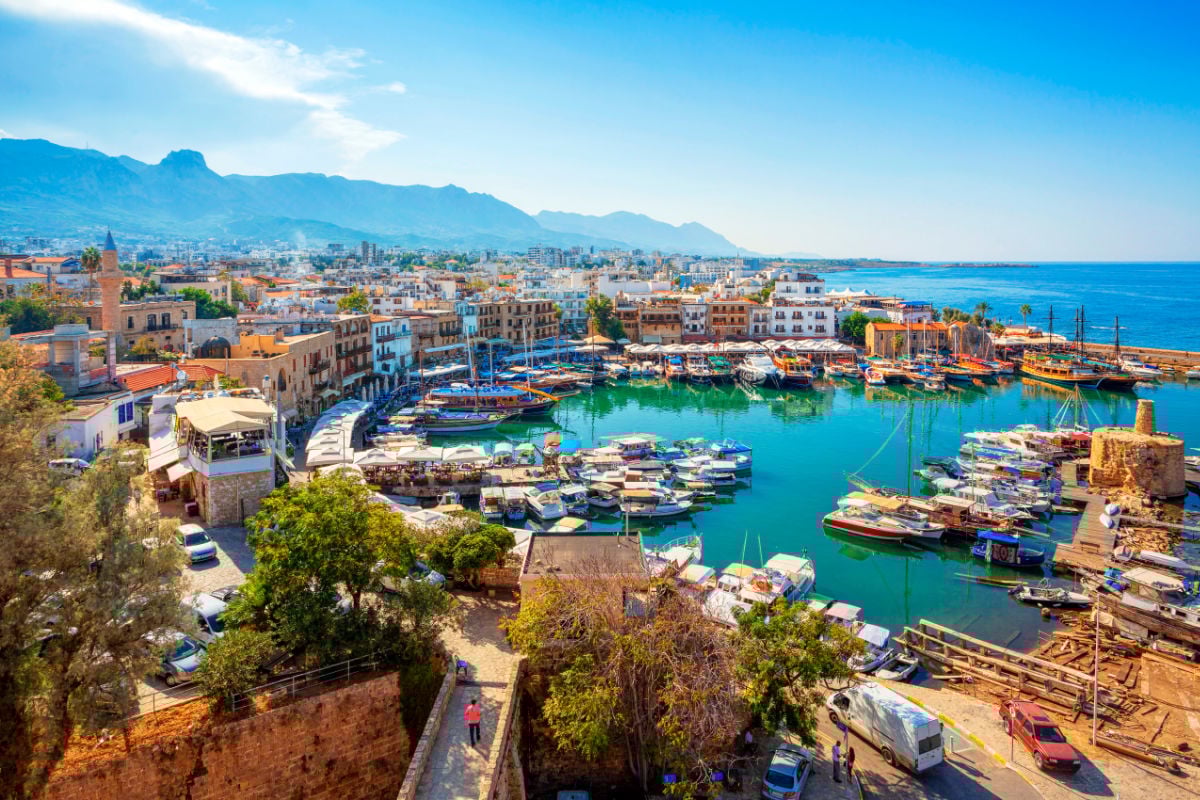
While the Republic of Cyprus is a Level 1, there is one major geographical catch you need to know about before you book your trip. The northern part of the island operates completely differently.
Since 1974, the southern part of the island has been under the control of the internationally recognized Government of the Republic of Cyprus. The northern part, however, is administered by Turkish Cypriots and calls itself the “Turkish Republic of Northern Cyprus.”

The United States does not recognize this northern area as a country, and neither does anyone else in the world except for Türkiye. Because of this, the State Department has slapped the Turkish Cypriot-Administered Area with a Level 2: Exercise Increased Caution advisory due to unrest.
The U.S. Embassy in Nicosia has a very limited ability to help American citizens if they run into trouble in the north. Human rights reports have also noted that central prison and police detention facilities in that area simply do not meet international standards.
How To Navigate The Island Safely
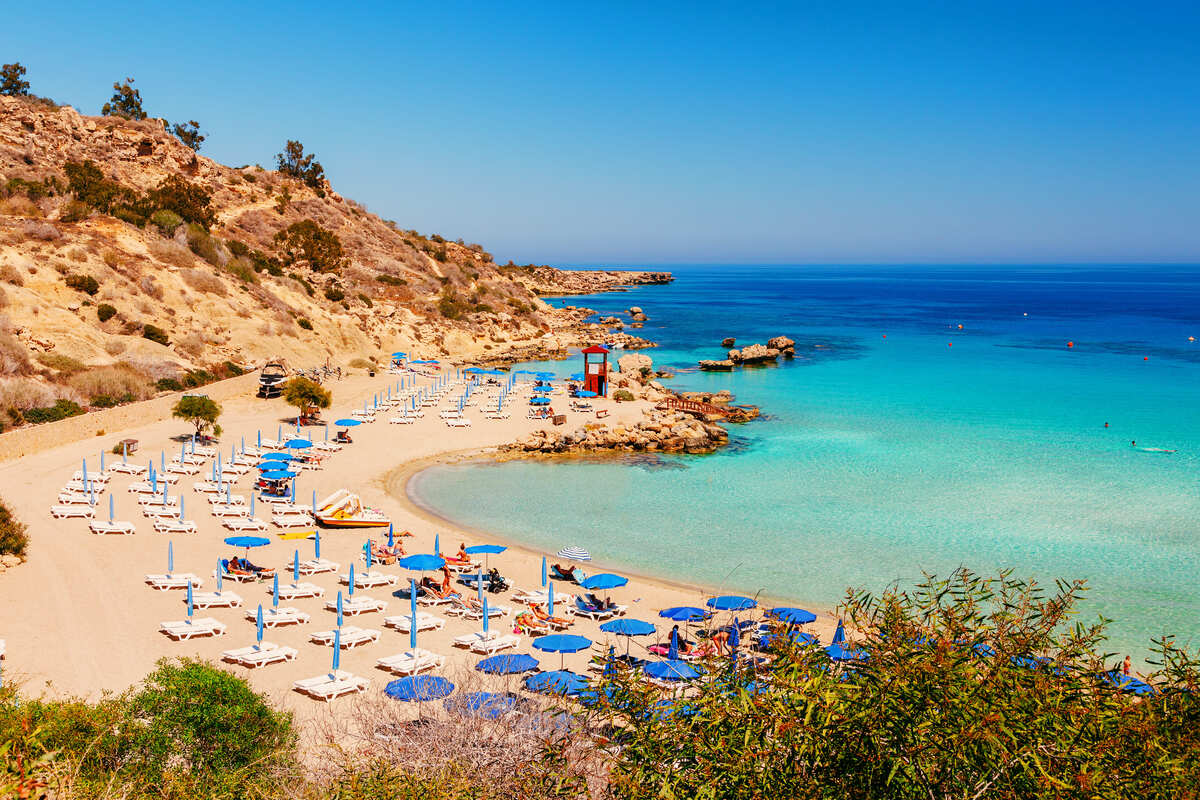
Separating the safe southern tourist zones from the north is a strict United Nations Buffer Zone patrolled by UN Peacekeeping forces. But honestly, if you are booking a standard beach vacation to the popular tourist resorts in the Republic of Cyprus, you are nowhere near this border. You do not have to worry about accidentally wandering into it while looking for a beach bar.
When it comes to booking your flights, just keep it simple. You must enter and exit the island through the major southern hubs: Larnaca or Paphos airports.
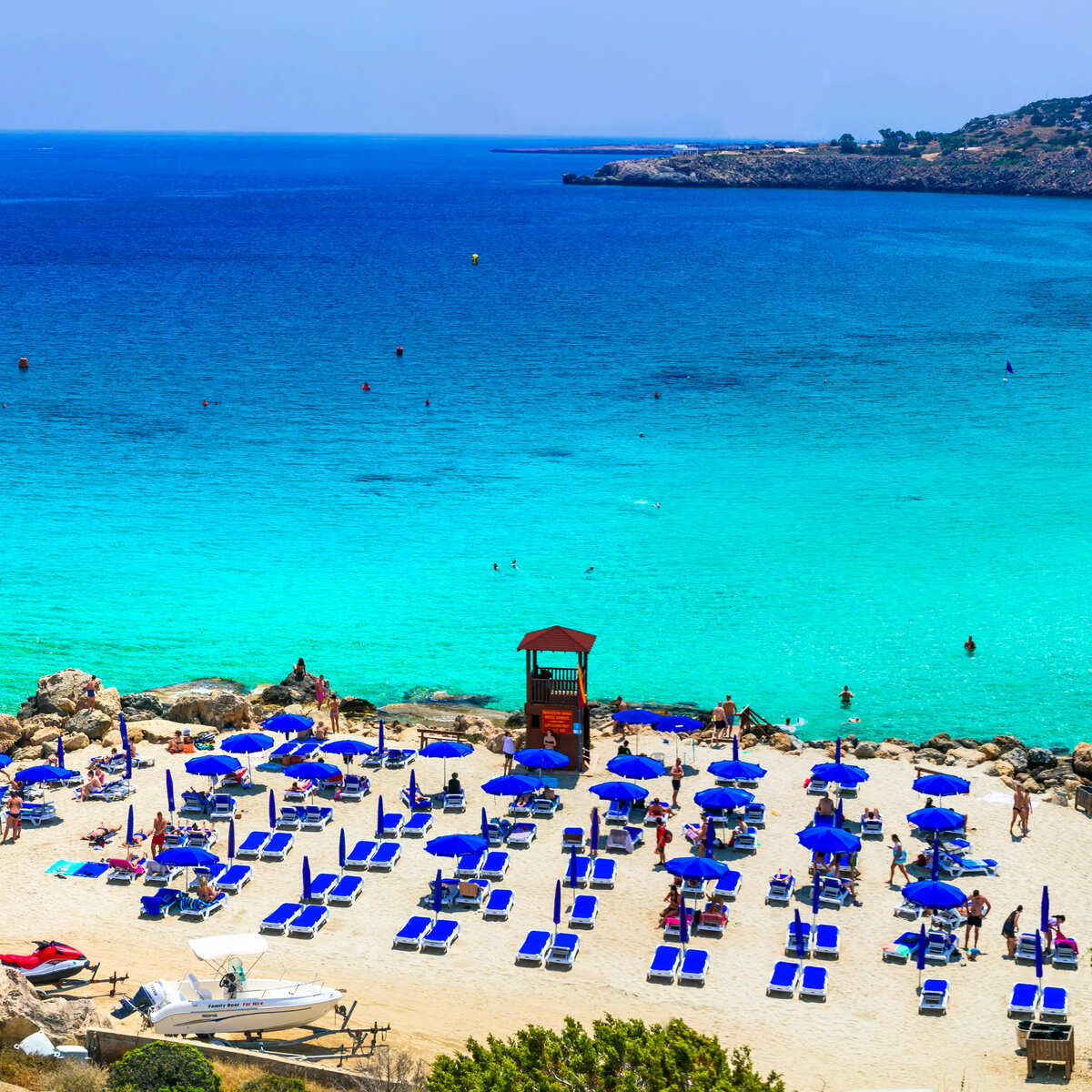
Occasionally, third-party flight scanners might try to show you a suspiciously cheap, weird flight route that lands at Ercan Airport in the north. Ignore it. The Republic of Cyprus considers entry through the north to be completely illegal. If you try to take a backdoor flight into Ercan and cross down to the south to reach your resort, you can be denied entry or face serious legal challenges.

The bottom line is simple. Do not look for weird flight routes to save a few bucks. Stick to the standard southern airports, head straight to the beautiful tourist zones, and enjoy your vacation. When the U.S. government gives a country a Level 1 status, you can pack your bags with total peace of mind. Cyprus is completely open, the safety scores are incredibly high, and the Mediterranean water is waiting for you 🌊.

Stacie Harris is a local resident and reporter of the Maple Grove area. Stacie reports on medicine and science for the Maple Grove Report.





