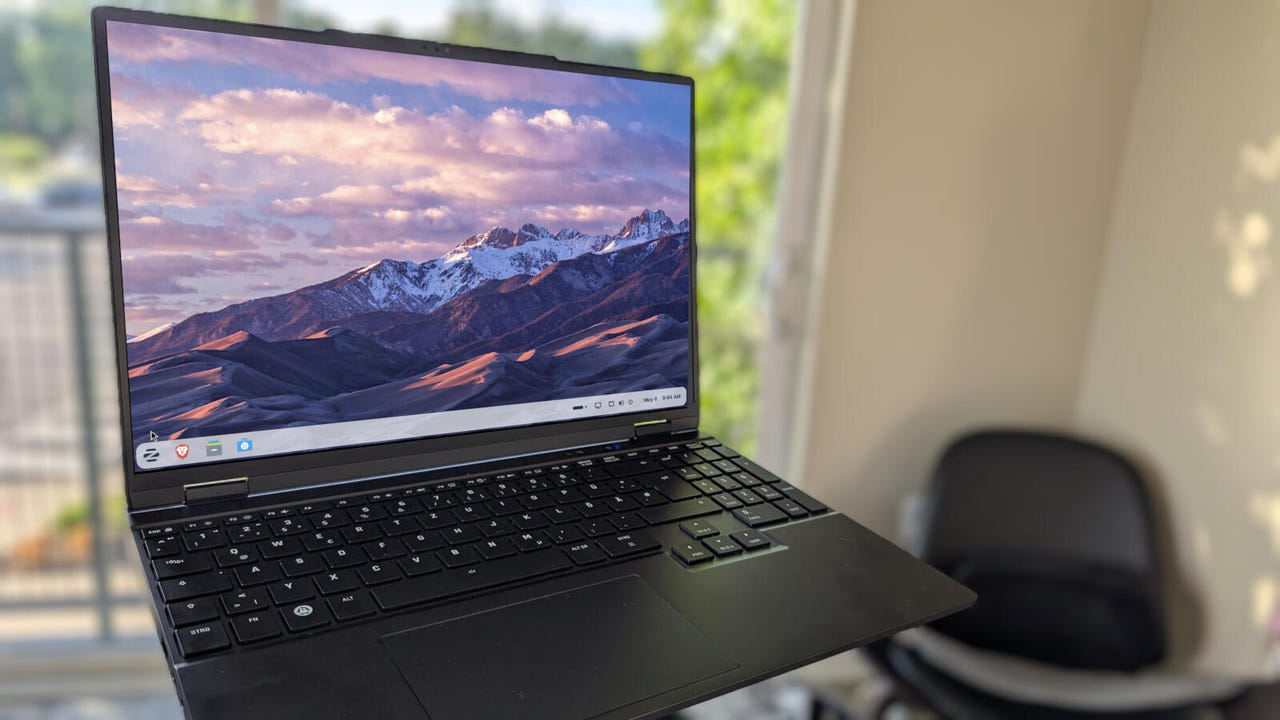
6 easy ways I make Zorin OS even faster and more secure


zorinherolaptop

Jack Wallen\ZDNET

Follow ZDNET: Add us as a preferred source on Google.


ZDNET’s key takeaways

  • Here are six ways to improve security and performance in Zorin OS.
  • Each of these tricks is easy enough for anyone to handle.
  • These tweaks are free and take little time.

Zorin OS is one of my favorite Linux distributions. It’s beautiful, simple, and, best of all, it’s Linux.

Although Zorin OS is great out of the box, there are ways you can make it even better, even in areas like performance and security. What’s more, these configurations aren’t nearly as challenging as you might think.

Also: 10 Linux apps I always install first – and you should too

With that said, let’s make Zorin OS the best it can be.

1. Enable the firewall

Although Linux is the most secure operating system on the market, you can still improve it further. One such tweak is to enable the firewall. Surprisingly, most distributions ship with the firewall disabled, and Zorin OS is no exception.

This is something you should do right out of the gate, and fortunately, there’s a GUI that makes this task easy.

Also: Your desktop firewall isn’t enough – here’s how to protect your entire network

To enable the firewall, open the desktop menu, type Firewall, and click Firewall Configuration. You’ll be prompted to type your user password before the app opens.

Zorin OS 18.1.

The UFW GUI is simple to use.

Screenshot by Jack Wallen/ZDNET

When the app opens, click the On/Off slider associated with Status to enable the firewall. You can then close the app.

2. Configure Timeshift

Timeshift is a Linux backup tool that can be easily installed on Zorin OS. Although this installation might not directly affect security, if something were to go horribly awry on your system, you could easily restore it to a working state, thanks to Timeshift.

Also: The easiest way to protect your Linux PC from disaster – no backup needed

To install Timeshift, all you have to do is open the desktop menu, type Timeshift, click on the entry, and (when prompted) click Install.

Zorin OS 18.1.

Installing Timeshift can be completed from the desktop menu or from the Software app.

Screenshot by Jack Wallen/ZDNET

Once installed, you’ll need to attach an external USB drive (to house the backup) and then open the Timeshift app from the desktop menu. 

Also: I’m a Linux power user, and this distro made me rethink what an operating system can be

I’ve covered the creation of restore points in ‘How to create system restore points on Linux with Timeshift – and why you should,’ so make sure to give that piece a read.

3. Disable animations

If you feel as though performance isn’t what it should be, one thing you can do is disable animations. 

Making this change will mean the system places less strain on your GPU (or CPU). 

Also: This critical Linux vulnerability is putting millions of systems at risk – how to protect yours

To do this step, open the Zorin Appearance app (from the desktop menu), go to Effects, and click the On/Off slider for Animations until it’s in the Off position.

Zorin OS 18.1.

I love animations, but on less powerful machines, I’ll disable them.

Screenshot by Jack Wallen/ZDNET

4. Update, update, update

This is something I tell every PC and mobile user: you have to update your system regularly to keep it safe

Also: This simple Linux tweak fixes crashes automatically – and it costs me nothing

Updates don’t just include new features for apps; they also include security patches, which are required to prevent your operating system (and the installed apps) from being vulnerable to attacks.

Zorin OS 18.1.

Up to Date is what you want to see every day.

Screenshot by Jack Wallen/ZDNET

Zorin OS will alert you when updates are available, and you should apply them as soon as you see the notifications. You can also manually update Zorin by opening the Software app, clicking the Updates tab, and applying any available updates.

5. Install proprietary drivers

If you use specific hardware, such as an Nvidia GPU, your system will benefit from proprietary drivers. Fortunately, there’s a command you can run to install all available proprietary drivers. That command is:

sudo ubuntu-drivers autoinstall

Once you’ve done that, reboot the system, and you should notice an improvement.

6. Speed up the boot process

There’s one thing you can do to speed up the boot process. This process is completed by skipping network checks during boot. Using this technique doesn’t mean boot time will be instantaneous, but it will shave a few seconds from it.

Also: 6 reasons a minimal Linux install might be the smartest move you make

To use this approach, issue the command:

sudo systemctl disable NetworkManager-wait-online.service

Once you’ve completed that step, you can either reboot and test or wait until a reboot is necessary.





Source link

Leave a Reply

Subscribe to Our Newsletter

Get our latest articles delivered straight to your inbox. No spam, we promise.

Recent Reviews


Flip phones are making a comeback, but most US adults aren’t convinced enough to upgrade. 

Smartphone brands are trying new phone concepts, like flip and foldable phones, to give us a bigger screen when we want it, while still maintaining the same functionality as the smartphones we’re used to. There’s the Samsung Galaxy Z Fold 7, for instance, and there’s even a rumor that Apple plans to release its first foldable phone

And if you remember the popular 2000s Motorola Razr, now there are rumors about the Motorola Razr 2026 — it reminds me of my old pink phone. But gone are the days of a basic keypad and a few ringtones. Smartphone brands are adding AI features, such as creating custom emoji, removing background objects from photos, and live translation. 

Yet a recent CNET survey says smartphone users aren’t sufficiently impressed by new features and concepts to consider upgrading their phones. Only 12% are motivated by AI integrations and 13% by new phone designs. Instead, price (55%) and longer battery life (52%) are the biggest drivers of their decision to get a new phone. 

If most US adults aren’t sold, why are tech brands so adamant? Let’s dive into CNET’s findings and what they mean for the future of smartphones.

  • The top three motivations for US adult smartphone owners to consider upgrading their devices are price (55%), longer battery life (52%) and more storage (38%). That’s the same top three as last year: In 2025, price was the top motivator (62%), followed by longer battery life (54%) and storage capacity (39%). 
  • Despite AI’s growing presence, only 12% of smartphone owners say AI integrations would motivate them to consider upgrading. 
  • Only 13% of smartphone owners would be motivated to consider upgrading to a new phone concept, such as a foldable or flip phone. 
  • Over half of smartphone owners (58%) experience frustration with their phone’s battery life, and 31% say their phone’s battery doesn’t hold a charge as well as it did when it was new.  

Most US adults aren’t motivated by new smartphone features and designs

Smartphone brands, like Samsung and Apple, are building in convenient features, such as a tool to remove unwanted objects from pictures, AI call screening and the ability to draft a message from a prompt. However, CNET found that US adults would consider upgrading for more practical reasons. Over half (55%) of US smartphone users are motivated by price, including 53% of Apple users and 56% of Samsung users. 

Yet brands are still exploring new concepts and features, like Apple Intelligence, a built-in AI feature. Then there’s the rumor of a book-style iPhone, potentially followed by a clamshell foldable design. But that’s not what most smartphone owners are after. 

Smartphone owners are more convinced by other design and feature factors when deciding on a new phone, such as camera features (27%) and the phone’s display or screen size (22%). Here are the top motivators to consider upgrading for all smartphone users.

Zain Awais / CNET

You’ve probably noticed the price of a basic smartphone has increased drastically over the years. Take the iPhone, for example. It was originally $600 for 4GB. But advanced features, the RAM shortage, inflation and tariffs are pushing prices even higher. Now, the baseline iPhone 17 (256 GB) is $800, and the Samsung Galaxy S26 (256 GB) starts at $900. 

There’s no way of knowing for sure, but these may be the lowest prices we’ll see on new models for a while, especially as features advance and designs become more complex. So if you’re already in the market for a new phone, you might want to think seriously about pulling the trigger now if you find a good deal.

The top upgrading motivators haven’t changed much over the years

Looking back at CNET’s survey data from 2024 and 2025, and now, people’s motivators for upgrading their phones haven’t changed much. Price, longer battery life and more storage have been top drivers in the past, and despite small dips this year, they’re still key upgrading factors.

Despite design upgrades and new features, smartphone owners are still focused on how much they’re paying and how long they can use their devices without needing a charger. Consumer sentiment about AI integrations dropped hard from 2024 to 2025, but it has edged up slightly in 2026. And smartphone owners aren’t as easily persuaded by phone color or the phone being thinner, either. 

Even with these nice-to-have capabilities, smartphone owners are looking at the basics. That includes practical features like battery life and more storage to hold their many important files, photos and apps. 

Most smartphone owners want better battery life

Taking a closer look at smartphone users’ hope for longer battery life in a new phone, over half (58%) are frustrated with their current phone’s battery life. Roughly one in three (31%) say their phone doesn’t hold a charge. 

The reality is, battery life will decline the longer you have your phone, so you may find your phone’s battery charge doesn’t last as long as it used to. Even though you can replace your phone’s battery, most phone batteries have a lifespan of two to three years before they start degrading. 

CNET Director of Editorial Content Patrick Holland examined battery life tests on over 35 current smartphones. And it’s not just iPhones that pack impressive batteries.

Based on CNET’s lab testing, the $1,200 iPhone 17 Pro Max had the best overall battery life, with a 5,088-mAh capacity. Another top performer was the $900 OnePlus 15, with a 7,300-mAh battery. 

If you’re looking for a phone with better battery life, consider one with a silicon-carbon battery to increase capacity without requiring a larger phone. The OnePlus 15, Poco F7 Ultra, OnePlus 13R and OnePlus 15R all feature silicon-carbon batteries with large capacities and all performed well in Holland’s testing. Keep in mind that other factors can impact your battery life, like your carrier’s signal, software efficiency and processor. 

Methodology

CNET commissioned YouGov Plc to conduct the survey. All figures, unless otherwise stated, are from YouGov Plc. The total sample comprised 2,486 adults, of whom 2,407 owned a smartphone. Fieldwork was undertaken from April 29 to May 1, 2026. The survey was carried out online. The figures have been weighted and are representative of all US adults (aged 18 plus). 


Source link

