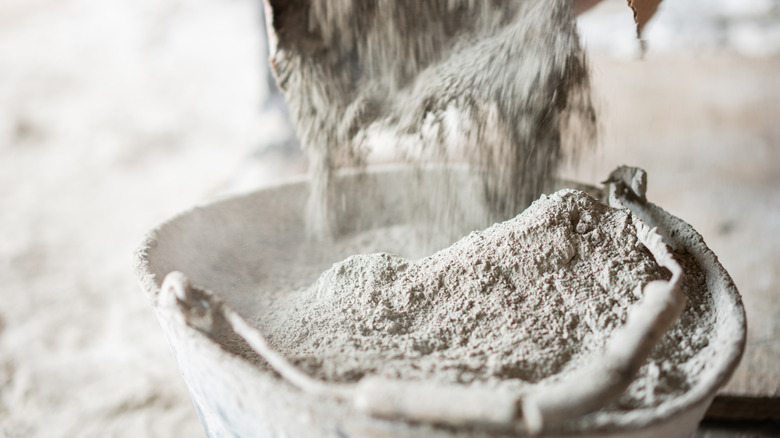

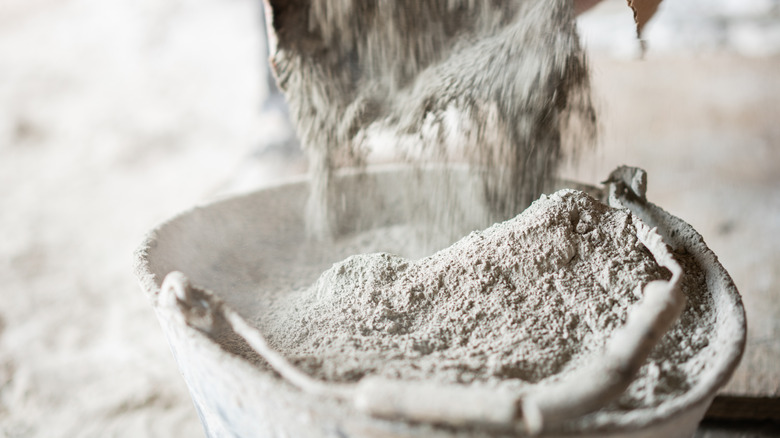
Cement is basically powdered rock, so shouldn’t it be able to sit in your garage for years, maybe even decades, without a problem? It may certainly seem that way, but the answer is sadly not that simple. A bag does have a clock ticking on it — even if the packaging doesn’t scream about it as loudly as a carton of milk would — though it depends entirely on how it’s stored.
That said, for the best results, cement should be used within three months of when it was made. “Ideally, cement should be used within 3 months of manufacture for best performance,” notes Ultratech Cement. But the brand adds that, if properly stored, it may last up to 6 months, though its strength declines over time. So there’s obviously some leeway here.
The strange part, though, is that Portland cement, the main ingredient in most of this stuff, can technically last forever. The only condition is that it stays dry. The thing is, cement is designed to react with water rapidly in a process called hydration. It’s also why there’s a 90-minute rule for concrete once water joins the party. The short answer is that you can technically use cement even after three months, provided it seems fine, but whether you should is a different question.
The safety angle
There is one major reason why you might want to avoid using cement after the three-month mark: Health. In the UK and across the EU, cement does carry a “use by” date for safety reasons, thanks to the presence of a substance called chromium VI. It can set off an allergic skin reaction, so cement companies add chemicals to keep it suppressed. But since those suppressants don’t last forever, a shelf life is printed right on the packaging. In fact, Tarmac, a British building materials company, strongly recommends you do not use any cement past its use-by date for this reason. After that point, the company can’t guarantee chromium VI sits below the legal limit.
Then why doesn’t the USA print its bags with similar dates? That’s because it approaches things from the other direction, leaning more heavily on workplace safety rules and protective gear to keep people from coming into contact with harmful chemicals in the first place. Moreover, date labeling isn’t federally required outside a few specific categories — mainly food items — and cement falls well outside those. So brands simply stamp the bag with a production date and leave the math to you.
Does cement actually degrade with time?

As for whether cement degrades over time, it all comes down to moisture absorption. If you can keep it free from that, then well and good. If not, it loses grip over time, as its binding strength fades with age and exposure. JK Cement, another producer, suggests you test grey cement if it hasn’t been used for three months or more since the date of manufacture.
The main bit you need to keep in mind is that even sealed-up powder slowly pulls moisture from the air. And once that reaction starts, it doesn’t reverse, which chips away at how well it sets. Warehouse pack is another factor that comes into play. If powder is stored in stacked bags, it compresses under its own weight and hardens, even without any moisture. However, it’s usually still salvageable, since rolling the bag around helps break up any lumps formed due to pressure.
Ultimately, the right move is to stay skeptical about using cement past that three-month mark. And if you’re in doubt, limit it to places where strength doesn’t matter a lot, like patching a crack in a garden path or filling a small gap. Here, it also helps to remember that cement and concrete are not the same thing and do not last the same.

Stephan is the sports journalist for the Maple Grove Report.