
Virtually every major car manufacturer issues recalls from time to time, and 2026 has already seen millions of cars returning to dealers for remedial work. Ford has issued a huge chunk of them, with 19 different recalls within just the first three months of the year. Honda hasn’t issued recalls for anywhere near as many cars as Ford to date, but the Japanese manufacturer has still identified over 660,000 cars with potential issues this year.
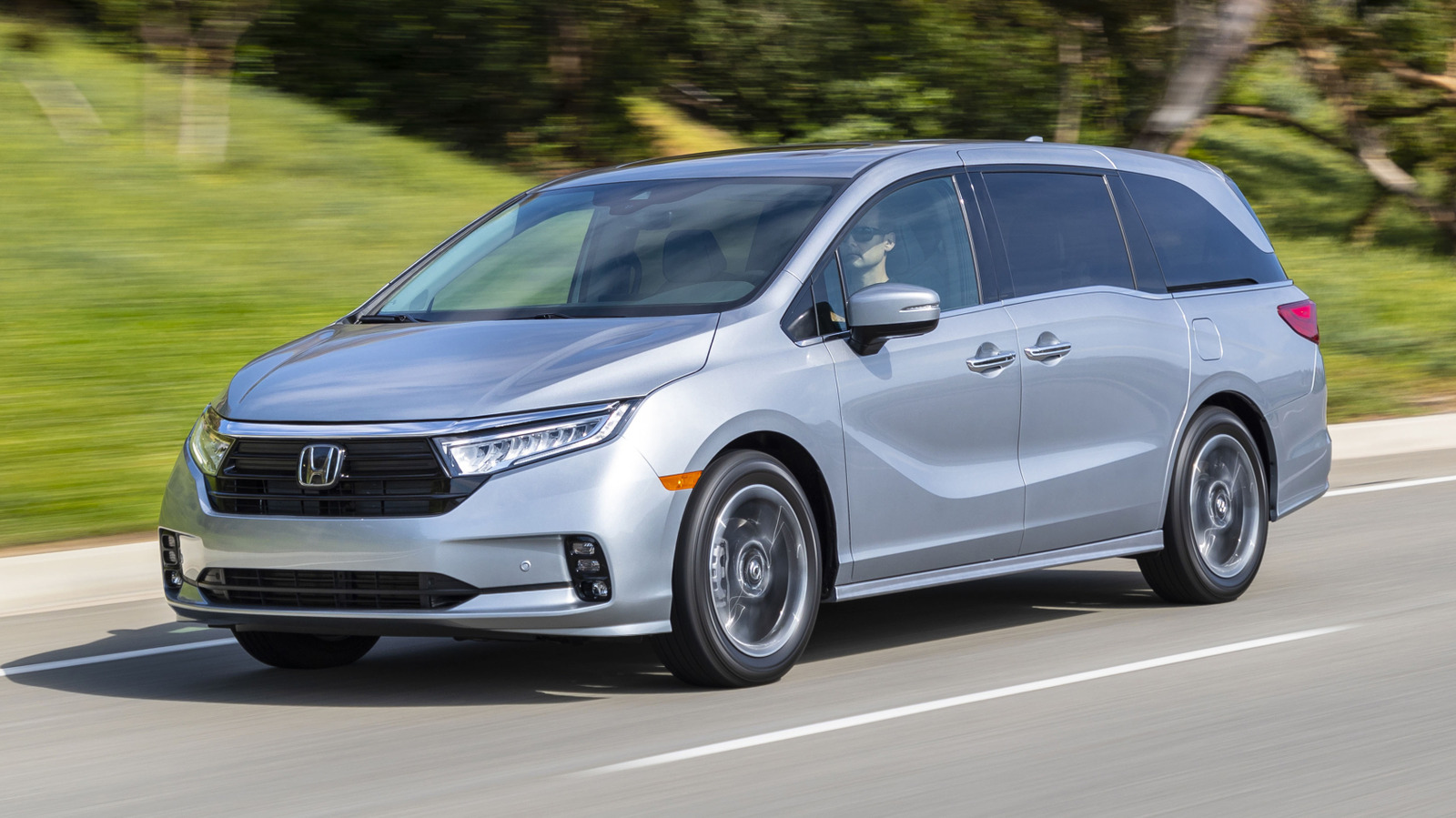
The largest of those recalls was announced in April and involved around 440,000 Honda Odysseys. According to Honda, the software in the affected cars’ airbag modules was miscalibrated, which could cause them to deploy unexpectedly when driving over speed bumps or potholes. All examples from the 2018 through 2022 model years are potentially affected, with owners advised to contact their local Honda dealer to arrange a repair.
To check whether your Honda is included in any of the latest recalls, you can use the Recall Lookup tool on the manufacturer’s website. If you enter your car’s VIN (Vehicle Identification Number), you’ll be able to see any recalls that are specific to your vehicle. If you don’t have the VIN to hand, you can also enter your car’s model and year into the tool to see if it’s part of a recall. The recall lookup tool can also provide information on any outstanding historical recalls for the past 15 years and inform you of the necessary next steps.
Honda’s list of 2026 recalls is lengthy
The Odyssey’s airbag module recall is far from the only recall that Honda has issued so far in 2026. Another major recall announced in May involved 98,892 vehicles and centered on a potential defect in a component of each car’s passenger seat weight sensor. The defect may reportedly cause the front passenger’s knee and front airbags to deploy during a crash when an infant or child is in the front seat.
A wide range of Honda models are potentially affected by the issue, including over 6,000 examples of the 2021 Accord, more than 15,500 examples of the 2020-21 CR-V, and nearly 9,500 examples of the 2021 Pilot, among others. To check whether your vehicle is part of the recall, you’ll need to enter its VIN into Honda’s Recall Lookup tool, linked above.
May was a busy month for Honda recalls, as the manufacturer also issued a recall for 59,887 examples of the 2024-25 Honda Prologue and the 2024 Acura ZDX. This time, the problem concerned the cars’ rearview camera housing, which may have been installed incorrectly. As a result, moisture could potentially enter the assembly and cause rust, which could, in turn, lead to the rearview camera becoming blurry or failing altogether.
The Prologue and Acura ZDX are subject to multiple recalls
As well as having possible corrosion problems with their rearview cameras, of the all-electric 2024 Prologue and 2024 ZDX were recalled in March for a separate set of software glitches. Honda determined that the six issues it identified as part of the recall, which involved 65,135 vehicles, could cause the instrument clusters and infotainment screens of some cars to go blank while owners were on the road.
The issues also caused the rearview camera signal on some affected vehicles not to display when the vehicles were put into reverse. In some cases, Honda said the glitches could cause intermittent problems that might temporarily disappear after the driver pulls over and restarts the car, only to reappear later. Just like the other 2026 recalls, fixing the problem requires owners to take their vehicles to their nearest Honda dealer.
The smallest Honda recall of 2026, at the time of writing, involves only a 32 cars. A handful of examples of the 2023 Accord, 2024 HR-V, 2024 Pilot, and 2024 Acura Integra may have improperly torqued bolts in their seat frames, which, over time, could cause the seat to wobble. Honda is in the process of contacting owners at the time of writing, but you can double-check whether your car is among the affected by using the manufacturer’s recall tool.

Stephan is the sports journalist for the Maple Grove Report.