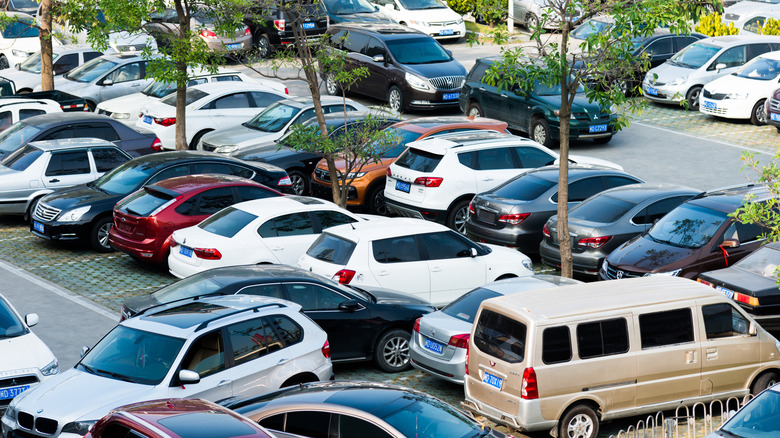

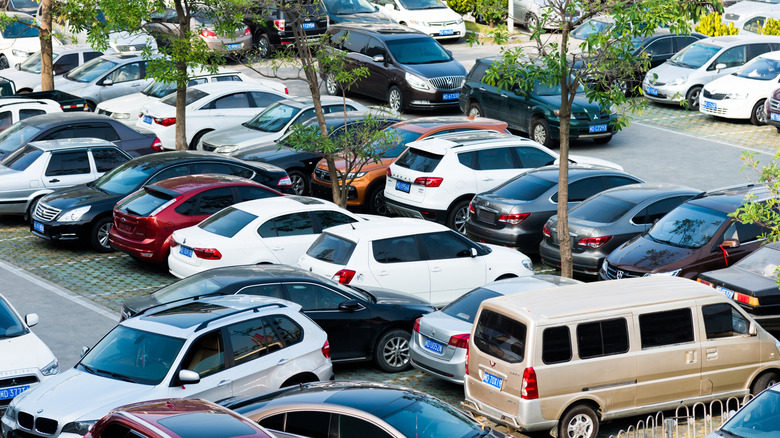
Staying safe on the road isn’t always easy, but you should usually be able to spot how fast you’re allowed to drive on almost any roadway without much issue, from high-speed interstates to slower back roads. Whether you choose to obey the speed limit is entirely up to you, of course, but you risk traffic citations, serious injury or even death if you drive at unsafe speeds. And while you may feel more secure in a parking lot, statistically speaking, you’re not. According to the Insurance Institute for Highway Safety (IIHS), about one in five accidents happen when trying to park your car at the grocery store or shopping center.
This statistic is surprising given the low speeds typical of parking lots, but it may make you wonder if most parking lots even have a speed limit. Parking areas are often located on private property, including most lots for businesses, shopping centers and even apartment complexes. Some municipalities may have rules regarding parking lot speed limits, but on private property it’s still up to the owner to post the limit.
Because parking lots tend to be very busy, with many cars moving in different directions and plenty of pedestrians, speed limits are typically low, between 5 and 15 mph. If you don’t see any speed limit signs, the National Motorist Association recommends that you don’t exceed 15 mph while driving in any parking lot. Beyond learning parking lot basics, however, there are also other steps you can take to avoid being included in the IIHS’s frightening statistics.
Obvious dangers and how to avoid them
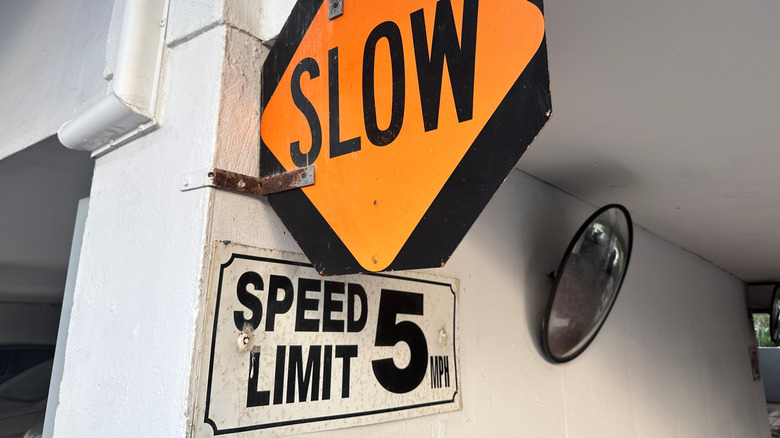
Parking lots are dangerous for a multitude of reasons. They’re often confusing spaces, and people unfamiliar with the lot may not know where they’re going. Drivers are often distracted looking for an open spot and not driving as attentively as they normally do. It can also be hard to see around the many cars that are already parked, and there can be lots of pedestrians, including small children, walking everywhere. Finally, people tend to drive too fast for such a confined, busy space.
The first tip to avoiding an accident is to follow the posted speed limit. The Network of Employers for Traffic Safety (NETS) also recommends that you back into a space when possible, as long as the space is not angled. This maneuver ensures that when it’s time to pull out, you’ll be facing forward and have much better visibility. Drive slowly and carefully when you pull into a space and be on the look-out for other drivers entering or exiting the cars nearby.
If you are involved in an accident, check for injuries first, even if it was a slow-speed incident. Then, call 911 if necessary. If no one is injured, you should still call the police so that you can supply your insurance company with an official police report. Exchange insurance information with the other driver, document the scene, then report the accident to your insurance company as soon as possible, even if the damage is minimal and you were not at fault.

Stephan is the sports journalist for the Maple Grove Report.