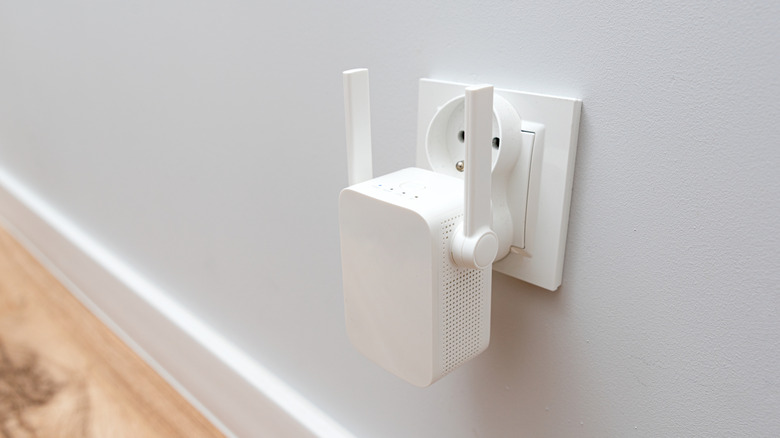

A Wi-Fi extender is a handy device that helps strengthen (or extend) your wireless signal into those hard-to-reach corners of your home. Setup tends to be simple and usually wallet-friendly, which makes the device a good choice when you want to give your Wi-Fi signal an extra boost. So, can you actually connect multiple Wi-Fi extenders to the same router to double that boost? In short, yes, you can. Nothing is stopping you from buying several Wi-Fi extenders and plugging them into your home. Is it a good idea? Well, that depends.
Manufacturers generally recommend placing a Wi-Fi extender about halfway between the router and the dead zone (a place where a Wi-Fi signal is very weak or not present). This is a great option if you have one pesky spot, and adding a Wi-Fi extender for any other dead zones could be beneficial. That said, it doesn’t automatically mean you’ll see good results. If you aren’t familiar with how a wireless signal works, you can easily make a Wi-Fi mistake or two by adding multiple extenders to your router.
What is the downside of using multiple Wi-Fi extenders?
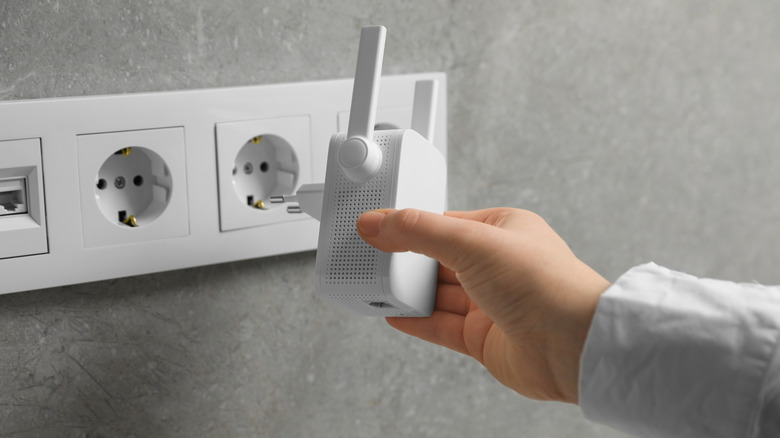
The main downside of multiple Wi-Fi extenders is that they can slow down your wireless network. The reason is that these devices just rebroadcast the signal from your router. They don’t speed up your internet, just give it more coverage. With poor placement and too many extenders, your Wi-Fi performance will suffer, since an extender broadcasts as another signal. Too many of those, and they can easily overlap and reduce the performance of your original source, the router. Additionally, Wi-Fi extenders can cause latency.
This isn’t to say that using multiple Wi-Fi extenders is always a bad thing. Since they are a cheap and easy way to boost your signal, two extenders might suffice if you have two dead zones in a smaller home, provided they aren’t too close to each other. That said, in a smaller place and with correct placement, one is usually enough. For instance, it’s not wise to place the extender near mirrors, large metal surfaces, or kitchen appliances such as microwaves or refrigerators; this can block or scatter your signal. Still, if you want better Wi-Fi coverage, there are other solutions than just adding more and more extenders.
One such solution is a Wi-Fi mesh system. Put simply, a these consist of a set of multiple devices (usually routers) connected to make a single network. A mesh network also creates multiple connectivity points so you can always have something to connect to anywhere in the home. With it, even the most distant places in a larger home can be reached, providing good Wi-Fi performance. This is typically a better (albeit more expensive) solution than adding multiple Wi-Fi extenders to the same router, though extenders still have their uses, especially in smaller homes.

Stephan is the sports journalist for the Maple Grove Report.