
We may receive a commission on purchases made from links.
If you’re not well-versed in the latest electronics or tech jargon, purchasing a new television can feel intimidating. Essentially, what makes a TV “smart” is its built-in operating system and ability to connect to the internet. This provides access to various streaming services, which now include dozens of options. To take advantage of streaming entertainment and the full functionality of your television, you’ll need to connect it to your home Wi-Fi or via an Ethernet cable. The setup process is often easy, with on-screen prompts and options to use either your smartphone or the smart TV remote to get up and running.
If you don’t bother with the internet, a smart TV will still function as a quality display screen. For instance, you can connect a variety of devices like a DVD/Blu-ray player, game console, or even something like the TV antenna for Smart TVs available from Amazon for under $25. Cable providers like Spectrum are increasingly offering streaming devices instead of traditional cable boxes, along with bundles that include internet. These devices offer access to streaming apps (similar to a smart TV), and you can access cable channels through an app. If you do want to stream entertainment using an external device instead of the TV’s built-in apps, Roku, Amazon Fire TV Stick, Google TV, and Apple TV all offer alternatives. In fact, there may be tasks Apple TV handles better than your smart TV.
What are you missing by keeping your smart TV off the internet?
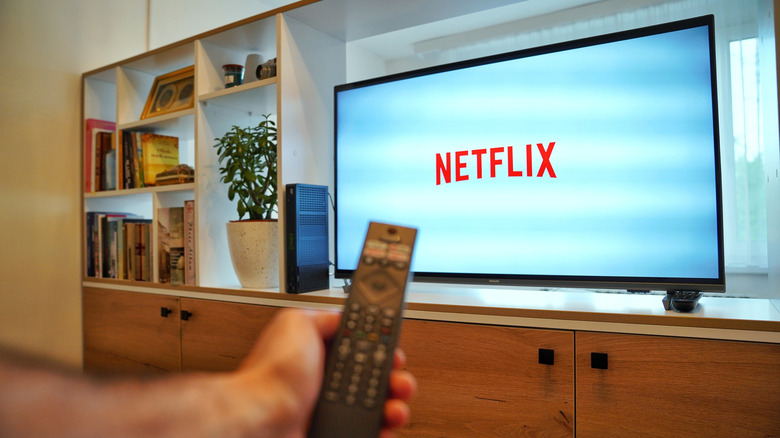
The biggest downside of an offline smart TV is that you can’t download and use streaming apps. If you’re looking to browse platforms like Netflix, YouTube, or Tubi, for example, the TV will need to be online. In addition, TTV manufacturers like Samsung create software updates that can be downloaded and installed once the TV is connected to the internet. These updates often include bug fixes and new functionality that can help improve the experience. Even basic features such as the built-in clock will need to be manually set if the TV isn’t connected to the internet.
Of course, there are positives to keeping your smart TV off the internet, such as enhanced privacy. You’ve likely noticed the trend of increasingly larger flat-screen TVs coming down in price, and your data is part of the reason. Some manufacturers have been able to continue making money beyond your initial purchase by collecting and selling your information to third-party advertisers. Many smart TVs include something called Automatic Content Recognition (ACR) that can identify what you’re watching, which then helps advertisers target your preferences. Fortunately, if you do decide to connect to the internet, there are ways to help prevent your smart TV from spying on you, such as disabling ACR, for starters.

Stephan is the sports journalist for the Maple Grove Report.