
Finding ways to keep cool in the summer can easily feel like a full-time job, but owning the right stuff can make it a lot easier. Fans, coolers, and misters will make keeping cool feel like second nature.
And as long as you have somewhere to keep it all during the cooler months, like a garage with effective storage management, you should be able to reuse your warm-weather gadgets and gizmos again and again year after year. However, if you find yourself in need of a replacement, or you just want to add a new tool to your arsenal before the hottest months roll around, Ryobi has a wide range of options to choose from that can help keep temperatures down on even the warmest of days.
It might not occur to you to look to a company typically on your radar for its tools and kits for decking out your home for the summer, but Ryobi’s range of cooling gear is surprisingly expansive. The brand offers a large assortment of fans of different sizes, ranging from little, lightweight handheld gadgets all the way up to large, heavier-duty air cannons. As well as that, it also sells an array of misting cannons for when air circulation alone won’t cut it, alongside coolers for chilling food and drink.
18V One+ HP Brushless Hybrid 9-inch Oscillating Fan
One of the best things you can do to keep your home from feeling stuffy during the summer months is to run a fan. They help to circulate air around the room, and they can even help to push trapped hot air out of your room through the window at night. However, a weak or flimsy fan can only really do so much good. With that in mind, you’re going to want to pick up a fan that offers strong airflow and a lot of oscillation, like Ryobi’s 18V One+ HP Brushless Hybrid 9-inch Oscillating Fan.
This fan offers up to 1,200 cubic feet per minute (CFM) of airflow, which helps to exchange the hot air in your room more quickly than a weaker fan can. Sometimes, fans with higher CFMs can use more power, making them less energy efficient, but this one can run for up to 23 hours using a Ryobi 18V ONE+ 6Ah battery. The portable battery also means you can take this fan on the go, so it can help to cool down all kinds of different spaces, including your car. It’s worth keeping in mind, though, that a battery doesn’t come included with the fan, so you’ll need to factor that into your budget if you don’t already have Ryobi batteries. Of course, you can always just run it plugged in, too.
40V HP Brushless Hybrid 18-inch Misting Air Cannon
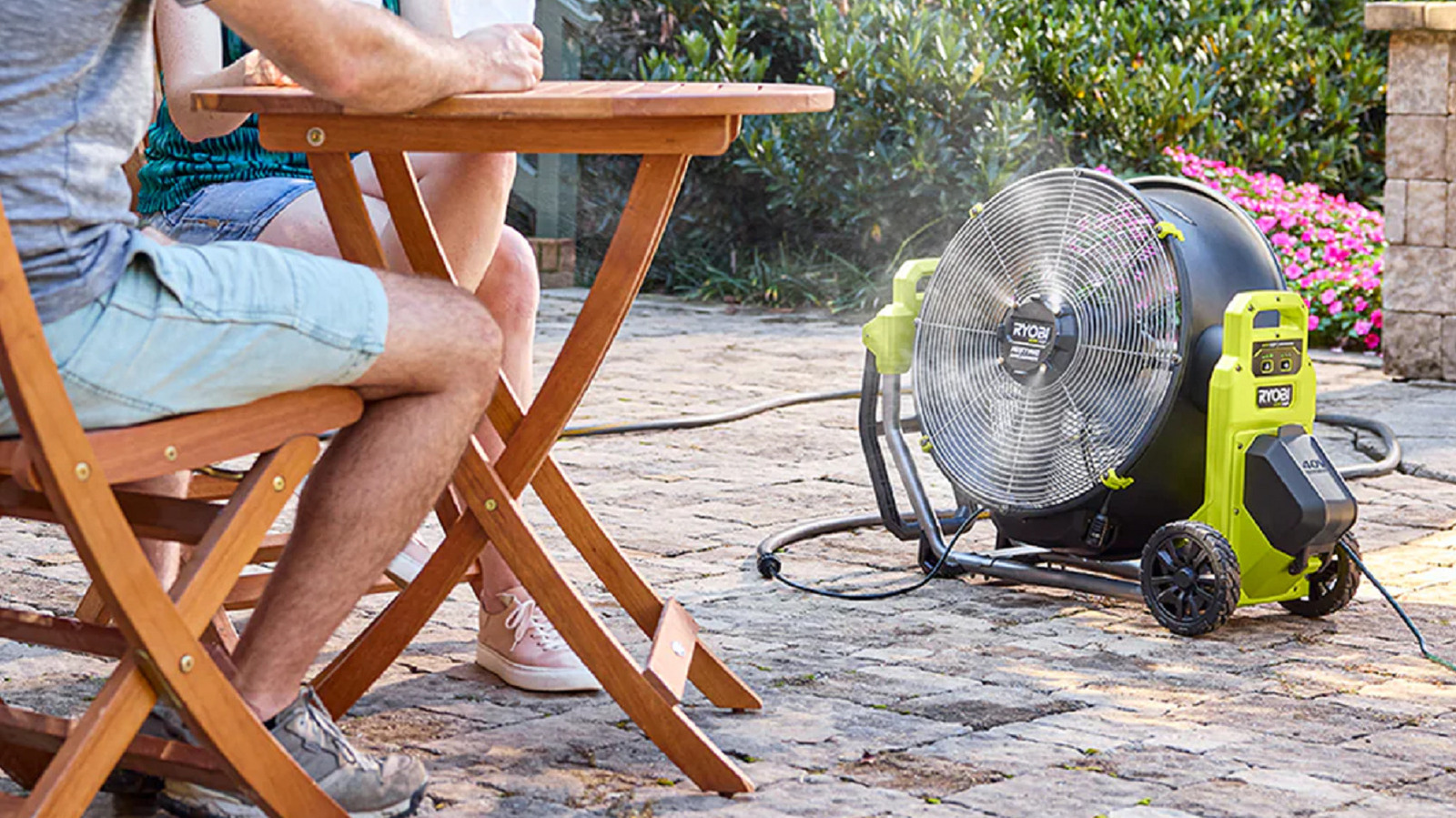
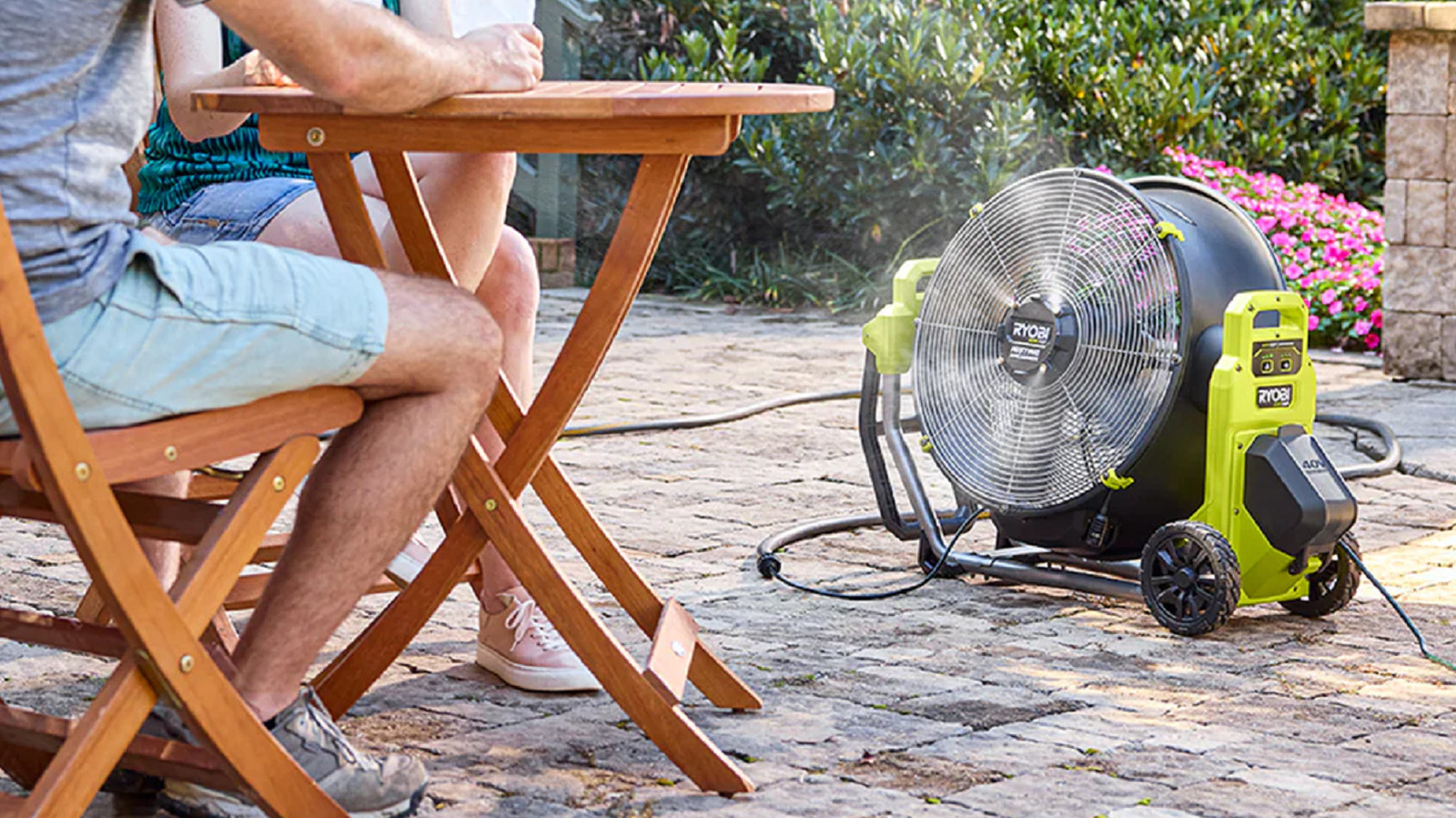
Water can really help when you need to beat the heat, and air coolers and misting fans are staples for cooling off. Ryobi’s robust 18-inch misting air cannon claims it can make you feel up to 15 degrees cooler across a 20-foot radius, courtesy of its versatile misting features, 5,000 CFM, and 140-degree pivoting fan head. It also comes with three different fan speeds and misting settings. At $289, it isn’t cheap, but it could make all the difference when it comes to keeping cool during the height of summer.
This air cannon is also designed to be portable. It sits on two all-terrain wheels and features an extended pivoting handle, meaning you can wheel it into the right spot without having to break much more of a sweat than you already might be. You also don’t need to worry about keeping it close to an outlet, since you can run it through a 40V 4Ah, 6Ah, or 12Ah battery for anywhere from two hours to more than 40, depending on which settings you use. Making the most of the misting feature is naturally slightly more cumbersome, since you have to supply it with a water source, but you do have the option of hooking it up to a tap via a garden hose or by pumping water through it using a bucket. However, you might find that it’s maybe a little too clunky and cumbersome to lug around often — it is a heavy-duty, 18-inch fan, after all.
Link 17-inch Soft Sided Cooler
A lot of gadgets rely on cooling you from the outside or lowering the temperature of your environment. That’s all well and good, but it’s also important to keep cool from the inside. You’re going to need cool drinks and snacks nearby. However, staying close to your fridge or freezer all summer isn’t realistic, particularly not if the summer sees you heading out on road trips and other fun adventures. A soft or electric cooler could be just what you need to keep your car snacks cool while you’re on the road, and Ryobi offers a fairly affordable option as a part of its Link range.
The Link Soft-Sided Cooler is an insulated, sweat-proof carrier with a large capacity. You can keep up to 24 cans in there at once, along with any other goodies you want to keep nearby in the bag’s three other compartments. Ryobi also claims that the cooler offers 24-hour ice retention, so you don’t have to worry about your drinks being too warm by the time you get to the beach, campsite, or wherever else your summer adventures take you. A soft cooler won’t keep your food as cold for as long as a hard cooler would, but this one costs a fraction of the price of Ryobi’s 18V ONE+ 24Q Hybrid Power Cooler, and it doesn’t require any kind of power source. So, if you aren’t adventuring for long, then it could be all you really need.
USB Lithium Misting Fan Kit
When it comes to buying a fan, it’s easy to assume that bigger equals better. It’s not entirely wrong, either. Larger fans can push more air around than smaller fans. However, sometimes you might need a little light fan that you can take with you instead. USB fans are a solid choice in those cases, and they can still pack a punch if they include a built-in misting mechanic — like Ryobi’s USB Lithium Misting Fan.
Despite its small size, this fan can still offer up to 110 CFM, and according to the product listing, you can feel up to 10 degrees cooler while using it. One of the fan’s stand-out features is its 1¼-inch clamp base. This means you can set it up exactly where you need it, like on a wheelchair, stroller, or even on a fence or table. You can pose the fan head, too, making it easier for you to catch a breeze when you need it.
The USB Lithium Misting Fan Kit comes with a fan, a 2Ah rechargeable battery, and a 21-inch USB-C cable. The fan can run for up to seven hours and can be set to either high or low speed. Meanwhile, the misting compartment can’t run for as long — it relies on a 2-ounce container, which lasts for around an hour and a half — but you could easily refill it while you’re out and about using a bottle or water fountain.
40V Battery Topper Fan
Already have a 40V Ryobi battery lying around? With the right stuff, you can turn that into a portable mini fan, too. This 40V Battery Topper Fan sits on top of your battery while using it as a power supply, offering 260 CFM to help keep you cool for up to 166 hours at low speeds. It won’t necessarily cool a whole room down, but it is handy for small spaces, and portable — especially if you make the most of its metal hanging hook.
Ryobi’s battery topper fan has three different built-in speeds, ranging from low to high. Much like other portable fans, the speed you run it at impacts how long the battery life lasts. However, even then the fan has a surprisingly long battery life, with the minimum amount of time you can expect it to last between charges sitting at around 15 hours. Moreover, if you’re worried about making it last, you can upgrade its capacity by upgrading to a 6Ah or 12Ah battery over a 4Ah.
There is an obvious catch to this gadget, though. You won’t be able to use it without a compatible battery. If you already have one lying around then it isn’t really anything to worry about. However, if you need to factor in the cost of a power supply, the relatively affordable price might not really be so affordable after all.

Stephan is the sports journalist for the Maple Grove Report.