
Follow ZDNET: Add us as a preferred source on Google.
ZDNET’s key takeaways
- EndeavorOS Titan adds some extra polish to the distro.
- This Arch-based distribution is easy to use and fast.
- Titan includes a command-line tool for managing GPU drivers.
I’ve been following EndeavorOS for a while now. You can read my reviews of Gemini and Ganymede to confirm that I’ve found this distribution to be a true gem.
Based on Arch Linux, EndeavorOS is a rolling release distro with some particular features that make it stand out among other similar distributions based on Arch.
Before I get into those features, let’s talk about what’s new with Titan.
Also: Ready for a Linux laptop? I found one that competes with my MacBook Pro
First, you get new versions of important apps, such as Calamares 26.03.1.3-1, Firefox 148.0-1, Linux kernel 6.19.arch1-1, Mesa 1:26.0.1-2, Xorg-server 21.1.21-1, and Nvidia-utils 590.48.01-4.
Take note that the inclusion of Xorg means EndeavorOS has yet to make the switch to Wayland.
On top of those refreshed apps, you get a streamlined installation process that includes improved mirror support, better hardware detection for GPUs and VMs, additional drivers for all GPUs (including Vulkan drivers and the necessary packages for hardware-accelerated video decoding), GPU driver early loading by default, and a brand new tool, called eos-hwtool.
The eos-hwtool makes it easier to add or remove GPU drivers whenever needed. If you run the command eos-hwtool, it will list the GPU drivers currently installed. You can view the recommended GPU profile with the command:
eos-hwtool –recommended
You can list all profiles valid for your devices with:
eos-hwtool –list
You can then install or repair the current profile with:
eos-hwtool –install-recommend
This new addition is a powerful tool for those who need to better manage their GPUs for the likes of gaming and AI.
The welcome tool
The EndeavorOS Welcome tool isn’t new, but I just wanted to point out how helpful it is. When you first log in, the Welcome app opens and gives you quick access to the likes of:
- Update Native Packages
- Update Native & AUR Packages
- Update Mirrors
- Logs for troubleshooting
- Latest Arch news
- Browse all Arch packages
- And much more
There’s so much you can do from this single welcome app.
Jack Wallen/ZDNET
One of the more handy features of the Welcome app is that it lists the commands associated with each task. For example, next to Update Native Packages, you’ll see the command eos-update. This is a boon for those who would like to not only know how to point-and-click their way through EndeavorOS, but also to start learning the command line interface (CLI).
The QuickStart Installer
There’s a tool found in EndeavorOS Titan, called the QuickStart Installer. What this tool does is allow you to quickly select apps you want to install, without having to comb through an app store for what you want.
This tool makes installing apps a no-brainer.
Jack Wallen/ZDNET
All you have to do is expand a category, select what you want to install, and click Install Now. I found the QuickStart Installer made getting Titan populated with the tools I needed to get started as simple as it gets. On top of that, even though I selected several tools to install, the QuickStart Installer was faster than most app stores I’ve used.
Also: How to use Linux without ever touching the terminal
Speaking of which…
Performance
With the combination of the latest Linux kernel and the Budgie desktop (you can choose from several; I opted for Budgie), EndeavorOS Titan is fast; apps install and open with lightning speed. I also ran through my usual test process of installing the Ollama AI app, pulling an LLM, and running a couple of queries.
The first query (What is Linux?) took a while for the answer to complete, but this was running on a VM, and I was using a rather large LLM (qwen3.5). I decided to pull a smaller model and try again. This time, I chose llama3.2, and the response was exponentially faster.
Also: My 11 favorite Linux distributions of all time, ranked
Suffice it to say, EndeavorOS passed my AI performance test with flying colors.
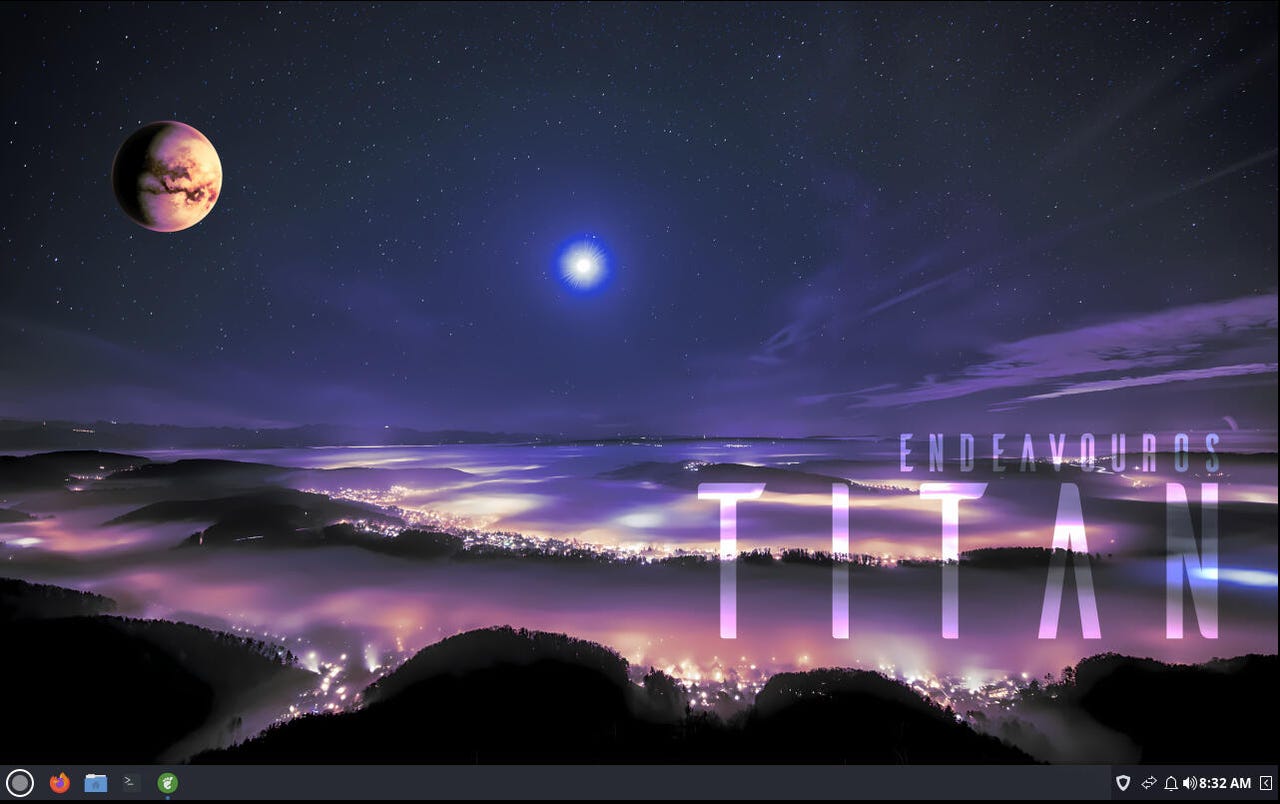
The look and feel
EndeavorOS never disappoints when it comes to the look. This time, I opted to go with the Budgie desktop. Previously, I tested EndeavorOS with KDE Plasma. Although Plasma is more configurable than Budgie, I found this instance to be nearly as elegant. While Budgie might not be as polished as KDE Plasma, it’s still an outstanding choice, especially for machines with fewer system resources.
The Titan look is fairly basic. It defaults to dark mode and dark themes. I’m starting to understand why so many Linux desktops opt for the darker themes. It’s because they can be made to look more modern and beautiful that way. When I switched from the dark theme to a lighter one on Titan, the difference was stark, and the docked version of the panel looked almost like it could have come straight out of Xfce.
If I had one gripe with Titan, it would be that the developers should give the lighter theme some polish. Even if I turn off Dock Mode, the panel in light mode doesn’t look great. Switch back to the dark theme, and the desktop looks much better.
Who is EndeavorOS Titan for?
If you want a distribution that makes using Arch easy, want your choice of desktop environments, and require higher performance than that of other Arch-based distributions, EndeavorOS Titan might be for you.
Also: 7 things every Linux beginner should know before downloading their first distro
The way I see it, EndeavorOS is to Arch as Linux Mint is to Ubuntu, and if that sounds appealing to you, then you should definitely give this Linux distribution a try.