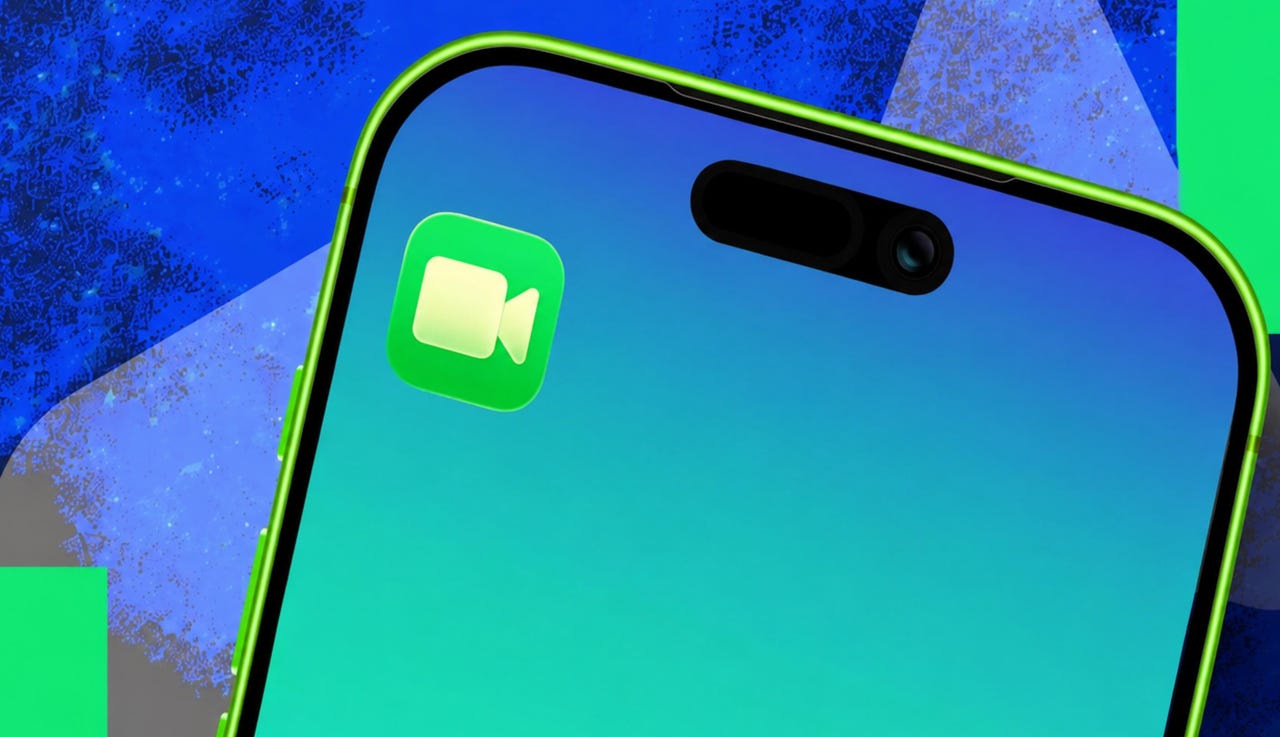
This hidden FaceTime feature is incredibly useful – and surprised my own family


This hidden FaceTime feature is incredibly useful - and surprised my own family

Elyse Betters Picaro / ZDNET

Follow ZDNET: Add us as a preferred source on Google.


ZDNET’s key takeaways

  • FaceTime video messages work like voicemail for missed video calls.
  • Live Voicemail lets you leave audio messages from FaceTime audio.
  • Missed FaceTime messages appear in the recipient’s call history.

My editor told me the other day that she had spent the weekend showing two people how to use an apparently little-known FaceTime feature: video messages. That got me wondering whether my husband or my parents knew how to leave one when someone doesn’t answer a FaceTime video call. Spoiler alert: They didn’t, so I showed them how it works.

Also: Your iPhone RCS chats with Android are encrypted in iOS 26.5: How to verify E2E is enabled

It’s basically voicemail, but with video and only for FaceTime users. If you use FaceTime audio, there’s a related feature called Live Voicemail. Confused yet? Don’t worry. My family was, too, at first. Here’s how to use both.

How to leave a FaceTime video message

What you need: FaceTime video messages only work with FaceTime-compatible Apple devices. Apple says they can be received from saved contacts, people the recipient has called, and people suggested by Siri.

1. Start a FaceTime video call

Elyse Betters Picaro / ZDNET

Let the call ring until the other person doesn’t answer. When it times out, FaceTime shows the option to record a video message. It appears only after a FaceTime video call goes unanswered, not before the call is placed.


Show more

2. Wait for the call to be missed

Elyse Betters Picaro / ZDNET
3. Tap Record Video

Elyse Betters Picaro / ZDNET
Review (or retake) and then send

Elyse Betters Picaro / ZDNET

To view a FaceTime video message, open FaceTime and look for it in the call history. Tap the video thumbnail to play it. Messages can also be found by tapping a person’s name in FaceTime history, then checking Videos or Voicemails.


Show more

Find a FaceTime message later

Elyse Betters Picaro / ZDNET

Optional: Leave a FaceTime audio voicemail

To place a FaceTime audio call instead of a video call, first enable Live Voicemail in settings. Go to Settings > Apps > Phone > Live Voicemail. Then place the FaceTime audio call as usual: Open FaceTime, tap New FaceTime, select a contact, and tap the phone icon. When the person doesn’t answer, FaceTime gives you the option to leave a voicemail.

Also: How to record an iPhone call (and where and when it’s legal to do so)

On the recipient’s end, a live transcript may appear while the message is being recorded, if it is long enough. After the FaceTime audio voicemail is left, the full message can be found in the Phone app under Voicemail.

Optional: Leave a FaceTime audio voicemail

Elyse Betters Picaro / ZDNET

Why would I leave FaceTime voicemails?

For someone already using the FaceTime app to place a call, leaving a video message or audio voicemail is just as useful as leaving any other missed-call message. The Record Video option just makes it feel more personal because you can film yourself speaking.

Where do FaceTime video messages appear?

FaceTime video messages appear in the recipient’s FaceTime call history and as a notification. FaceTime audio voicemails are stored in the Phone app’s Voicemail inbox.

Is this the same as sending a video in Messages?

No. A FaceTime video message starts from a missed FaceTime video call and appears in the FaceTime app.

Can I leave a FaceTime voicemail from my desktop?

No. On a Mac desktop, I did not see the option to leave a FaceTime video message or voicemail if the person didn’t answer.



Show more


Source link

Leave a Reply

Subscribe to Our Newsletter

Get our latest articles delivered straight to your inbox. No spam, we promise.

Recent Reviews


Researchers in South Korea developed a wearable system that uses seven smart rings to read finger and hand motions to translate American Sign Language and International Sign Language into text. The purpose is to make communicating easier between those who sign and nonsigners without needing a separate human interpreter. 

AI Atlas

According to the study, published Friday in the journal Science Advances, the system reliably recognized 100 ASL and ISL words during testing. It also performed well with users the system had not seen before, and it didn’t require recalibration for each person. Because the system detects words in sequence, it can produce sentence-level translations without extra training on grammar. 

ASL and ISL are the everyday languages of more than 72 million deaf and hard-of-hearing people. However, most hearing people do not know any words in these languages or have a very basic understanding. That gap makes certain tasks, like ordering at a restaurant or asking for help, much more difficult. 

A graphic shows two illustrated people talking in sign language, ASL and ISL. The graphic also shows the different components of the ring as well as pictures of hands modeling the rings.

A concept of how the rings work in the real world. 

American Association for the Advancement of Science (AAAS)

Existing sign language translator prototypes often rely on bulky gloves that can distract from or block natural hand movement or feel uncomfortable for the wearer, which limits real word adaption. Camera-based technologies can work well in controlled environments but are often limited to those places where a camera can be set up with a clear line of sight, the researchers wrote. 

To solve these problems, the researchers designed sensing rings for each finger that can capture precise motion and finger position while letting the hands move naturally. The rings can detect both signs that involve movement, like the words for “dance,” “fly” and “sun,” and signs that are held still, like “I” and “you.”

“These advances suggest that [the device could enable] barrier-free public translation systems for unseen users and unrestricted daily assistive interfaces,” the authors wrote in the study. 

The authors are affiliated with Yonsei University, Hankuk University of Foreign Studies and the Korea Institute of Science and Technology, among others. While the technology is still experimental, the authors wrote that the technology has the potential to ease communication difficulties. The underlying idea could also help improve controls for other systems, like virtual or augmented reality.

“Beyond sign language translation, the ring-type, wireless, and modular architecture of (wirelessly connected, ring-type sign language translators) may also be extended to other gesture-driven applications such as virtual or augmented reality control, touchless device interfaces, or rehabilitation monitoring systems where fine-grained hand movement tracking is essential,” they wrote.


Source link