
It has already been nearly a full year since Apple first unveiled its refreshed Liquid Glass design system at WWDC 2025. The first developer builds of iOS 27 are right around the corner, but Apple is still hard at work pushing out updates like clockwork for its public channel. If you own an iPhone Air or an iPhone 17 series device, the iOS 26.5.1 update comes in the form of an important bug fix.
In late April, 9to5Mac’s Benjamin Mayo reported how their iPhone Air drained completely and refused to boot up even after plugging it in to a wall outlet. Multiple other users have shared the same frustration on Reddit, highlighting how their iPhone wouldn’t even respond to the force restart trick — almost as it were bricked. Fortunately, many of those affected by this bug reported that leaving the phone on a wireless charger or plugging it in for an hour or more seemed to resuscitate their iPhones.
Apple formally addressed this problem in the iOS 26.5.1 update:
This update addresses an issue for a small number of users that may prevent wired charging on iPhone Air and iPhone 17 models when the battery is nearly drained.
To check for updates, navigate to Settings > General > Software Update. The update only seems to be rolling out to iPhone Air and 17 series devices, so if you own a different model, don’t be alarmed if you don’t see a pending update.
Other new features in iOS 26.5
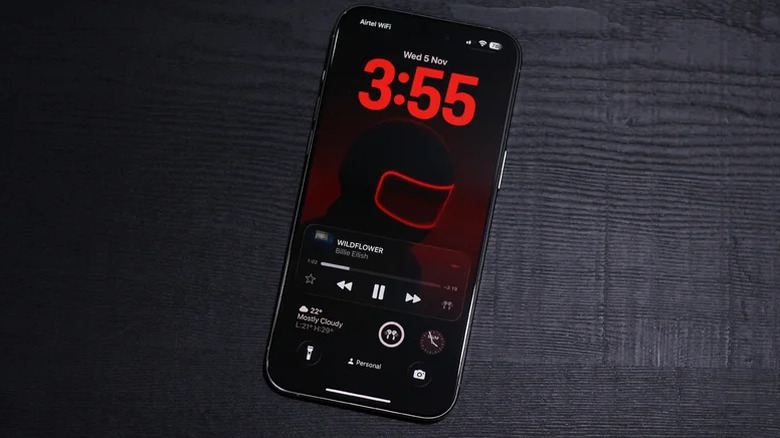
Although we still haven’t received the promised Siri overhaul, there have been a couple of neat additions to the iPhone’s feature set since iOS 26 first debuted. A few notable iOS 26.5 features include end-to-end encryption with RCS messaging and easier connectivity with the Magic Keyboard and Magic Mouse. Apple Maps has also started displaying the Suggested Places section when searching for places, but we’re not sure if integrated ad spots could genuinely count as features.
There seems to be a divide among users who have updated to iOS 26.5. Some have reported faster battery drain and poor performance, while others seem to have no issues whatsoever. If you’ve only recently updated your iPhone, it’s worth giving it a day or two to finish indexing and optimizing things in the background.
iOS 26 hasn’t had the smoothest rollout — there were constant design adjustments in the first few builds, followed by a few updates that ran terribly on older iPhones. Many of the common issues with iOS 26 seem to have been ironed out by now, though. Despite the Fall 2026 public release of iOS 27, Apple will likely continue to push out security updates and bug fixes to iOS 26, so be sure to always keep your iPhone updated.

Stephan is the sports journalist for the Maple Grove Report.