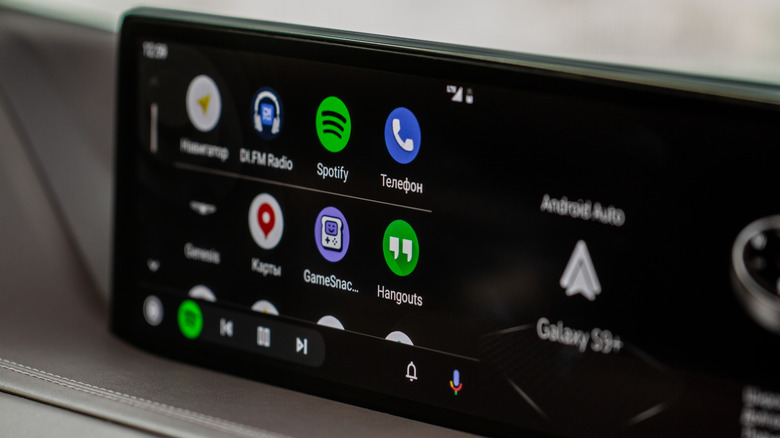

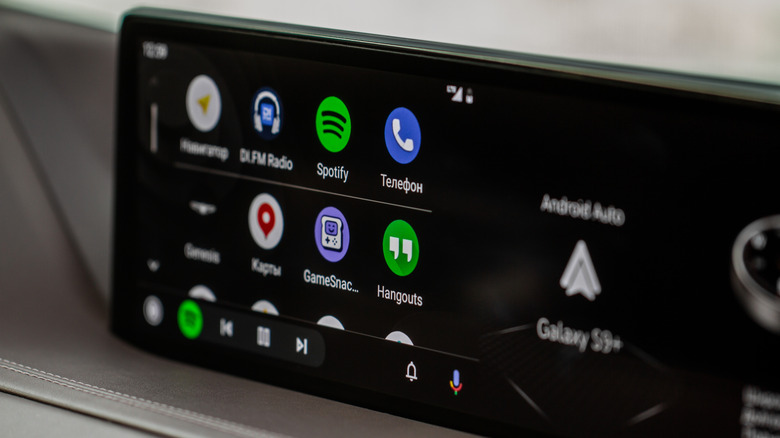
The beauty of Android Auto has always been that it seamlessly integrates your smartphone’s capabilities into your car’s dash display. Features like GPS, music, call, and text controls are at the top of the list for most people, but there are a lot of great Android Auto apps available that you probably aren’t using. These can expand the technology’s capabilities, putting ever more utility at your fingertips. What’s more, new apps and features come to Android Auto all the time. Some of these are released with a lot of noise and fanfare, but others get quietly added without so much as a peep from the company.
One new addition that has quietly joined the list of Android Auto-compatible apps is Adobe Acrobat Reader, which was added to the platform as part of the v26.5.0.45958 update. Your car’s touchscreen display might not offer as much fine control as a desktop when it comes to file modification, but there’s still a lot that this PDF maker, reader, and editor can do, even during your morning commute. Unfortunately, it looks like the full capabilities of this application will only be available to those who are subscribed to one of the Adobe Acrobat Tiers. That said, those already subscribed will find a surprisingly useful new tool at their disposal. Those who aren’t can still take advantage of several free-to-use features available, and even play around with some of the paid features via the platform’s 7-day free trial if they would like to try it out.
What’s free on the Android Auto Adobe Acrobat Reader?
In terms of free-to-use features, there isn’t much of the standard mobile toolkit that translates directly to your car’s dashboard. The free mobile version of Adobe Acrobat Reader allows you to access scanned PDFs and view them in the app’s Liquid Mode, which Adobe advertises as “the best PDF reading experience” available. This allows you to search and navigate documents as well as adjust font sizes and spacing. You can also annotate PDFs by adding sticky notes and comments, as well as being able to highlight text–a handy group of tools for revising and reviewing documents before sending them to others or simply leaving notes for yourself to make adjustments later. Then there’s the PDF signer. This allows you to fill out, sign, and send PDF documents. This could be handy for everything from schoolwork to legal documents. This PDF viewer and reader can also connect to Google Drive.
But here’s the caveat: You can’t perform any of these visual functions on your car’s screen. Android Auto disables those tools completely since it isn’t safe to read and drive. However, the free version is far from useless once plugged into your car. Instead, the update unlocks a built-in, traditional “Read Aloud” text-to-speech engine. For free users, the app functions like a basic media player, converting standard text PDFs into audio using system voices so you can safely listen to reports or documents cover-to-cover during your drive.
How’s the paid Adobe Acrobat Reader on Android Auto?
While the free “Read Aloud” feature is nice for basic listening, paid subscribers get something much better. The update lists the feature as “Paid” but states that users can “Choose free voices or upgrade for high-quality options.” This suggests that users will have access to the more natural, human-sounding voices that the company has developed for a superior listening experience. This is great for working professionals and students alike, as you can use your morning commute to review research papers or reports without needing to take your eyes off the road. Heck, you could even listen to a whole book if you had the inclination.
That isn’t all, either. The version available to Adobe Acrobat subscribers will include several other useful hands-free features. The app will give you access to Adobe Acrobat’s AI assistant, which lets you control multiple files with voice or text prompts. You can ask it questions and gather information, generate summaries, and connect with email, text, notes, and blogs. There’s also the full mobile editing suite, optical text recognition (OCR), a PDF merging tool, and compression tools. Unfortunately, it looks like the Android Auto version of the app is primarily just a basic media player. Currently, you can’t access these features through your dashboard, even though they’re hands-free; however, some have speculated they may become available in a future update.

Stephan is the sports journalist for the Maple Grove Report.