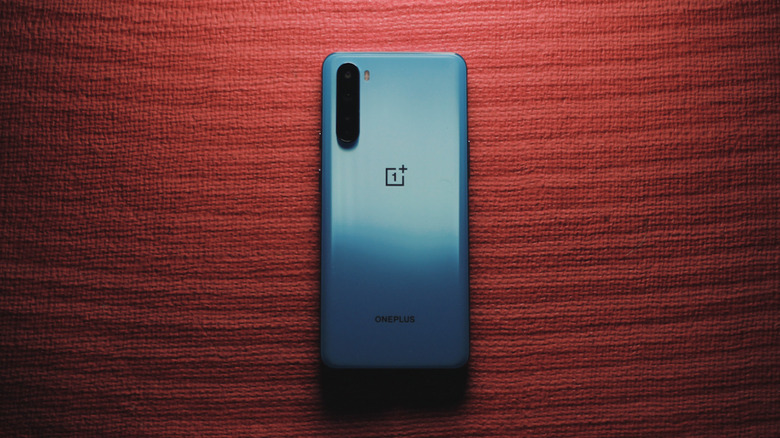

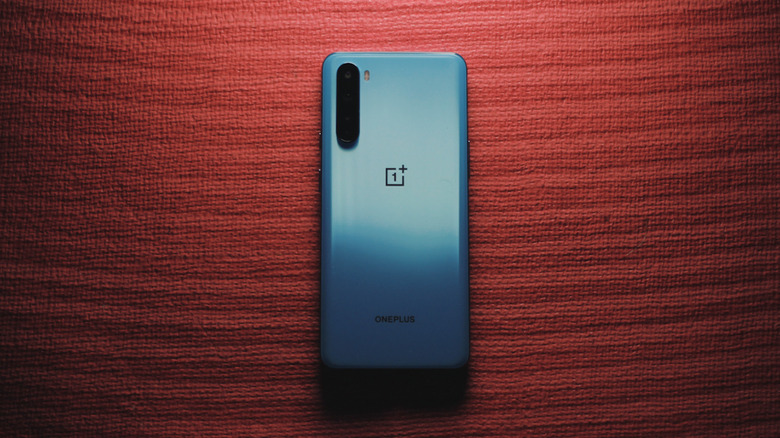
When it comes to longevity in the tech space, very few brands come close to Apple. For instance, the iPhone 11, a seven-year-old device, is set to receive the latest version of iOS in 2026. Samsung and Google have also upped their game,and now offer up to seven years of operating system updates for their smartphones — but what if you’re eyeing a OnePlus device? We’ve consistently recommended OnePlus smartphones over the years, mentioning how the brand’s flagship phones typically outperform other, more expensive options.
That said, compared to the competition, OnePlus offers fewer years of software updates and security patches. For its flagship models like the OnePlus 15 and OnePlus 13, the company promises up to four years of OS updates and six years of security patches. The budget-oriented Nord phones typically receive three to four years of updates, while some entry-level Nord N-series phones are only slated to receive one major Android update.
As long as you’re shopping for a modern upper mid-range or premium OnePlus phone in 2026, you shouldn’t need to worry much about your phone getting outdated too soon. OnePlus phones are built for performance, and many users have cited how their OnePlus devices from several years ago have continued to perform well even to this day. As a long-term OnePlus user myself, I can attest to that sentiment. In a poll carried out on OnePlus’ community forums, nearly 200 users claimed to have stuck with their OnePlus phones for three to five years.
Why OnePlus phones last so long
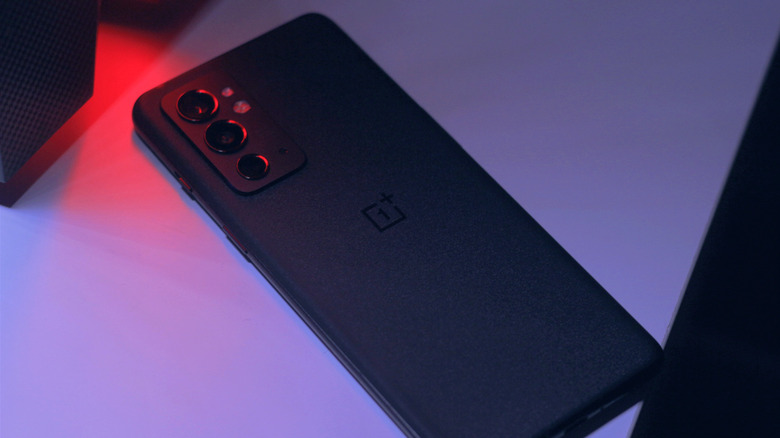
While it would be great to see OnePlus match Samsung and Google when it comes to software support, four years is a decent lifespan for a smartphone considering how fast the tech space keeps evolving. Although, it’s worth noting that your OnePlus phone is likely going to last much longer than that, even if it stops getting new Android updates.
I fondly remember upgrading to the OnePlus 5 and feeling guilty, simply because my then three-year-old OnePlus One was still very snappy. I then upgraded to the OnePlus Nord in 2020, and it actually felt like a step backward, since it technically was a mid-range device. My OnePlus 5 from 2017 somehow performed better in many aspects.
Since then, I’ve switched to the OnePlus 9RT and now to the OnePlus 15, and it recently dawned upon me why OnePlus devices last so long — it’s because these phones are specced lavishly. OnePlus flagships always use the latest silicon by Qualcomm — the same chip that costlier devices like the Galaxy S26 Ultra offer. OnePlus typically also offers a lot of RAM. The OnePlus 15 we reviewed can be bumped up to 16GB of LPDDR5X Ultra+ RAM. Fast UFS 4.1 storage also keeps things snappy.
OxygenOS is a big contributor, too. OnePlus has been focusing a lot on performance and animations lately, with things like the Trinity Engine that allocates resources as efficiently as possible to reduce app launch times and improve memory management.
OnePlus phones have excellent developer support
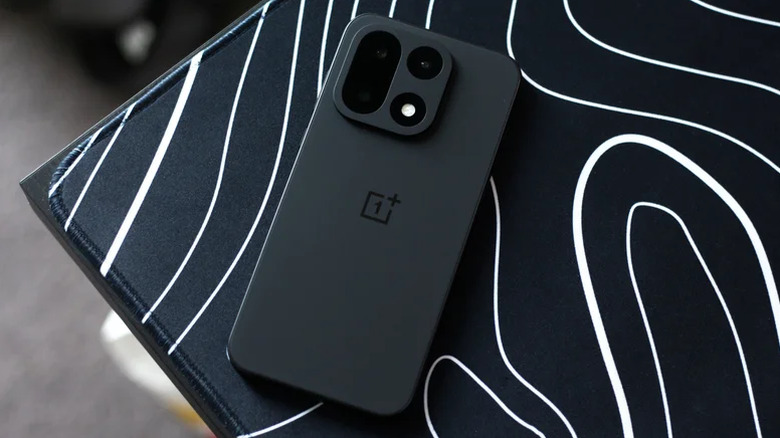
OnePlus has been in the rumor mill recently, with reputable sources speculating that the brand may be winding down operations in global markets. This does raise questions about long-term support for existing and upcoming devices. In my experience, however, OnePlus tends to keep its promises when it comes to software support. Even if your device stops receiving new Android updates, it usually takes several more years until apps start dropping support, at which point, your phone’s battery would have degraded significantly anyway.
If you’re looking to squeeze every bit of life out of your OnePlus phone, though, installing a custom ROM is always an option. For instance, my OnePlus 5 received its final OxygenOS update in 2020 with Android 10, but I can sideload LineageOS 22, which is based on Android 15. There are risks involved when it comes to unlocking your phone’s bootloader and installing custom ROMs, but if your OnePlus phone is a couple of years old already, it’s a surprisingly effective way to extend its lifespan.
Android phones, in general, allow for great levels of customization, but OnePlus phones in particular have always had strong enthusiast communities behind them. One thing to look out for is battery degradation. If you’ve been holding on to your phone for a few years, getting its battery replaced might improve performance in addition to endurance. You can check your Android phone’s battery health by diving into Settings or using a third-party app.

Stephan is the sports journalist for the Maple Grove Report.