
Follow ZDNET: Add us as a preferred source on Google.
ZDNET’s key takeaways
- Ollama is a user-friendly, locally installed AI.
- You will be surprised at the benefits you gain from this app.
- Not only is Ollama free and private, but it’s also open-source.
Ollama is a small player in the AI game, but it should be much bigger than it is. This installable AI has several benefits you won’t find with the likes of ChatGPT, and those benefits are what keep me from ever using a more traditional service.
I’ve written about Ollama quite often over the past year, but I thought it was time to share the reasons I choose to use this app over any other.
Also: Want local vibe coding? This AI stack might replace Claude Code and Codex – for free
(Disclosure: Ziff Davis, ZDNET’s parent company, filed an April 2025 lawsuit against OpenAI, alleging it infringed Ziff Davis copyrights in training and operating its AI systems.)
What is Ollama?
Before I get into the why, let’s talk about the what.
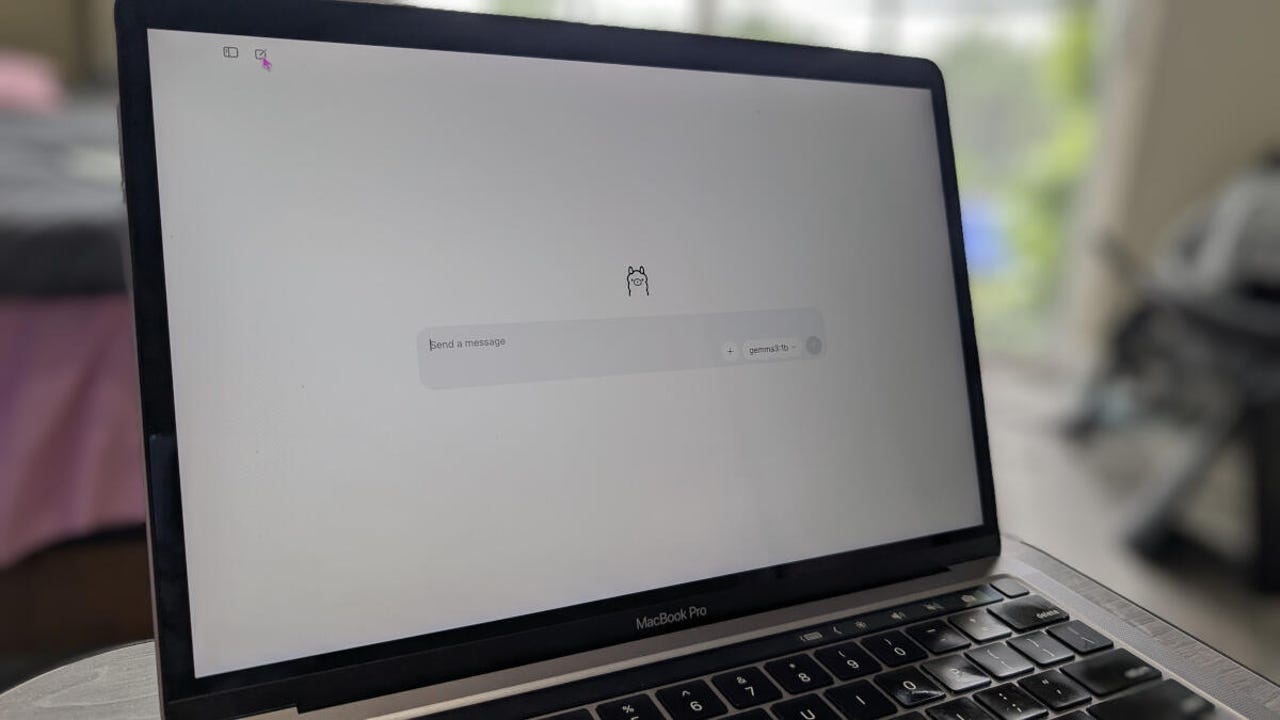
Ollama is a free, open-source tool that you can download and install on your computer (Linux, MacOS, or Windows). With Ollama, you can run large language models (LLMs) directly on your system. The main issue to consider is your computer’s speed. AI requires a fair bit of horsepower to be useful. That doesn’t mean you can’t use it on a midrange machine, but if you’re using it on mid- to low-end hardware, it’ll run more slowly, and you might not be able to multitask while it churns through your queries.
Also: OpenAI’s new image watermarks make it easier to spot AI fakes – here’s how
However, if your machine has an Nvidia GPU, it will run faster (even with midrange hardware) because it’ll offload a lot of the processes onto the GPU, leaving the CPU to do other things. To run Ollama smoothly, your system should have a minimum of:
- CPU: Any modern processor
- System RAM: 16 GB
- GPU (Recommended): Nvidia with 8GB+ VRAM or an Apple Silicon Mac (M1/M2/M3) with 16GB+ unified memory for automatic GPU acceleration
Ollama offers a user-friendly GUI for both MacOS and Windows, but can also be used from the command line. On Linux, you can use the Ollama CLI, but there are also GUIs (such as Alpaca and Msty) that can work.
With Ollama, you can download many different LLMs. There’s a vast library of models that can be downloaded — you’ll find DeepSeek, Gemma, Qwen, Mistral, Gpt-OSS, Llama, and many others.
Now that you understand what Ollama is, let’s talk about why you should be using it.
1. It’s free
Ollama is free. Since I’ve been using it, I’ve not paid a single penny for the app or the models. Just install Ollama, pull a model, and go. You don’t have to pay for the app, the models, or usage.
It’s free. Totally and forever free.
It’s also open-source, so… bonus.
Also: Google’s AI features just got more confusing
2. It’s private
This is a big one for me. I won’t use public or for-profit AI because I know my queries and the responses can be used by third parties. The companies behind for-profit AI can collect your information and use it for various purposes, and that’s not something I am OK with. It’s not that I query with any personal information (I mostly use AI for research), but I still don’t want those queries collected and used to create a profile of me.
Also: The best secure browsers for privacy: Expert tested
Just like my browsers, I want my AI to be as private as possible, and Ollama is really the only way to make that happen.
3. It doesn’t challenge the electrical grid
You’ve heard of how AI uses an inordinate amount of energy, right? A report this month from the International Data Center Authority (ICDA) notes that an estimated 6% of total US electricity use goes to data centers. “The US is by far the world’s largest data center location, with 43% of global consumption. Data centers consume 29.2GW of electricity in the US, and now consume 6 % of the nation’s electricity.”
This UN report details the environmental concerns surrounding large-scale AI deployments. “Most AI servers are stored in data centers, which produce electronic waste and can contain toxic chemicals, such as mercury and lead. Data centers also require large amounts of water for construction and to cool the electrical components. “
Also: Worried about AI’s soaring energy needs? Avoiding chatbots won’t help – but 3 things could
By using locally-installed Ollama, I avoid adding to that problem. I could take that one step further and install Ollama on a laptop, so I’m only using battery power.
Ollama is environmentally friendly and does not put any strain on the electrical grid.
4. It’s more flexible
When you’re using the likes of ChatGPT, you’re limited to the LLMs you can choose from. With Ollama, you have a massive library of LLMs at your fingertips. You can even install multiple models and choose which one to use for each query.
Also: How I easily added AI to my favorite Microsoft Office alternative
That’s a flexibility you won’t find in most for-profit AI services.
5. It’s LAN-able
I have one instance of Ollama installed on a server within my LAN. With that up and running, I can either use a web-based interface or connect a local GUI app to the server, so I’m not using CPU/GPU on my laptop or desktop. That’s a great option because offloading the AI process to a server means I don’t have to worry about queries bringing less powerful hardware to a halt. On top of that, I only have to install Ollama on one machine to use it on every device connected to my LAN.
6. Offline accessible
Let’s say you lose your internet connectivity, or you’re out in the middle of nowhere without a signal or Wi-Fi, and you need (for whatever reason) to use AI. If you use a third-party, cloud-based AI, you’re out of luck. If you have Ollama installed on your laptop, you’re very much in luck, because you don’t have to have a network connection to use it. That also means you can run Ollama on an air-gapped machine for even more privacy.
Also: How I feed my files to a local AI for better, more relevant responses
It’s win-win all around.
I would highly recommend you try a locally installed instance of Ollama. It’s much easier to get up and running than you think (similar to installing any app on MacOS or Windows), it’s cheap, flexible, secure, and environmentally friendly.
Who doesn’t want all of that?