
Follow ZDNET: Add us as a preferred source on Google.
ZDNET’s key takeaways
- KDE Plasma 6.7 is just around the corner.
- With tons of new features and polish, the latest release is impressive.
- You can test it on the KDE Neon unstable release.
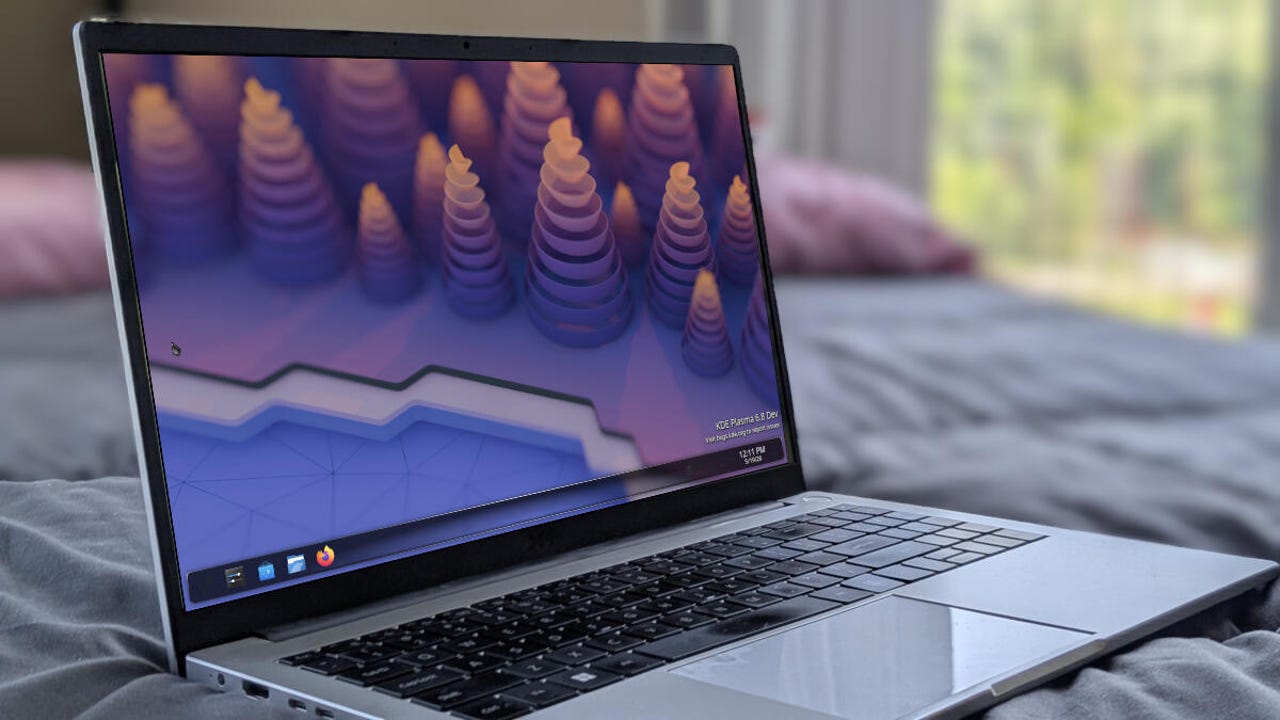
KDE Plasma is slowly becoming one of my favorite desktop environments, and with the upcoming version 6.7, it might very well claim the top spot.
With its imminent release, I thought it would be good to see how the new version looked and felt. To do that, I had to download the unstable version of KDE Neon (it lives up to its “unstable” name, so I wouldn’t recommend it) and boot it up as a virtual machine, using Virt Manager/KVM.
Also: The best Linux laptops: Expert tested and reviewed
Wow. Just… wow. The KDE team has seriously delivered, and this upcoming release is, hands down, the best they’ve ever offered. It starts with the look.
A breath of fresh Air (and Oxygen)
If you’ve been following me for any length of time, you know that I place a pretty high importance on the look of my desktop. This dates back to my early days, when I would spend hours tweaking it until it looked exactly how I wanted.
I knew the developers were bringing back two of my favorite KDE Plasma themes, Air and Oxygen. This might have been prompted by Apple’s new Liquid Glass theme in MacOS (which I happened to really like).
The Air theme is quite lovely.
Jack Wallen/ZDNET
I remember both of these themes from back in the day, and always enjoyed them. Now, with KDE Plasma having evolved into the beauty that it is, when you apply either of these themes, the desktop is stunning. The Oxygen theme is especially gorgeous, very glassy and elegant.
That alone makes me jones for the stable release of KDE Plasma 6.7. This is the first time (post Liquid Glass), that I’ve thought, “MacOS who?” Yeah, the developers have really outdone themselves with this.
I could end it there, but I’ll continue, because there are some really cool features. There’s now a quick toggle to switch between dark and light themes, accessed from the system tray.
Also: These two Linux desktops are the simplest picks for new users
The only gripe I have about the Oxygen theme is that the “glow” around windows looks more at home on the Air theme. I would think a darker, glassier glow would be more appropriate. If you go to Settings > Colors & Themes > Window Decorations, you can change it to Breeze, which fits a bit better (acting more like a drop shadow then).
Changing the Oxygen glow colors.
Jack Wallen/ZDNET
Ah, but there is a way to change that; it just takes a bit more guesswork. If you go to Window Decorations, click the small square associated with the Oxygen theme, and then click Shadows in the resulting pop-up, you can change the Inner and Outer colors to make it a bit less jarring. I shifted the Inner color to black and the Outer color to a dark gray, and it fit perfectly.
But what about the other new features?
I was unable to test many of the other new features because I was running KDE Plasma 6.7 in a virtual machine. For example, there’s per-screen virtual desktops, which means if you run multiple monitors, you’ll be able to assign a specific number of virtual desktops to each monitor.
Also: The 6 Linux distros I expect to rule 2026 – and why
There’s also a new dedicated shared printers feature that makes it easier to connect to an SMB-shared printer (such as one shared via Windows).
Adding a Samba printer has never been easier.
Jack Wallen/ZDNET
KWin also received a major boost in the background blur department via the ext-background-effect-v1 Wayland protocol. This addition provides a more consistent background blur across the desktop.
You can also exclude windows from on-screen captures (stills or recording), which is accessed via the titlebar right-click menu.
This is a must-have feature for those who do a lot of screen captures.
Jack Wallen/ZDNET
There are several other new features, many of which are under the hood, and they all come together to make for a brilliant new release. If you’ve ever considered migrating to KDE Plasma as your Linux desktop of choice, version 6.7 would be a great time to do so.
KDE Plasma 6.7 puts on a stunning display of what a desktop environment can be, and when the general release is made available, it might very well usurp COSMIC as my desktop of choice.
Also: Want to save your aging computer? Try these 5 Linux distributions
Maybe. The final release will be on June 16th, 2026, but I wouldn’t count on your distribution of choice having it in its standard repositories right away. If you’re really anxious to test it out, wait until the full release and give the stable version of KDE Neon a try.