
Follow ZDNET: Add us as a preferred source on Google.
ZDNET’s key takeaways
- ML4W is a great Linux distro to start with Hyprland.
- ML4W is a rolling release distro, based on Arch.
- ML4W includes GUIs to help you customize the desktop.
Hyprland is taking the Linux community by storm. One of the many reasons for this is that the tiling desktop is extremely customizable. If you do a search for Hyprland dotfiles, you’ll find a world of customizations you can use or serve as a base for your own crazy-cool desktop.
What are dotfiles?
Hyprland dotfiles are configuration files that are used to customize the Hyprland desktop environment. These files can control various aspects of the Hyprland look and behavior, so you can personalize your experience without starting from scratch.
These files remind me of customizing the AfterStep desktop I used to work with during my early days of Linux. I used to spend hours at a time customizing my Linux desktop. Nowadays, I’m not so keen on taking that much time out of my already busy day to create a Linux desktop I can be proud of. Now, I use desktops that allow me to tweak them with simpler GUIs (such as those found on System76’s COSMIC desktop).
Also: How to install Arch Linux without losing your mind
Some dotfiles have a central file, hyprland.conf, that references other files, such as window.conf. Each of those referenced files configures a different aspect of Hyprland, and all live in ~/.config/hypr/. If you’re not used to customizing without a GUI, this could very quickly get confusing.
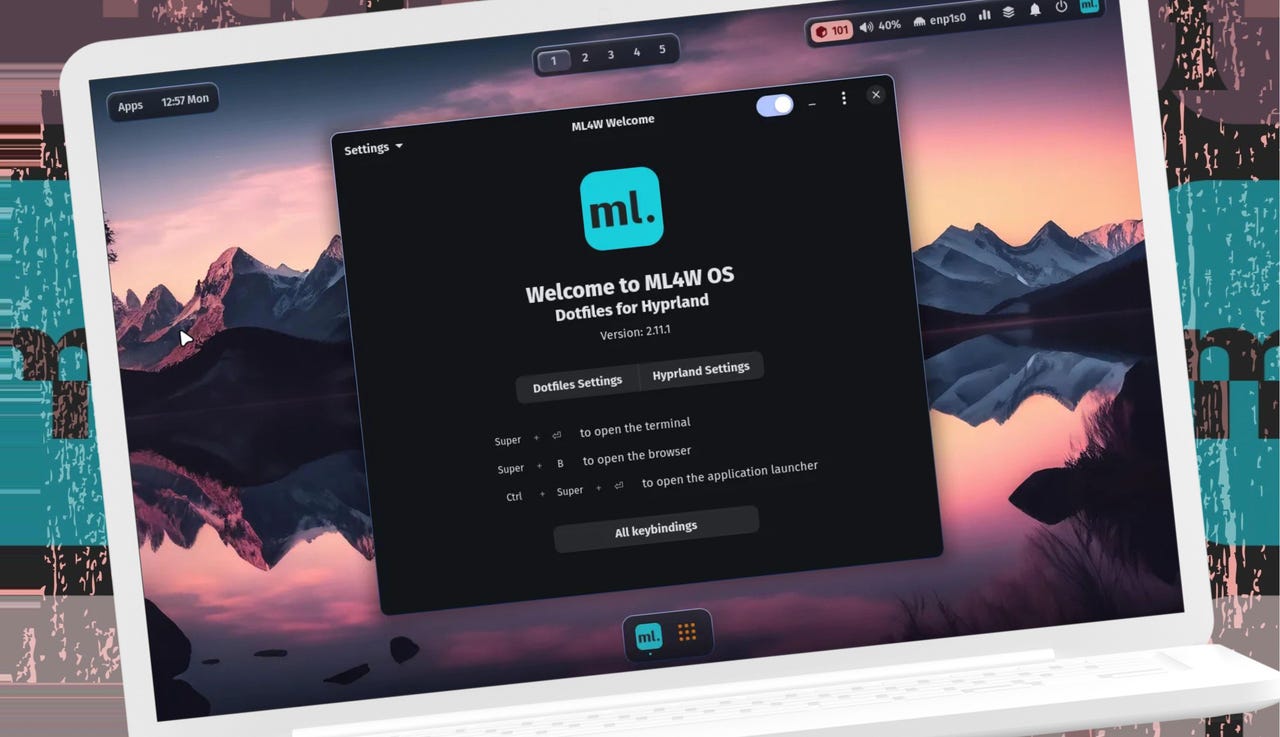
But the siren song of Hyprland is powerful, and I long to answer it. So… I turned to a distribution that aims to make customizing Hyprland a bit easier. That Arch-based Linux distribution is ML4W, which stands for My Linux For Work. With ML4W, there’s a GUI specifically designed to change the Hyprland settings without having to open a text-based configuration file. With this app, you can tweak a ton of features. Even better, the developer has gone to great lengths to describe what each option does.
The Hyprland Variables tool makes customizing the desktop considerably easier.
Jack Wallen/ZDNET
For example, the Hyprland Variables tool allows you to customize the decoration:blur:xray option. What is that? The description of that option says:
If enabled, floating windows will ignore tiled windows in their blue. Only available if blur_new_optimizations is true. Will reduce overhead on floating blur significantly.
Every option has a description, which makes it much easier to understand what you’re doing. Without those descriptions, you’d take one look at the variables and say, “Not today, you rascally penguin!”
Also: Seeking the latest in Linux? There’s a right way and a wrong way to use Distrowatch
ML4W and the Hyprland Variables tool are a great way to introduce you to both Hyprland and its many customizations.
What is ML4W?
ML4W is an Arch-based Linux distribution that uses Hyprland as its desktop environment. ML4W is for more advanced Linux users who want to jump into the waters of Hyprland, without having to customize the desktop via text files.
ML4W includes a pair of tools that help simplify the experience; those tools are the aforementioned variables tool and the ML4W Settings tool. The latter allows you to customize the status bar, the appearance of the desktop, and system settings.
There is one aspect of the ML4W Settings tool that needs a bit of explanation. If you click the Appearance tab, you can go through each category (such as Animation Variations, Decoration Variations, etc.) and select which of the preinstalled dotfiles it uses. In other words, ML4W ships with several dotfiles already available, and you can select a different dotfile for each category.
This tool makes customizing Hyprland so much easier.
Jack Wallen/ZDNET
Even with these GUI tools, there’s a lot to the customizations, which means you’ll need to spend some time familiarizing yourself with what they do. Even so, it’s considerably easier than scanning through various dotfiles to customize your desktop. On top of that, it gives you a solid introduction to customizing the Hyprland desktop.
Also: Immutable Linux delivers serious security – here are your 5 best options
Another handy feature that makes customizing Hyprland easier is the ML4W sidebar tool, which allows you to customize the Waybar (the top bar on the desktop). Open the ML4W Sidebar tool by clicking the small ml icon at the top right of the desktop. From there, click the gear icon to the right of the Waybar listing and then select the theme you want to use.
You can even customize the Waybar (topbar) with a GUI.
Jack Wallen/ZDNET
After less than a minute, I had a custom Hyprland desktop without touching a text file.
Also: This Debian-based Linux distro is an overlooked and user-friendly gem
If you have an inkling to try your hand at customizing Hyprland, ML4W is a great place to start. Eventually, if you really want to get deep into the tweaking of this rising star of the Linux desktop, you’ll want to take a look at the actual dotfiles, but until then, give this distro a try.