
ZDNET’s key takeaways
- Aurora Linux is an immutable Linux distro that anyone can use.
- This distro ships with GPU drivers, sensible defaults, and high security.
- You can download and install Aurora for free.
There are several reasons why you should consider an immutable Linux distribution. For one, immutability makes Linux incredibly secure because it mounts several key directories as read-only. By doing this, those directories cannot be altered, so they’re far more secure.
Although that sounds like a recipe for complexity, you might be surprised to know that such distributions can be just as user-friendly as immutable ones. You can still install and use any app you need (thanks to Flatpak), and those apps work exactly as expected. Performance is not hampered, and stability is as solid as ever.
Also: 6 most Windows-like Linux distros because old habits die hard
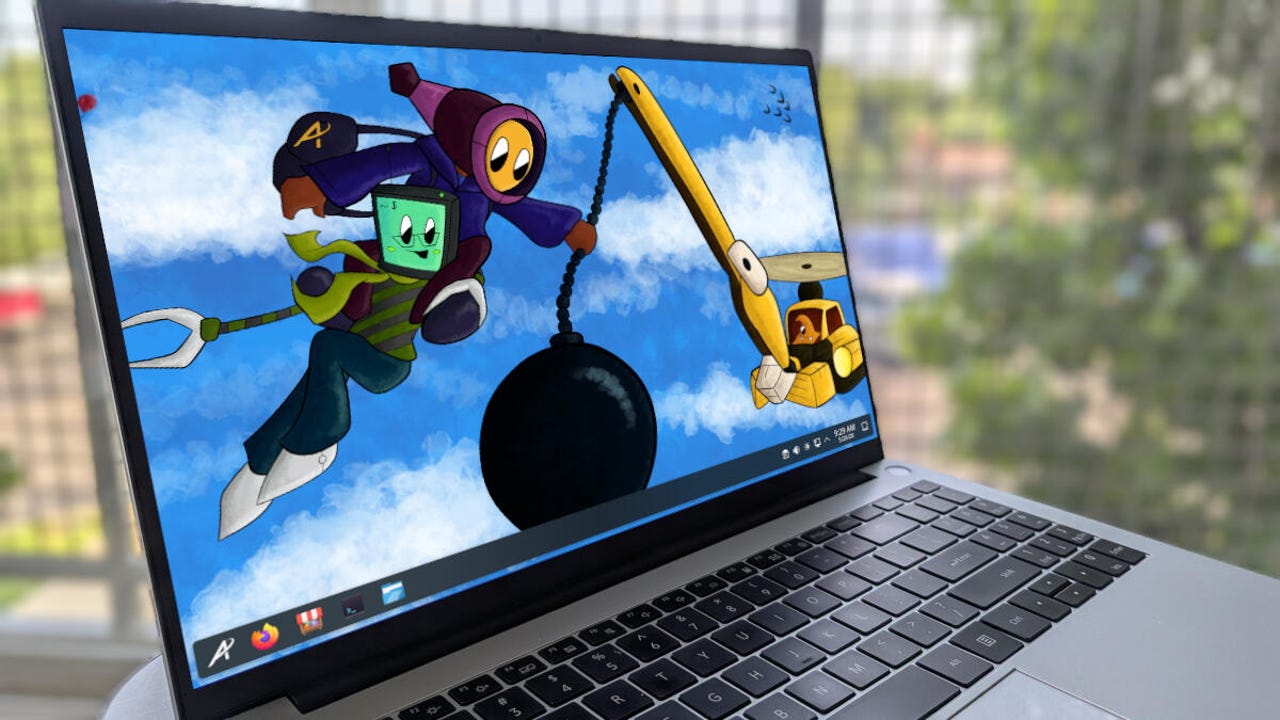
Case in point: Aurora is a new immutable Linux distribution based on Fedora Silverblue using the KDE Plasma desktop. But wait, doesn’t that sound like Fedora Kinoite? For those who don’t know, Fedora Kinoite is the KDE Plasma take on Fedora Silverblue, so it’s easy to mistake the two. However, Aurora is not Kinoite, and it sets itself apart in a few important ways.
Aurora vs. Kinoite
First off, Aurora ships with the necessary GPU drivers for all graphics cards and CPUs, including GPUs from Nvidia and AMD. That expanded hardware support also extends to game controllers and printer drivers, so chances are good that your hardware will work with this distribution.
Then, there’s the unified app store, Bazaar, where developers can easily publish their apps and users can download and install them. From within Bazaar, you can enable/disable things like free software only, Flathub results only, verified results only, and hide end-of-life apps.
Customizing Bazaar is simple with Aurora.
Jack Wallen/ZDNET
Aurora also ships with sensible defaults. What does that mean? Out of the box, Aurora is all about immediate ease-of-use, as well as entertainment and productivity. Unlike some Linux distributions, the sensible defaults mean you don’t have to worry about changing or customizing anything before those things can be achieved. Although you might have to install some software (such as LibreOffice, Steam, Slack, or Spotify), the out-of-the-box experience is as easy as it gets.
With a set of carefully selected applications and chosen defaults, Aurora is built for daily usage and is easy, fun, and productive. It takes care of you and works alongside you.
Also: My 10 favorite Linux distributions of all time, ranked
At the same time, Aurora does hold some similarities to Kinoite, in that it is immutable and updates are done atomically, which means that if an update should fail, it is immediately rolled back, so you don’t have to worry about your machine ever failing because of an upgrade.
Of course, with the addition of GPU drivers, you can install and run local AI (such as Ollama) without worrying about performance.
What makes Aurora so ideal?
Outside of the automatic GPU driver installation and the sensible defaults, I find Aurora to be an ideal immutable distribution for new Linux users because it uses KDE Plasma as its desktop environment, and although there are plenty of aspects that would appeal to developers (such as the inclusion of Distrobox), it’s very much an end-user operating system.
Also: The 6 best Linux distros for students – from elementary to college
Probably the best thing about Aurora Linux is that it is a set-it-and-forget-it distribution, which means you’ll install the OS and simply start using it. Although this can be said for other Linux distributions, when you combine it with the immutability and atomicity, Aurora becomes something rather special.
At the same time, security should be at the top of everyone’s mind. Given the rise in Linux kernel vulnerabilities, the added security that comes along with immutable distributions, Aurora should be considered at or near the top of distributions for new users. With that in mind, Aurora doesn’t require that the user do much to secure the OS. And unlike many Linux distributions, the Firewall is enabled by default, so you get even more security at a time when it is much-needed.
What could make Aurora even better?
I have very few nits to pick with this Linux distribution, but I do think it could benefit from the following:
- A preinstalled office suite
- Preinstalled Steam for gaming
- OS upgrades rolled into the app store GUI
- A GUI boot loader
- Default to a light theme (most users aren’t accustomed to dark themes)
That’s all I can think of; otherwise, Aurora is a brilliant Linux distribution that anyone could jump into without even the slightest bit of trouble.
Also: Immutable Linux delivers serious security – here are your 5 best options
If I’ve piqued your interest in Aurora Linux, download an ISO for your system’s GPU, create a live USB device with it, boot it, see if you like it, and install it.