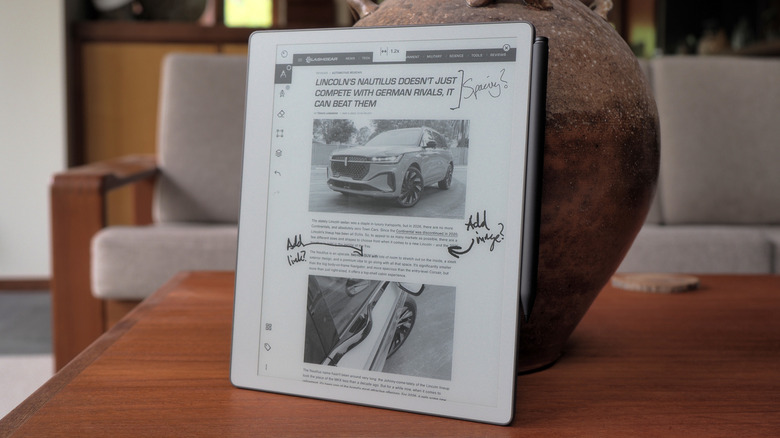

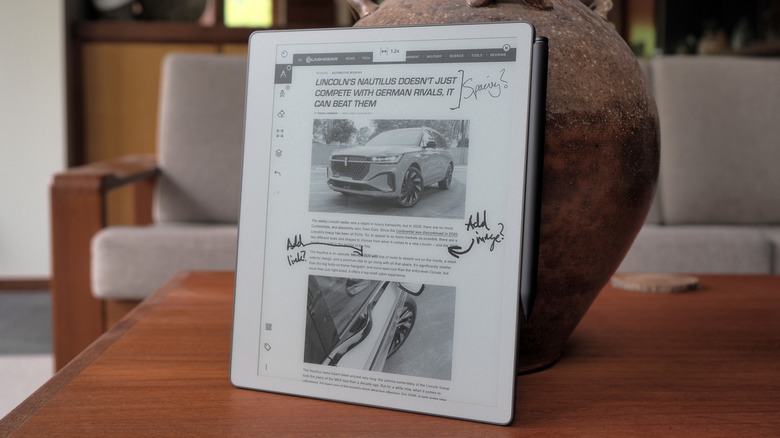
The more we’re told to trust AI, offload our note-taking to machine intelligence, and outsource creativity to agent prompts, the more appealing pen and paper sound. It’s a compulsion that reMarkable has carved out its niche in, with a range of e-paper tablets that promise the familiarity of a pen but with the undeniable organizational boon that digital brings. Now, it’s the turn of the company’s cheapest model to get an update, in the shape of the reMarkable Paper Pure.
Replacing reMarkable 2, which launched in 2020, the Paper Pure has an 10.3-inch e-paper screen that refreshes faster, a longer lasting battery (lasting up to three weeks, the company estimates, though that’s based on about an hour of use a day), and close to half the carbon footprint.
 Chris Davies/SlashGear
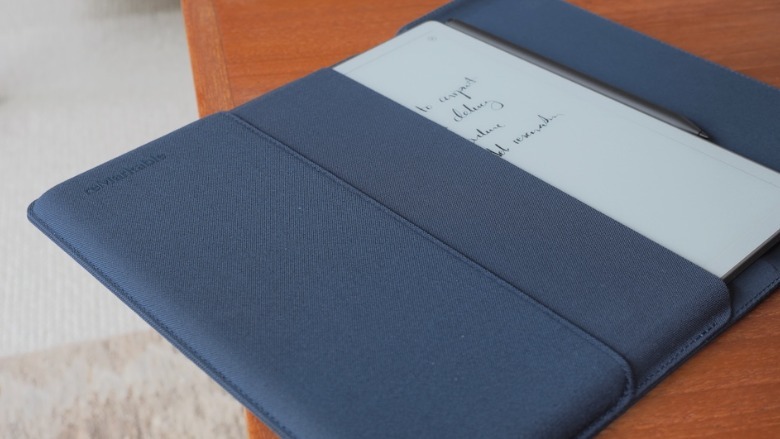
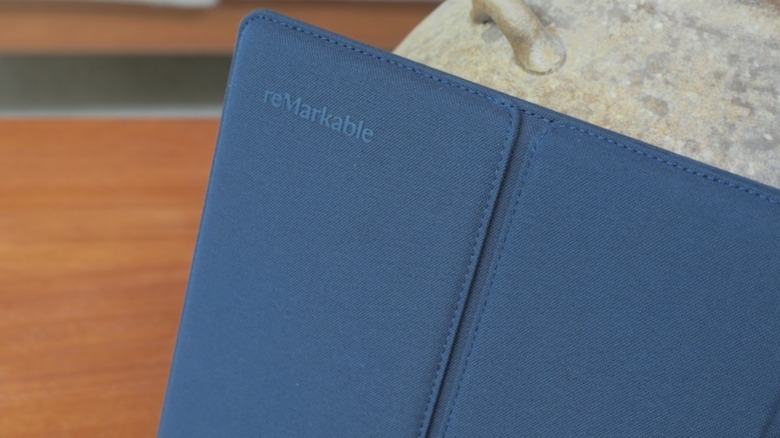
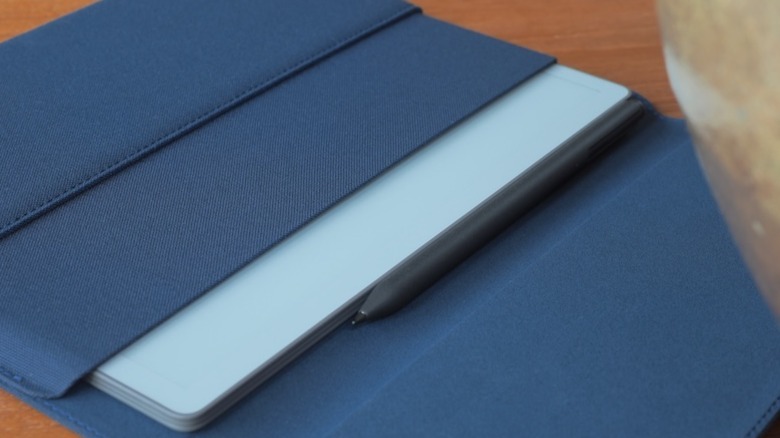
It’s priced the same, though: $399 in a bundle with the Marker digital stylus, or $449 with a sturdy fabric sleeve folio (in Mist Green, Desert Pink, or the Ocean Blue you see here). It’s compatible with the same Marker Plus stylus ($129) — that adds an eraser tip — as reMarkable’s more expensive models. Orders open today, with the first Paper Pure units shipping in early June, but I’ve been living with the tablet for the past couple of weeks.
Monochrome, but no matter
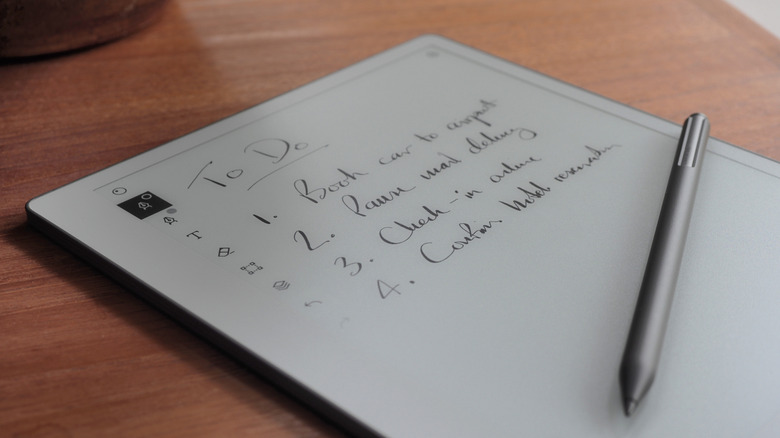
Compared to the reMarkable Paper Pro (from $629), the Paper Pure lacks the larger, 11.8-inch color e-paper display. There’s also no optional Type Folio keyboard cover, nor — probably more frustrating — illumination for the e-paper screen. Instead, like an actual printed book or magazine, visibility of the Paper Pure depends on ambient light conditions.
In-between those two models is last year’s reMarkable Paper Pro Move. It’s slightly more expensive (from $449) than the Paper Pure but significantly smaller, with a 7.3-inch color display — that’s also illuminated — helping trim the overall dimensions to roughly those of an old-school reporter’s notebook.
 Chris Davies/SlashGear
While the hardware differs, all three models have the same functionality; the Paper Pure has basically the same speed of processor paired with the same amount of memory as the Paper Pro Move. However, both the Paper Pro Move and the Paper Pro have 64GB of onboard storage, twice the 32GB of the Paper Pure.
It feels like writing on real paper
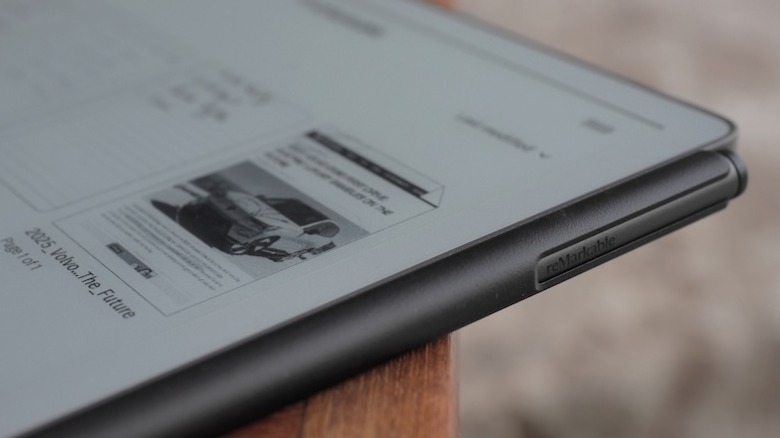
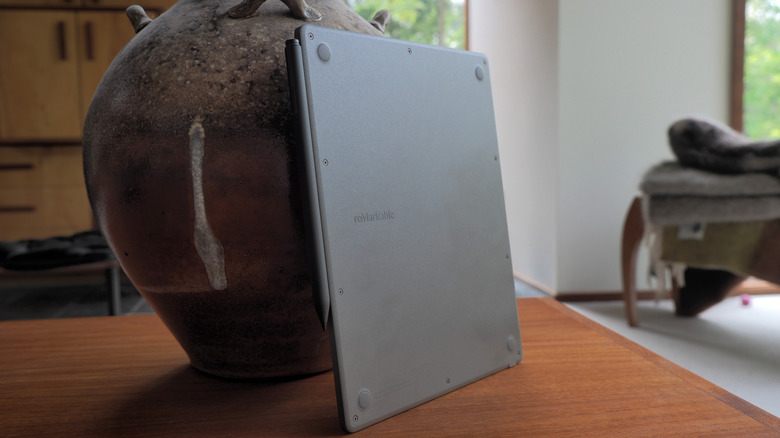
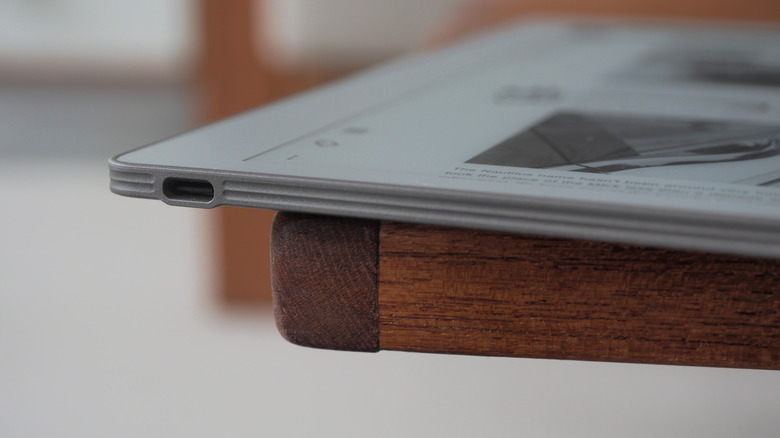
Paper Pure may be the cheapest of the line-up, but I can’t fault reMarkable’s design or construction, here. The 6mm thick tablet has a textured plastic back that’s easy to hold, and weighs 360 grams (so, less than the typical hardback book). There’s a USB-C port on the bottom, a power button on the top, and the stylus clings magnetically to the side for both storage and recharging. The 10.3-inch touchscreen is offset to the side, slightly, making it easier to hold the tablet without overlapping the e-paper; it rotates automatically, in 90-degree increments, so left-handed users are as welcome as those right-handed.
 Chris Davies/SlashGear
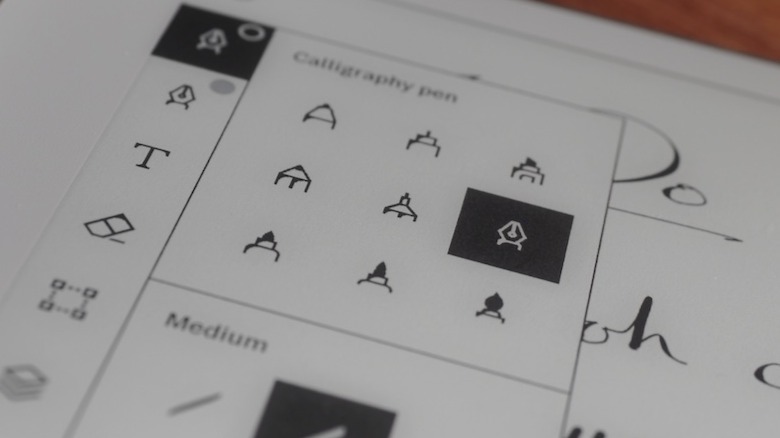
It’s the texture applied to that screen — and the nib of the stylus — which stands out, though. The same treatment as on the Paper Pro, it leaves the Paper Pure feeling like actual paper to write and sketch on.
 Chris Davies/SlashGear
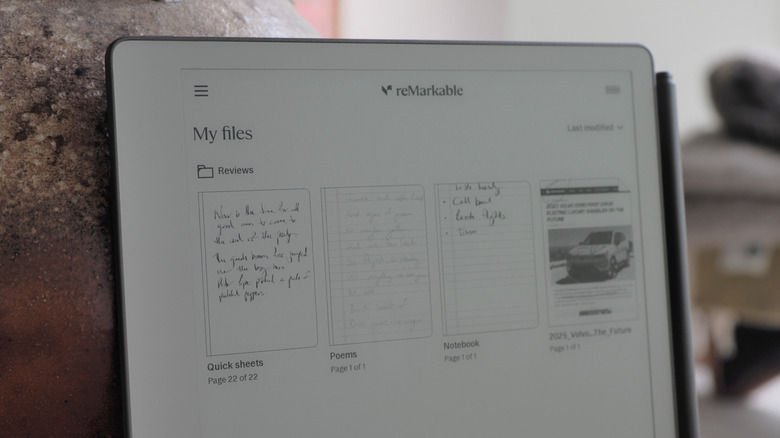
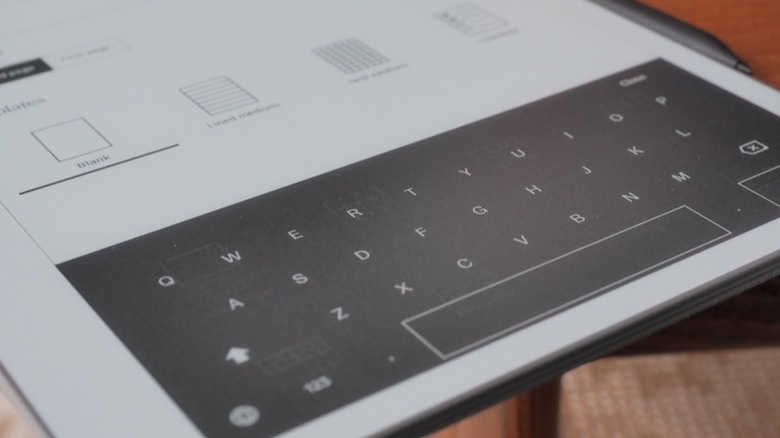
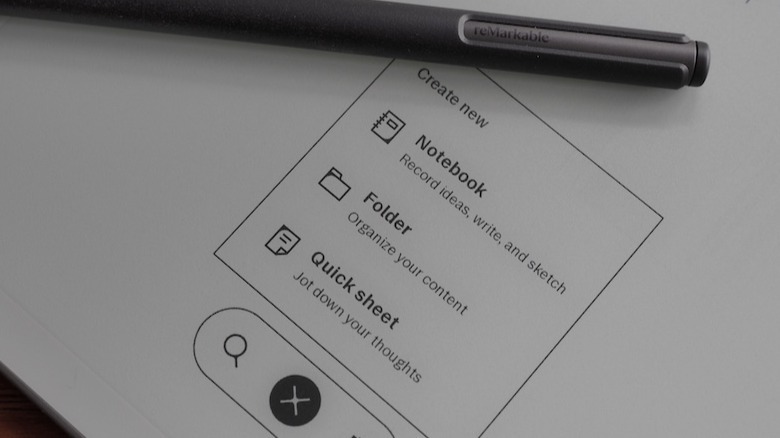
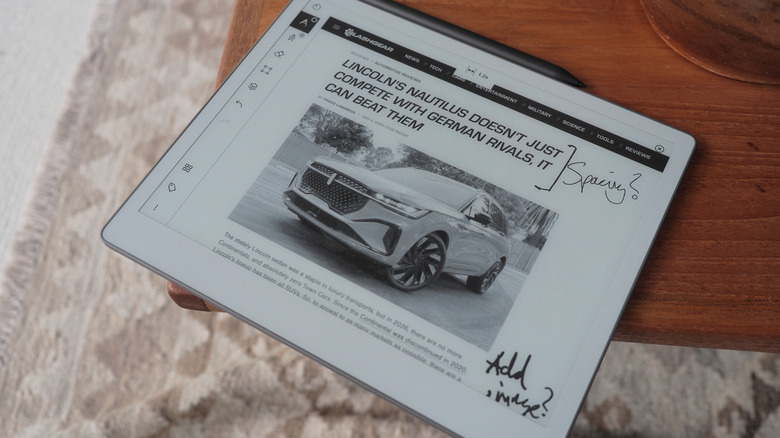
Combined with the faster e-paper screen — an update which promises to not only see the digital ink “flow” more smoothly from the Marker’s tip, but zooming and page-turns be swifter, too — it leaves the Paper Pure remarkable pleasing to use. As before, you can either start from a blank page (with or without a template, of which reMarkable has plenty, but you could also create your own, or import a third-party one) or import an existing document or webpage (reMarkable automatically converts them to PDR or ePUB files, which are still — annoyingly — the only two formats natively supported).
Some of the features require a subscription
Writing on the Paper Pro could almost make a handwriting convert out of me. Or, more specifically, send me down a fountain pen rabbit hole: the flow of ink from the virtual pens on offer is so clean and realistic, I found myself taking notes almost for its own sake. Sketching, too, is oddly satisfying. I didn’t really miss the absent color support — relatively muted as it is on the Paper Pro, if you’re used to an iPad’s saturation — but then again I hated coloring books as a kid. Your mileage might vary.
 Chris Davies/SlashGear
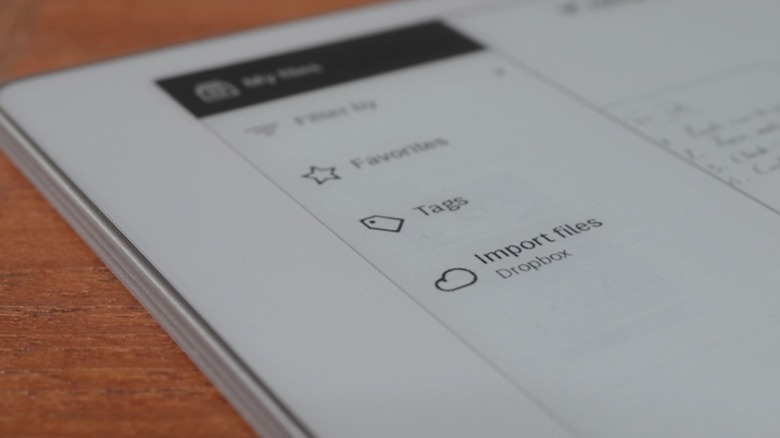
There’s handwriting conversion, which did an okay job turning my chicken-scratch cursive into text, and integration with Dropbox, Microsoft OneDrive, and Google Drive to both import documents and export them as annotated PDF, PNG, or SVG files. The ability to search unconverted handwritten notes, though, requires reMarkable’s Connect subscription ($3.99/month or $39/year).
 Chris Davies/SlashGear
It also adds support for editing notes in the companion iOS and Android apps (they’re automatically synchronized with the tablet when it has a Wi-Fi connection); sending notes to Slack and Miro, or as a sharable notebook viewable in the browser; and unlimited cloud storage of notes. Without a Connect subscription, only notebooks edited in the past 50 days will be synchronized to the cloud.
You either need a digital notepad or you don’t
As I’ve found when trying other reMarkable models, the usefulness overall very much depends on your existing style of working. I know owners of the tablets who are writers and editors, and who appreciate the ability to jot annotations and circle typos; frequent meeting-goers find reMarkable’s paper-like notebook organization structure straightforward, and taking notes less obtrusive when they’re handwritten compared to having a laptop (or even a bright-screened tablet) open on the table.
My own job involves plenty of writing and editing, but a Paper Pure doesn’t quite slot into that particular dynamic so readily. These days, I’m faster at typing than I am writing by hand. That is, to be sure, less a shortcoming of what reMarkable offers and more just the reality that not all workflows are created equal. Honestly, the gooey-realism of the digital ink made me inclined to treat the Paper Pure as a digital journal (I wish it had a fingerprint sensor integrated into the power button, which would be quicker than punching in the supported PIN code for security).
 Chris Davies/SlashGear
The most obvious competition comes from Amazon’s Kindle Scribe. It, too, has a monochrome e-paper display — in this case, measuring 10.2-inches, and front-illuminated — and a digital stylus; it’s also priced from $400, albeit for half the onboard storage of reMarkable’s tablet. Both handle a similar array of file import support, but Amazon would also love for you to summon its AI to assist with things like document summaries (as long as those documents are 15 pages or fewer).
The cheapest model is easier to justify
Frankly, I’m no more swayed by Amazon’s AI as I am by that of any other big tech firm. And if — like me — you’re trying to reduce your reliance on Bezos’ businesses generally, reMarkable’s independence and extra onboard storage may well seem like a bigger draw.
The recurring irony on trying any reMarkable product has been that, while my own personal use-case isn’t entirely compatible with what the tablets are intended to do best, my appreciation for their design and functionality means I end up trying to reshape my workflow to better accommodate handwriting. There is something that simply makes me want to use them, more so than a regular tablet despite that undoubtedly being more flexible overall, and even if that means making up an excuse.
 Chris Davies/SlashGear
On that front, this combination of the cheapest model with the latest e-paper tech is arguably the easiest to justify for use as, say, a digital sketchpad or journal. $400 isn’t cheap, but while I might miss the illuminated screen, the reMarkable Paper Pure’s polish leaves this more affordable model feeling no less premium than its siblings. If it fits neatly into how you already use paper and pen, I find myself envying you.

Stephan is the sports journalist for the Maple Grove Report.