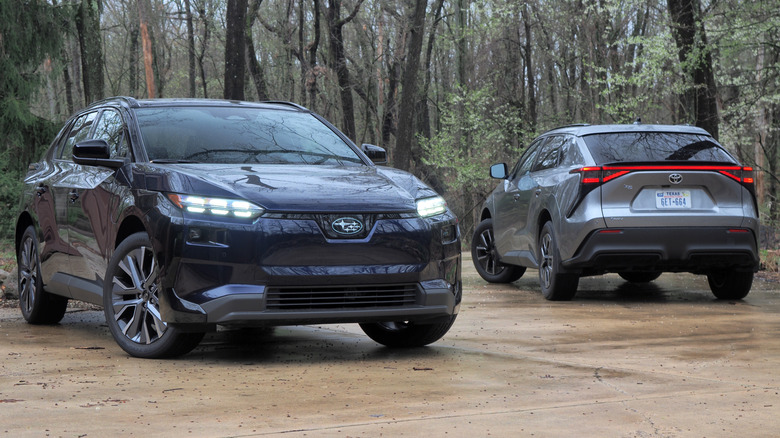

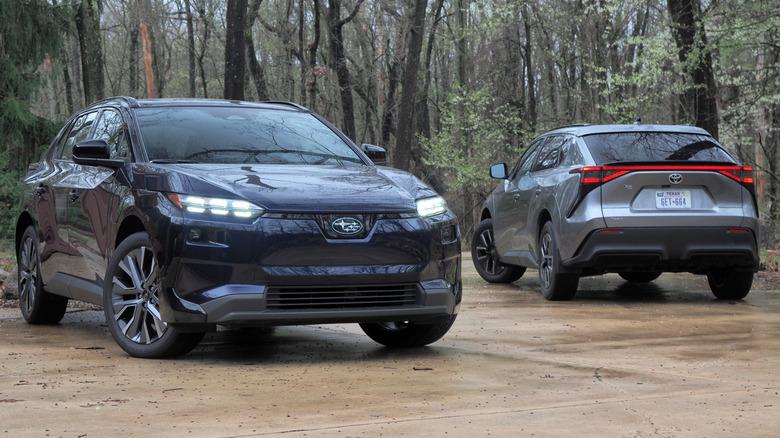
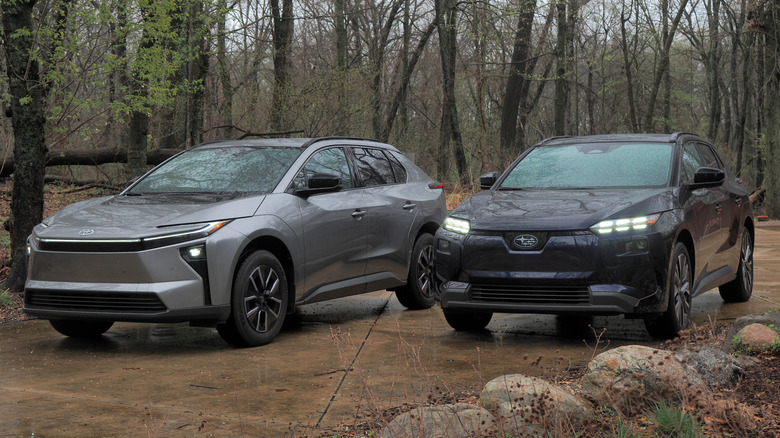
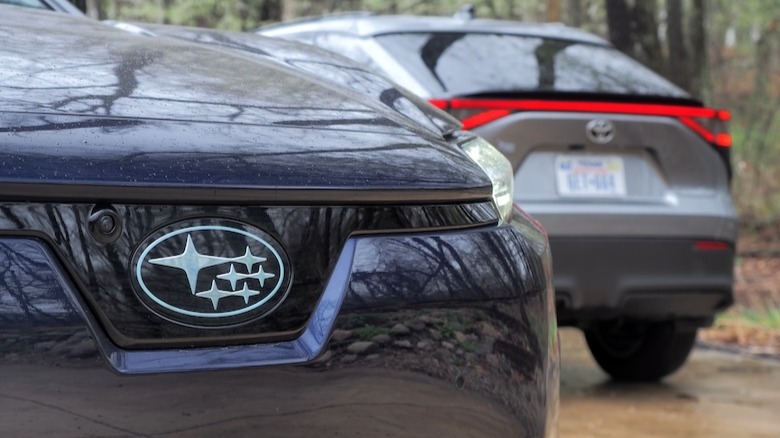
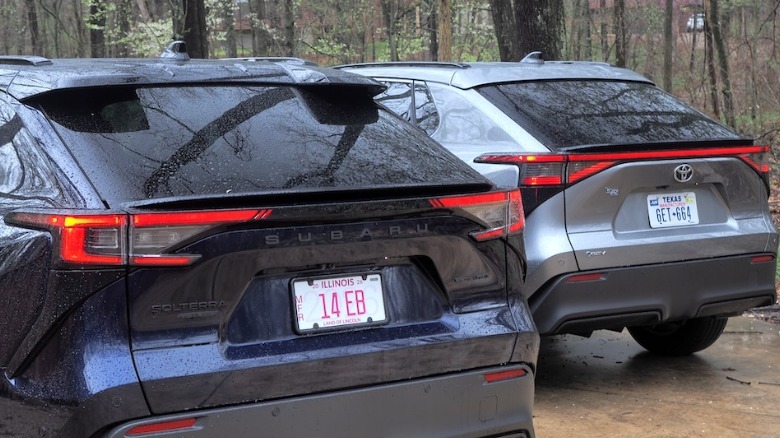
Much like many human twins, Toyota and Subaru’s pair of all-electric crossovers waited until a few birthdays had passed before striking out in different directions. Little separated the original 2022 bZ4X and Solterra, bar badging. That’s something a mid-cycle refresh offered the opportunity to address, along with a list of other shortcomings that left both EVs as also-rans in the segment.
 Chris Davies/SlashGear
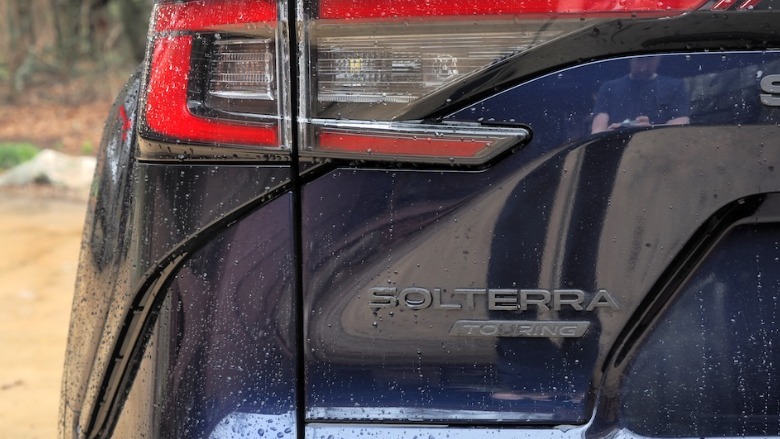
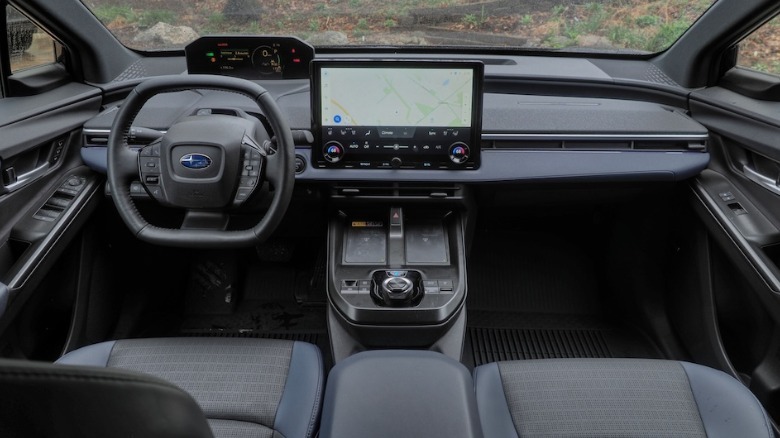
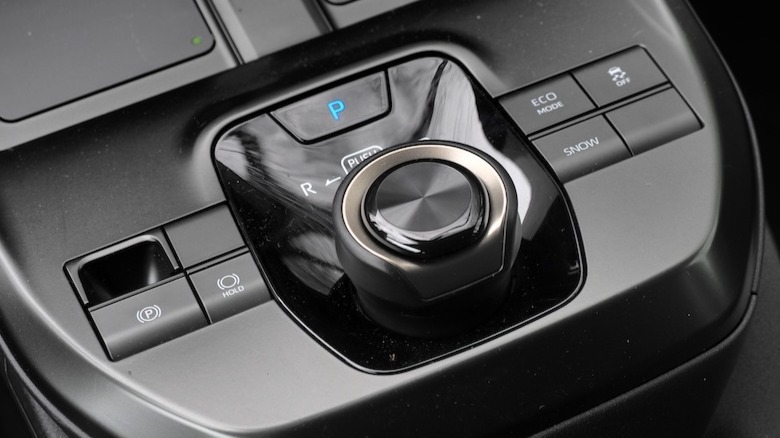
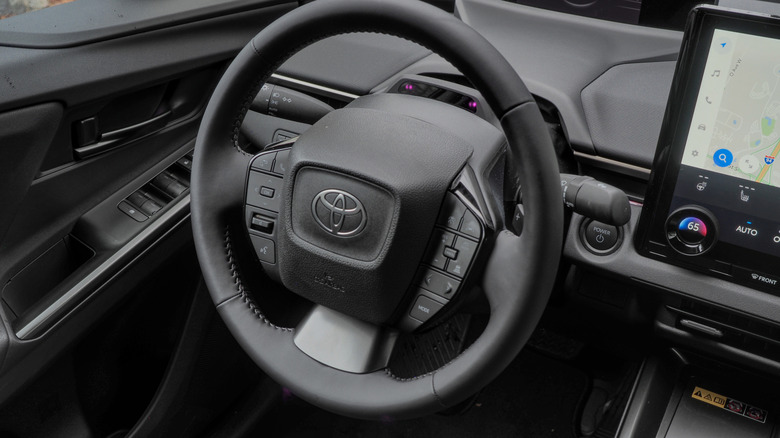
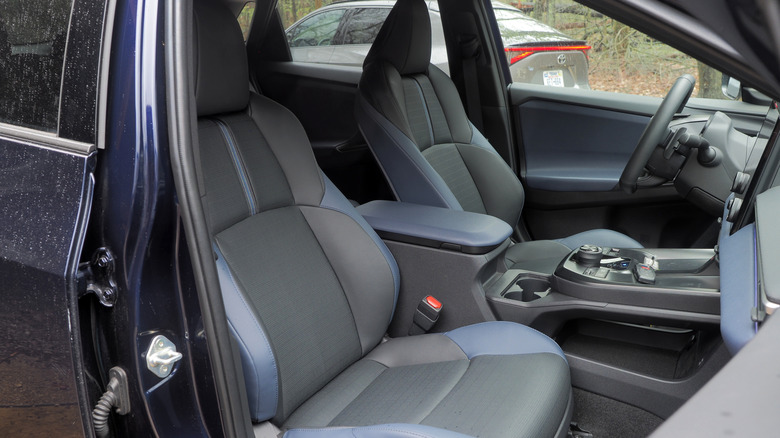
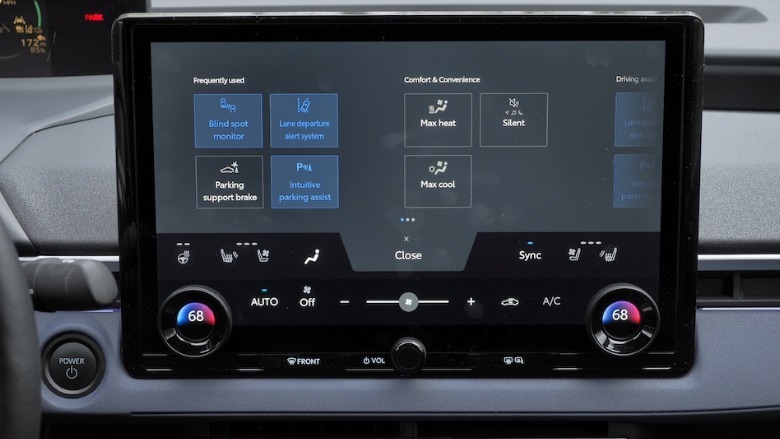
The 2026 revamp brought most conspicuously a greater distinction in style. I’m not sure the 2026 Solterra looks any more like a Subaru, but it at least doesn’t look identical to the 2026 bZ (now renamed in the U.S. to match international variants). Both have a compact, chunky stance, picked out with angular details in the light clusters and other trim. Inside, the aesthetic is decidedly weird, but more functional: dual wireless phone chargers are standard, the 14-inch infotainment screen is bigger than either the optional or upgrade touchscreen on the previous cars, and there are plentiful physical controls.
 Chris Davies/SlashGear
Things still feel plasticky, in places, and if you go in expecting the modern minimalism embraced by EVs like the Polestar 4 then you’ll be startled by the surfeit of actual switchgear. Good news, if you like buttons. More of those were blanks in this bZ XLE Front Wheel Drive Plus (from $39,350 including $1,450 destination) compared to the Solterra Touring XT (from $47,005 including $1,450 destination) which had fancies like a panoramic glass roof, front seat radiant leg warmers, and a 360-degree camera.
Single-motor or dual-motor?
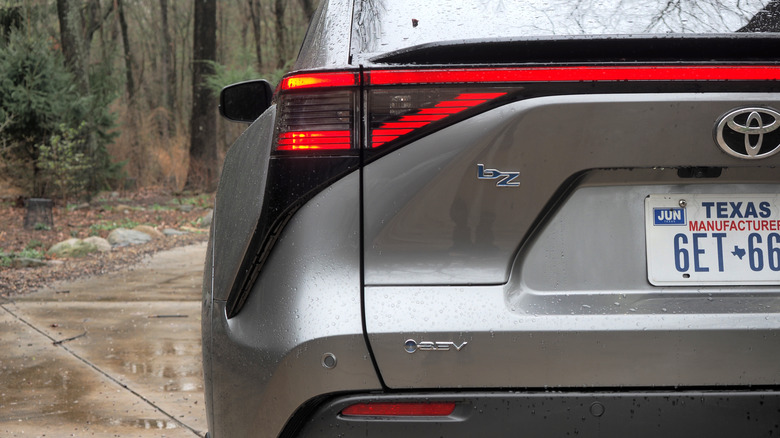
Arguably the biggest difference between the Solterra and the bZ, though, is that only Toyota offers a choice of single- or dual-motor configurations. All 2026 Solterra trims — in keeping with Subaru’s outdoorsy vibe — come with all-wheel drive, courtesy of an electric motor on both axles. In the Premium (from $34,945 including destination) and Limited trims, there’s a total of 233 horsepower; Limited XT (from $44,345 including destination), Touring XT, and Touring XT Leather bump that up to 338 horsepower.
 Chris Davies/SlashGear
The 2026 bZ, in contrast, is front-wheel drive as standard. In fact, Toyota offers two versions of its single-motor EV: the regular one (from $36,350 including destination) has 165 horsepower, while the FWD Plus has 221 hp. A dual-motor configuration is available on both the XLE (from $41,350 including destination) and Limited trims, with the same 338 hp as Subaru’s most potent iterations.
 Chris Davies/SlashGear
Horsepower isn’t the only distinguishing factor between Toyota’s two single-motor configurations, mind. The basic bZ FWD has a 57 kWh battery, markedly smaller than the 74.7 kWh battery standard on all other trims, and across Subaru’s array of Solterra variants.
For frugal driving, there’s only one choice
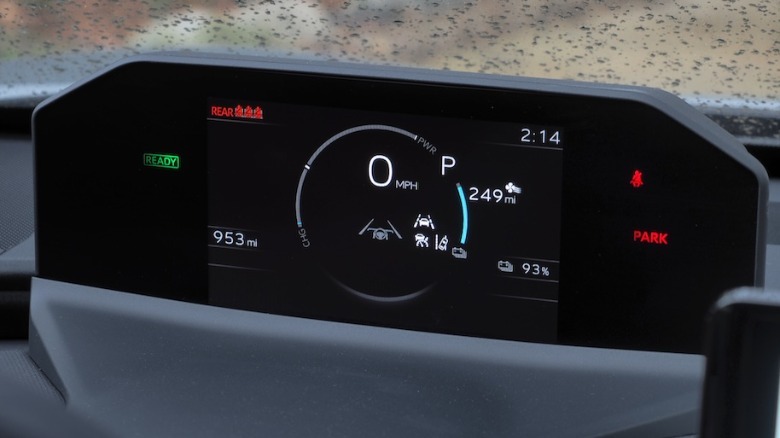
If maximizing miles driven for electrons added is your primary goal, Toyota’s single-motor bZ is the version to have. Even in more-potent FWD Plus form, with regular driving I saw 4.6 miles per kWh on the trip computer. That would work out to around 343 miles of driving on a full charge, comfortably besting Toyota’s own 314-mile estimate (the non-Plus version is rated at 236 miles). Adding in more higher-speed highway driving did see those numbers drop, mind.
 Chris Davies/SlashGear
Now, I’m not claiming to have done exacting back-to-back testing, with identical conditions. Unsurprisingly, though, the more potent all-wheel drive Solterra is less frugal. Subaru’s 278-mile estimate for this Touring XT was in line with reality; still more than enough for most drivers’ needs, even if it doesn’t breach the 300-mile mark that seems to settle range anxiety so successfully.
 Chris Davies/SlashGear
When it comes time to plug in, both EVs now have a Tesla-style NACS charge port, and support up to 150 kW DC fast charging. Better than before — the pre-refresh cars topped out at 100 kW — but definitely slower than many rivals. Perhaps more useful, the onboard AC charger now manages up to 11 kW (versus the 6.6 kW of before) so home charging can be faster.
Neither of these EVs feels especially enthusiastic
Behind the wheel, think pep not outright punch. The immediacy of electric motors delivers that surge from a standing start that so many of us have come to love from EVs, making zipping around urban traffic a cinch. The Solterra’s 338 horses clearly give it an edge over the single-motor bZ, which feels more everyday in comparison. Both will put similarly-scaled gas crossovers to shame, but don’t expect whiplash.
 Chris Davies/SlashGear
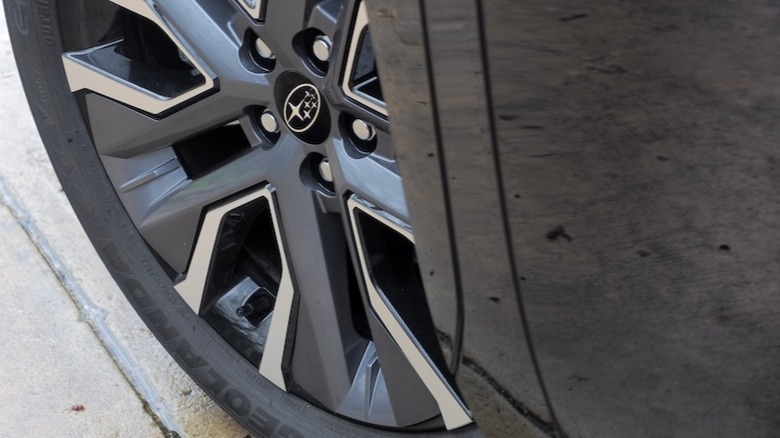
In fact, I found myself preferring the Toyota’s dynamics, and I suspect the standard 18-inch wheels deserve the credit, there. More sidewall than what wraps the 20-inch rims on the Subaru (standard on all trims bar the base Solterra Premium, which gets 18-inch alloys) pays dividends, the ride more compliant and less readily unsettled by low-quality pavement. Neither are lightweight cars — the Solterra Touring XT is 4,510 pounds, versus the bZ XLE FWD Plus at 4,156 pounds.
 Chris Davies/SlashGear
There’s a slight advantage in ground-clearance with the Subaru, at 8.3-inches versus the Toyota’s 8.1-inches. With all-season tires all round, though, it’s hard to take either EV too seriously as an off-road machine. Toyota does offer the 2026 bZ Woodland, from $46,750 including $1,450 destination, with 8.4-inches of clearance and optional 18-inch all-terrain tires. Its range is an EPA-estimated 260 miles.
The rational EV shopper is rewarded
It’s easy to get carried away by the idea of an electric car that packs the same sort of power and acceleration once reserved for supercars. Even mass-market EVs are more than capable of embarrassing their internal-combustion counterparts when it comes to darting away from a red light. Similarly, expectations for many hundreds of miles of range on a full charge can lead many to doubt the practicality of more average models.
 Chris Davies/SlashGear
For those with a garage, car port, or driveway where they can plug in at home; a typical daily commute; and more interest in getting from A-B smoothly and serenely (rather than with blistering swiftness), though, Subaru and Toyota’s electric duo make a lot of sense. And with energy prices what they are right now, there’s a lot to be said for something predictable, relatively cheap, and conservative (with a small “c”).
 Chris Davies/SlashGear
If you can do without all-wheel drive, Toyota’s bZ satisfies the budget side of things more convincingly. If dual-motor is essential, then the base Soltera Premium not only has the most range of the Subaru trims, but the preferable 18-inch wheels. Both cars feel far more competitive than their pre-refresh predecessors, but there’s still little reason to stray up the spec ladder from the cheapest configurations.

Stephan is the sports journalist for the Maple Grove Report.