
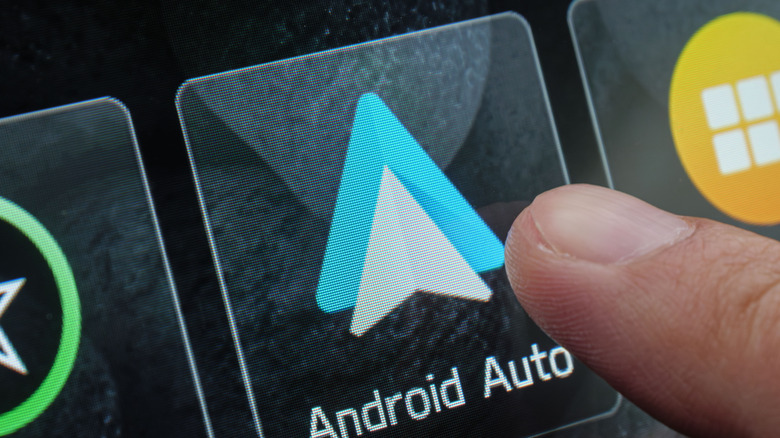
Android Auto can be notoriously fussy about wired connections. If you’re running into issues, Google says the first thing you should check is whether your USB cable is working properly. After all, it’s the main point of contact to the car for that functionality, even more so in cars that only support wired Android Auto.
Sometimes, cables just get worn out and need replacing. But there are more factors at play here, even with brand new ones. A notable thing to keep in mind is length, which matters more than you’d think; longer USB cables can degrade signal quality. Cars are also obviously shorter on space compared to your house, so buying more modest-length cables helps keep things neat and tidy. Extensions and USB hubs are equally bad news – they introduce extra connection points that can cause random disconnections, especially if you hit a bump or nudge the phone while driving.
The reason wired connections can be finicky with Android Auto all comes down to what the cable is actually doing; rather than simply charging your phone, it’s handling every bit of data flowing between your device and the car’s infotainment system. That includes navigation, music, calls, and more. Cables that can’t keep up with those demands consistently result in lag, audio glitches, and disconnections.
That said, not every connectivity issue is the cable’s fault. There are actually quite a few reasons Android Auto might not be connecting via USB, and sometimes the problem lies with the car itself. If your infotainment system needs a restart or the USB ports in your car aren’t working properly, no cable swap is going to help.
What kind of cable should you use with Android Auto?
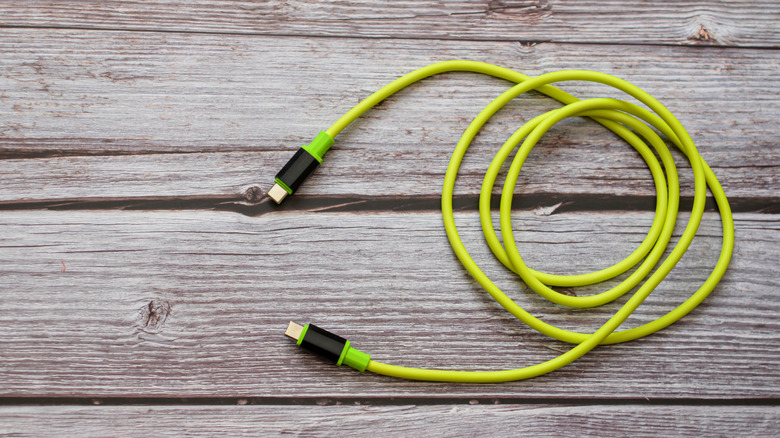
This is where many people end up overthinking it. One thing you need to know is that you don’t need a specialized accessory to keep things working. Google says that the cable your phone came with is typically the best option. For example, either a Pixel cable paired with a Pixel phone or a Samsung cable with a Samsung phone should work just fine. If those options feel too basic and you’re in the market for something fancier, check whether the cable of your choice meets the standards set by the USB Implementers Forum, the organization behind the USB protocol itself. It actually has a searchable product database on their website made up of every product they have ever certified. You can simply punch in a model number to look it up. A good benchmark here is to see if your cable has been certified within the past two years, which is what Google specifically flags. That’s because older certifications might not reflect current standards.
One more thing worth considering is the USB generation. A 2.0 cable can technically handle Android Auto’s needs, but USB 3.2 Gen 1 or higher gives you significantly faster data transfer speeds. That extra bandwidth is useful since it keeps everything responsive. It’s also worth remembering that not all USB-C cables are the same, even when they look identical from the outside. There are some that only support charging and won’t carry data at all. Ultimately, a short, certified cable from a decent brand is all you need here.

Stephan is the sports journalist for the Maple Grove Report.