
When you envision your next trip ‘across the pond’ mingling with lads and lasses over a pint of beer you can’t pronounce, it’s likely London that comes to mind.
But far beyond bright red double-deckers and the movie-famous landmarks that steal the spotlight lies an array of worthwhile getaways across the UK.
And one nation in particular is no longer relying solely on summer vacationers for a tourism boom on the coast — it has quietly become a year-round escape, yet rarely gets the attention it deserves.
Home to some of the UK’s most gorgeous beaches, arguably its most distinctive culture thanks to its own language, and far more palatable prices and food options than the usual bangers and mash, and tourist-trap rates, Wales feels like the last frontier for travelers to discover.
Wales Is A Whale Of A Destination 🏴
One of the most sprawling regions of the UK doesn’t fit the moniker ‘a slice of paradise’ — it’s just too big.
The “Land of Song”, as it’s known, is brimming with culture, history, and most notably to spring/summer travelers — an incredible coastline you don’t necessarily picture when going off-path in Britain.
But that’s the appeal; exploring more of Britain beyond the dreamscape of London, where your bank balance drains faster than your glass of Tetley’s.
Wales is one of the oldest parts of the modern-day United Kingdom, with roots stretching back to the Middle Ages, while its modern devolved Parliament only arrived at the end of the 20th century
History is just the tipping point, though. Wales isn’t just an add-on for a weekend escape from London — it’s a bona fide vacation destination ticking off more boxes than you might suspect.
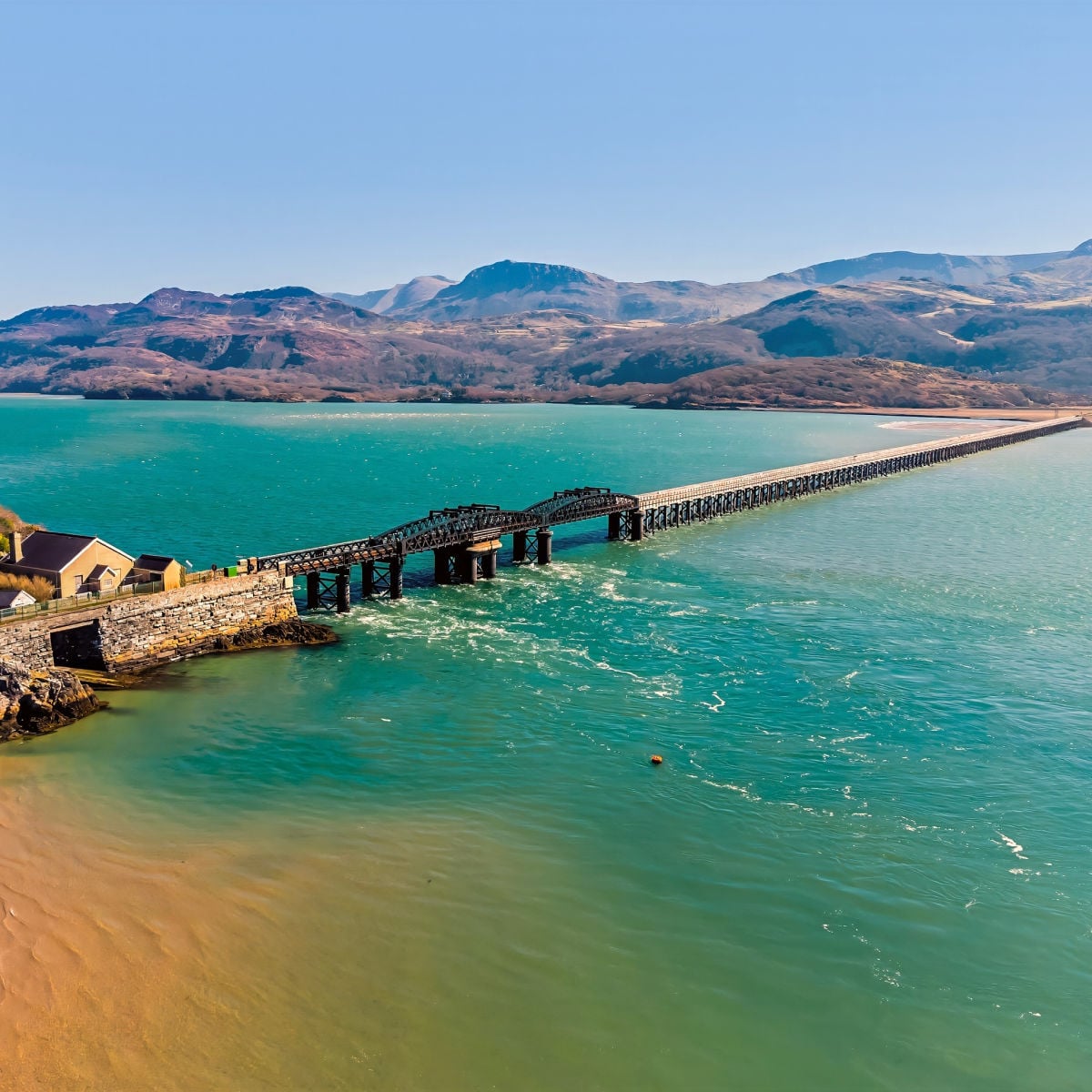
There are ample charming villages, fascinating cultural delights, and world-class beaches that locals have kept tight-lipped from droves of tourists zoned in on London and the few notable coastal areas outsiders may know about.
- Entry Requirements: The entry requirements for the UK have recently changed with a new ETA protocol. Be sure to check the latest info here (and beware of the UK’s lesser-known customs protocol).
- Safety: The UK is currently classified as Level 2 (the second-lowest level issued by the US State Department). See what travelers on the ground are saying about safety in the UK on our safety index.
Culture Shock: Storied Castles, Vibrant Villages & A Living Native Tongue
Look, we get it — understanding local lingo in cities such as London, Edinburgh, and Belfast is hard enough, but you will need Google Translate at the ready in certain parts of Wales in case you’re welcomed into a cafe with: “Helo, beth hoffech chi?”
Yeah, good luck…
It’s estimated nearly 20% of the population still speak Welsh across Wales, according to its official census.
Some of the more common areas you’ll find their traditions etched in time are Ceredigion, Anglesey, and Caernarfon, located on the awe-inspiring Gwynedd coast.
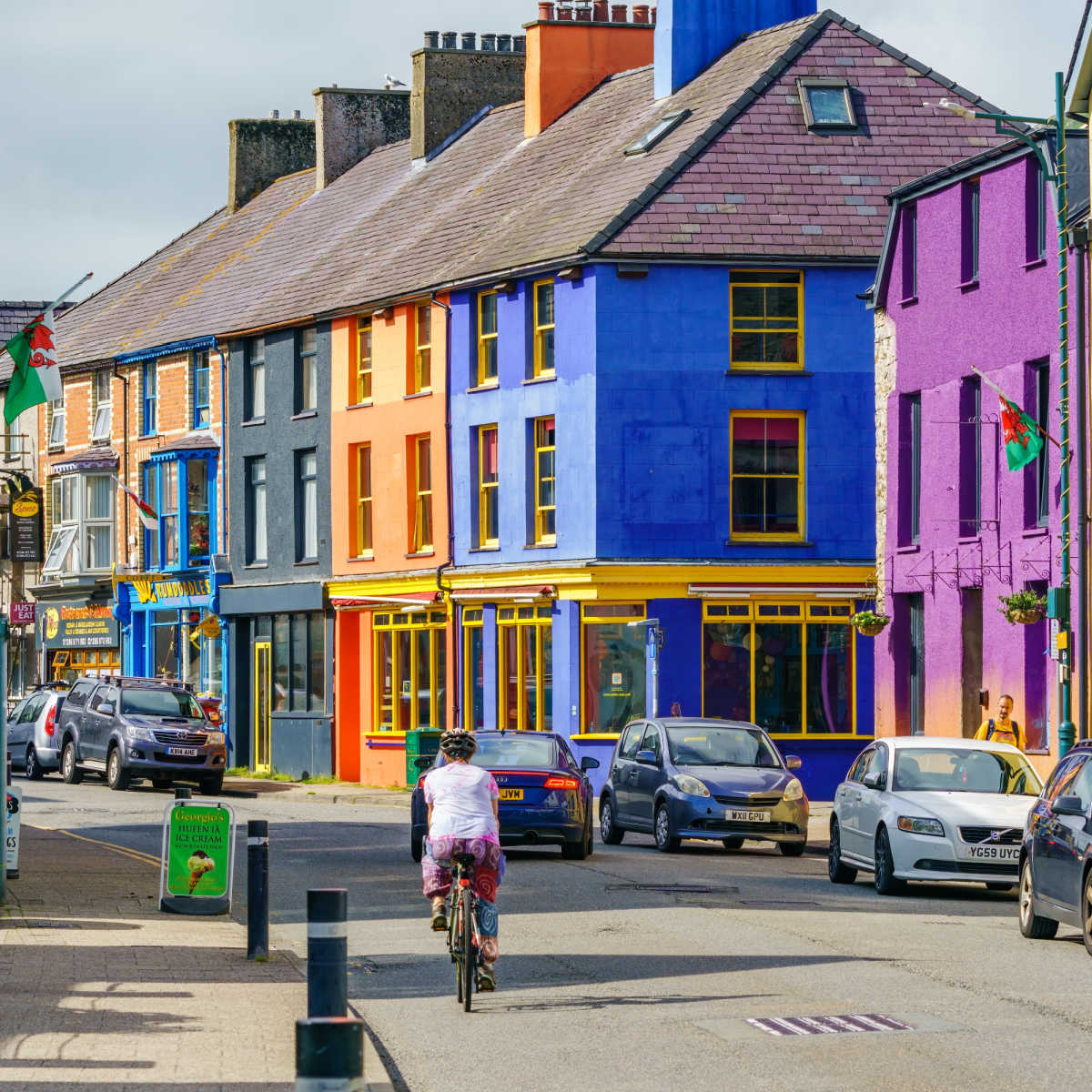
Don’t worry, though — like the rest of the UK, English is widely spoken too.
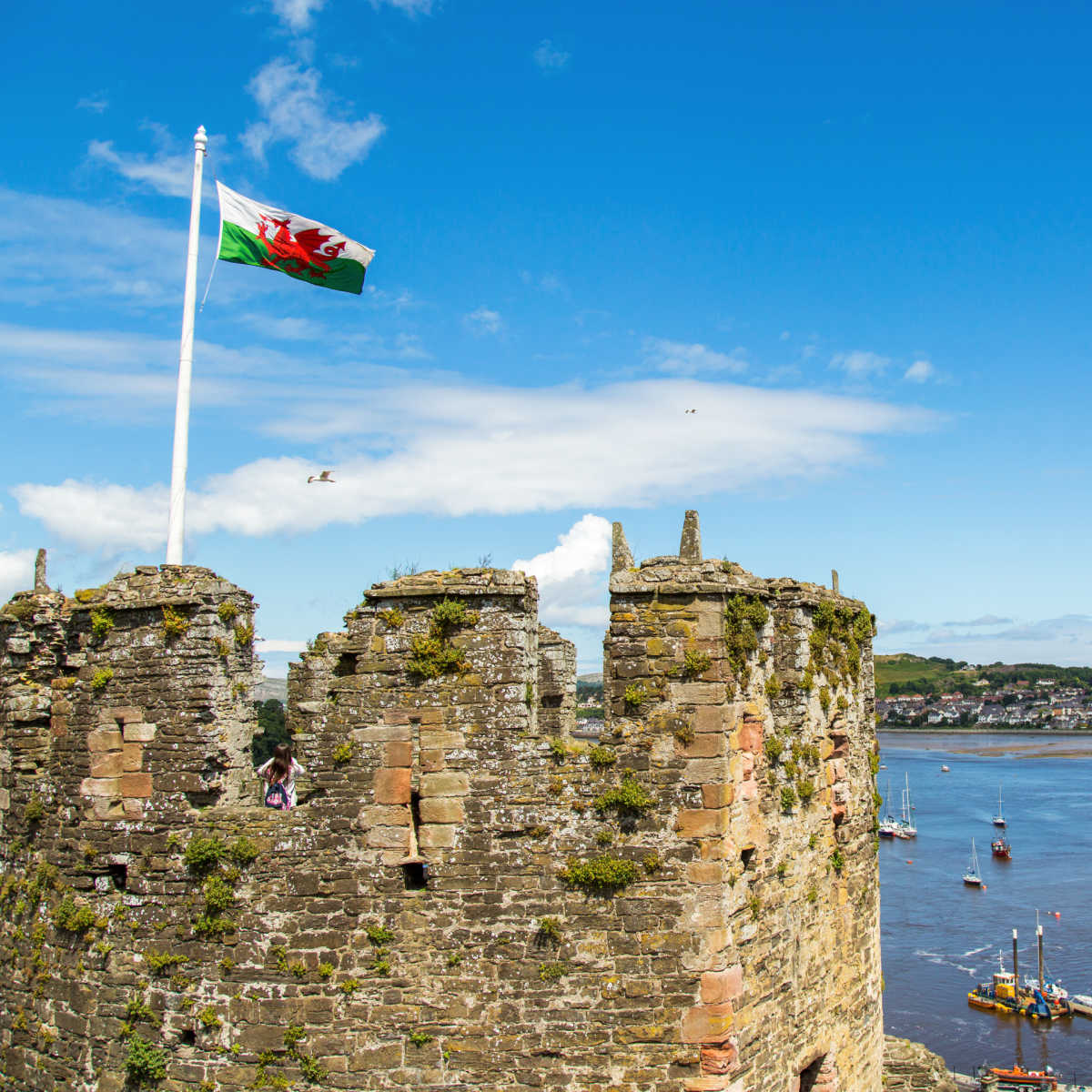
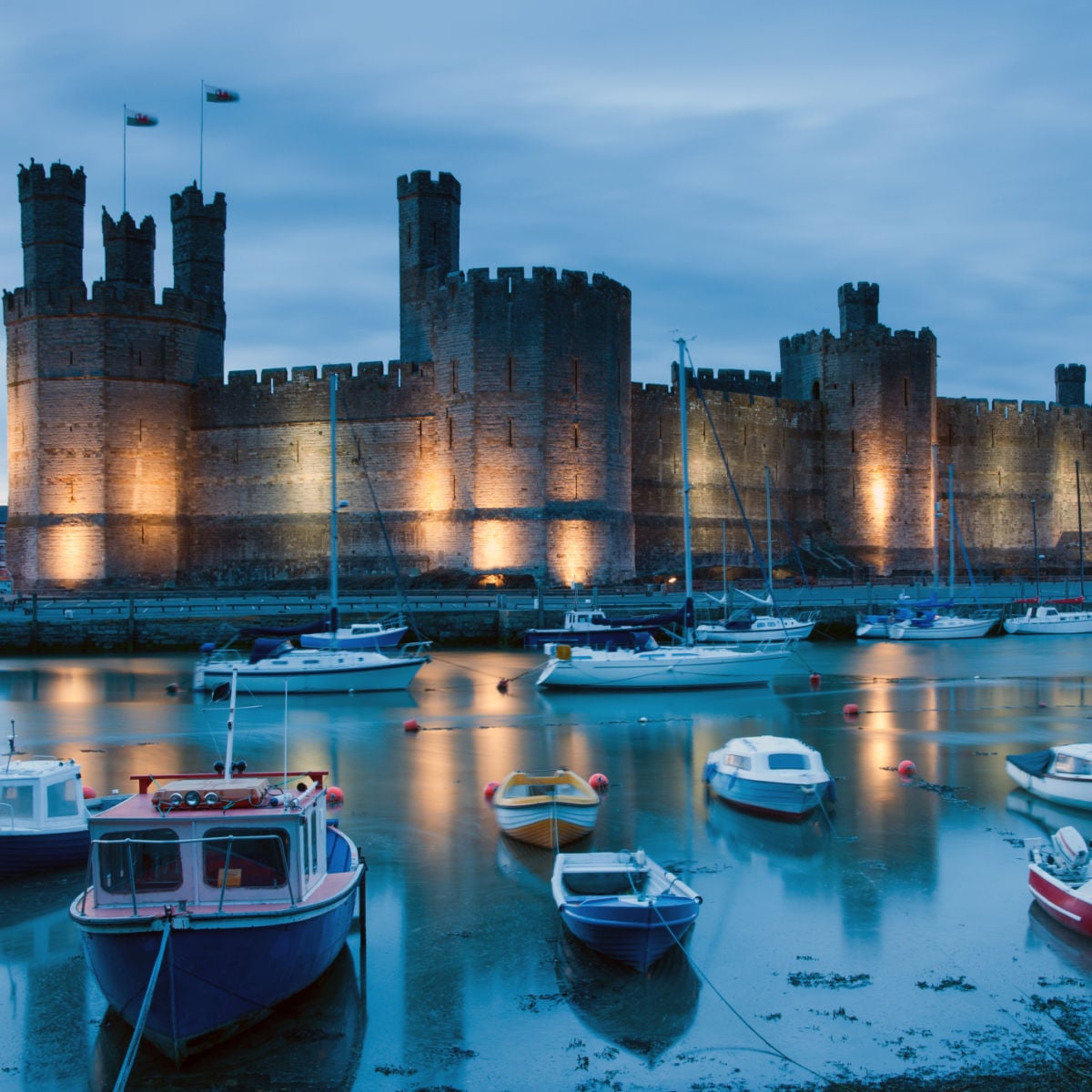
It won’t be terribly challenging to navigate your trip through some of Wales’ most famed attractions, such as historic castles like Caernarfon Castle and Conwy Castle, or traversing cozy, colorful villages like the real-life postcard of Portmeirion.
Wales Is The UK’s Unsung Beach Destination
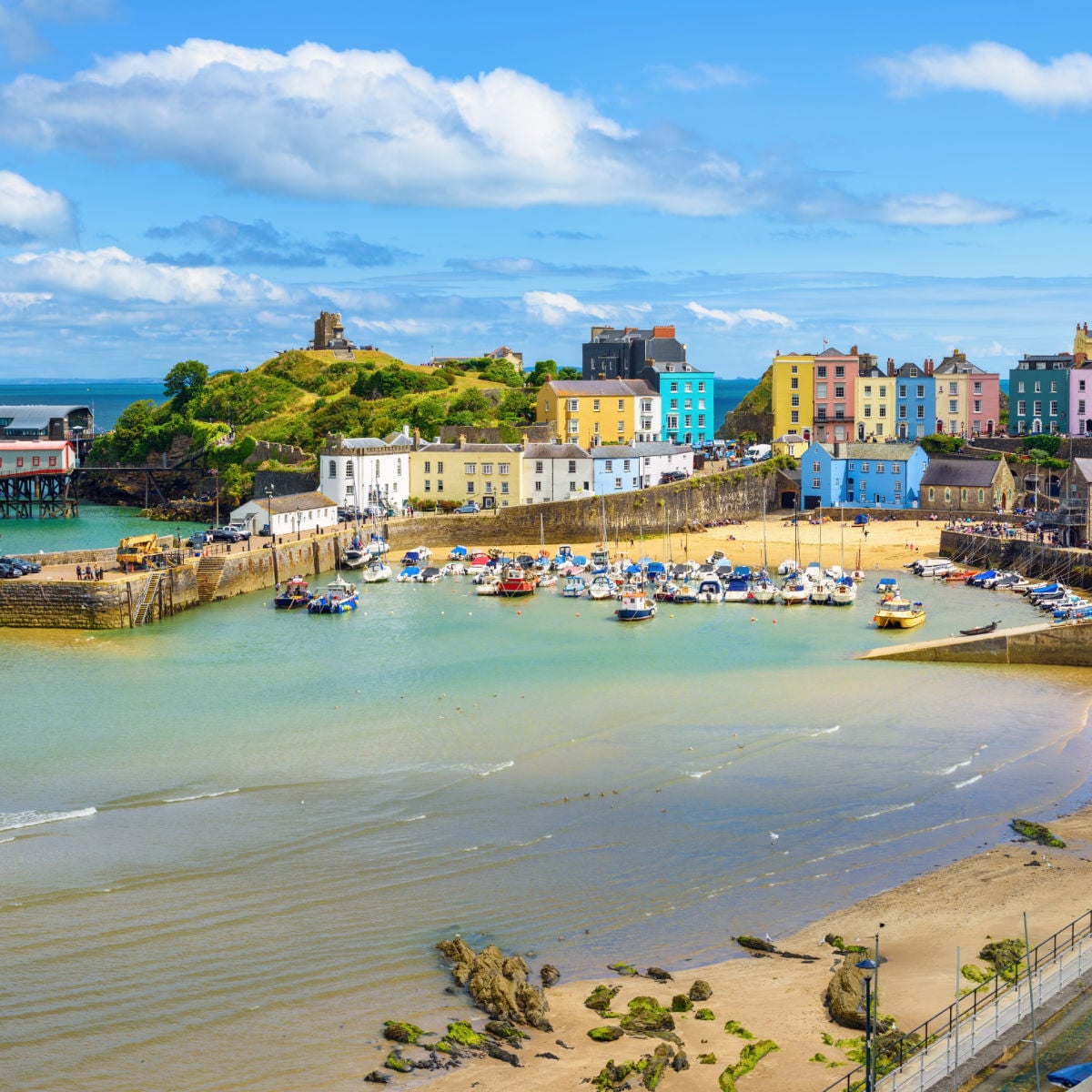
Wales’ coastline is so expansive, you’d be hard-pressed not to find your own blissful oasis with very few footprints in the sand — some of which, like Tenby, have some of the UK’s whitest sand.
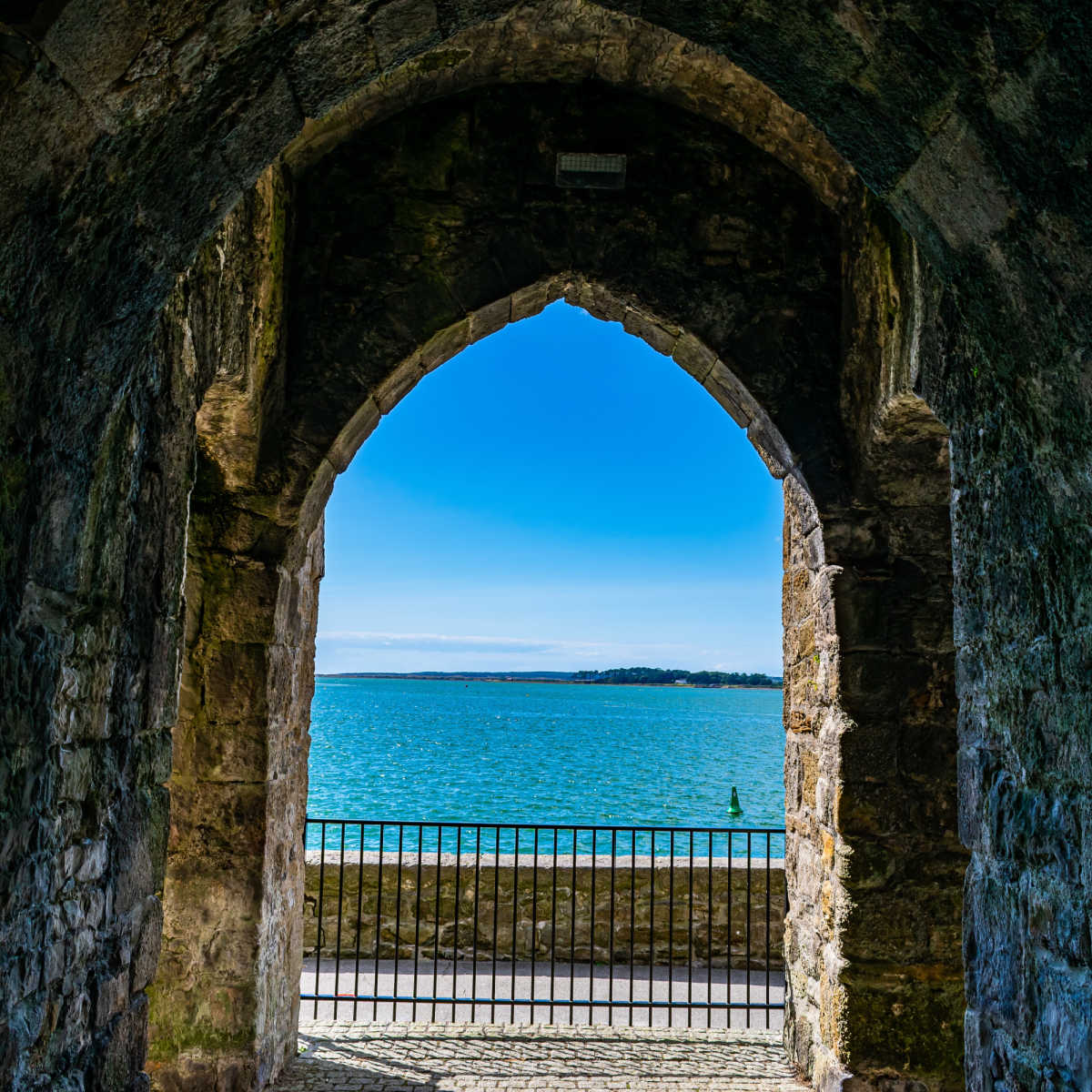
That said, to help tackle this large swath of British landscape, we’ve narrowed down an endless list of options to the region’s 3 most gorgeous destinations — and this stunning trio rivals any other UK beach escape whether it be local-favorite Blackpool or hidden gems in the back pages of guidebooks.
Wales’ top 3 beach destinations:
- Rhossili Bay –
Once crowned by TripAdvisor as Europe’s 3rd best beach, this is the showstopper! It’s spacious, wild, and dramatic, with towering coastal scenery that makes it feel grander than your average beach day. - Llanddwyn –
Set off Anglesey with sweeping dunes, a picturesque lighthouse, and postcard-worthy views toward Snowdonia, Llanddwyn has that windswept, borderline mythic beauty that feels straight out of a storybook oozing romance and edge-of-the-world vibes - Tenby –
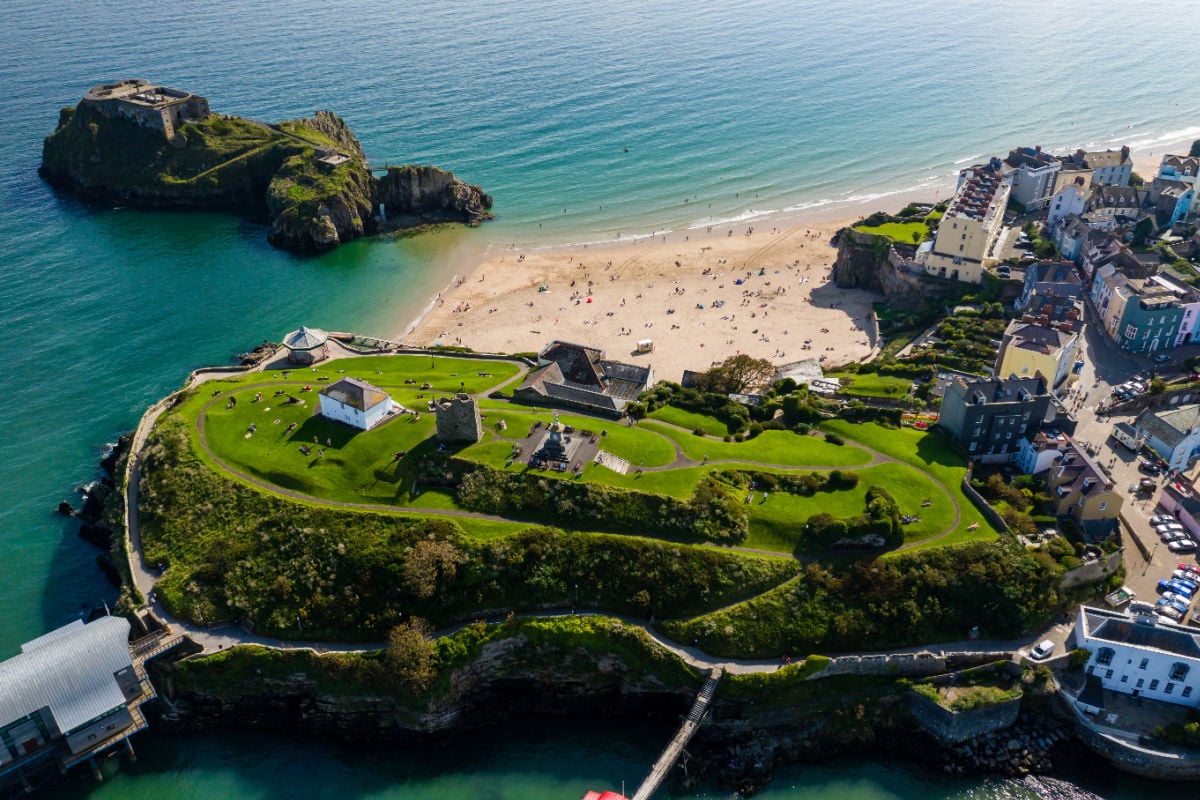
Tenby stands out because it’s not just about the beach itself. You get gorgeous sand, the added bonus of a colorful, pastel townscape, and blue waters. It’s easily one of the best all-around beach escapes in Wales, especially unparalleled Castle Beach that lives up to its name.


Stacie Harris is a local resident and reporter of the Maple Grove area. Stacie reports on medicine and science for the Maple Grove Report.