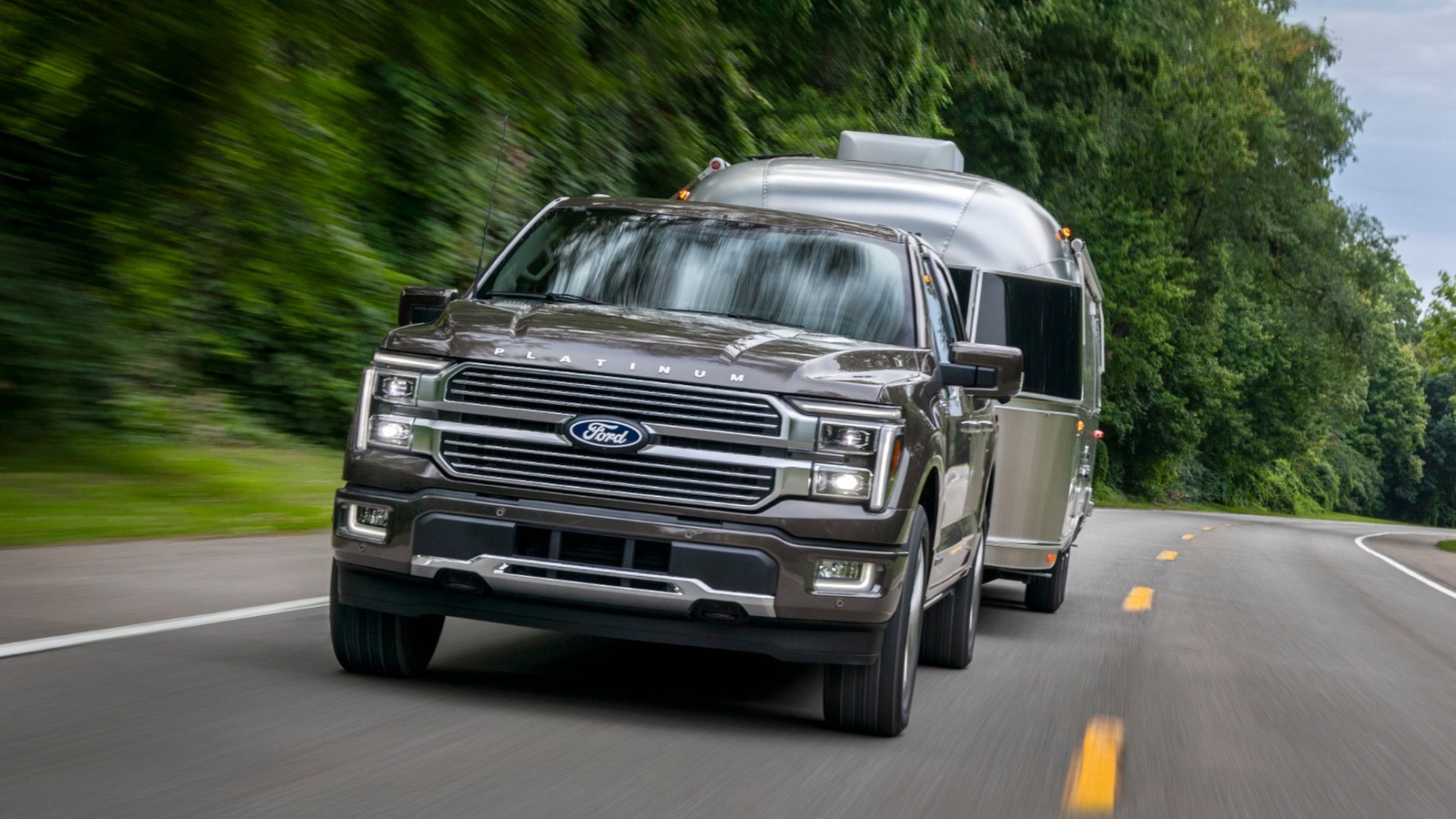
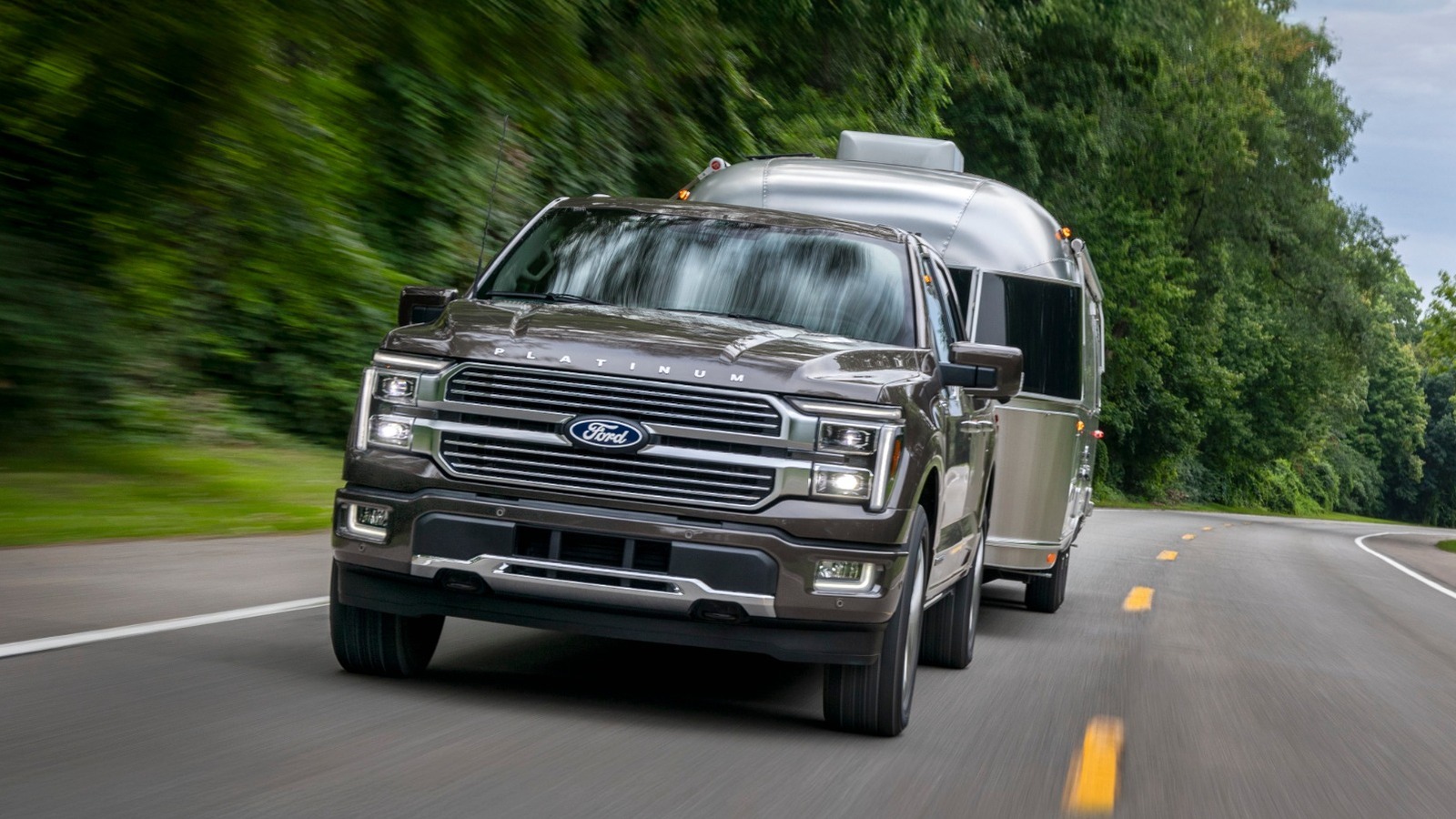
When it comes to safely towing a trailer, the way you load it is just as important as how much weight you’re pulling. If you’ve ever felt your trailer start to wiggle at highway speeds or noticed the steering feel strangely light, you have likely brushed up against the limits of proper weight distribution.

The 60/40 trailer rule addresses just that: It is a simple guideline that says roughly 60% of the cargo weight should sit in the front half of the trailer, closer to the tongue, while the remaining 40% should sit farther back. That forward bias helps keep enough downward pressure on the hitch so the trailer follows the tow vehicle rather than swinging around behind it.

This distribution prevents the trailer from becoming too tail-heavy or too nose-heavy. A trailer that is too light at the tongue can feel normal to drive initially, but quickly become unstable once you hit highway speeds. Other factors, such as gusts of wind (including from passing vehicles), uneven pavement, or sharp turns, can also cause dangerous trailer sway. Too much weight behind the axle can turn that first wiggle into violent swaying, and the driver can end up fighting the trailer instead of controlling it. Once your trailer starts swaying, it becomes a safety hazard not only for you and your passengers but for every car around you. Of course, the 60/40 rule is not the only thing that matters, but it is the first one to get right.

The 60/40 rule is only the first step

The 60/40 rule gets the trailer loaded the right way, but it doesn’t mean you can keep stacking weight toward the front until the trailer stops moving around. A conventional trailer still needs adequate tongue weight, with around 10% to 15% of the trailer’s loaded weight sitting on the hitch. The catch is that tongue weight counts toward what your tow vehicle is carrying, including passengers, tools, coolers, or anything else sitting inside the vehicle. Thus, tongue weight can push a vehicle past its GVWR or GAWR faster than many people expect.

GVWR (gross vehicle weight rating) tells you how much total weight the vehicle can carry, while GAWR (gross axle weight rating) breaks that limit down by axle. If the trailer’s tongue weight, passengers, cargo, and hitch hardware push either number too far, even a perfect 60/40 trailer won’t save the setup. That is why simply moving more cargo forward is not always the answer. A front-heavy trailer can feel more planted, but too much hitch load can make the tow vehicle squat, strain its rear suspension, lighten the steering, and reduce braking control.

Even if there are no problems at the start, there is also the possibility of cargo shifting mid-trip and undoing your 60/40 balance. That is why you should place heavy items low and further forward to preserve the 60/40 split, balance the cargo side-to-side, and secure everything tightly so that it doesn’t slide around once you hit the road.


Source link

Leave a Reply

Subscribe to Our Newsletter

Get our latest articles delivered straight to your inbox. No spam, we promise.

Recent Reviews


Google is experimenting with a new policy restricting the amount of free storage provided to some accounts. New Google accounts (including new Gmail accounts) created in certain regions will be limited to 5GB of free storage when they’re first set up. That’s only one-third of the amount of storage that has been typically offered. There is a way of increasing the amount of free storage you get when setting up a new account, though: you can unlock it by linking your phone number.

When approached for comment by Android Authority, a Google spokesperson confirmed that the new policy was being tested to “help us continue to provide a high-quality storage service to our users, while encouraging users to improve their account security and data recovery.” The statement didn’t clarify which regions the policy is being tested in, nor for how long the testing period will last.

Notably, a Google One Help support page about account storage has been updated to state that each Google account contains “up to 15 GB of storage”, as noted by 9to5Google. Previously, the page didn’t say “up to”; it simply stated that accounts come with 15 GB of storage. So far, the experiment doesn’t appear to stretch to pre-existing accounts.

Per a screenshot shared by Reddit user Sungusungu on R/DeGoogle (a subreddit dedicated to finding alternatives to Google services and products) Google is collecting phone numbers to make sure that the full 15 GB of storage is only redeemed once per person. Of course, that’s easily evaded by using a burner phone to set up multiple accounts, should you want to. The pop-up directs users to a webpage to learn more about storage management. However, at the time of writing, the link redirects to the help center landing page instead.

How to link your Google account with a phone number

If you’re in the process of setting up a new Google account in an impacted region, then you might be prompted with the option of unlocking an extra 10 GB of storage using your phone number via a simple pop-up menu. If so, you can go ahead and follow those steps. However, if you want to link your phone number with a pre-existing Google account, then here’s what you need to do. Using your computer, you need to:

  1. Open your browser and head to myaccount.google.com, then navigate to “Security and sign in” on the left-hand toolbar. This should open a list of security options.

  2. Select “Use your phone to sign in” and then “Set it up”. 

  3. Add a phone number using the “Recovery phone” option.

  4. Follow the on-screen steps to verify your number and finish linking it to your account.

Your options might look a little different if you already have a recovery number set up with your account.

Alternatively, you can connect a phone number to your Google account from your Android device, iPhone, or iPad. Much like on a computer, you connect your number by adding it as a recovery phone. First, head over to myaccount.google.com. Then select “Personal info”, followed by “Phone”. From there, you should be able to add or edit your phone number by navigating to the “Recovery phone” section.


Source link