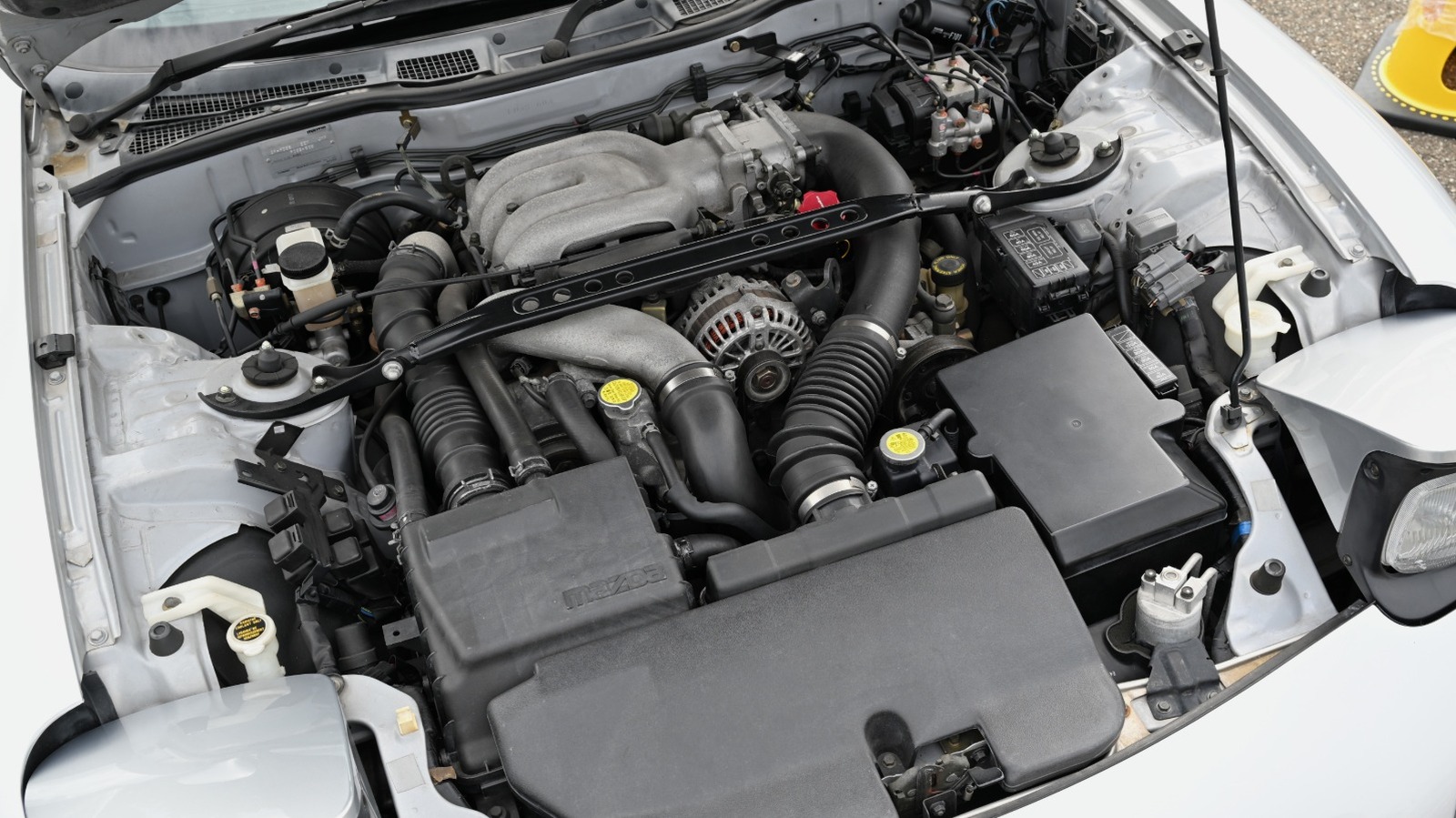

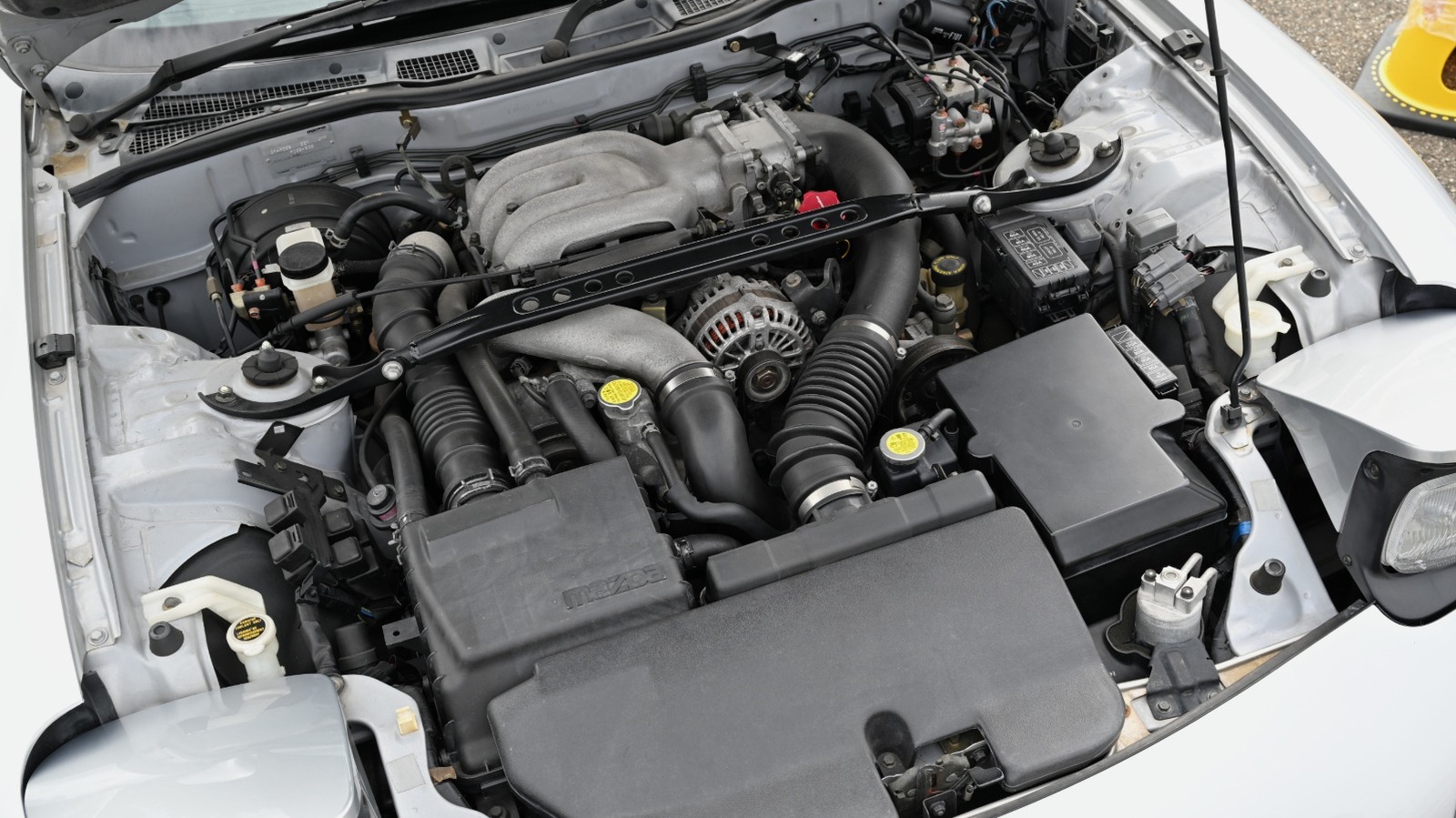
When it comes to unconventional engine design, few exceed the Wankel rotary in terms of weirdness. Despite that, the same basic principles of internal combustion apply here: Fuel and air are mixed and compressed, ignited, then expelled through the exhaust port. However, unlike most internal combustion engines — with a few exceptions, like the modern Hemi’s 16 spark plugs – Wankel rotaries have two spark plugs per cylinder. Moreover, each plug is completely different, with a bigger plug (called a leading plug) placed vertically on top of a smaller plug (the trailing plug). Is there any reasoning behind that, or is it just redundancy?
Actually, yes, and it has to do with how air circulates through a Wankel engine’s oblong combustion chamber. Ignition of an air-fuel mixture isn’t instantaneous, and the flame must spread in a specific way to ensure complete combustion. Picture lighting a puddle of gasoline on fire: Instead of fully bursting into flames immediately, the fire starts at one end and moves to the other. In a rotary engine’s combustion chamber, this flame wouldn’t reach the other side before the rotary moves with just a single spark plug, meaning unburnt fuel would go into the exhaust, wasting power. Having two spark plugs with staggered locations within the combustion chamber prevents this.
Strictly speaking, a rotary can run with just a leading plug. Nevertheless, there are a few reasons why trailing plugs exist, mainly involving power delivery and hydrocarbon emissions. Let’s explore how they work in-depth.
How a Wankel rotary’s combustion chamber works
Wankel engines are specifically engineered with two spark plugs in mind, reflected in the shape of the combustion chamber. Imagine you have two circles, representing normal combustion chambers in a piston engine. Each circle has its own spark plug, lighting its respective mixture. A Wankel rotary, effectively, takes both of these circles and bridges them, making one long combustion chamber shaped like a rounded rectangle. This shape is crucial to the engine’s operation because of how expansion works.
The rotor has all three sides in contact with the outer walls, effectively making three independent combustion chambers. The actual ignition doesn’t occur until just before the chamber reaches its minimum volume, just like a regular piston engine. This allows the expanding gases to push harder on the rotor’s flank, producing maximum power. At this point, the first of the two spark plugs will fire and ignite the air-fuel mixture, burning up to 95% of the mix. The rotor spins into position for the second spark plug to fire, at which point it’ll ignite the rest of the mixture and complete the burn — and produce that signature “brap” sound.
The rotor’s shape means that the combustion chamber expands irregularly, with the leading edge drawing the flame away from the trailing edge as it expands more rapidly, called squish flow. This effectively divides combustion into two phases: the main combustion cycle and a slower burn of the remaining air-fuel mixture as the rotor moves past the initial ignition point.
How a trailing spark plug fits into the equation
As mentioned before, the combustion process of a rotary engine is complex and occurs in two main stages. The second stage of this process is far less power-efficient, however, because the combustion chamber has already expanded and most of the air-fuel mixture is already spent by this point. The purpose of a trailing plug, therefore, is to ignite this pocket separately to extract every bit of power from the engine. A more complete burn also produces far fewer hydrocarbon emissions, which are produced when unburned or partially-burned fuel components are released through the exhaust. Moreover, a trailing spark plug also results in modest improvements to fuel economy (you’re using all of the fuel, not just some of it, after all).
As for why the trailing plug is a different size, Wankel rotary engines are naturally at home in high-RPM applications, and the trailing plug’s job is to ensure the combustion cycle keeps up. However, because of its position within the combustion chamber, a trailing plug must run colder than the hotter leading plug to prevent pre-ignition, commonly known as “knocking.”
Because you’re igniting a fluid, you can make that fluid behave in predictable ways that increase power delivery. Any deviation from this isn’t ideal for the engine’s longevity or efficiency. Basically, if your trailing plug is bad, it’s fundamentally similar to running way too rich. If your trailing plug is too hot, it’s inviting pre-ignition and potentially damaging the engine.

Stephan is the sports journalist for the Maple Grove Report.