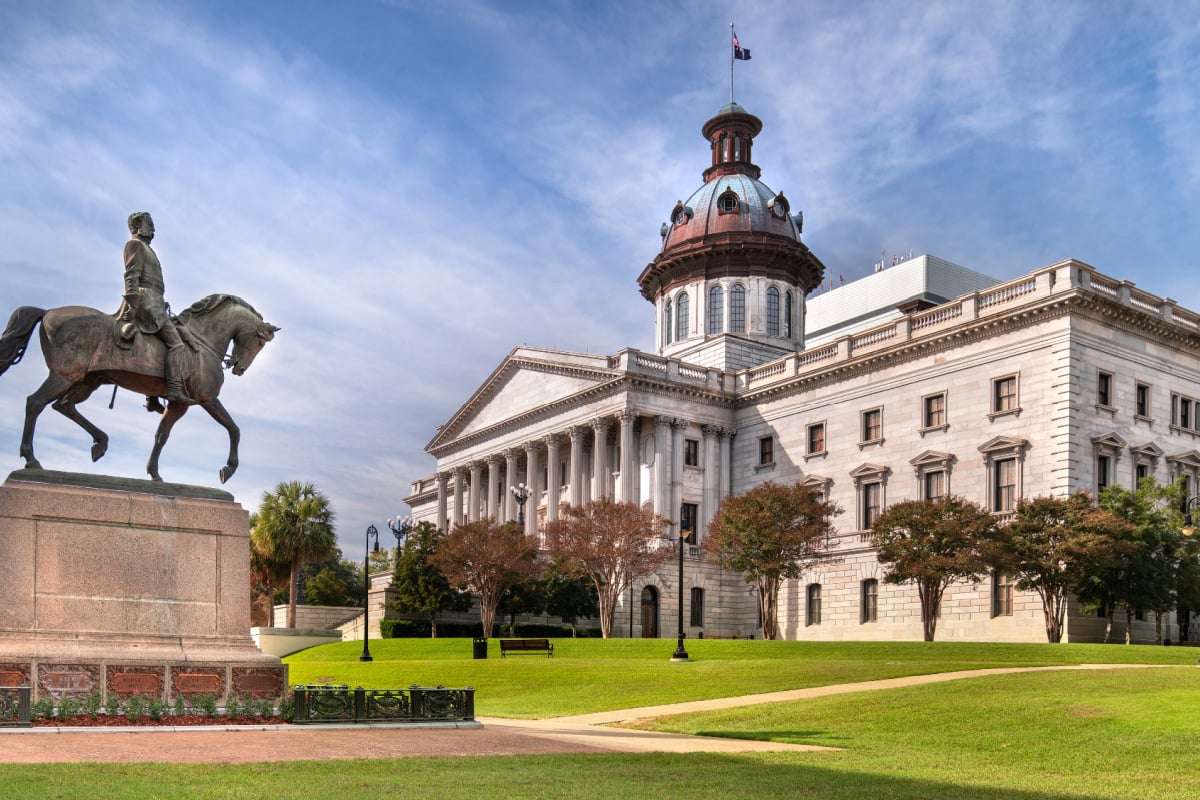

It used to be that those with South Carolina on the brain were likely scoping out one of two places.
You know the ones — Charleston and Myrtle Beach, to no surprise.
While SC’s most famous getaways are still drawing crowds, another unsuspecting city is hogging the spotlight so much that it’s been dubbed the “fastest growing airport” in America.
While Charleston is as enticing as ever, whether you’re seeking a sunny beach escape, cultural immersion, or holding out hope you can snap a selfie with Bill Murray, it’s South Carolina’s capital that’s become all the rage over the last year or so.
Far beyond just a college town and underrated capital, the city of Columbia is brimming with timeless charm, surrounded by astounding nature, and has embraced putting up a fight against Charleston as its interstate rival for the best southern cuisine.
This lesser-known getaway had a record-breaking year in 2025 with no plans to slow down, so let’s dive in to see what its newfound hype is all about!
Planning your next getaway? Before your trip, be sure to check the real-time Traveler Safety Index for your destination to find out what travelers are experiencing on the ground.
Swap Coastal Bliss For Riverside Delights

If there’s one knock on Columbia, it’s that it sits inland at the confluence of 3 rivers rather than along the vast blue Atlantic.
But going inland can be just as enjoyable as a beach vacation, especially since you shouldn’t come back home with sandy crevices this way.
Along the riverfront are ample trails, scenic walkways, and lush parks. If you’re the more adventurous type, this city suits you too with kayak, canoe, and tube rentals to go splorin’.
Of course, as beautiful as Columbia’s nature may be, it’s practically inviting you to be outdoors as much as possible.

What better way to grab a bite to eat or an ice-cold beer after exploring this safe city, especially come summertime?
Bierkeller Brewing Company ticks off the boxes for food, beer, and sweeping views from its expansive patio overlooking the flowing waterfront.
But here’s a spoiler you didn’t expect. Not only is the riverfront a great place to hang out and get your bearings, but venturing outside the city limits will level up your trip.
Lake Murray Is A Destination Unto Itself
Just west of Columbia lies Lake Murray, a sprawling century-old man-made reservoir that, unlike certain parts of LA, actually has water.

To beat South Carolina’s summer scorchers, you can go for a swim or kick back beachside — yes, there are quaint beaches — to cool off and unwind.
The roughly 50,000-acre lake is a major summertime draw for boaters, anglers, and sun-seekers, whether you’re kayaking, cruising, fishing, or swimming in designated areas.
Just as memorable is one aspect you likely didn’t expect — the Purple Martin Phenomenon in late summer.
This is when an estimated 800,000 to over 1 million birds gather on Bomb Island each summer for a dusk spectacle unlike anything else you’ve seen before.

In fact, it’s been said these flocks are so massive, they’ve disrupted weather radars.
But even though birdwatching has become the new Pokémon Go, there are endless ways to enjoy Lake Murray without looking to the skies.
At ground level, there are designated swim zones, boat ramps, scenic shoreline parks, and plenty of spots to cast a line or launch a kayak.
And yes — you can stay along Lake Murray if cozy cabins are your vibe. Otherwise, it’s best to stay in Columbia proper at a name-brand hotel and take a day trip.
Southern Staples Served With A Side Of History
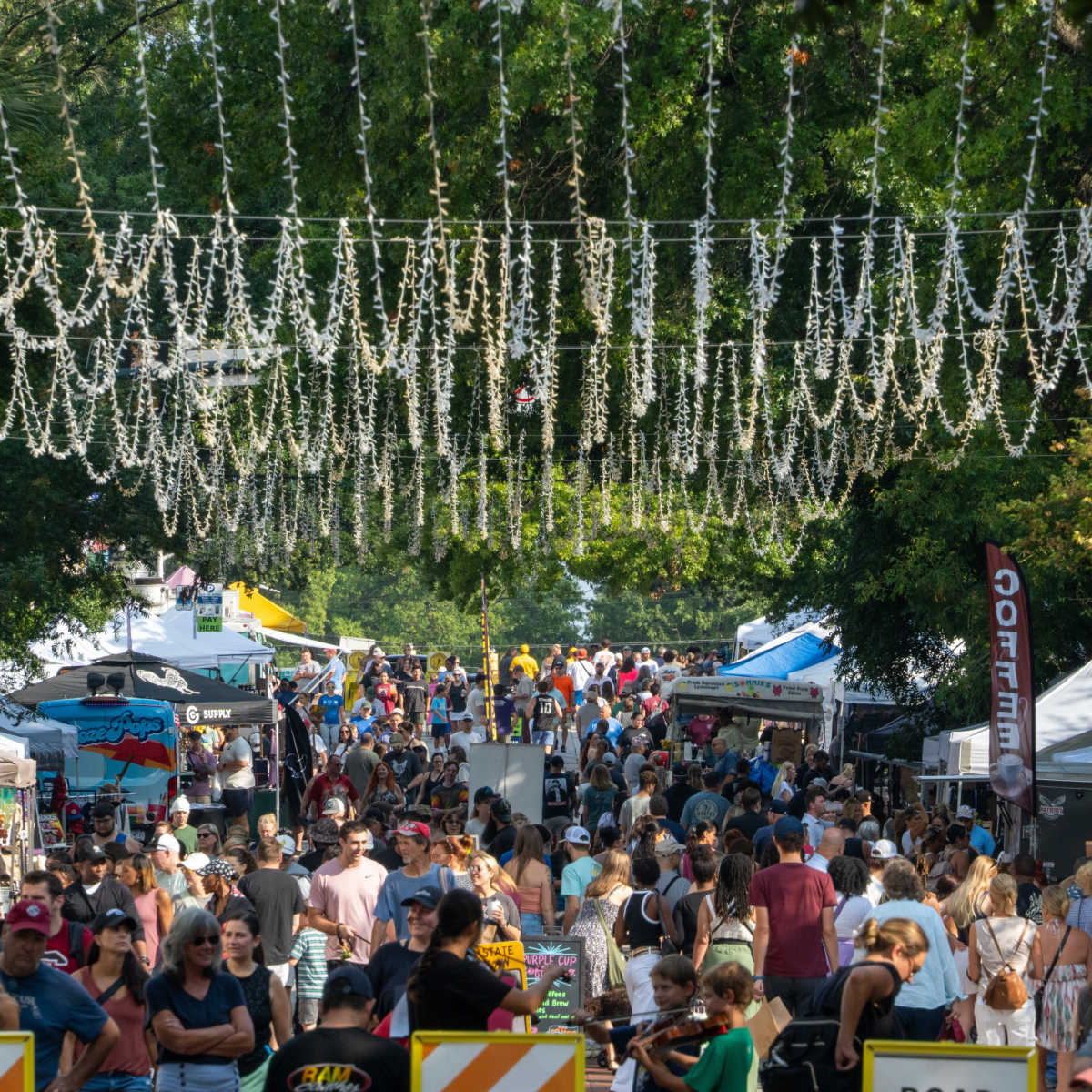
Down-home cookin’ and deep-rooted history go hand-in-hand when it comes to just about anywhere in the South.
Places like Savannah and Charleston are great examples of that.
That said, don’t sleep on Columbia.
This city is brimming with history via standout museums, such as the South Carolina State Museum and the Hampton-Preston House, as well as serving up sensational Southern staples with no lines out the door, as you may find in that other SC city.
Columbia does indeed have some new trendy restaurants, but what makes this city extraordinary are the longstanding Mom ‘n Pop eateries with dishes passed down the family tree — Villa Tronco being one of many.
More Flights & Airport Upgrades

South Carolina’s household names are a breeze to reach, but new flights and ample upgrades have made Columbia the nation’s fastest-growing airport.
This unsung capital is no longer a trek to reach. With popular airlines such as United and American as anchors, plus Allegiant offering plentiful options for bargain hunters, Columbia has become an easier and more appealing entry point than ever.
There have already been hundreds of new parking spaces added and improved roadway access to alleviate former congestion.
But the next time you get here, you may want to arrive early anyway. Columbia Regional Airport (CAE) still has its hard hat on with ongoing expansions for new eateries, but no lounge, unfortunately.


Stacie Harris is a local resident and reporter of the Maple Grove area. Stacie reports on medicine and science for the Maple Grove Report.