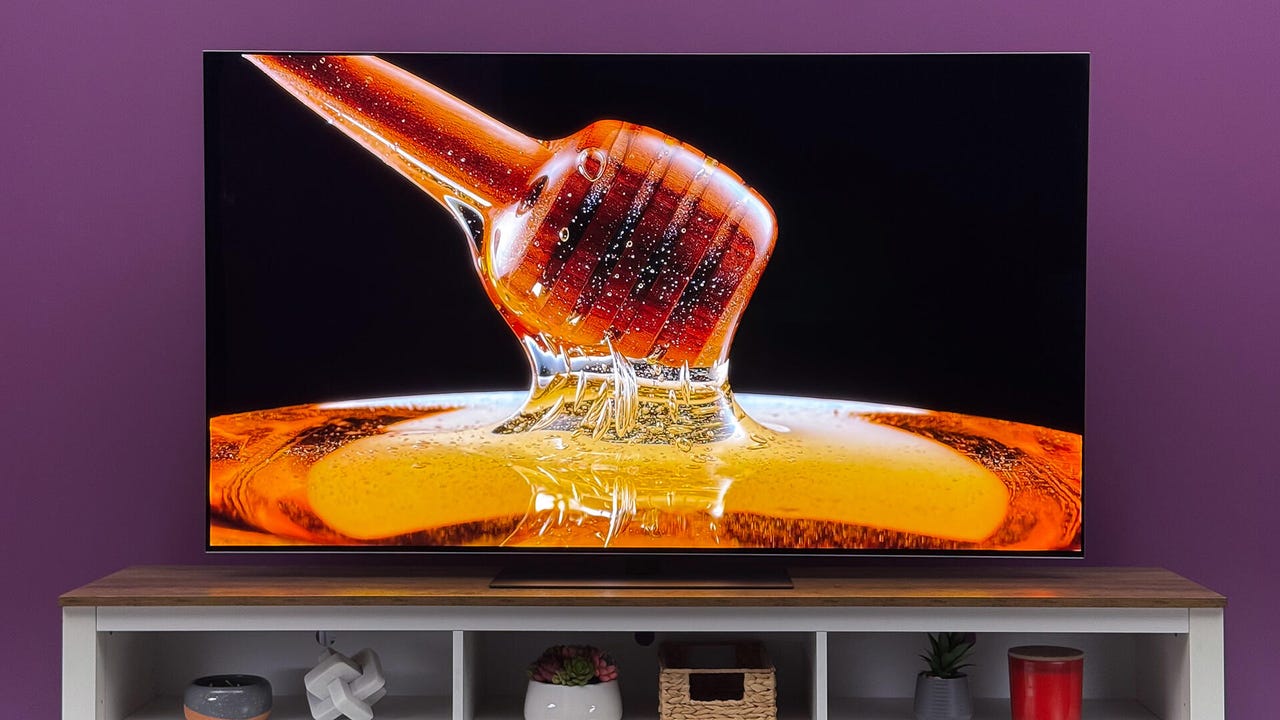
Why your TV wowed you in the store but looks unnatural at home – and how to fix it ASAP


LG G5 OLED TV

Adam Breeden/ZDNET

Follow ZDNET: Add us as a preferred source on Google.


ZDNET’s key takeaways

  • Store mode exaggerates brightness, color, and motion for display.
  • Home mode delivers more accurate, balanced picture quality. 
  • Switching modes is simple but may require a factory reset.

The TV-buying experience has a lot in common with buying paint: it always looks different in your home than it did in the store. While paint colors look different on your wall because the gods delight in small miseries, TVs have special picture settings just for store display units that push them to the limit and are designed to grab your attention from the next department over. 

Also: How to disable ACR on your TV – and why doing so is critical for your privacy

Retail picture modes boost contrast, color saturation, 4K upscaling, and motion smoothing to create a very bold image, but don’t always represent how a TV will look in your actual home using one of the common presets or a custom picture mode. 

While most new smart TVs automatically boot into home mode when being set up, it’s possible to accidentally enable a demo mode or have it toggled on after a factory reset. Thankfully, each brand has made it a very simple process to disable store modes or toggle between them and home mode presets.

What is store mode?

Whether it’s called Demo Mode, Store Mode, or Retail Mode, each brand’s flavor of picture setting does the same thing: boost key aspects like contrast, brightness, and motion smoothing to get a bolder-looking image that grabs your attention in the store.

Colors are often much more saturated than in home-use picture modes, creating much more vivid pictures that may come at the expense of color accuracy. Brightness is also cranked to the nth degree to compete with other screens and harsh fluorescent lights. 

Also: I test TV refresh rates – here’s when 60Hz is enough (and when it’s not)

While it’s a great way to show off what a TV is capable of with a few menu tweaks, it can sometimes misrepresent what kind of picture quality you’ll get in a typical home theater or living room.

Compared to store mode, with ultra-sharp contrast and oversaturated colors, home mode picture settings may look flatter and less eye-catching. But that’s by design. Home mode isn’t set up to have your TV compete with screens from other brands for your money, it’s there to provide the best viewing experience for your space. 

Also: I changed 13 settings on my TV to dramatically improve its performance – here’s how

And with just a few manual adjustments, you’ll be able to get colors, contrast, and detailing that’s very close to the over-the-top picture you see in the store.

How to disable retail picture mode

If you prefer to manually tweak your TV’s picture settings or just want to take advantage of the included preset picture modes, it’s a fairly straightforward process to disable demo or store mode. While many brands have toggles buried in the settings menu, if you have a Fire or Roku TV, you’ll have to do a few extra steps. 

Also: Your TV may be tracking your viewing data – here’s how to stop it (beyond disabling ACR)

To help walk you through the process, I’ve broken down each brand’s menu to help you find the correct settings.

  • Fire TV: An Amazon Fire TV needs to be fully factory reset to disable demo mode. To do this, you can either hold the Back button and the right side of the navigation circle together for 10 seconds or select Settings > My Fire TV > Reset to Factory Defaults. Once the TV has reset, you’ll be able to choose home or demo mode.
  • Hisense: Settings > System > Advanced System > Usage Mode > Home Mode OR Settings > Device Preferences > Retail Mode
  • LG: Settings > Support > Home Mode
  • Roku TV: Like the Amazon Fire TV, a Roku-branded TV needs to be fully reset to factory defaults to choose between store and home modes. You can do this by selecting Settings > System > Advanced System Settings > Factory Reset > Factory Reset Everything. Once your TV has rebooted, you’ll be able to choose home mode.
  • Samsung: Settings > General & Privacy > System Manager > Usage Mode > Home Mode. If your TV requires a PIN to continue and you haven’t set one up, it will be set to 0000 by default.
  • Sony: Settings > System > Device Preferences OR Retail Mode Settings > Demo Mode and Picture Reset
  • TCL: If your TCL runs on the Fire TV or Roku platform, it will need a full factory reset. But if it uses Google TV or another Android platform, you can select Settings > System > Advanced Settings > Usage Mode > Home Mode



Source link

Leave a Reply

Subscribe to Our Newsletter

Get our latest articles delivered straight to your inbox. No spam, we promise.

Recent Reviews


We may receive a commission on purchases made from links.

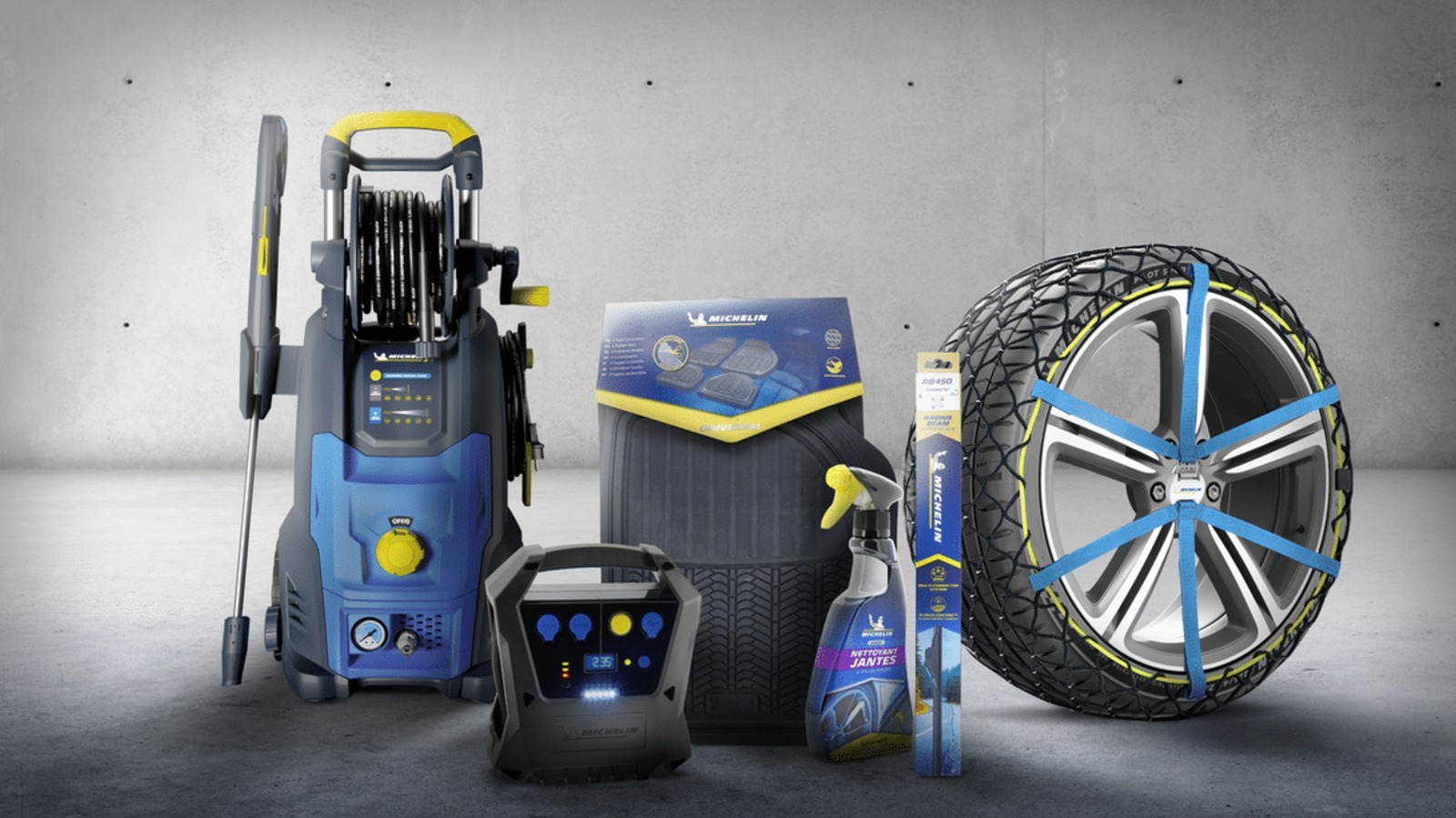
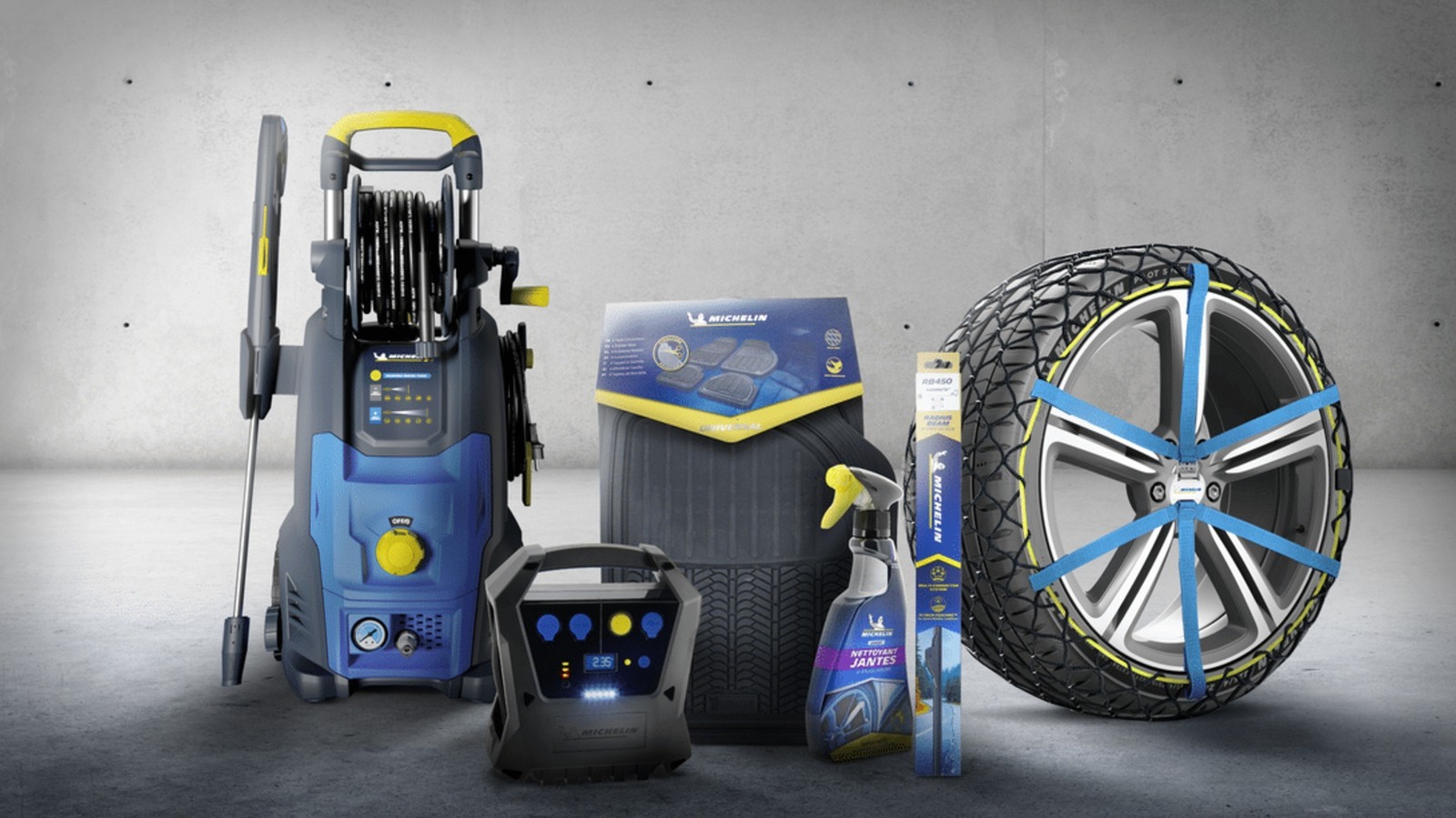
Michelin is a French multinational company that many consumers consider to be one of the most satisfying major tire brands. This firm makes several tire models that offer comfort, performance, all-terrain prowess, and everything in between — including cutting-edge products like the $42,000-per-set Michelin Pilot Sport PAX that it developed specifically for the Bugatti Veyron. Aside from its own tires, Michelin also owns other tire brands that you might be familiar with, including BFGoodrich, Achilles, and Corsa.

While tires are what Michelin is known for, the company has put its name to more than the rubber that wraps around your car’s rims. In fact, the company sells several other products that aren’t tires. So, we’re listing a few Michelin-branded items that you can buy online and in retail stores. While they might not all be made of rubber or even related to vehicles, these tools and accessories can come in handy when keeping your car — and even yourself — in good shape.

Michelin tire inflator

Since Michelin is primarily known for its tires, it makes sense for the company to sell a Michelin-branded tire inflator as well. That way, if you get a flat on one of the Michelin tires on your car or want to regularly top up your car’s tire pressure to maintain optimum performance, you can use a Michelin-branded pump to fill up your tires. The company actually sells several types of inflators on its Amazon page, but it only offers a single motorized unit — the Michelin Micro Tyre Inflator, which is available on Amazon for $98.99.

This little device is only slightly wider than an iPhone 17 and weighs about 400 grams, or 14 ounces. This means it’s easy to store in your car and to move to whichever tire needs topping up. More importantly, it takes power from a 12-volt socket, allowing you to run it using your car’s battery. It also has a USB port for charging your phone (or any other USB device) in case of an emergency.

Some users say that the device is slow, taking about 12 minutes to bring a tire from 10 to 32 PSI, but that’s not unexpected given its small size. Still, it should be good enough for regular weekly maintenance if you know your car’s proper tire pressure, or in case of an emergency. Its biggest downside is that you need a power source to run it, but having a dead battery and a flat tire simultaneously is likely a rare occurrence in many modern cars.

Michelin mini fridge

Taking a road trip during the summer can get you thirsty, and there’s no better way to quench that thirst than by drinking a cool can of soda (or your beverage of choice). If you want to ensure that you’ll always have a cold drink ready while you’re driving on the freeway, Michelin’s mini fridge will help you with that. This nifty little refrigerator is available on Amazon for just $99.99 and can be connected to either 110V AC or 12V DC power, ensuring that it will work on both your desk and in your car.

The mini fridge measures 6.9 x 9.45 x 10 inches (17.5 x 24 x 25.4 cm), meaning it can easily fit on a garage shelf or office desk. It should also be small enough to put on the floor of your car. Despite that relatively small size, it’s large enough to fit six 350-ml cans or four 500-ml bottles, and it will keep these items at a chilly 32 degrees Fahrenheit or 18 degrees Celsius. It also has an LED light on the door, so it can double as a night light if necessary.

Aside from keeping your drinks (and other food items) below room temperature, it also has a few other creature comforts. These include a removable shelf and door basket for flexibility and easy cleaning, as well as a retractable carry handle and a self-locking door to make transportation easier.

Michelin car floor mats

Heavy-duty car floor mats are often made from rubber for durability and water resistance, and since Michelin is in the business of rubber, it makes sense for the company to offer exactly that. So, if you want to protect your vehicle’s floor from dirt, dust, and mud, the company can help you with its Michelin all-weather car floor mats. This four-piece package is available on Amazon for $49.99 and comes in either black or tan.

The surface of these floor mats is specially designed to trap debris, snow, and water, preventing them from ruining the carpet on your vehicle. The mats have a cleat backing that grips your car’s floor and prevents them from slipping. The front row mats also come with what Michelin calls a Gripclip Retention System, allowing them to clip into your vehicle’s safety clips and adding even more reassurance that they won’t accidentally slip while you’re driving and pose a hazard to your safety.

These mats are universal and will work in most vehicles. However, they’re also easy to customize: If you find them a bit too large for the footwell of your tiny hatchback, you can use a pair of scissors to trim the edges for a perfect fit.

Michelin Stealth Ultra wiper blades

While Michelin’s Stealth Ultra wiper blades aren’t generally considered among the best windshield wipers, they appear to be a pretty good choice given their four-star rating on Amazon. These wipers cost $49.99 and are available in various size combinations for all sorts of cars. This ensures that no matter what vehicle you’re driving, you can probably find a set that will fit your needs.

These Michelin wipers are curved to conform to the shape of your windscreen for a clean, streak-free wipe. The company’s Amazon listing claims that these are designed to “withstand rain, wind, snow, mud, dust, or any other debris that might hamper your windshield’s visibility.” While you might think that windshield wipers are pretty simple items, and that you can just purchase any generic wipers off the internet, you must remember that they’re essential so that you have the best visibility possible during inclement weather. So, for your safety, consider investing in a set from a reputable brand like Michelin.

Michelin work boots

Michelin is known for making rubber tires to put on your car’s “feet,” but did you know it also makes shoes for the driver’s feet? The company makes sports & outdoor footwear, as well as shoes for work and safety. For this example, we have the Michelin HydroEdge Steel Toe waterproof work boot, listed for $210 on Amazon and at Georgia Boot. This shoe is available in U.S. sizes from 7.5 up to 14, ensuring that no matter what size you wear, you can get a Michelin work boot for yourself.

As the name suggests, this pair of shoes has steel toes to protect your feet from accidental impacts and is fully waterproof to help keep your feet dry, even in supposedly severe conditions. It also meets ASTM F2413 standards for electrical protection, meaning it has fully insulating soles to protect you from electrical hazards at work. Michelin also added what it calls an Advanced Rear Suspension system to its heel, ensuring proper shock absorption when you walk.


Source link

