
We may receive a commission on purchases made from links.
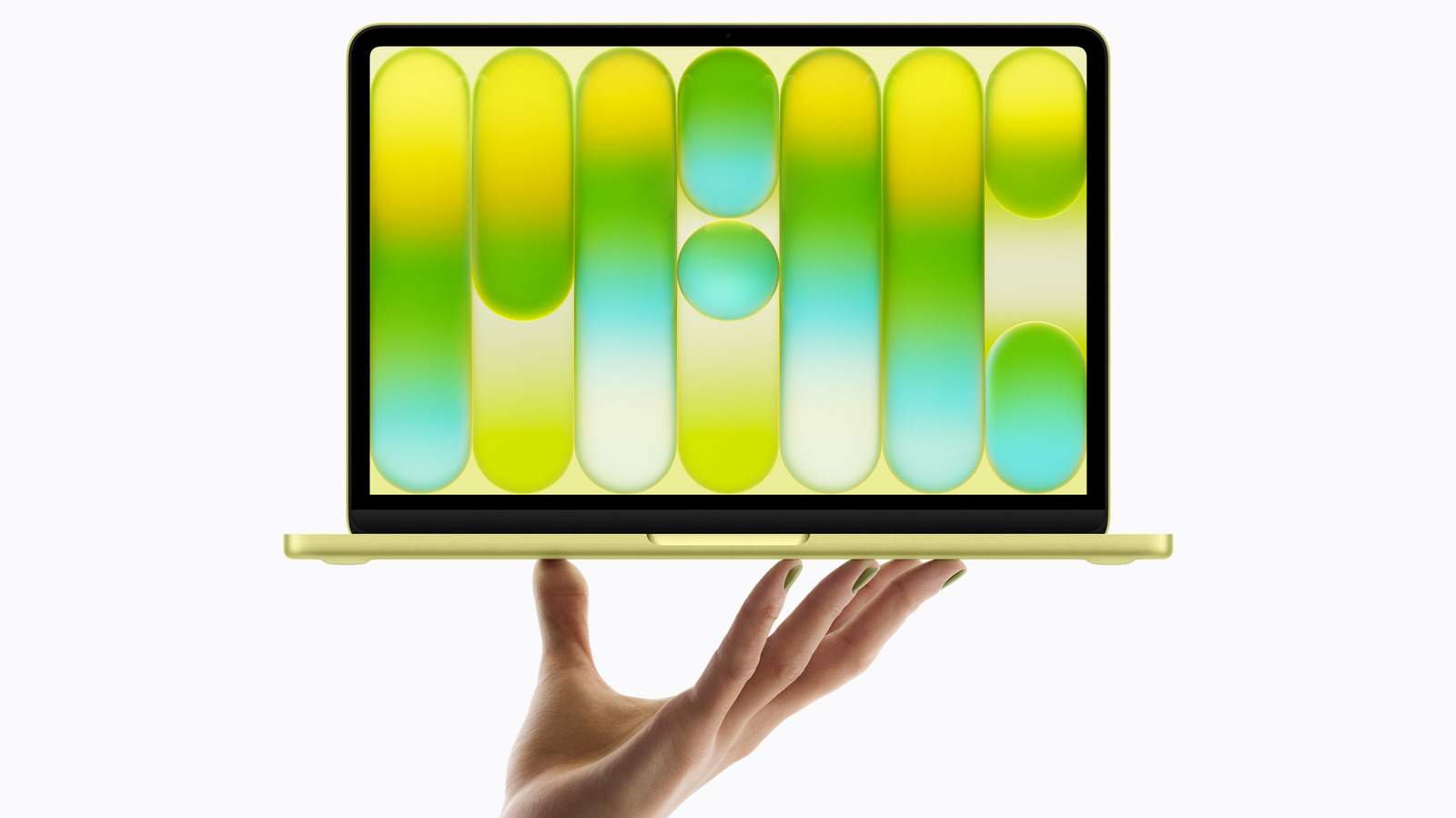
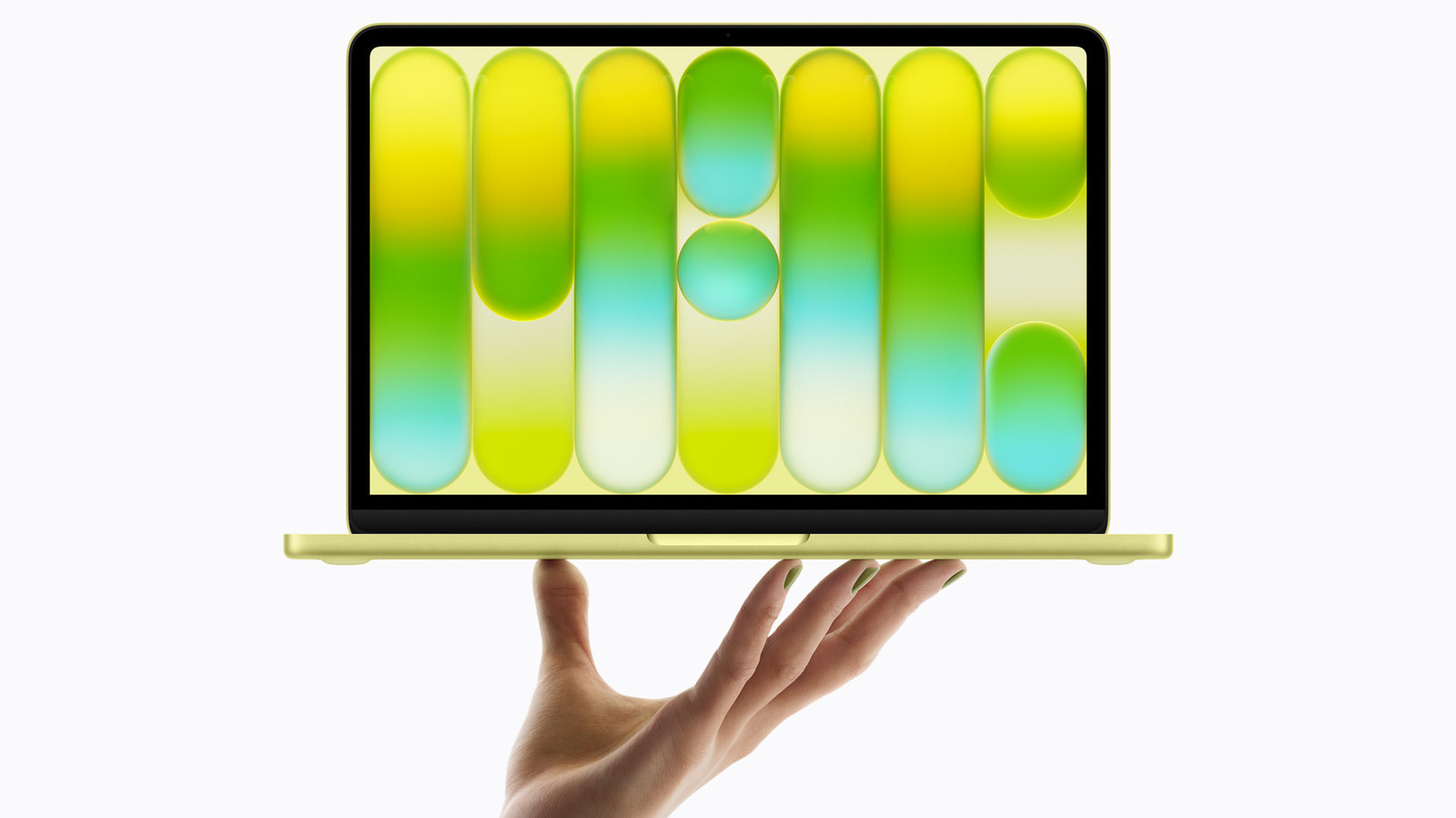
The internet has been abuzz after the release of Apple’s new budget laptop, the MacBook Neo. Buzz that’s both positive and negative. On the positive side, the value is undeniable for a thin, fanless aluminum-body chassis and an efficient iPhone chip that still packs enough power for AAA games when needed. On the negative side, the 8GB of RAM doesn’t seem like enough in 2026 when that’s how much RAM the average browser seems to use alone. In response to the Neo, some have said “just get a MacBook Air.” Alrighty then, what does the MacBook Air have that the MacBook Neo does not?
We’ll skip the areas where the Air is obviously better — a more powerful M-series chip, more RAM, better screen — and instead focus on specific features that the Neo lacks. Not things the Neo “does worse,” but things it cannot do at all. We’ll be comparing it to the latest MacBook Air M5 released in 2026. Spoiler alert: despite a chasm in pricing, the list is much smaller than you might think.
Force Touch trackpad
Force Touch trackpads debuted on MacBooks in 2015, and even over a decade later it feels like a downgrade to use anything else. Unlike most trackpads that rely on mechanical movement to produce a click, Apple’s Force Touch trackpads trick your fingers with haptic vibrations. Haptics ensure consistent clicks anywhere — not just on the bottom half as “diving board” trackpads typically work. It also enables really cool features like Force Click, where pressing down a bit harder triggers special actions like looking up words or previewing files. Haptic trackpads like Force Touch are no longer unique to Apple, but Apple arguably does it best. Except on the Neo.
All MacBook models (Airs and Pros) that Apple currently sells come with Force Touch trackpads. The MacBook Neo is the only one that doesn’t. Instead, you get a typical multi-touch trackpad with mechanical action that doesn’t support any Force Click features. Force Click features can be accessed with a three-finger tap, but that’s a bit more cumbersome.
Granted, the Neo’s trackpad is actually fairly good by most accounts thanks to a proprietary new design that evenly distributes clicks across the surface; clicking the top of the trackpad shouldn’t feel any different from clicking the bottom. That said, reviewers who’ve tried both side by side find it immediately inferior to Force Touch. If you’ve never bought a MacBook before and you’re getting the Neo, we’d recommend not trying out the Force Touch trackpads at the Apple Store while you’re there, lest you suffer buyer’s remorse.
True Tone
One subtle feature setting the Neo apart from the Air is the lack of True Tone, a feature common in iPhones as well. True Tone is described by Apple as using “advanced multi-channel sensors to adjust the color and intensity of your display … to match the ambient light, so that images appear more natural.” At a glance, it might sound like technobabble for what amounts to a fancy automatic brightness adjustment. In truth, it’s how a MacBook screen looks good in dark rooms, in the bright outdoors, under harsh fluorescent lights — virtually anywhere, since it can sense the color of your ambient lighting and adapt to it. Sadly, the MacBook Neo does not have it.
We also want to correct one misconception we’ve seen floating around the internet. Officially on the spec sheet, the MacBook Neo does not have an ambient light sensor. However, looking at the MacBook Neo’s system settings, we see it can adapt to lighting. Apple’s troubleshooting guides buried deep in search results admit that it has a sensor, too, “near the camera.” The only complaints by some Neo users in comment sections are that perhaps it’s a bit “aggressive,” suggesting the implementation on the MacBook Neo may be inferior to the Air’s.
So, is the missing True Tone a dealbreaker? Not a huge one, in my experience, but one that could be noticeable at times. True Tone (I think) plays a big role in making Apple’s screens look like the vibrant eye candy that they are, since that vibrancy is retained in most lighting conditions. Without True Tone, the Neo screen may appear worse — though perhaps only in a side-by-side.
Keyboard backlighting
The MacBook Neo has Apple’s classic Magic Keyboard that reviewers generally praise for the typing feel and experience, especially because it’s color-matched to the body and is highly repairable. To our chagrin, it’s not backlit like every other MacBook model, and this is arguably going to be one of the most painful omissions for most people.
If you’ve ever used a keyboard in low-lit conditions — or obviously in the dark — not being able to see the keys gets annoying fast. You’re forced to squint, hunt, and peck with only the screen’s light to guide you. Even good typists with great muscle memory have to look down at the keyboard sometimes.
If you plan to take this MacBook Neo everywhere, you’ll inevitably use it in dark classrooms, conference rooms, and cafes, all sorts of places where it’s going to be a pain. If you have the Neo, maybe consider running it in clamshell mode when you’re at home and grabbing a low-profile alternative to the Apple Magic Keyboard, which also doesn’t have a backlight. But if you’re mostly going to be using it at home where you can just turn on the light, then you may not even care.
Thunderbolt support
We’d guess that the average person probably doesn’t know what the Thunderbolt port on a laptop actually does. It’s not USB-C masquerading under a different marketing term, it connects high-speed, high-bandwidth devices like displays and hard drives that support the standard. Other Macs have it, but as you might have guessed, the MacBook Neo does not; it sports only a USB 3 and USB 2 port.
For most people, this is probably not going to make any meaningful difference. Again, you’d need a device that can actually take advantage of the Thunderbolt standard — like the fastest portable SSDs — and even then it wouldn’t ruffle any feathers unless you were copying gigabytes of files. If you’re mostly just copying documents to a USB-C drive, then the difference is negligible. Working off an external SSD with big video projects in creative suites like Final Cut Pro, for example, is where you’d really feel the absence.
What would probably be more painful for the average person is the lack of a USB-A port, which is also missing on the Air and Pro. Any of your devices that don’t support USB-C (mouse dongles, phone charging cables, USB dongles, hard drives) would need to be replaced, or retrofitted with USB-A adapters such as this Ugreen USB-A to USB-C adapter.
Fast charging
This is the only other major potential dealbreaker of the MacBook Neo aside from the lack of a backlit keyboard. The MacBook Neo only supports up to 20W charging with a USB-C power adapter. Compare that to the MacBook Air, which can fast charge at 70W (or higher), more than triple the wattage. But those are just numbers, so how long does charging take in practice? Potentially a lot longer.
Some users have tested the Neo’s charging speeds with the included charger, and concluded that it can take up to four hours to get a full charge. Having said that, it does appear that the Neo can charge faster if you just pair it with a better charging brick; Apple’s own 40W charger charges it in just over two hours. Considering that the Neo boasts up to 16 hours of battery life (the Air gets 18), this may not be a huge deal. Some battery tests suggest the air can get around 13.5 hours, confirming this. It’ll last a full day, and then you’ll charge it at home for the next day. Charging time on the Air can be significantly faster since it can reach 50% battery in half an hour.
It’s also worth noting that the Neo misses out on the MacBook Air’s MagSafe charging cable, one of the best laptop charging cables (to me) out there. The Neo can only charge via its USB-C ports. It’s not the end of the world, but MagSafe is wonderful because it snaps on and off effortlessly, is easy to attach when you want to charge, and is easy to detach (and not damage your Mac) if you trip on the cable.

Stephan is the sports journalist for the Maple Grove Report.