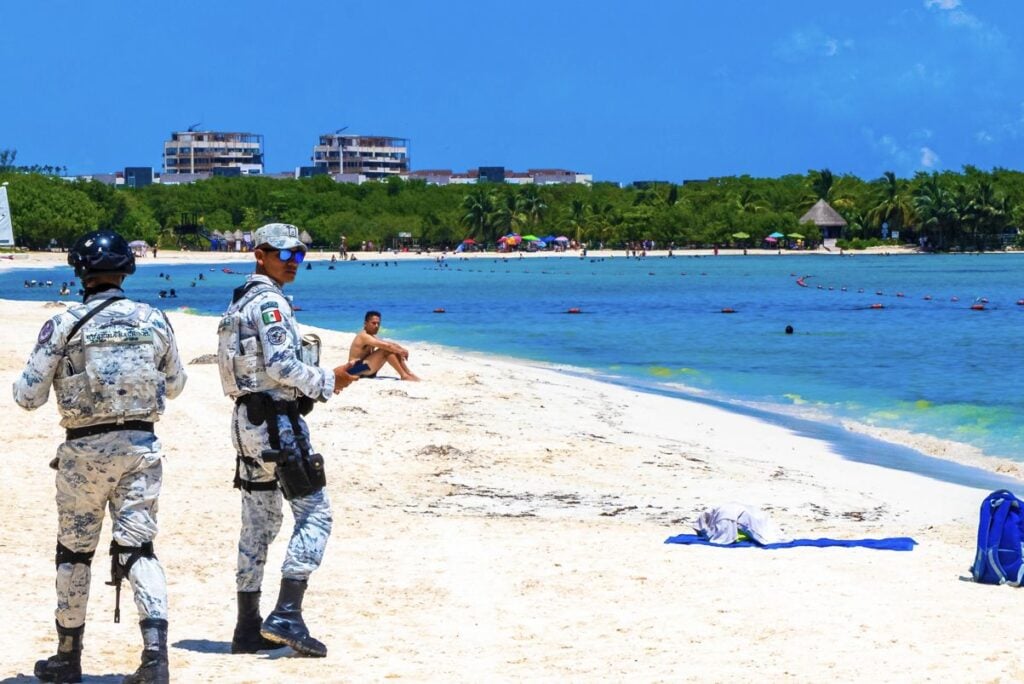

If you are gearing up for a Mexican summer getaway, you already know the drill.
You want to spend your days drinking margaritas by the pool, eating incredible street tacos, and soaking up the sun—without constantly checking over your shoulder or worrying about your safety.
When you start researching your trip, you will likely run into the official government advisories, which often paint states or entire countries with broad, intimidating brushstrokes. But looking strictly at government warnings only gives you half the story.
The reality of international travel is that safety is highly localized. What is happening in a border town has absolutely nothing to do with the vibe at a luxury beach resort hundreds of miles away.
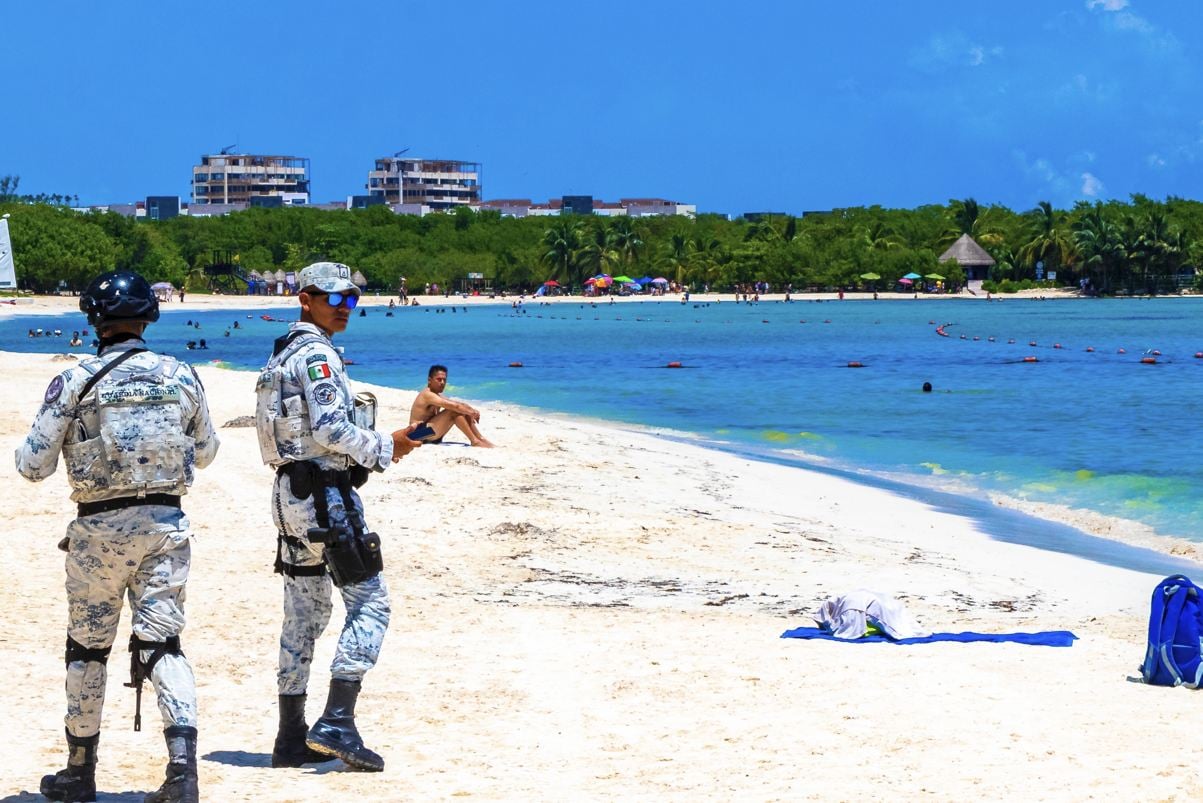
That is why we rely on our Traveler Safety Index. Instead of trusting a black-box algorithm or a blanket government warning, this index uses a Hybrid Verification Model built on pure human intelligence. It measures real-time safety directly from thousands of verified travelers who are actively voting after returning home from their trips. These scores reflect the broad, on-the-ground experiences of actual tourists, with multiple layers of editorial review to filter out bots and manipulation.
If you want a completely stress-free trip this summer, here are five massive Mexican destinations that are officially passing the safety test with flying colors, including a transparent look at exactly what travelers are flagging.
Cabo San Lucas (94/100)
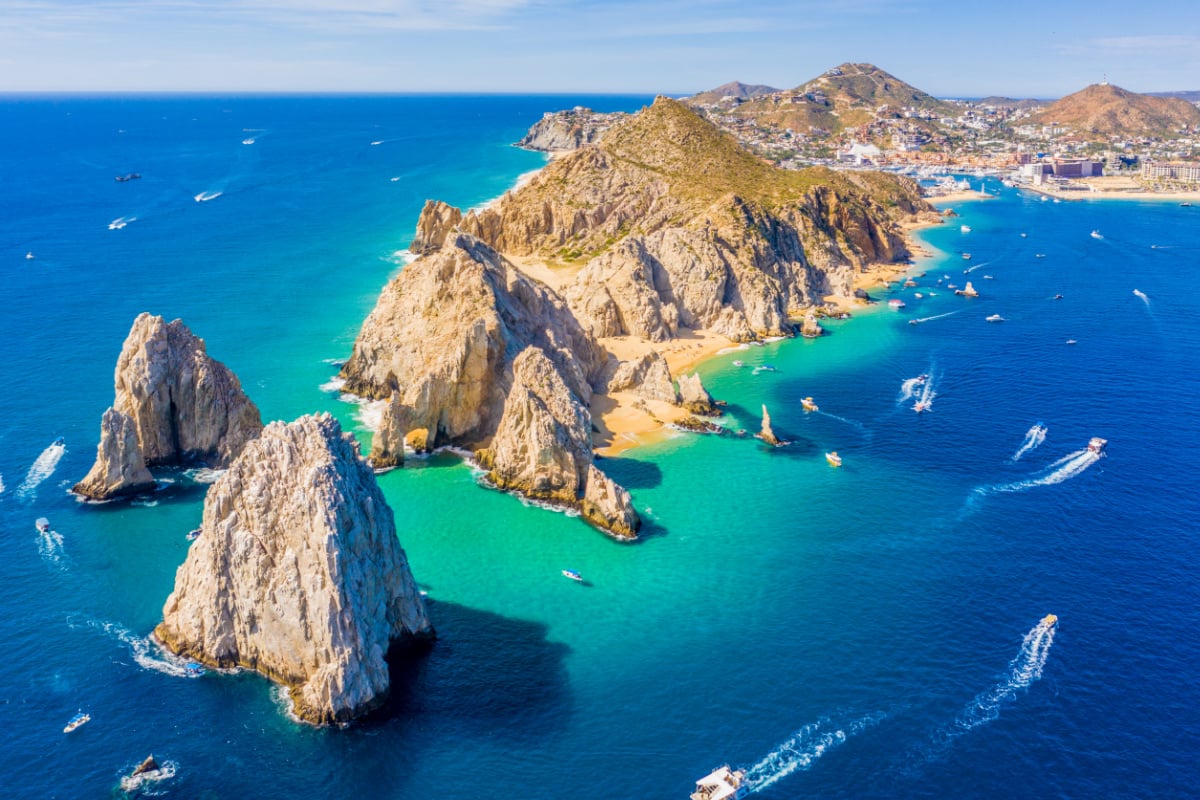
Cabo San Lucas is officially taking the crown as the safest destination in Mexico right now. With a massive sample size of 1,061 recent traveler votes, it holds a near-perfect score of 94 out of 100.
The Vibe: It is the ultimate luxury desert-meets-ocean playground. You spend your days on high-end yachts, eating world-class seafood, and enjoying some of the most exclusive resorts on the continent.
The Reality: Out of over a thousand tourists, the top concern reported was “Scams,” with a grand total of just 9 reports. When you look closely, these are not dangerous situations. These are almost entirely just classic tourist traps, like bait-and-switch boat tours down by the marina or highly aggressive timeshare pitches.
The Move: Stick to booking your catamaran tours and excursions directly through your hotel concierge or a verified online platform, and you will have a flawless, incredibly safe vacation.
Cancún (92/100)
Cancun is the undisputed heavyweight champion of Mexican tourism, and the data proves it is handling the massive crowds perfectly. It boasts the largest sample size on our list by far, with 1,822 travelers contributing to an incredible safety score of 92 out of 100.
The Vibe: It is the classic, high-energy Caribbean escape. From massive all-inclusive resorts in the Hotel Zone to crystal clear waters and elite nightlife, Cancun is built entirely for tourist entertainment.
The Reality: When you have almost two thousand people voting, you are bound to get a few complaints. The top concern here was also “Scams,” generating 36 reports. While 36 might sound like a lot in a vacuum, it is a statistically tiny percentage of the total visitors. These reports almost universally trace back to inflated taxi fares at the airport or aggressive luggage hustlers trying to force a tip. The physical security in the Hotel Zone is rock solid.

The Move: Never hail a random taxi off the street. Pre-book your airport transfer before you even leave home, and use verified transportation apps like Uber if you need to leave the resort.
San José del Cabo (92/100)
Sitting just up the highway from the high-energy party scene of Cabo San Lucas, the quieter sister city of San José del Cabo perfectly matches its neighbor with a stellar safety score of 92 out of 100 based on 461 traveler votes.
The Vibe: This is where you go when you want to actually relax. It is highly walkable, famously artsy, and features a beautiful historic town square filled with incredible boutique restaurants and galleries.
The Reality: The top concern flagged by travelers was, once again, “Scams,” with only 6 isolated reports. Because San José is so walkable and laid back, the only real annoyance tourists face is overly persistent street vendors trying to sell souvenirs or the occasional timeshare representative refusing to take no for an answer.

The Move: A polite but firm “no thank you” while continuing to walk is all it takes. Enjoy the Thursday night Art Walk and the incredible farm-to-table dining scene without a single worry.
Playa del Carmen (91/100)
Located right in the heart of the Riviera Maya, Playa del Carmen has exploded in popularity, transitioning from a sleepy fishing village into a major international hub. It holds strong with a safety score of 91 out of 100 across 517 votes.
The Vibe: It is incredibly trendy, highly walkable, and completely centered around the famous 5th Avenue, a massive pedestrian street packed with bars, restaurants, and shops just steps from the beach.
The Reality: Because Playa del Carmen is known for its lively nightlife, the top concern travelers flagged was “Drugging,” with 9 reports. While that word understandably raises eyebrows, the number is tiny against the city’s 517 votes, and it mirrors the standard drink-spiking caution that applies to any major nightlife hub worldwide.

The Move: This is about exercising basic, common-sense street smarts. If you are hitting the clubs on 5th Avenue, never accept an open drink from a stranger, and always watch the bartender pour your drink directly. If you follow standard nightlife rules, Playa is incredibly fun and highly secure.
Mazatlán (87/100)
Rounding out the top five is Mazatlán, a destination that offers a totally different flavor than the Caribbean coast. With 344 traveler votes, it holds a highly respectable safety score of 87 out of 100.
The Vibe: This is an authentic Mexican coastal city that just happens to have amazing beaches. You get a stunning historic center, incredible Pacific sunsets, and one of the longest oceanfront boardwalks in the world.
The Reality: The top concern flagged in Mazatlán was “Harassment,” with 8 reports. To be completely clear, this does not mean physical danger or stalking. In the context of Mazatlán’s massive Malecón and Golden Zone, “harassment” almost exclusively refers to the highly aggressive beach vendors, musicians, and tour operators who constantly approach you while you are trying to relax on the sand. In fact, the coastal tourist corridors are insulated from the broader state’s issues. The U.S. government even clears its own personnel to freely visit the historic downtown and walk the Malecón. The day-to-day reality here in the tourist zone is very secure.

The Move: The vendors are just trying to make a living, but they can be exhausting. If you want a perfectly quiet beach day, stick to the private beach areas sectioned off by your resort. Otherwise, just keep walking and enjoy the incredibly rich culture and phenomenal seafood this city has to offer.
📊 Destination Safety Scores
San José del Cabo
92 / 100
Playa del Carmen
91 / 100
🛡️ Ground Reports Breakdown
| Destination | Top Concern | Verified “I Felt Unsafe” Incident Categories |
|---|---|---|
| Cabo San Lucas 1,061 votes |
Scams (9) | Scams: 9 · Harassment: 7 · Civil Unrest: 5 · Theft: 5 · Assault: 5 · Active Conflict: 4 · Armed Robbery: 4 · Discrimination: 4 · Drugging: 3 · Transport: 3 |
| Cancún 1,822 votes |
Scams (36) | Scams: 36 · Transport: 22 · Drugging: 16 · Theft: 15 · Harassment: 10 · Discrimination: 10 · Assault: 8 · Civil Unrest: 6 · Armed Robbery: 5 |
| San José del Cabo 461 votes |
Scams (6) | Scams: 6 · Active Conflict: 5 · Assault: 5 · Civil Unrest: 4 · Harassment: 3 · Theft: 3 · Transport: 2 · Armed Robbery: 1 · Discrimination: 1 |
| Playa del Carmen 517 votes |
Drugging (9) | Drugging: 9 · Assault: 7 · Scams: 6 · Theft: 5 · Transport: 3 · Harassment: 3 · Civil Unrest: 3 · Armed Robbery: 1 |
| Mazatlán 344 votes |
Harassment (8) | Harassment: 8 · Assault: 3 · Armed Robbery: 2 · Transport: 2 · Theft: 1 · Drugging: 1 · Scams: 1 |
Access real-time safety scores, travel requirements, and safety updates for over 380 global travel hubs.
Check The Real-Time Data
Safety is never static, and conditions can shift based on the season, local events, or even the weather. Before you lock in your hotel or pack your bags, it is highly recommended to check the real-time conditions of your specific destination. You can view the live scores, read the specific breakdowns, and explore the full Traveler Safety Index to ensure you are making the smartest possible choice for your summer vacation.

Stacie Harris is a local resident and reporter of the Maple Grove area. Stacie reports on medicine and science for the Maple Grove Report.