

Follow ZDNET: Add us as a preferred source on Google.
ZDNET’s key takeaways
- Store mode exaggerates brightness, color, and motion for display.
- Home mode delivers a more accurate, balanced picture quality.
- Switching modes is simple but may require a factory reset.
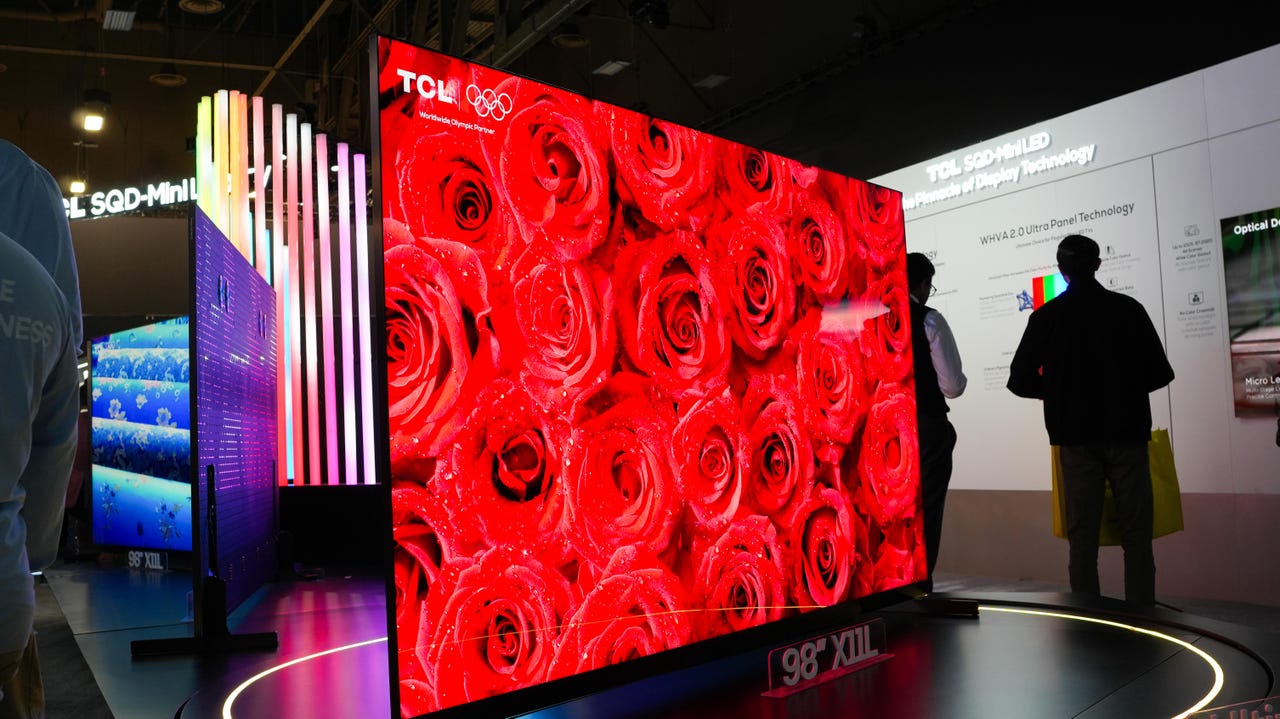
The TV-buying experience has a lot in common with buying paint: it always looks different in your home than it did in the store. While paint colors look different on your wall because the gods delight in small miseries, TVs have special picture settings just for store display units that push them to the limit and are designed to grab your attention from the next department over.
Also: How to disable ACR on your TV – and why doing so is critical for your privacy
Retail picture modes boost contrast, color saturation, 4K upscaling, and motion smoothing to create a very bold image, but don’t always reflect how a TV will look in your home when using a common preset or a custom picture mode.
While most new smart TVs automatically boot into home mode when being set up, it’s possible to accidentally enable a demo mode or have it toggled on after a factory reset. Thankfully, each brand has made it a very simple process to disable store modes or toggle between them and home mode presets.
What is store mode?
Whether it’s called Demo Mode, Store Mode, or Retail Mode, each brand’s flavor of picture setting does the same thing: boost key aspects like contrast, brightness, and motion smoothing to get a bolder-looking image that grabs your attention in the store.
Colors are often much more saturated than in home-use picture modes, creating much more vivid pictures that may come at the expense of color accuracy. Brightness is also cranked to the nth degree to compete with other screens and harsh fluorescent lights.
Also: I test TV refresh rates – here’s when 60Hz is enough (and when it’s not)
While it’s a great way to show off what a TV is capable of with a few menu tweaks, it can sometimes misrepresent what kind of picture quality you’ll get in a typical home theater or living room.
Compared to store mode, with ultra-sharp contrast and oversaturated colors, home mode picture settings may look flatter and less eye-catching. But that’s by design. Home mode isn’t set up to have your TV compete with screens from other brands for your money, it’s there to provide the best viewing experience for your space.
Also: I changed 13 settings on my TV to dramatically improve its performance – here’s how
And with just a few manual adjustments, you’ll be able to get colors, contrast, and detailing that’s very close to the over-the-top picture you see in the store.
How to disable retail picture mode
If you prefer to manually tweak your TV’s picture settings or just want to take advantage of the included preset picture modes, it’s a fairly straightforward process to disable demo or store mode. While many brands have toggles buried in the settings menu, if you have a Fire or Roku TV, you’ll have to do a few extra steps.
Also: Your TV may be tracking your viewing data – here’s how to stop it (beyond disabling ACR)
To help walk you through the process, I’ve broken down each brand’s menu to help you find the correct settings.
- Fire TV: An Amazon Fire TV needs to be fully factory reset to disable demo mode. To do this, you can either hold the Back button and the right side of the navigation circle together for 10 seconds or select Settings > My Fire TV > Reset to Factory Defaults. Once the TV has reset, you’ll be able to choose home or demo mode.
- Hisense: Settings > System > Advanced System > Usage Mode > Home Mode OR Settings > Device Preferences > Retail Mode
- LG: Settings > Support > Home Mode
- Roku TV: Like the Amazon Fire TV, a Roku-branded TV needs to be fully reset to factory defaults to choose between store and home modes. You can do this by selecting Settings > System > Advanced System Settings > Factory Reset > Factory Reset Everything. Once your TV has rebooted, you’ll be able to choose home mode.
- Samsung: Settings > General & Privacy > System Manager > Usage Mode > Home Mode. If your TV requires a PIN to continue and you haven’t set one up, it will be set to 0000 by default.
- Sony: Settings > System > Device Preferences OR Retail Mode Settings > Demo Mode and Picture Reset
- TCL: If your TCL runs on the Fire TV or Roku platform, it will need a full factory reset. But if it uses Google TV or another Android platform, you can select Settings > System > Advanced Settings > Usage Mode > Home Mode