We may receive a commission on purchases made from links.
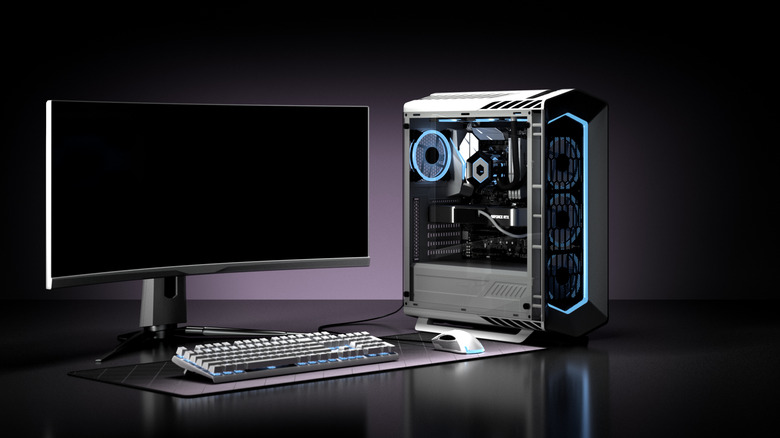
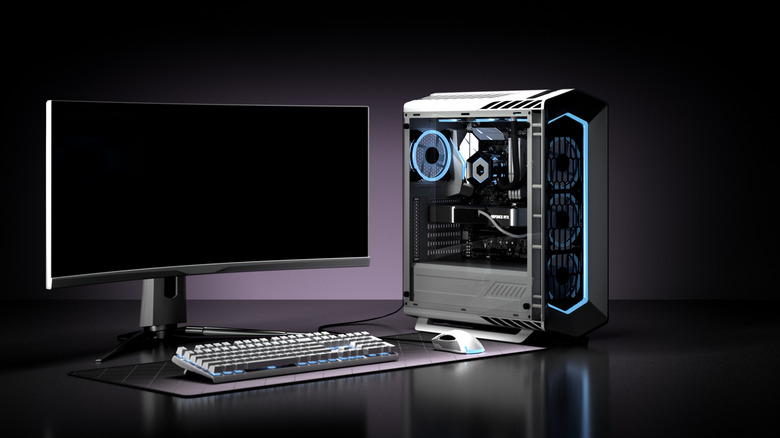
Typically, when we talk about computers, two forms come to mind — laptops and desktop PCs. Fewer think of the third option — a mini PC. Think of it as a hybrid between the two. It still offers great processing capabilities while being compact enough to be carried around. A traditional tower PC resembles a tall, bulky box that sits under or on top of your desk. Most gaming PCs take this form, but it is also very common in commercial spaces.
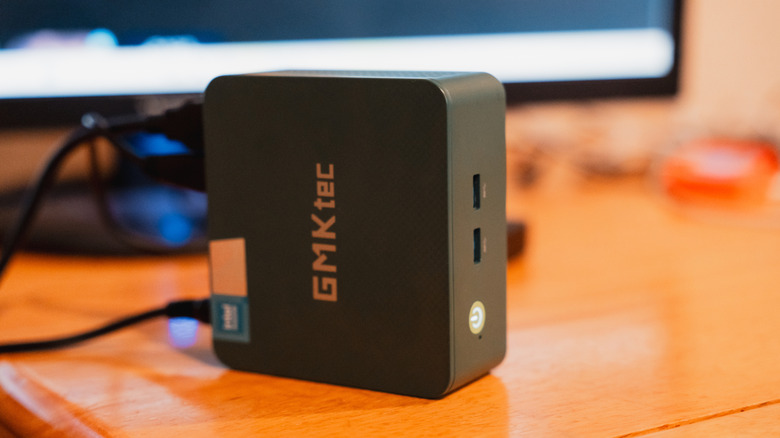
A mini PC features a similar set of components inside, but condenses it into a much smaller chassis that usually sits right next to your monitor. The Mac mini that we reviewed is an example of a mini PC that runs Apple’s macOS. There is a good variety of options over at the Windows side, too. Being smaller has its advantages — from being easier to move around to fitting well in tight workspaces. A mini PC should be on your priority list if you want solid performance but don’t want to commit to a bulky experience.
Despite there being a good selection of mini PCs available on marketplaces like Amazon, you’ll notice that they’re often priced conservatively compared to tower PCs, which seem to have no upper limit. This makes decision-making a bit clearer, since those looking for a high-octane build end up defaulting to tower PCs.
Major differences between tower and mini PCs
We’ve already covered how the first big distinguishing factor between a tower and a mini PC is size. A tower PC uses full-sized desktop components. This usually includes an ATX or micro-ATX motherboard, a desktop processor from Intel or AMD, full-size RAM modules, a dedicated graphics card, and multiple storage drives. The processor needs its own heatsink and cooling fan, and the entire build is powered by a power supply unit that also sits inside the cabinet.
The finished product is a larger but highly customizable machine. You will also notice that most tower PCs aren’t packed to the brim with components — in fact, there’s a generous amount of space inside to improve airflow and accommodate future upgrades. A mini PC takes a very different approach. To fit within its size constraints, it uses power-efficient components, similar to the ones found in laptops. Many mini PCs use laptop-grade mobile processors, SO-DIMM RAM sticks, and M.2 NVMe SSDs. These components are designed for smaller builds with limited airflow and low power draw.
Consequently, upgradability also takes a hit in mini PCs. Though RAM and storage can be swapped out with relative ease, most mini PCs usually have their CPUs soldered to the motherboard. Since most options come with integrated graphics, you’re likely not going to be able to upgrade to a beefier GPU either. Tower PCs fare extremely well when it comes to futureproofing.
Picking the right form factor for your PC
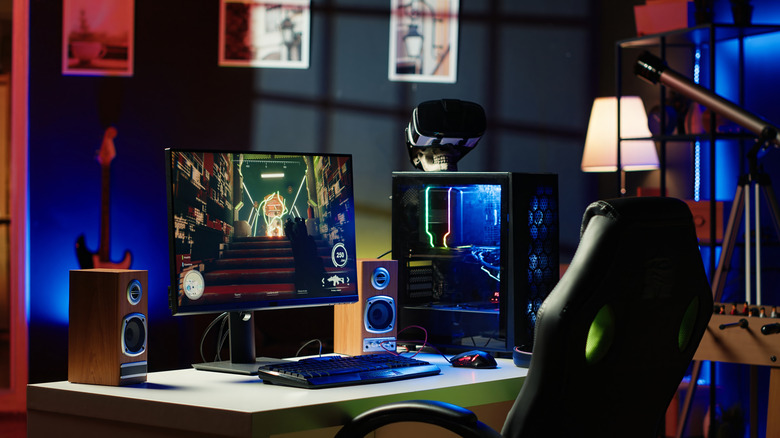
We’ve established the baseline differences — tower PCs get you as much performance as you need, while mini PCs prioritize compactness and are generally designed to handle less strenuous workloads. This is reflected in pricing. Though both are available in the budget and mid-range segments, tower PCs can be decked out with the latest and greatest CPU, more physical RAM and storage, and a beefy graphics card. This is why high-end gaming PCs often cost several thousand dollars.
PCWorld recommended the Geekom A6 Mini PC as the best budget compact PC you can buy. It’s powered by the Ryzen 7 6800H processor, 16GB of RAM, and a 1TB SSD. Well-rated mini PCs have ample connectivity options, including multiple USB ports, HDMI outputs, and an Ethernet port. You have pre-built options when shopping for tower PCs as well, but building one by yourself using just the components you need is often more economical. Of course, you can buy gaming PCs on Amazon directly as long as it’s from a reputable brand.
Mini PCs can be picked up for less than laptops of similar horsepower, so if you don’t need to work on the go, they’re a good option that saves space. Opt for a tower PC if you value upgradability and performance, and if portability or desk space isn’t a concern.