Utility Companies Want To Take Control Of Your Home’s Smart Thermostat


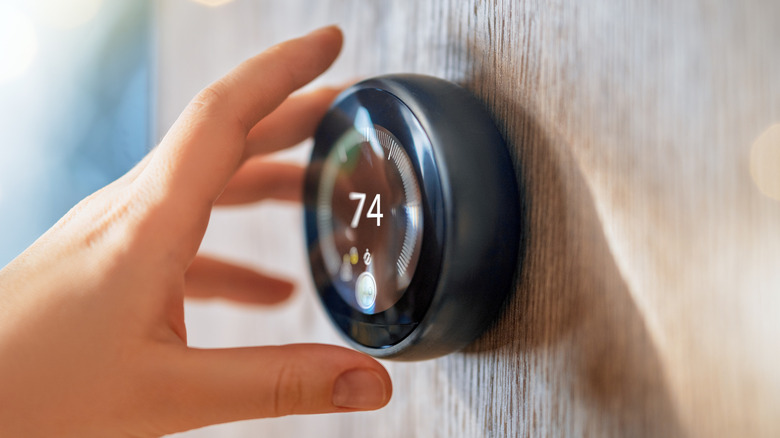
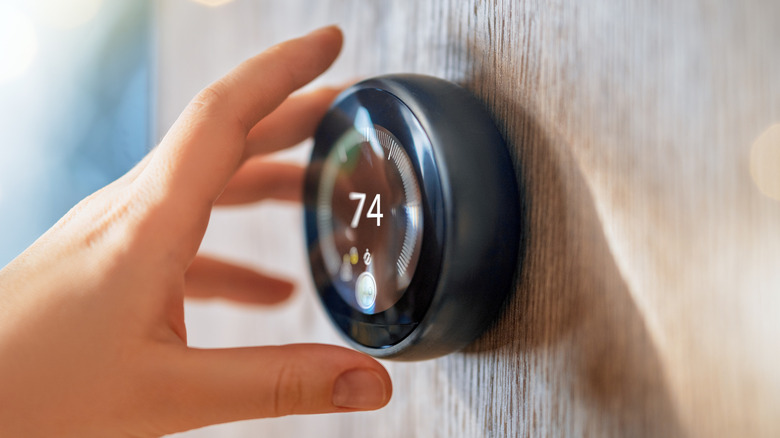
One of the uncomfortable elements of a more digitized, interconnected world is that outside parties can access your devices remotely. This is even true for those with smart thermostats, with perks like convenient HVAC adjustment over Wi-Fi and, in some cases, a lower energy bill, which can come with an unusual reality. There are now multiple proposals coming forward, on top of existing agreements between individuals and utility companies, that could grant utility companies remote access to residents’ smart thermostats. Of course, these agreements don’t come out of nowhere, and so far they’re not mandatory.

The idea behind giving utility companies access to thermostats stems from efforts to reduce strain on power grids across the United States. Remote access allows companies to strategically tweak usage at specific points during the day and night, and when grid strain approaches critical levels. In Arizona, three different utilities have pushed for such agreements, seeking to avoid grid overload and blackouts during extreme heat events. Meanwhile, Ohio is pushing to formally authorize these voluntary demand response programs via House Bill 427. These are just two of many state-specific energy-conserving initiatives in play at this point.

Suffice it to say, any law or agreement pertaining to the transfer of thermostat use to utility companies has sparked controversy. There are benefits to the concept, but not everyone is sold on it.

The benefits of giving up thermostat access

Giving a company access to a key part of a home or business is an unsettling proposition at face value, but it does seem to have major benefits. As noted, remote thermostat access is used to prevent power grid crashes during periods of high demand. The Washington Post reported that in September 2023 — one of the hottest summers ever recorded — utilities in Texas made minor adjustments to customers’ air-conditioning systems, saving enough energy to prevent blackouts across the state. Meanwhile, one of the volunteer homeowners, Ada Garcia, hardly noticed the remote adjustments as they happened.

On top of the benefits in terms of maintaining grid usability, there’s the matter of compensation for those who opt in. Garcia told The Washington Post that she receives a discount on her monthly utility bill for handing over thermostat access. Arizona resident Irina Levin told NPR that signing up for her energy conservation program through the Salt River Project utility provided her a $50 up-front bonus, along with an additional $25 for every year she’s enrolled. The aforementioned proposed Ohio bill includes a similar compensation carve-out for participants and explicitly allows overrides of utility adjustments, as desired.

For those who decide to sign up for these thermostat programs, there are apparent benefits. Still, many don’t like the hypotheticals they feel the idea presents.

Where folks find issue with thermostat remote control
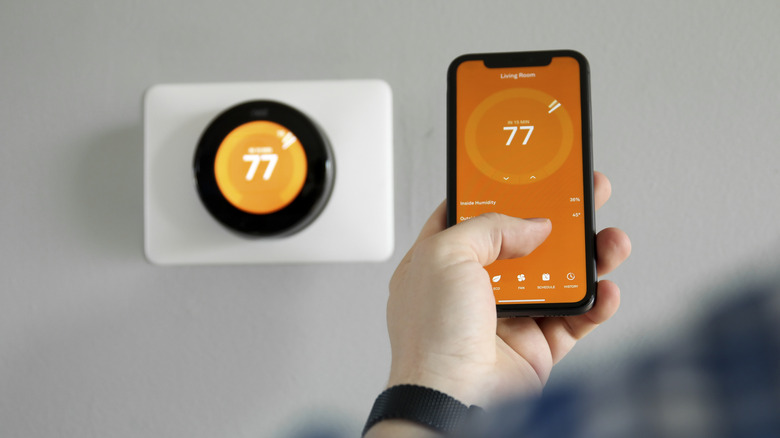
While many have already worked with utility companies to grant occasional access to their thermostats, many aren’t so keen on the idea. The main concern is that this is an example of corporate overreach and that companies shouldn’t be allowed to change how individual homes set their temperatures. Could this lead to higher billing? Or even dangerous in-home temperatures during winter and summer? Some online have even voiced their extreme dislike of these deals, desiring ways to hack into their smart thermostat to prevent any unwanted entity from making remote changes.

That’s to say that there are loads of discussions and debates about these programs floating around online. As mentioned several times, though, there’s no national or state-specific requirement demanding all homeowners and renters opt in. It’s entirely voluntary, and many online have reiterated to those concerned that it requires explicit customer enrollment to take part. Not to mention, customer overrides are the standard at this juncture. There hasn’t been a push for mandatory remote thermostat access yet, and while that’s not to say utility companies don’t want it, it’s not the present reality.

The smart thermostat is becoming an increasingly common sight in modern homes, with numerous brands to choose from. While partnering with a utility company and voluntarily relinquishing some control could be a source of anxiety, the benefits to your local power grid and energy bill shouldn’t be overlooked.


Source link

Leave a Reply

Subscribe to Our Newsletter

Get our latest articles delivered straight to your inbox. No spam, we promise.

Recent Reviews


How to get Siri AI - join the waitlist today

Apple / Elyse Betters Picaro / ZDNET

Follow ZDNET: Add us as a preferred source on Google.


ZDNET’s key takeaways

  • Siri AI requires the iOS 27 developer beta and a waitlist.
  • A free Apple Developer account is enough to install the beta.
  • Apple says Siri AI will launch in beta later this year.

Apple finally gave Siri the major update everyone has wanted for years, moving it from the voice assistant era to the intelligent AI era.

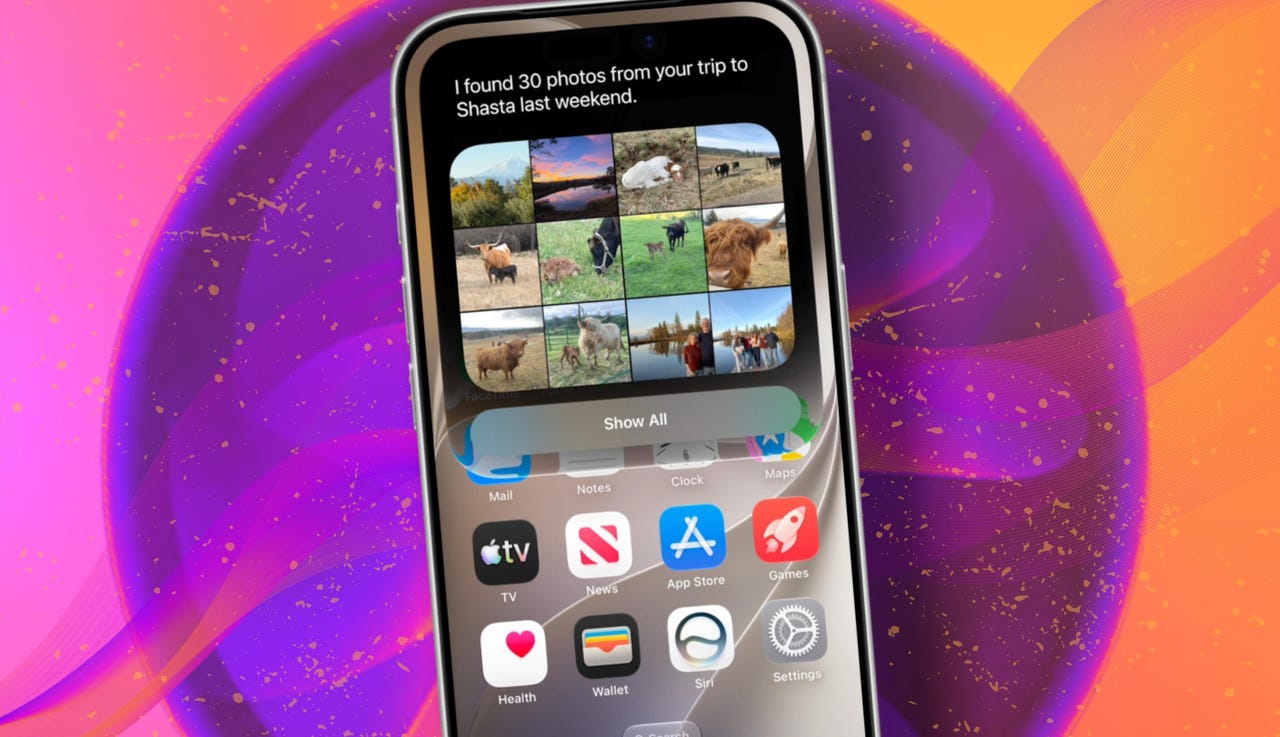
At WWDC 2026 in June, the company introduced Siri AI, a new version of Siri “powered by Apple Intelligence.” Apple said Siri AI is more conversational, understands personal context, can answer broader questions, and can take action across apps. It can also use my information from messages, emails, photos, notes, and the screen itself to get more done on my behalf.

Also: The two biggest iOS 27 features at WWDC for me had nothing to do with Siri AI

The catch? (There’s always one, right?) The iOS 27 developer beta needs to be installed first, and even then, there is a waitlist.

How to get Siri AI

What you’ll need: An iPhone 15 Pro or Pro Max, any iPhone 16 model, or any iPhone 17 model running the iOS 27 developer beta.

Install the iOS 27 developer beta on a secondary device, but be sure to back it up first. Remember, developer betas are unfinished software. Apps can crash or glitch, battery life can drain, and features can disappear.

The good news is Apple no longer requires a $99-a-year Apple Developer Program membership just to get access to beta software. A free Apple Developer account is enough. To join, if you haven’t before, simply go to Apple’s Developer website or use the Apple Developer app, sign in, and agree to the developer terms.

Also: 3 new MacOS 27 features make it worth upgrading right away for me – Siri included

Once that’s done, any new developer beta will automatically appear for the iPhone associated with that Apple Account. To check for iOS 27 and install it now, open Settings > General > Software Update > Beta Updates. From there, select iOS 27 Developer Beta, go back to the Software Update screen, and install the update.

Need help? Check out ZDNET’s guide on installing the iOS 27 developer beta.


Show more

Install the iOS 27 developer beta

Elyse Betters Picaro / ZDNET

After the iOS 27 developer beta is installed, the iPhone will reboot, but Siri AI will not automatically be available to try. Apple is using a waitlist. To join it, open the Settings app, go to Apple Intelligence and Siri, and select “Try New Siri.” Follow the prompts to opt in. Once a spot opens, a notification will appear saying New Siri is available.

Also: Getting real about WWDC and Siri AI – Video

Apple has not confirmed how long the wait will take, but it has said Siri AI will be available in beta “later this year.”


Show more

Join the Siri AI waitlist

Elyse Betters Picaro / ZDNET

Should you wait to try Siri AI?

Maybe. The iOS 27 developer beta is the only route to Siri AI right now. But it’s meant for developers testing apps and APIs, not for most people who need a stable daily phone. Only install it on an iPhone that’s not used every day, or wait for the iOS 27 public beta. That’s expected in July and is easy for anyone to try. An official release for the general public isn’t expected until this fall.

Also: How Data Can Improve Your Health and Wellness

As for me? I joined. I have a spare iPhone running the iOS 27 developer beta right now, and the first thing I did was get on the waitlist to try Siri AI. But that’s because I’m usually excited to try AI tools, and I want to play with the new Siri and be able to write about it. 

Should you join Siri Ai waitlist?

Elyse Betters Picaro / ZDNET

What can Siri AI do?

Apple said the new Siri AI is “a dramatically more capable and conversational assistant” that can help you “find information and get things done throughout the day.” That’s nice, but what, specifically, can it do? According to Apple, the new Siri AI can:

Also: Will your iPhone support Siri AI? The answer is complicated

  • Access “broad world knowledge for up-to-date answers” on any topic.
  • Provide “detailed responses” and “natural back-and-forth conversation.”
  • Use “personal context” in messages, emails, and photos to help find what you need.
  • Find details like restaurant tips, hotel confirmations, and trip photos.
  • Understand what’s on screen and answer questions about it.
  • Use “Visual Intelligence” in Camera and screenshots.
  • Take actions across apps, including drafting emails and editing or sharing photos.
  • Let you ask about images, files, and text from context menus.
  • Generate, rewrite, and proofread text systemwide.
  • Match punctuation and tone in Mail and Messages based on how you usually write.
  • Save “conversation history” in a dedicated Siri app.
  • Offer more expressive voices and better dictation.
  • Help split bills with Apple Cash.
  • Run across iPhone, iPad, Mac, Apple Watch, CarPlay, AirPods, and Vision Pro.
  • Work from Spotlight on iPad and Mac.

When will Siri AI be available?

Apple said it will be available in beta “later this year,” starting in English.

Which iPhone models support Siri AI?

The answer is complicated, but here’s my best guess:

  • iPhone 15 Pro and iPhone 15 Pro Max
  • All iPhone 16 models
  • Any later iPhone models

Apple hasn’t provided a supported device list, but its iOS 27 page shows Siri AI requires “an Apple Intelligence-enabled device.” Apple’s support page for Apple Intelligence also lists “iPhone 15 Pro models, and iPhone 16 models or later.” Apple’s iOS page uses similar wording for Apple Intelligence in iOS 27, as well: “all iPhone 16 models and later, iPhone 15 Pro, iPhone 15 Pro Max.”

There are also regional limits. Apple said Siri AI will “not initially” be available in the EU on iPhone and iPad.


Show more


Source link