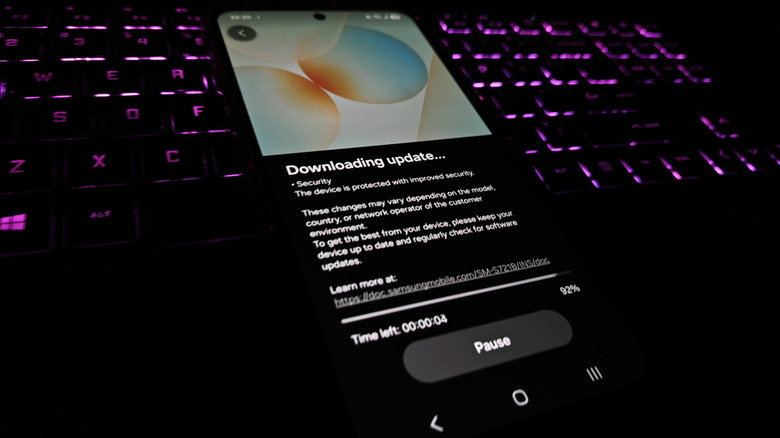

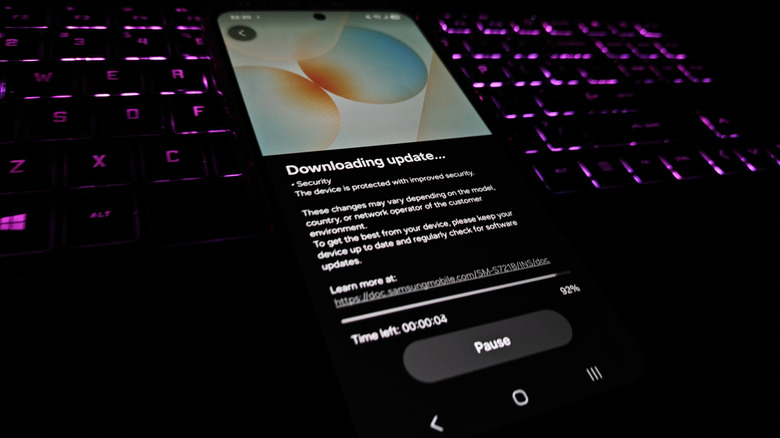
People tend to attribute expiry dates to perishables in their fridge, not the phones in their pockets. However, the expiry date of a phone is set by the manufacturer even before the handset is manufactured. It’s officially referred to as the end-of-life date, and turns out it has nothing to do with how long the battery lasts or the condition of the screen. In fact, it’s got more to do with software, specifically when the company stops handing out security updates. When that happens, your phone would still continue to work, of course — it’s just that it becomes a much easier target for bad actors.
That might sound worrying, especially when talking Android. Since Android is a wide ecosystem of products involving a slew of manufacturers, it’s tough to pin down a universal rulebook, like the kind Apple has for the iPhone. Although Google writes the operating system, it’s the brand making the phone that decides how long the updates keep coming, and it varies a lot.
Take Google and Samsung, for example. Both sit at the higher end of the spectrum, promising seven years of updates for their newer flagships. OnePlus also offers six years of patches on its flagships now, like the OnePlus 15. While things have certainly improved over the years, a few less popular brands still give you less than that. It may be a confusing picture, but thankfully, there are ways to find the end-of-life date for your particular phone.
How to check if your phone has hit EOL
If you’re curious whether your phone has hit its update cutoff, you can check the last time it received an update. If it’s been around a year since the last security patch, there’s a good chance it’s past its date. You can verify this by navigating to Settings > About phone > Software information > Android security patch level.
However, the more reliable method is to head straight to the source, since many manufacturers publish this information themselves. Google keeps a Pixel support page that spells out how many years each model gets, as does Motorola, with its software update tracker. Similarly, Samsung does the same on its mobile security site, and OnePlus lists its update schedule. You can Google similar pages for other manufacturers. Alternatively, you can check your phone’s status on an online database like endoflife.date. This is a pretty steady source that keeps update timelines for most brands and models. You can find the full model name and number in your phone’s settings under About phone. Then, search it on the Devices tab of endoflife.date.
Very rarely, a maker might roll out updates past a phone’s end-of-life date. Samsung did that in 2022 when it pushed a GPS stability fix across a huge wave of long-retired phones. This included the Galaxy S8, which launched in 2017 and was way past its end-of-life. However, cases like these are exceptions, not the norm.
Why the expiry date is worth taking seriously
The thing is that beyond the few big manufacturers, most other Android phones are playing catch-up in terms of software support. For instance, most Motorola phones, including even the pricier Edge models, are still capped at three updates. Some names, like Nokia’s HMD, don’t go beyond a couple of upgrades (even if they pledge an additional couple of years of security patches).
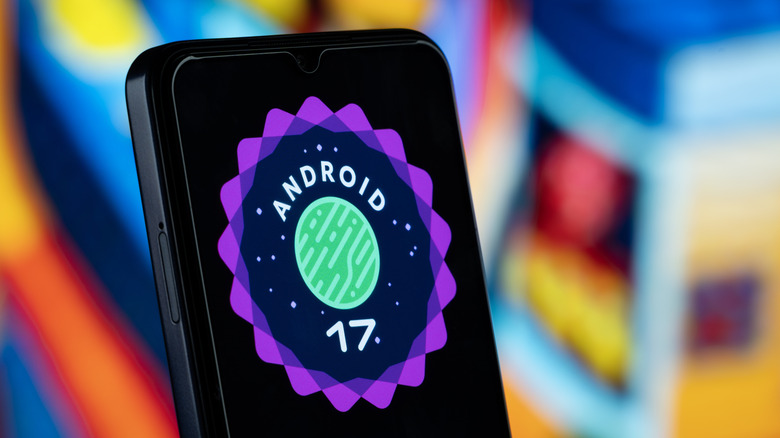
Keep in mind that your phone actually runs two separate clocks. The first covers Android version updates, like the latest Android 17 upgrade. Receiving the latest upgrade ensures your phone is loaded with the most up-to-date features. But losing support for it doesn’t really break anything. Your apps would still work, including stuff like Google Pay and the Play Store. Maybe another five or so years down the line, you might encounter an app that fails to install or launch, but that’s pretty rare.
The second clock covers security patches, and it’s actually more important because they plug flaws in the Android system and the custom firmware running on top. For instance, Samsung’s June 2026 patch alone fixed 45 separate flaws, some of them rated critical. Some holes can potentially let a thief who’s pocketed your phone slip right past the lock screen or allow someone to run code on your handset remotely. Ultimately, what happens when you don’t update an Android phone gets worse the longer you go unpatched.

Stephan is the sports journalist for the Maple Grove Report.