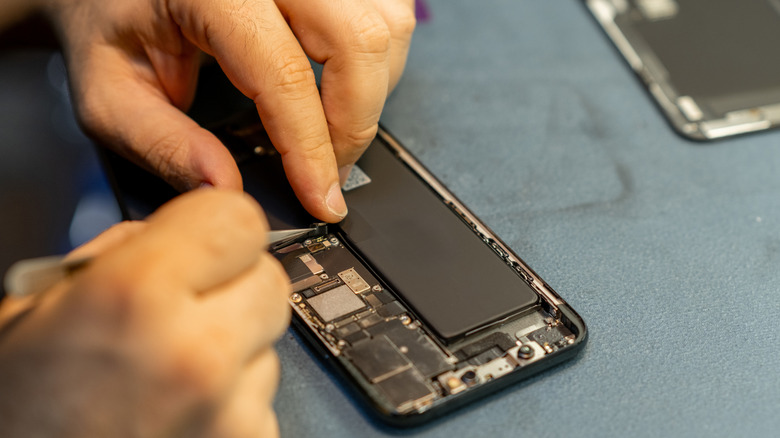
How To Use Repair Mode On Your Android Phone (And Why You Might Want To)


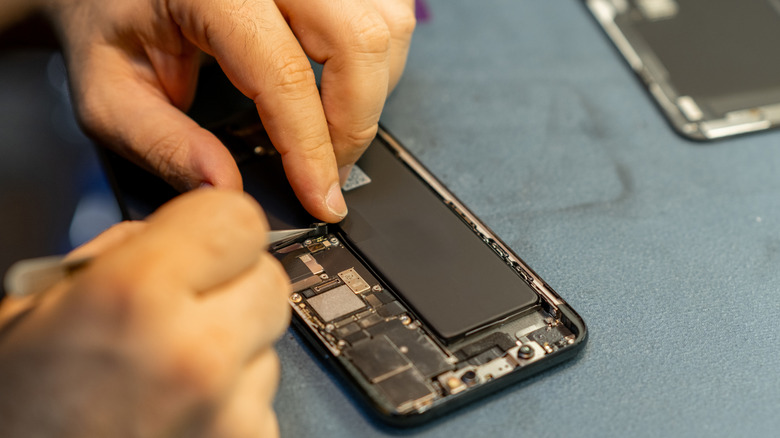
Accidents can happen with our smartphones sometimes, which might require us to take them to a technician. Even though we shouldn’t assume ill intent, any of us would be wary allowing a technician to access our phone and all of our private data and information. That stuff is meant to stay private, and the last thing we want is the prying eyes of a stranger looking through our stuff. 

If you have an Android device — specifically a Pixel or a Samsung Galaxy running Android 14 and above — you’re in luck; both of these devices contain a private mode. It’s called Repair Mode on Pixels and Maintenance Mode on Samsung devices. It’s exactly what it sounds like; it allows the technician to use the phone as normal, which would also allow them to test that everything works, but they cannot access your data at all. It’s a great idea, and it definitely solves the privacy concern. If you cannot repair your smartphone yourself, this may be a good option.

How does Repair Mode work?

Activating Repair Mode is as easy as diving into the settings on your device and finding the option, which is in different places, deepening on which phone you have. You will be required to enter your phone’s PIN or password for extra security. 

It works in a similar manner to Windows’ multiple desktop support. The phone behaves normally, but all of your data and files are completely inaccessible. The only thing is, if there’s a SIM card in the device, it can still pick up cellular signals, so if you’re wary of someone using your device and phone number to perform shady phone calls, remove the SIM card before handing it over.

The benefit is nobody will be able to see your stuff, and sometimes smartphone repairs can include something that would require using the phone’s software to make sure one or more of the features are working right. For example, if you needed one of the lens on the cameras replaced, the technician needs to open the Camera app to see if the replacement went successfully. The biggest problem is that this feature is currently only available on Google’s Pixel family and Samsung’s Galaxy family. Other Android devices don’t have it as of yet, which is a little disappointing. But if you have a supported device, this is an extra bit of security you can perform before handing your device over to the technician.


Source link

Leave a Reply

Subscribe to Our Newsletter

Get our latest articles delivered straight to your inbox. No spam, we promise.

Recent Reviews


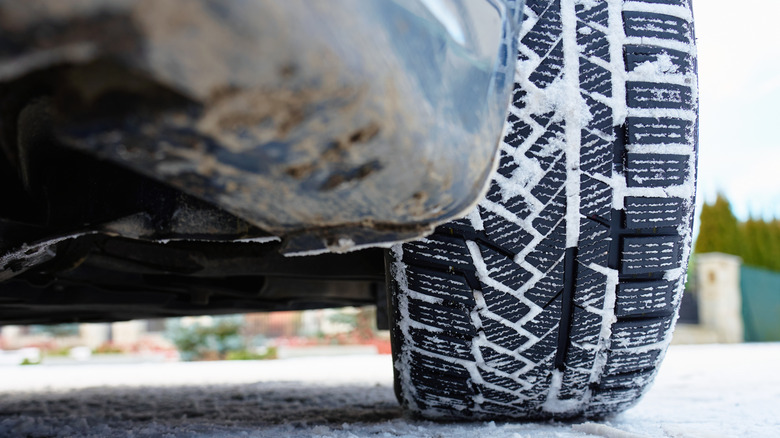
Staying safe in the winter months means being prepared for icy conditions, as winter weather sees a spike in vehicle pileups. It’s also about using the right kind of tires, which is where the 7-7 rule comes into play. This rule says that when the outside temperature drops below 7 degrees Celsius, or 45 degrees Fahrenheit, for 7 consecutive days, you should change your everyday tires to a winter model.

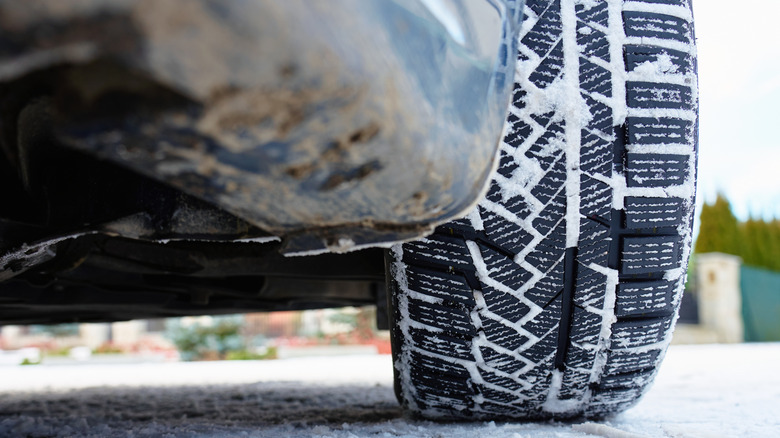
Extended cold snaps are a problem for regular seasonal tires because of how they’re designed. The rubber these tires contain becomes harder and less flexible in colder weather. When this happens, your tires’ ability to actually grip the road is reduced, which can become very dangerous in snow and ice. In contrast, winter tires are built with rubber that stays softer in cold temperatures, as well as deeper tread, which gives you better traction, and improved stopping ability. This means you have more control, which can ultimately keep you safer.

What makes winter tires ideal in cold temperatures can have the opposite effect in non-winter weather. This means that once the cold months have ended, you should switch back. If not, the tread on your winter tires will begin to wear down as the heat impacts the softer rubber. So, even with deep tread, your tires’ ability to properly grip the road can be impacted. If you’d rather not worry about the 7‑7 rule, you could use all-weather or all-terrain tires that work year-round instead.

Winter tire best practices

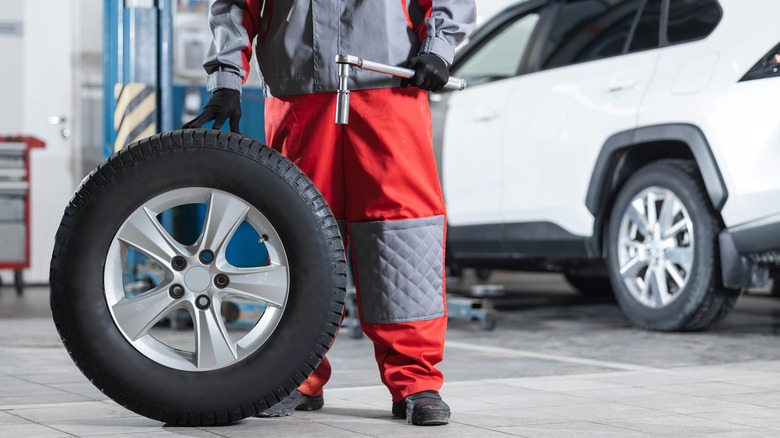
It’s important to safely store your everyday tires after they’ve been replaced by a winter set. If you’re storing them outside, Goodyear recommends protecting them in waterproof bags аnd kept off the ground. Otherwise, they should be indoors, in a cool and dry place, away from direct sunlight. If the tires are off the rim, they should be kept off the floor and stacked flat on top of each other. If the tires are on the rim, they can be stored the same way, or hung by the wheel on wall hooks.

When installing your snow tires, it’s best to use a full set. That’s because having only a pair of winter tires on the drive wheels could reduce your stability on the road. Additionally, if you’re using winter tires that don’t have the special mountain/snowflake symbol on the sidewall, you might want to consider getting new ones. The Three-Peak Mountain Snowflake symbol confirms that your tires meet industry standards for snow traction.

Even then, simply using the right tires isn’t enough, as you’ll need to check your air pressure regularly. Temperature drops can decrease tire pressure, causing you to lose your grip on the road. It can also cause uneven tread wear, which is why you should be monitoring tread depth regularly as well. Be sure to keep your tires properly rotated, and above all, be careful on the road. Winter tires can help keep you safe, but it’s up to you to drive cautiously.


Source link