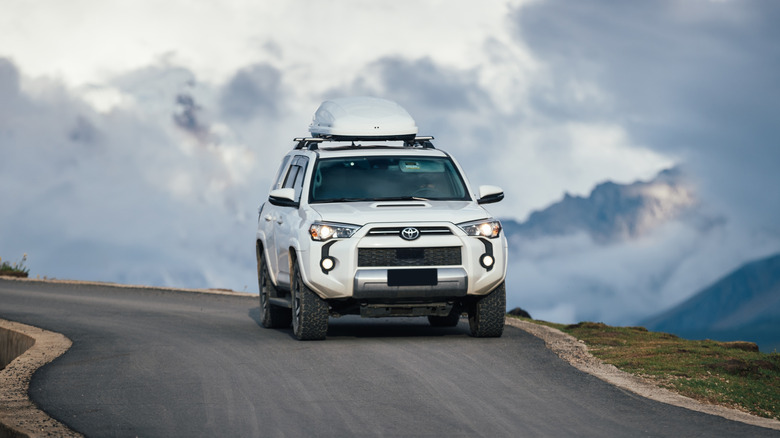
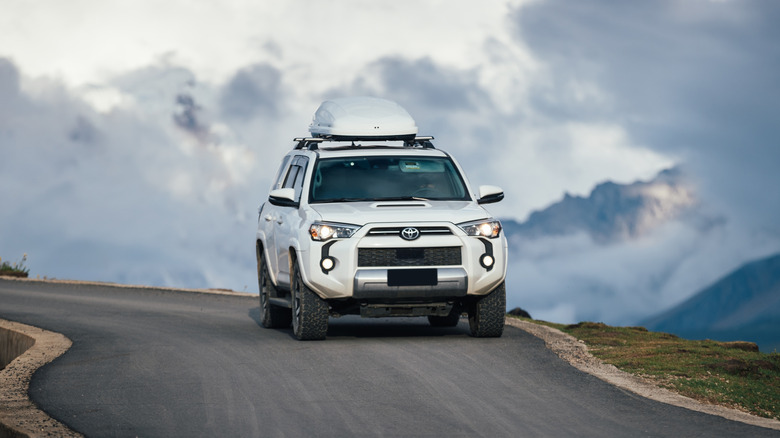
The Problem With Driving At High Elevation Through The Mountains


Driving in the mountains is about much more than just taking in the scenery and enjoying the wildlife. Regardless of whether or not you drive a gas-powered or electric vehicle (EV), you will likely experience issues that you wouldn’t encounter on flat land. It begins with reduced fuel economy, which a gas vehicle experiences in higher elevations.

The reason for that is because mountainous regions require the vehicle to be working harder to overcome gravity when climbing. A vehicle’s engine can lose power in higher elevations as well. In fact, power is estimated to be reduced by around 3% for every 1,000 feet of elevation gained. This loss of power is due to reduced oxygen levels, which directly affects the natural combustion process of a gasoline engine.

In contrast, EVs don’t lose power, but they do experience a drop in range when climbing steep mountain roads. This is due to the amount of energy it takes to move the vehicle uphill, as it’s working against gravity itself to make forward progress. When an EV goes back down the mountain and uses regenerative braking, a process that allows for more range, it can can help the vehicle regain some of its charge. Still, the energy spent going uphill can be much greater than what the vehicle can recover downhill.

How to prepare for mountain driving
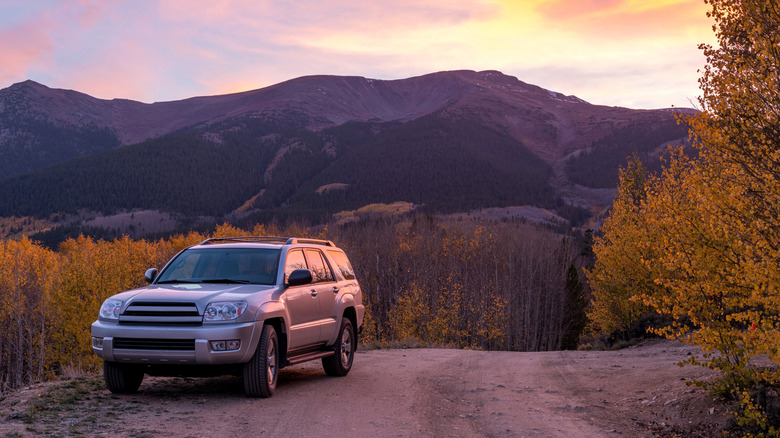
While you can’t completely eliminate all of the consequences that come with driving in higher elevations, there are some things you can do to prepare for the trip. Gasoline-powered vehicles can benefit from having their tires, brakes, and fluid levels checked before heading into the mountains. You should also pay close attention to weather forecasts and road conditions beforehand, as both can increase vehicle strain on top of the already higher demands of mountain driving.

If you’re driving an EV, preparing for mountain travel starts with planning your route and knowing where your EV charging stations are ahead of time. It’s also a good idea to begin the trip with a higher state of charge than you would when driving on flat land. This will help ensure that you have enough stored energy for the trip ahead. Before you head back down, try to do so without a full battery. This will allow your EV to capitalize on regenerative braking and regain as much energy as possible on the way down.

If you plan to be in the mountains long-term, most gas-powered vehicles don’t typically need physical modifications to operate in higher elevations full-time. That’s because modern engine control systems are able to adjust fueling and combustion timing to accommodate for thinner air conditions. However, factory Engine Control Units (ECUs) can be recalibrated through tuning to better optimize engine response and efficiency. Forced-induction systems like turbochargers can be used as well, as they can also help prevent power loss.


Source link

Leave a Reply

Subscribe to Our Newsletter

Get our latest articles delivered straight to your inbox. No spam, we promise.

Recent Reviews


Google is experimenting with a new policy restricting the amount of free storage provided to some accounts. New Google accounts (including new Gmail accounts) created in certain regions will be limited to 5GB of free storage when they’re first set up. That’s only one-third of the amount of storage that has been typically offered. There is a way of increasing the amount of free storage you get when setting up a new account, though: you can unlock it by linking your phone number.

When approached for comment by Android Authority, a Google spokesperson confirmed that the new policy was being tested to “help us continue to provide a high-quality storage service to our users, while encouraging users to improve their account security and data recovery.” The statement didn’t clarify which regions the policy is being tested in, nor for how long the testing period will last.

Notably, a Google One Help support page about account storage has been updated to state that each Google account contains “up to 15 GB of storage”, as noted by 9to5Google. Previously, the page didn’t say “up to”; it simply stated that accounts come with 15 GB of storage. So far, the experiment doesn’t appear to stretch to pre-existing accounts.

Per a screenshot shared by Reddit user Sungusungu on R/DeGoogle (a subreddit dedicated to finding alternatives to Google services and products) Google is collecting phone numbers to make sure that the full 15 GB of storage is only redeemed once per person. Of course, that’s easily evaded by using a burner phone to set up multiple accounts, should you want to. The pop-up directs users to a webpage to learn more about storage management. However, at the time of writing, the link redirects to the help center landing page instead.

How to link your Google account with a phone number

If you’re in the process of setting up a new Google account in an impacted region, then you might be prompted with the option of unlocking an extra 10 GB of storage using your phone number via a simple pop-up menu. If so, you can go ahead and follow those steps. However, if you want to link your phone number with a pre-existing Google account, then here’s what you need to do. Using your computer, you need to:

  1. Open your browser and head to myaccount.google.com, then navigate to “Security and sign in” on the left-hand toolbar. This should open a list of security options.

  2. Select “Use your phone to sign in” and then “Set it up”. 

  3. Add a phone number using the “Recovery phone” option.

  4. Follow the on-screen steps to verify your number and finish linking it to your account.

Your options might look a little different if you already have a recovery number set up with your account.

Alternatively, you can connect a phone number to your Google account from your Android device, iPhone, or iPad. Much like on a computer, you connect your number by adding it as a recovery phone. First, head over to myaccount.google.com. Then select “Personal info”, followed by “Phone”. From there, you should be able to add or edit your phone number by navigating to the “Recovery phone” section.


Source link