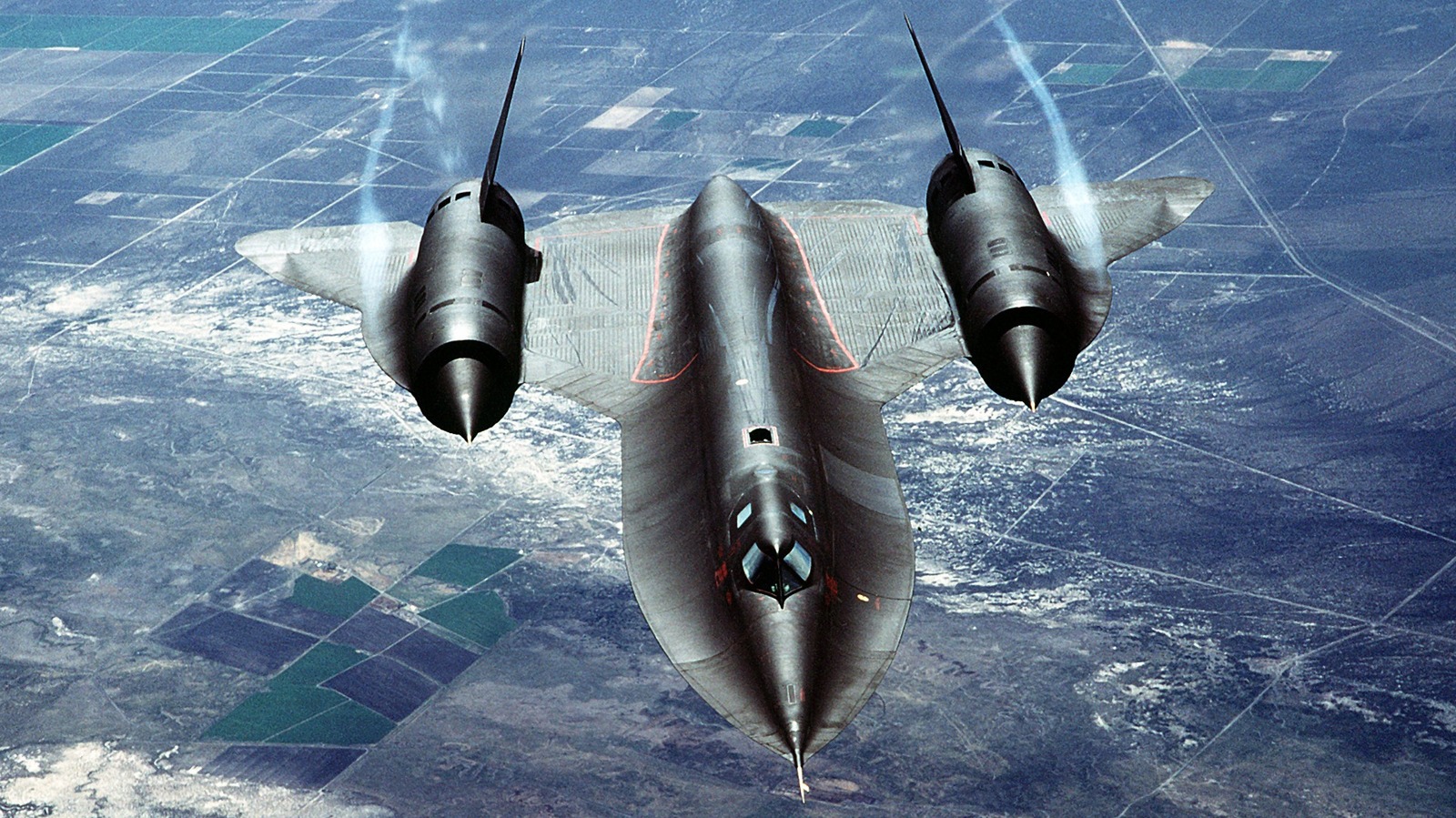

Of the many impressive aircraft developed for the United States military, Lockheed’s SR-71 Blackbird is probably the most well-known. The high-altitude reconnaissance jet has set numerous world records for speed, and many of the SR-71’s records have yet to be broken. The SR-71 is unlike pretty much every aircraft ever operated by the U.S. Air Force, and it had strict build requirements that enabled its altitude and speed achievements.
Among its many unique requirements, the SR-71 cannot use standard jet fuel, and it was built out of highly expensive titanium, much of which was procured from the Soviet Union by the CIA. Working with titanium was challenging, leading to another interesting quirk of the aircraft’s design: many of the SR-71’s parts were prone to fail, but only when they were manufactured during the summer. At the time of its initial construction, the use of titanium was relatively new, so finding out what caused the problem took some time to figure out.
Winter-built parts functioned seemingly indefinitely, and the unusual reason for this early issue in the SR-71’s development was something few could have imagined: water. It turns out that water mucked up the wing panels that were welded during the summer, and it had everything to do with the chlorine content of the water used during manufacturing. Lockheed solved the problem after spending some time trying to determine its cause, and it’s something Lockheed’s engineers couldn’t have imagined being a problem in the construction of one of the most secretive and advanced aircraft ever built.
The problem chlorinated water posed to the SR-71
Titanium isn’t an easy metal to work with, and it is highly sensitive to contaminants capable of corroding it. Wing panels needed to be welded into place, but the water used to wash the panels after an acid treatment caused the summer problem because of chlorine. The SR-71 was assembled by Skunk Works out of the Burbank Airport in California. The Burbank Water treatment plant added chlorine to the water during the summer to prevent algae blooms. Because algae prospers in warm environments, chlorine wasn’t required during the winter.
As a result, the parts welded during the summer degraded within six to seven weeks. Conversely, the parts that were worked on during the winter didn’t have this problem. The fix was relatively easy, requiring the workers to switch to using distilled water devoid of chlorine or other contaminants for the post-acid treatment. Another contaminant caused similar issues, but it wasn’t found on the parts — it had to do with the tools.
Skunk Works’ personnel working on the problem found that cadmium-plated wrenches left enough residue that weakened the bolts, causing them to fail. Cadmium, like chlorine, degrades titanium, so they replaced the tools. All of these issues resulted in a great deal of titanium and expensive tools tossed in the trash, elevating costs and delaying the production of the SR-71 Blackbird. Ultimately, it all worked out; the aircraft took to the skies, where it was most often used to spy on the very nation that unknowingly supplied much of the metal that went into its construction.

Stephan is the sports journalist for the Maple Grove Report.