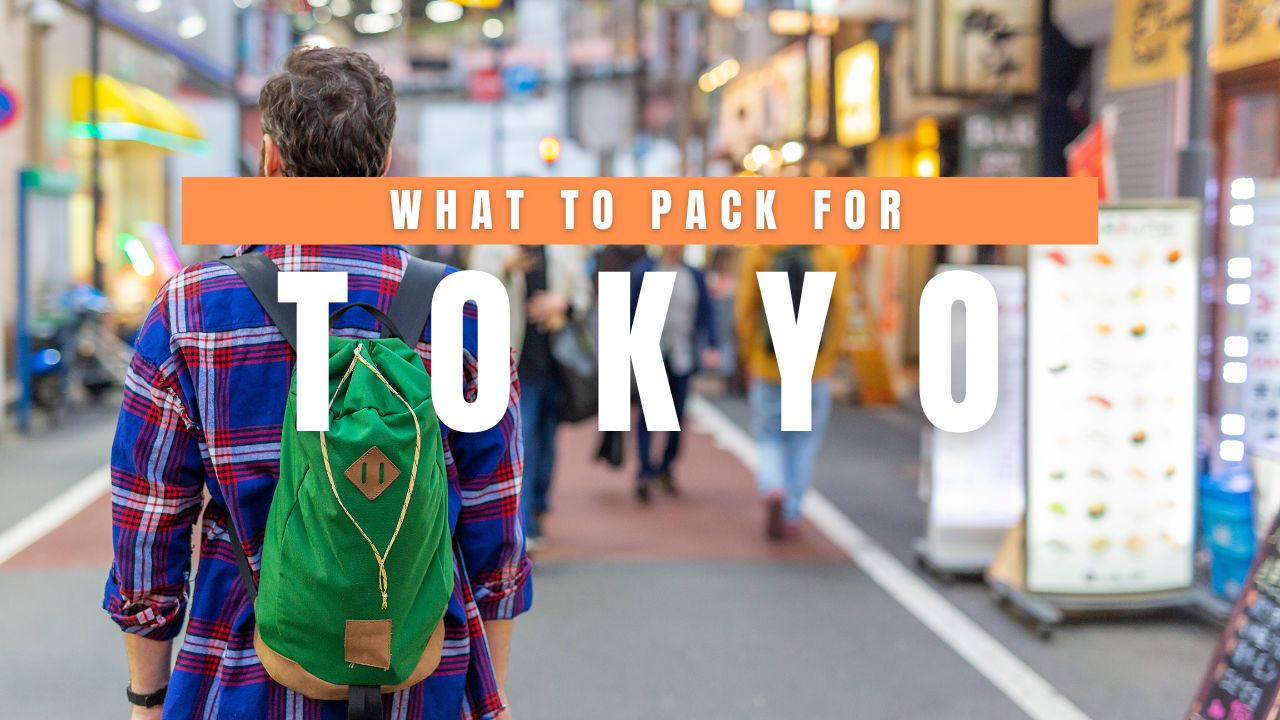

The Ultimate Tokyo Year-Round Packing Guide (+ My Essential Travel Gear)
Tokyo is one of those rare cities you can visit at any time of the year. From cherry blossoms in spring and spectacular summer festivals to vibrant autumn foliage and magical winter illuminations, every season offers a completely different experience. However, Tokyo’s weather changes dramatically throughout the year, which means packing the right clothing and travel essentials can make your trip far more comfortable.
What to Pack for Tokyo
After multiple visits to Japan, I’ve learned that packing for Tokyo isn’t simply about checking the weather forecast. You’ll likely spend hours exploring neighborhoods on foot, navigating train stations, visiting temples, shopping, and enjoying the city’s incredible food scene. Comfort, versatility, and organization are just as important as style.
Here’s my complete guide on what to pack for Tokyo during every season, along with the travel essentials I never leave home without.
Understanding Tokyo’s Climate
Tokyo experiences four distinct seasons.
- Spring (March to May): Cool to pleasantly warm
- Summer (June to August): Hot, humid, with frequent rain
- Autumn (September to November): Mild and comfortable
- Winter (December to February): Cold but generally dry and sunny
Because temperatures can change significantly between morning and evening—especially during spring and autumn—layering is always your best strategy.

What to Pack for Tokyo in Spring (March to May)
Average temperature:
8°C–22°C (46°F–72°F)
Spring is arguably Tokyo’s most beautiful season. Cherry blossoms transform parks into breathtaking landscapes, while comfortable temperatures make sightseeing enjoyable.
However, mornings and evenings can still be chilly, especially in March.
Clothing
Pack lightweight layers instead of heavy winter clothing.
Recommended items include:
- Light waterproof jacket
- Cardigan or fleece
- Long-sleeved shirts
- Comfortable T-shirts
- Jeans
- Chinos
- Casual dresses
- Leggings
- Sneakers
- Light scarf
A compact umbrella is essential because spring showers are common.
Best Fabrics
Choose breathable fabrics such as:
- Cotton
- Linen blends
- Moisture-wicking materials
Avoid packing bulky coats unless you’re visiting during early March.

What to Pack for Tokyo in Summer (June to August)
Average temperature:
23°C–35°C (73°F–95°F)
Tokyo summers are famous for intense humidity. Even though temperatures may appear manageable, the high humidity can make it feel much hotter.
June is also the rainy season, while July and August bring heat waves and frequent sunshine.
Clothing
Pack light, breathable clothing.
Recommended items include:
- Moisture-wicking T-shirts
- Shorts
- Light dresses
- Breathable skirts
- Tank tops
- Thin socks
- Comfortable walking sandals
- Lightweight sneakers
- Sun hat
- Sunglasses
Rain Essentials
Summer rain showers often appear without warning.
Always bring:
- Foldable umbrella
- Lightweight rain jacket
- Waterproof bag cover
- Quick-drying towel
Heat Protection
Tokyo’s concrete streets retain heat throughout the day.
Don’t forget:
- Portable fan
- Cooling towel
- Cooling wipes
- Refillable water bottle
- Sunscreen
- Lip balm with SPF
What to Pack for Tokyo in Autumn (September to November)

Average temperature:
12°C–27°C (54°F–81°F)
Autumn is one of the best seasons to visit Tokyo. Humidity drops, skies become clearer, and parks burst into shades of red, orange, and yellow.
September can still feel warm, while November becomes noticeably cooler.
Clothing
Layering is key.
Bring:
- Light sweater
- Long-sleeved shirts
- T-shirts
- Light jacket
- Jeans
- Casual pants
- Comfortable walking shoes
- Thin scarf
By late November, a warmer jacket becomes useful, especially after sunset.

What to Pack for Tokyo in Winter (December to February)
Average temperature:
2°C–12°C (36°F–54°F)
Tokyo winters are relatively mild compared to northern Japan, but the cold wind can make sightseeing uncomfortable.
Snow is uncommon but not impossible.
Clothing
Pack warm layers instead of one extremely heavy coat.
Recommended items:
- Insulated winter jacket
- Sweaters
- Thermal base layers
- Heat-retaining shirts
- Warm jeans
- Thick socks
- Gloves
- Beanie
- Scarf
- Comfortable waterproof shoes
Japanese buildings and trains are generally well heated, so wearing removable layers is ideal.
Shoes You’ll Actually Need
Tokyo is one of the world’s most walkable cities.
Many travelers easily walk 15,000 to 25,000 steps every day.
Bring:
- Comfortable walking sneakers
- Casual shoes for evenings
- Waterproof shoes during rainy months
- Sandals only during summer
Avoid packing brand-new shoes, as you’ll likely spend entire days exploring.
Electronics to Pack
Japan uses Type A plugs with a 100V electrical system.
My electronics checklist includes:
- Universal travel adapter
- Power bank
- Charging cables
- Phone charger
- Camera
- Extra memory cards
- Laptop or tablet (optional)
- Noise-canceling earbuds or headphones
- Smartwatch charger
A portable power bank is especially useful because you’ll constantly use Google Maps, train apps, and your camera.
Travel Documents
Always keep these easily accessible.
- Passport
- Return flight confirmation
- Hotel reservations
- Travel insurance
- Credit cards
- Debit cards
- Cash (Japanese Yen)
- Digital copies stored securely online
Although Japan is increasingly cashless, many smaller restaurants, temples, vending machines, and neighborhood shops still prefer cash.
Toiletries
Many Japanese hotels provide basic amenities, but I still bring:
- Toothbrush
- Toothpaste
- Deodorant
- Sunscreen
- Moisturizer
- Lip balm
- Facial cleanser
- Razor
- Hairbrush
- Prescription medications
- Small first-aid kit
If you have specific skincare or medications, bring enough for your entire trip.
My Tokyo Travel Essentials
These are the items I always pack regardless of the season.
Lightweight Day Backpack
Perfect for carrying water, shopping purchases, camera gear, and extra clothing.
Foldable Eco Bag
Japanese convenience stores often charge for shopping bags, making a reusable tote incredibly useful.
Portable Power Bank
You’ll rely heavily on navigation apps and photography throughout the day.
Refillable Water Bottle
Tokyo has numerous places where you can refill your bottle, helping reduce plastic waste while saving money.
Pocket Wi-Fi or eSIM
Reliable internet is invaluable for train navigation, restaurant searches, translation apps, and staying connected throughout your trip.
Coin Purse
Japan still uses many coins, and having a small coin wallet makes everyday purchases much easier.
Packing Cubes
Packing cubes keep clothing organized and make hotel stays far more convenient, especially if you’re visiting multiple cities.
Compact Umbrella
Whether it’s spring showers, the summer rainy season, or unexpected weather changes, a compact umbrella is one of the most useful items you’ll pack.
Portable Hand Towel
Public restrooms sometimes don’t provide paper towels. Carrying a small hand towel is a common practice in Japan and proves surprisingly useful throughout the day.
Reusable Shopping Bag
Tokyo offers incredible shopping opportunities—from department stores to local markets. A foldable shopping bag is lightweight and comes in handy for souvenirs, snacks, and daily purchases.
Seasonal Packing Tips
- Check the weather forecast a few days before departure, as temperatures can change quickly.
- Dress in layers during spring and autumn for maximum comfort.
- Prioritize breathable, moisture-wicking clothing in summer.
- Wear insulated layers rather than bulky coats in winter.
- Leave extra space in your luggage for shopping, as Tokyo is a paradise for souvenirs, fashion, cosmetics, and electronics.
- Choose comfortable footwear, as you’ll likely walk far more than expected each day.
- Pack a small umbrella and a reusable shopping bag regardless of the season—they’re useful year-round.
Final Thoughts

Packing for Tokyo is all about balancing comfort, practicality, and flexibility. The city invites you to spend long days exploring bustling shopping districts, serene temples, hidden alleyways, expansive parks, and world-class museums, often covering many kilometers on foot.
By dressing appropriately for the season and bringing a few thoughtfully chosen travel essentials, you’ll be prepared for everything from cherry blossom picnics and summer festivals to colorful autumn walks and dazzling winter illuminations.
Rather than overpacking, focus on versatile clothing that can be layered and mixed to suit changing temperatures. A reliable pair of walking shoes, weather-appropriate outerwear, and a handful of smart travel accessories will go much further than an oversized suitcase.
With the right packing strategy, you’ll be free to enjoy everything Tokyo has to offer—comfortably, confidently, and with plenty of room left over for the unique treasures you’ll inevitably bring home.
Tokyo Travel Tour Packages You Should Try
Follow and subscribe to OutofTownBlog.com on Facebook , Twitter, Instagram, Pinterest, and YouTube for more Travel-related updates.
Read:

Stacie Harris is a local resident and reporter of the Maple Grove area. Stacie reports on medicine and science for the Maple Grove Report.