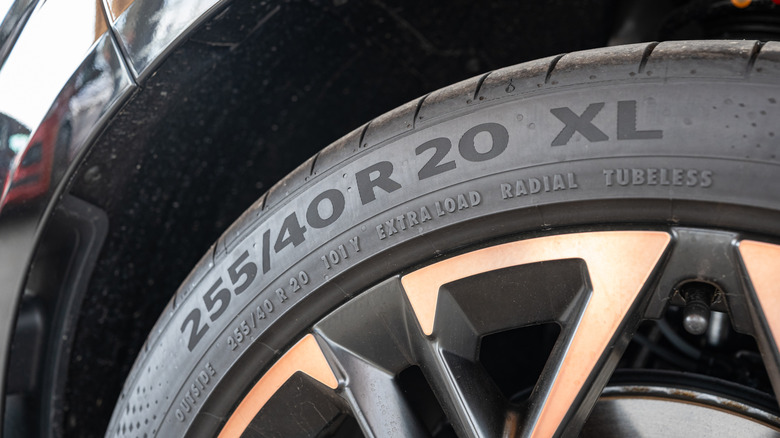

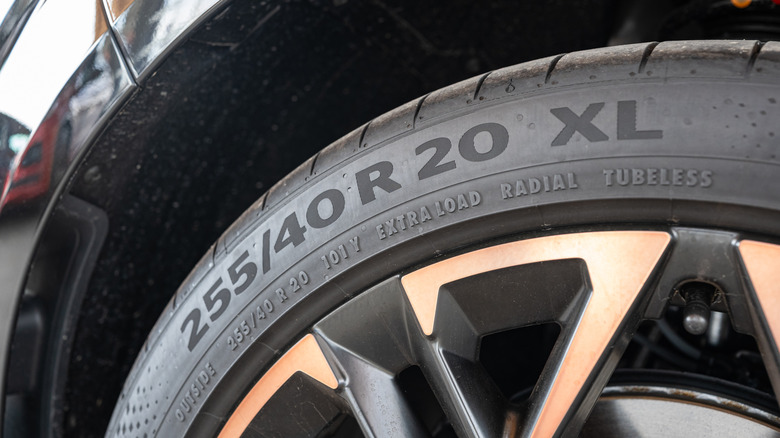
Look at your car’s tire, and you’ll notice a little code stamped on the sidewall, usually a jumble of numbers and letters. Each of them provides one little detail about the rubber. One of them is the R, which stands for radial, and it sorts out how the thing is built. Today, radial is actually how nearly every car tire is put together, and it describes how the layers inside the tire sit — specifically, the layers run straight across the tire. That’s quite unlike how bias-ply tires (now obsolete for everyday vehicles) were built. In those, the layers crossed diagonally.
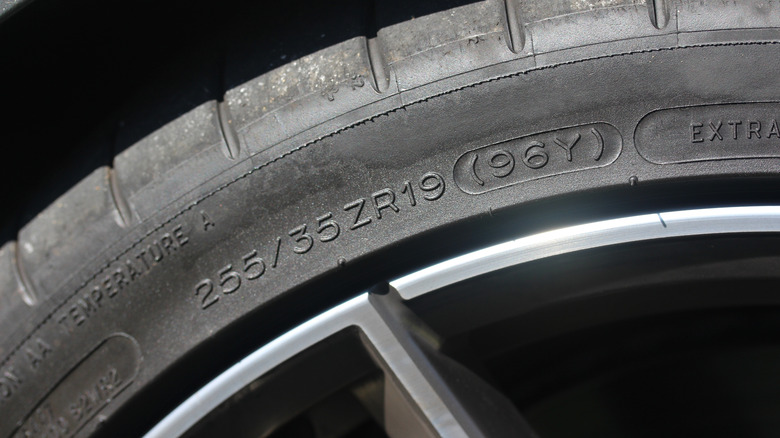
Then there’s ZR. At first, it may seem like that extra Z says something about construction, but it doesn’t. The R still stands for radial, so on that front, nothing has changed. The Z simply is an additional rating that nods to speed. The thing is, decades back, the speed letter used to sit in front of the construction letter, so you had a whole catalog of speed ratings like SR, HR, VR, or ZR. ZR was the fastest of the lot and could push past 149 mph. While that front-of-the-code format faded, the letters themselves didn’t disappear. S, H, and V just shifted to the end of the size code, where they now sit after the load number. ZR is the one that held onto its old spot up front. The thing is, once a tire can clear 149 mph, makers can stamp ZR, though they aren’t required to. However, if you go beyond 186 mph, the ZR is required to be stamped. And if you’re wondering what that ZR buys you on the road, it usually flags a performance tire, so next to other ratings, they grip harder, turn in sharper, and stop shorter.
Which one to get?
Most ZR tires are designed for speed, so they tend to use a stickier, stiffer compound for better grip. That comes at a cost, though, since a tire’s speed rating can affect ride quality, and the additional stiffness results in rougher and louder rides. It also drinks a touch more fuel as it rolls. Meanwhile, an ordinary touring tire — let’s call it the plain R — offers the most balanced everyday experience. It may not have that level of cornering bite, but it rides more comfortably, runs quieter, and returns better mileage.
As for which one to get, it all depends on the car you own. Commuters, family crossovers, and the like do fine on a standard touring tire, so you can stick with a T or H speed rating. For instance, everyday rides like a Honda Civic or a Toyota RAV4 are perfectly happy on an H-rated tire. But the best way to tell what you need is to look at what your car left the showroom with. And if it’s something like a T or an H, there’s no real reason to go sportier.
ZR, on the other hand, is aimed purely at cars made to go quick. Specifically, these are the ones that come with tires rated W (168 mph) or Y (186 mph). There’s also the fancier, bracketed (Y) that covers anything past that. In a way, all these are subcategories of the ZR bracket. You can get a good idea about the kind of cars that need ZR by looking at one example: the Lamborghini Urus. This SUV can top 190 mph, and it rides on Pirelli P Zero rubber rated (Y) right out of the factory. So if your ride came with ZR, that’s your cue to stay on it.

Stephan is the sports journalist for the Maple Grove Report.