
We may receive a commission on purchases made from links.
One of the most widely known cheap tech brands right now is Walmart’s Onn brand, which rivals Target’s Heyday brand and other big box store brands when it comes to affordable tech that’s decent quality. Although Onn’s most popular product line is TVs, the brand offers so much more. You can find Onn-branded computer peripherals, wireless chargers, earbuds, soundbars, speakers, a ton of charging cables, and more, and most of it is usually pretty great for the price.
In fact, even Amazon struggles to match the value of Onn tech items sometimes. And if you’ve ever shopped Amazon Basics before, you know how difficult a task it is for Amazon to be outdone in terms of price. That said, not all Onn finds are a better deal compared to their Amazon equivalents. There are plenty of Amazon finds that outshine Walmart’s Onn, and we’ve rounded up five of them here.
Amazon Basics Active Noise Canceling Headphones
There are currently no active noise canceling (ANC) headphones under the Onn brand to compete with the Amazon Basics ANC Headphones, but Walmart does sell two earbud options with noise cancellation: The True Wireless Earbuds with ANC for $42.23 and the Open-Ear Wireless Earphones with Noise Canceling for $39.88. The True Wireless ANC model features a pass-through mode, up to 40 hours of playtime with the included charging case, an IPX5 rating, and in-ear detection capabilities for some media controls. The Open-Ear model highlights instead amplified bass and dual 14.2mm dynamic drivers, up to 24 hours of playtime, and an IPX4 rating.
According to the price history for both of these compact, noise canceling headphones, they rarely go on sale, unlike Amazon’s ANC Headphones and other Amazon Basics speakers. At the time of writing, these headphones are set at $38.39, but the lowest they’ve dropped to recently is $21.10, about half the price of Onn’s earbuds above. They’re equipped with dual 40mm drivers, five omnidirectional microphones, soft ear cushions, and up to 45 hours of playtime, but don’t have an IP rating.
Based on headphone tests run by TechRadar, the Amazon Basics cans are decent at canceling out café noise and a microwave, but not as great at drowning out a hair dryer or traffic. For sound quality, comfort, and other features, Amazon customers rate the headphones relatively well, awarding an average 4.3-star rating with over 800 total reviews.
Amazon Basics Wired Keyboard
If you’re shopping for computer peripherals on a budget, Onn is a great brand to consider, but when it comes to wired keyboards, Amazon has Onn beat. At Walmart, you can pick up this Onn Wired Keyboard for $12.88, featuring 104 low-profile keys and a five-foot cable, and weighing 1.1 pounds. It has great reviews on Walmart’s site, but you’ll rarely see it dip more than about a dollar below $12.88, and that stagnant price is what makes Amazon’s alternative the better option.
This Amazon Basics Wired Keyboard is typically priced at $11.70, but often drops below $10, with $8.19 as its lowest price ever at the time of writing. It’s not clear how long the built-in cable is for Amazon’s keyboard, but it appears quite similar to the Onn model in most ways, with a sub 1-pound weight and 105 low-profile keys. PCMag reviewed this keyboard as an average contender that’ll get the job done, awarding it three stars and highlighting its lack of software and its media control, but Amazon customers are a bit easier to please, with just over 9,700 people giving the keyboard a 4.5-star average rating. That said, most likely wouldn’t recommend it as one of the best Amazon Basics gaming accessories.
Amazon Fire HD 8
There are quite a few tablets between Onn and Amazon to choose from, but here, we’ll look at the Onn 7-Inch Core Tablet (2026) with 64GB of storage, priced at $97, and the Amazon 8-Inch Fire HD Tablet with 64GB of storage, set at $129.99 full price, with lock screen ads. At the time of writing, Onn’s tablet has never dropped lower than $97, but Amazon’s tablet has hit $84.99. If you’re looking to buy either tablet at full price, Onn might be the better choice for you. But if your shopping window is a bit flexible, it’s worth waiting for Amazon’s tablets to go on sale.
Granted, this is the price with lock screen ads, but compared to Onn’s tablet, it offers a larger display with higher resolution, longer battery life, and a better rear camera. The Onn tablet is equipped with a 7-inch (1024 x 600) display, an octa-core processor, 4GB of RAM, Android 16, 2-megapixel front and rear cameras, and rated battery life up to 10 hours, while the Amazon tablet features an 8-inch (1280 x 800) display, an hexa-core processor, 4GB of RAM, a 2-megapixel front camera, a 5-megapixel rear camera, and rated battery life up to 13 hours. According to a 2024 Engadget review for the Fire HD 8, Amazon still has a lot of room for improvement with this tablet, but it offers good battery life, a lightweight design, and improved performance compared to its predecessor.
Amazon Fire TV Stick
At full price, Onn’s 4K Streaming Device and Amazon’s Fire TV Stick 4K Select are within a few cents of one another. However, the price history for Amazon’s streaming stick shows how often it drops from its $39.99 retail price to only $17.99. Meanwhile, the Onn streaming stick remains stuck at its $39.97 full price. In terms of features, the two streaming devices are quite similar, making the cheaper option from Amazon a no-brainer.
The Onn streamer has a quad-core processor, support for Wi-Fi 5, 2GB of RAM, 8GB of storage, and up to 4K resolution with HDR10+ support. It also advertises a voice remote with Gemini integration and access to “over 700,000 movies and shows, plus 10,000+ apps” to watch that content through.
Amazon’s 4K Select streamer shares all the same base specs with three exceptions. First, it’s not clear exactly how much RAM the streaming stick has. Second, instead of Dolby Atmos audio, the 4K Select streaming device offers Dolby-encoded audio. And third, rather than Google’s Gemini assistant, the voice remote included with Amazon’s streaming stick comes with Alexa. Additionally, the 4K Select streaming stick is compatible with Amazon Luna and Xbox Game Pass, which require separate subscription. Altogether, it’s a solid streaming stick, with multiple positive traits highlighted in hands-on testing and an impressive 4.2-star average rating from over 11,000 customer reviews on Amazon.
Amazon Basics Full Motion TV Wall Mount
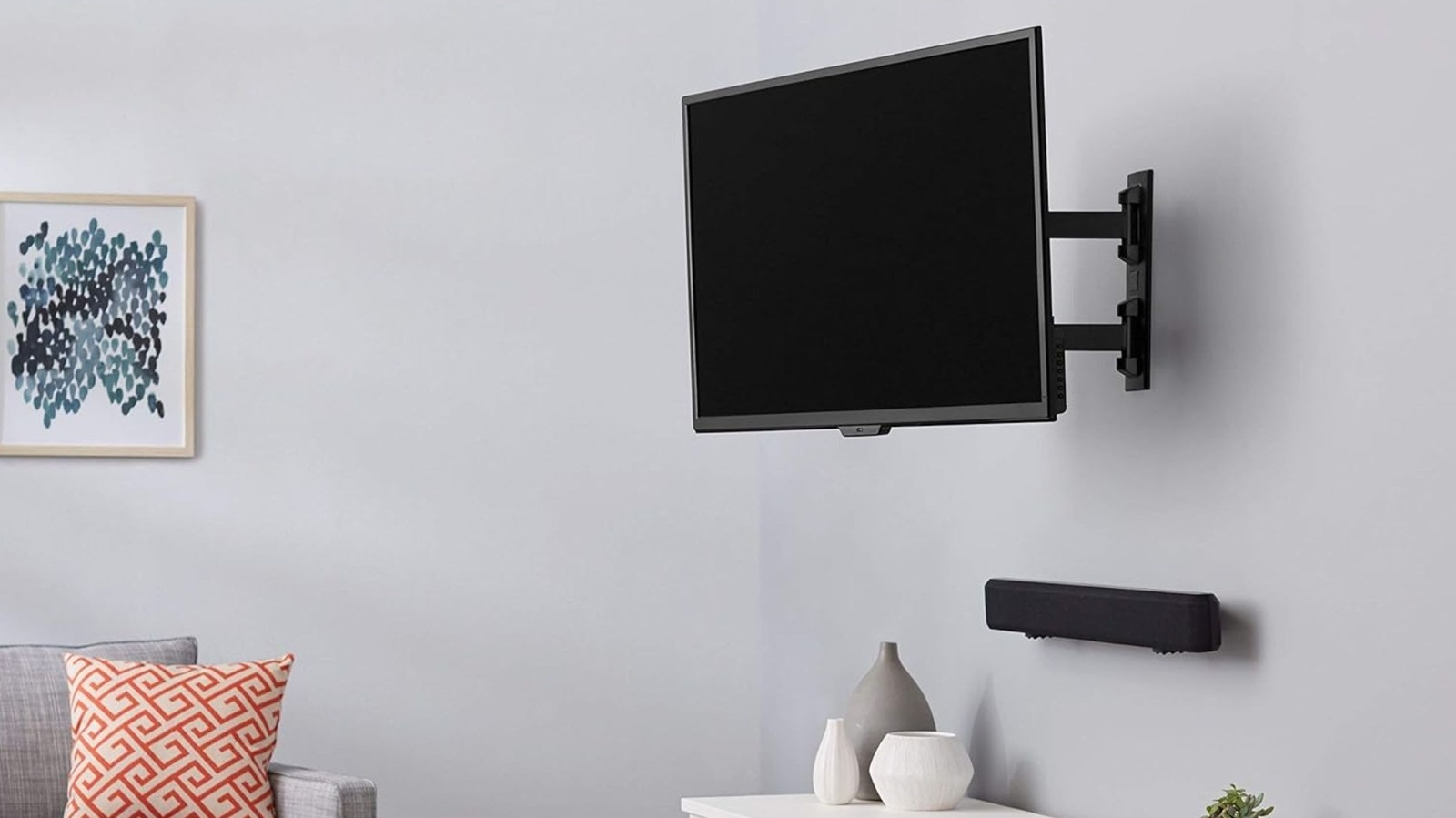
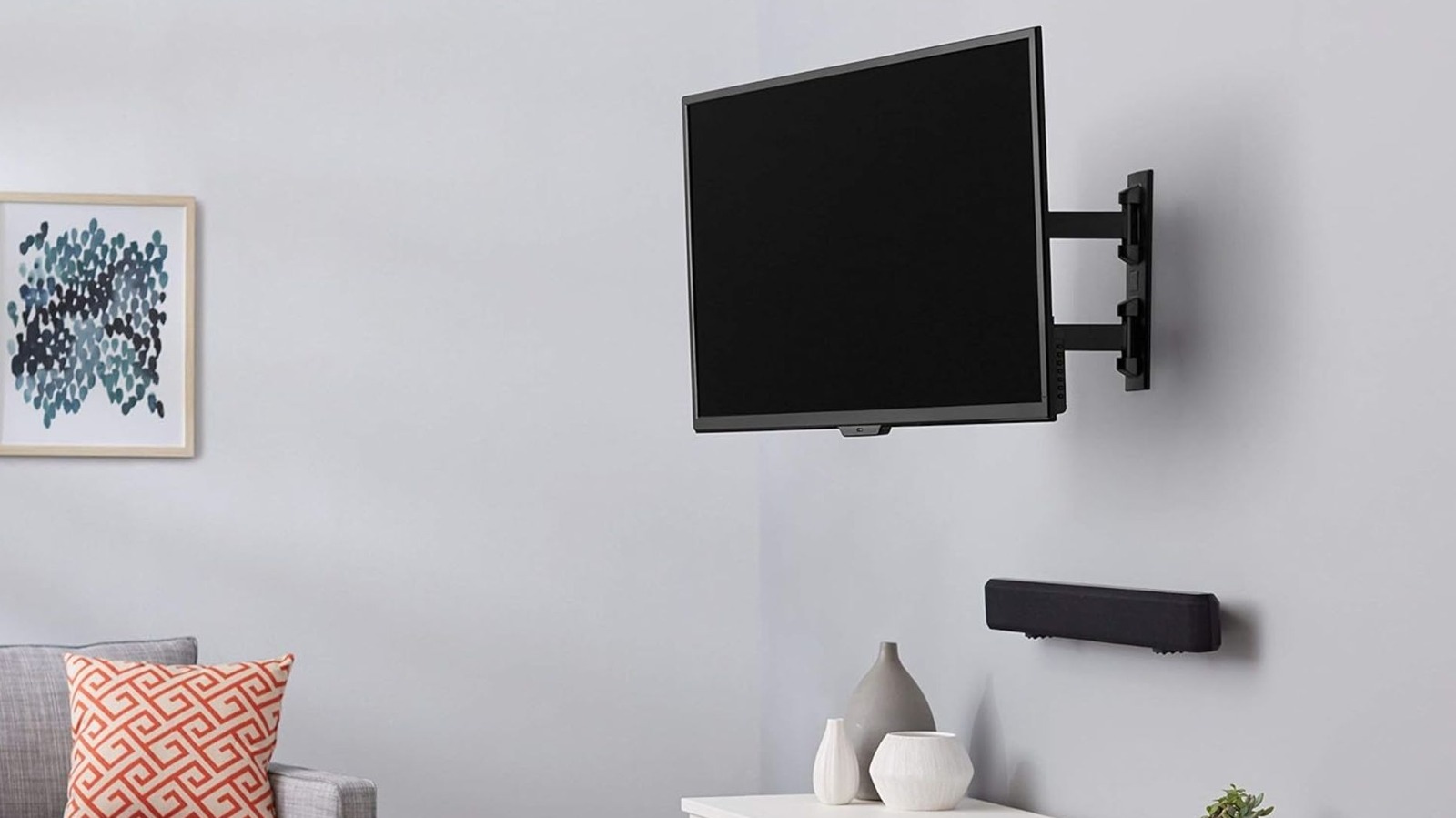
Onn is known for making decent affordable TVs, so it makes sense the brand has branched out and added multiple TV accessories to its catalog, like this Full Motion TV Wall Mount for $32.96. The mount is suitable for 19- to 50-inch TVs that weigh up to 50 pounds and is compatible with VESA mounts, has a simple three-step installation process, and features a tilt range between +5 to -15 degrees and a swivel range of +/- 90 degrees.
Amazon has a similar Full Motion TV Wall Mount that, at the time of writing, is priced at only $17.83 and suitable for 26- to 55-inch TVs that weigh up to 80 pounds. Comparing the Amazon mount’s price history and the Onn’s, we can see that Amazon offers lower prices more frequently, with an average price of $21.43, compared to the Onn mount’s average price of $27.73.
Despite its more affordable price, the Amazon mount has about the same range of movement as the Onn, with a 180-degree swivel range, a tilt range from +10 to -5 degrees, and a side tilt correction range of +/- 5 degrees on both sides. And according to a YouTube review of this Amazon TV mount, the mount is super easy to install.
Methodology
When compiling this list of Amazon finds that outshine Onn-brand alternatives from Walmart in price and quality, we looked at the items’ full price at the time of writing as well as their price history. We used the Camel Camel Camel price tracker to find price changes and historic lows on both Amazon and Walmart products.
Then, to determine the quality of the items, we checked out both anecdotal customer experiences and reviews from trusted publications, like TechRadar and PCMag. Every Amazon item we picked has an average rating of at least four stars and 800 reviews, though over half of our picks average 4.5 stars and most have thousands of reviews.

Stephan is the sports journalist for the Maple Grove Report.