
Follow ZDNET: Add us as a preferred source on Google.
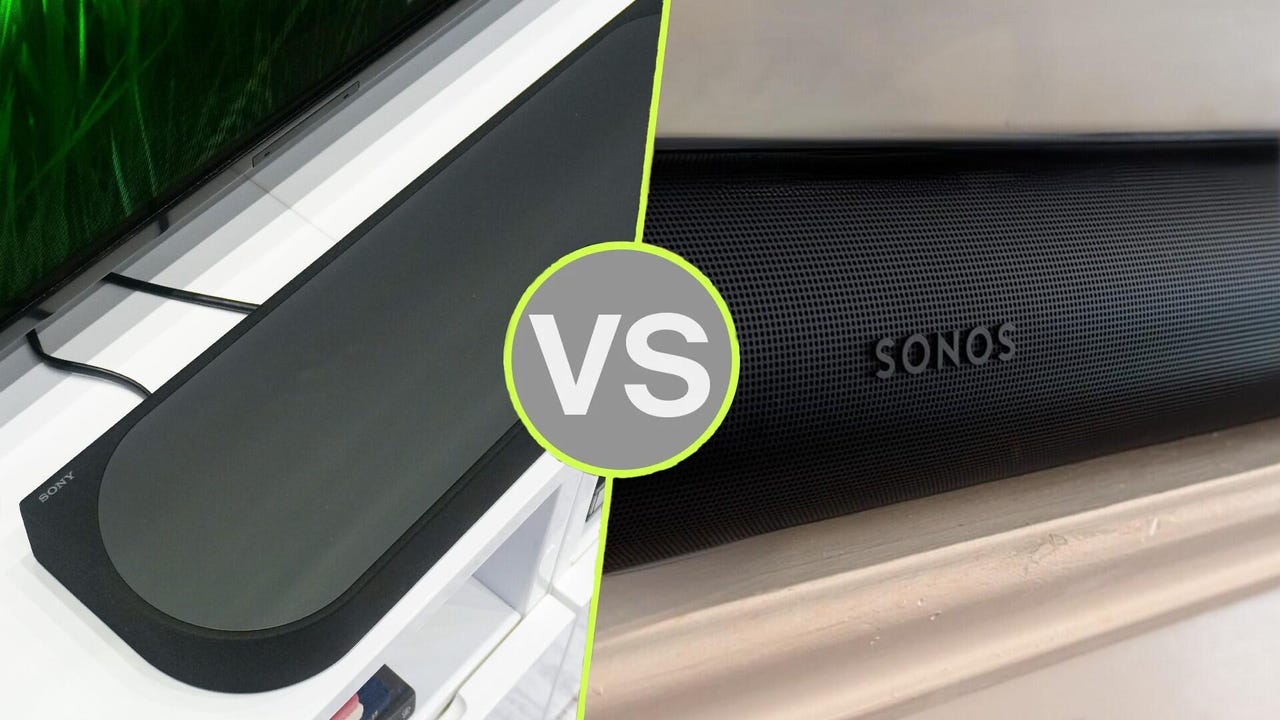
If you want to build a modular home theater and buy individual speakers at your own pace, you may be deciding between Sony and Sonos — both brands make great-sounding products.
While audio quality is subjective, I’ve tested several products from both makers and found that Sony’s sound profile delivers crisper highs, exceptionally clear dialogue, and highly immersive localization and spatial audio performance. However, Sony’s heavy AI-powered audio upscaling tech can make music sound overly processed.
Also: 4 easy tweaks you can make to your TV soundbar for more immersive audio
On the other hand, Sonos delivers a warm, cozy sound that’s great for casual listening at home, with punchy, controlled bass. Yet, Sonos’s soundbar tuning and speaker driver configuration can struggle to reproduce all-encompassing immersive audio without additional rear speakers.
Though sound is important, how each company’s products will accommodate your space, habits, and preferences is equally influential to your decision-making. Here’s how to choose.
Specifications
| Sony Bravia Theater | Sonos | |
| HDMI support | 2 HDMI 2.1 ports | 1 HDMI eARC port |
| Spatial audio format(s) | Dolby Atmos; DTS:X | Dolby Atmos |
| Wireless connectivity | Wi-Fi: Bluetooth; AirPlay; Spotify Connect | Wi-Fi; Bluetooth; AirPlay; Spotify Connect |
| Room calibration | Sound Field Optimization; 360 Spatial Sound Mapping | TruePlay |
| Voice assistant | Requires external Google or Amazon smart speaker | Built-in Amazon Alexa; Sonos Voice Control support |
| Additional device compatibility | Compatible with other Sony Bravia home theater products | Compatible with Sonos Wi-Fi home & Bluetooth speakers; Sonos headphones |
You should build a Sony Bravia home theater if…
1. You’re a DTS:X or IMAX Enhanced fan
Sony’s Bravia Theater line of soundbars – even the company’s more budget-friendly options – support Dolby Atmos and DTS:X spatial audio formats. So, whether you’re streaming a movie on Disney+ in Dolby Atmos or watching a Blu-ray movie in DTS:X, you have access to the most popular spatial audio formats.
Review: Sony Bravia Theater Trio
Sony’s upper-midrange soundbars, beginning with the Bravia Theater Bar 7 and extending to premium flagship models, support the two spatial audio formats and IMAX Enhanced. If you have a current premium Sony TV, its picture is optimized for at-home IMAX viewing, and a compatible Bravia Theater product can deliver audio up to IMAX standards.
Sonos’s soundbars and rear speakers only support Dolby Atmos.
2. You want Blu-ray or gaming optimization
Sony’s upper-midrange and premium soundbars have two HDMI ports with HDMI 2.1 pass-through support for 4K at 120 Hz, Dolby Vision, variable refresh rate, and auto low-latency mode. You can connect gaming consoles or Blu-ray players directly to a compatible Sony soundbar’s HDMI port and enjoy high-resolution audio and display performance.
The Bravia Theater Bar 7 and more premium models are also optimized for PlayStation 5, promising overhead audio for immersive gaming and premium picture settings when connected to a compatible Sony TV.
Review: Sony Bravia 9 II TV
Conversely, Sonos’s soundbars rely exclusively on your TV’s HDMI eARC port, so you can’t connect any external media consoles to them. Instead of connecting external consoles to a Sonos soundbar, you must plug the console into the TV, and all audio passes through the TV to the soundbar.
3. You don’t want traditional soundbars
Sony offers two unconventional yet comprehensive home theater systems: the Bravia Theater Quad and the Bravia Theater Trio. These two systems are at the top of Sony’s Bravia Theater lineup and offer a high-end audio experience for those who don’t want a typical soundbar, rear speakers, and subwoofer setup in their home.
The Bravia Quad’s four speaker units can be placed inconspicuously around a room, while the space-saving Trio’s three-speaker unit isn’t meant to stray too far from your TV.
Also: Sony Bravia 9 II vs. Bravia 9: I’ve seen both TV models, and True RGB LED is a major leap
Both home theater systems deliver the best from Sony, including the company’s 360 Spatial Sound Mapping technology, which creates “phantom speakers” around the room to envelop viewers without needing additional rear speakers. Both systems deliver exceptional spatial audio performance, and Sony’s room-calibration technologies create a balanced listening experience for people who don’t have a viewing room that can properly accommodate ideal home-theater speaker placement.
On the other hand, Sonos’s offerings adhere to the traditional home theater setup, with soundbars at the center and optional rear speakers and subwoofers. Sonos’s products also feature thorough room calibration technology, but without the space for optimal placement, your audio experience may vary.
You should build a Sonos home theater if…
1. You want easy whole-home audio
The major appeal of Sonos’s products is that they’re easy to set up around your house and achieve connected, whole-home audio. With Sonos, it’s frictionless to access all your home’s speakers because they all operate on your home Wi-Fi network. So, you can seamlessly group audio from your living room to your bathroom, or move audio from your kitchen to your patio.
Also: Your Sonos smart speaker has an underutilized automation feature – 5 helpful ways I use mine
Sony doesn’t offer whole-home audio through its Bravia app like Sonos does, instead relying on audio grouping via AirPlay, Spotify Connect, or Bluetooth. Additionally, Sony doesn’t have small Wi-Fi-enabled speakers like Sonos’s Era 100, Play, or Move 2, so for room-to-room audio, you’ll need several Sony soundbars.
2. Music is more important than movies
From my experience testing both Sonos and Sony home theater products, Sonos’s tuning is better for music, while Sony’s tuning is better for a cinematic feel when watching movies. Sonos’s sound is warmer, with a tighter bass response for a relaxed music-listening experience, while Sony’s advanced audio technologies better reproduce a wider dynamic range, conveying emotion through a movie’s audio mixing.
Also: Sonos Era 300 vs. Denon Home 400: Why I’m pulling the plug on the more popular speaker
I much prefer Sonos’s tuning for listening to music. Additionally, streaming music directly from Sonos’s app to your Sonos soundbar or speakers promises higher streaming resolution, opposed to streaming music from your phone to your Sony sound system via AirPlay or Bluetooth.
Since Sony doesn’t have a direct streaming platform, it relies on Spotify Connect, Apple AirPlay, and Bluetooth to stream music from your phone to your home theater speakers. Sony offers its LDAC Bluetooth codec and Digital Sound Enhancement Engine to digitally upscale compressed audio files for improved fidelity.
Still, digital upscaling and restoration don’t compare to original, uncompressed audio files, so if lossless listening over Wi-Fi is important to you, Sonos may be the better choice.
3. You want solid all-around performance
The great thing about Sonos’s products is that they are extremely accessible. You don’t need any fancy equipment to get the most out of them, and as long as your TV has an HDMI eARC port (as most modern TVs do), then you’ll get your money’s worth.
Even with a smaller, more affordable Sonos soundbar like the Beam (Gen 2) or the Ray, you can elevate your TV-watching experience, listen to music in high fidelity, and access a voice assistant from a single speaker. Sonos’s soundbars serve as the center of your home theater as much as they serve as smart speakers.
Also: How I upgraded my Sonos soundbar’s audio quality – 3 easy and free methods
Many of Sony’s premium soundbars’ built-in microphones don’t have native voice assistant support, so you’ll have to add the soundbar to your Google Home or Alexa network, and you’ll need to use your Google or Amazon speaker to process commands unrelated to soundbar playback.
Writer’s choice
In a perfect world, I’d have a Sony Bravia Theater system in my living room for movie and TV-watching, and several Sonos satellite speakers around my house for whole-home music streaming. However, Sonos’s speaker controller application provides quick access to all your system’s speakers and streaming platforms, making it easy to keep tabs on everything and quickly move audio from room to room.
Additionally, Sonos’s speakers, including its soundbars, behave more like smart speakers than Sony’s, delivering built-in voice assistants, high-quality Wi-Fi audio streaming, and direct access to my favorite music, radio, and podcast apps. For my lifestyle and user habits, I’ll continue to build a Sonos system.