
Harbor Freight’s selection of home landscaping tools covers a lot more than just the basics. Its current lineup houses not only a lot of different tools, but also different versions of the same tool from various brands. Each brand is targeted at a slightly different audience and price point, so no matter your needs, the retailer probably has an option that ticks all the right boxes. If that wasn’t enough, Harbor Freight regularly adds to its lineup with new lawn and garden products, so it’s well worth keeping an eye on the latest releases.
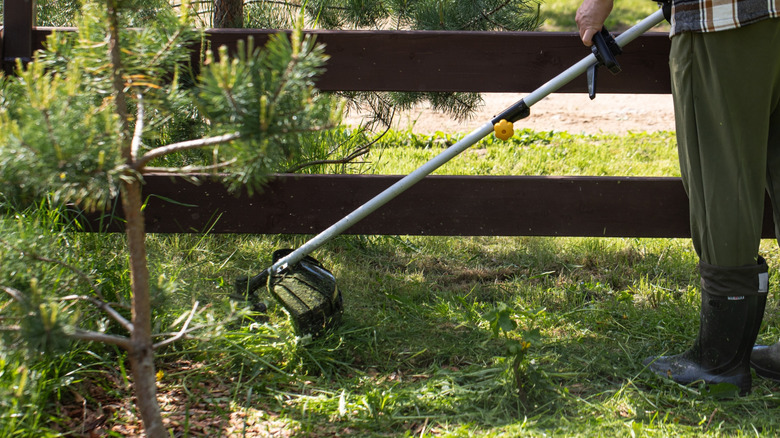
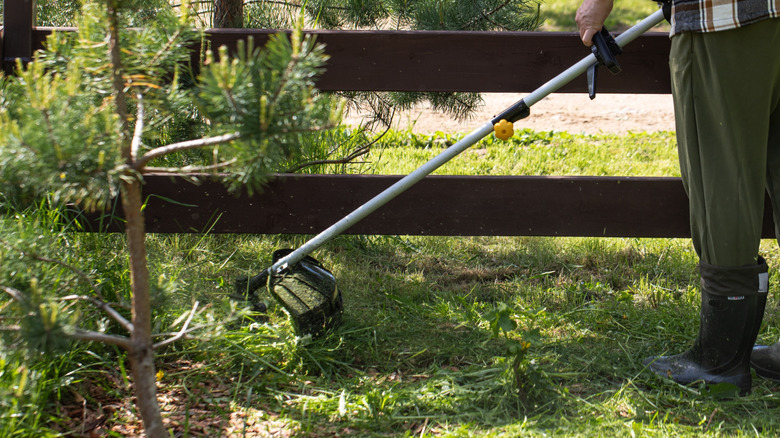
Among its sprawling range are four different weed eaters, which Harbor Freight refers to as string trimmers. Some have better ratings than others, and at the time of writing, the best rated of all is the Atlas 80V 16-inch cordless string trimmer. It’s available for $79.99 as a standalone tool, and has racked up more than 1,400 reviews at an average rating of 4.7 out of five stars.
Atlas is Harbor Freight’s professional-grade outdoor power tool brand, and its 80V string trimmer is claimed to be powerful enough to match a 23cc gas trimmer. It features an adjustable cutting swath that can operate between 14 and 16 inches. The larger swath gives you more coverage when you’re cutting, while the smaller swath should boost runtime.
Bauer’s weed eater is a cheaper alternative to Atlas
Although the Atlas weed eater is the best rated tool of its kind at Harbor Freight, that doesn’t mean it’s necessarily the best value for money. Atlas tools use their own proprietary battery system that isn’t shared with other Harbor Freight brands, and so anyone who’s new to the brand will have to factor in the cost of buying a battery and charger on top of the tool.
At the time of writing, the cheapest Atlas 80V battery that’s available at Harbor Freight costs $139.99, which is considerably more than the price of the tool. Then, you’ll still need a charger, which will cost an extra $59.99.
That’s a significant investment for a professional-grade tool that might end up being overkill for homeowners with smaller yards anyway. Thankfully, Harbor Freight offers a much cheaper alternative that still ranks as the second best-rated weed eater in its lineup. The Bauer 20V cordless string trimmer retails for $54.99, and it runs using the same 20V batteries as Bauer’s popular range of cordless DIY tools.
If you’re a Harbor Freight enthusiast, you might well already have a suitable Bauer 20V battery and charger in your tool kit, but if you don’t, you’ll still spend less than if you were to invest in Atlas’ cordless tool line. As well as offering the trimmer at a cheaper price than Atlas, Bauer’s batteries and chargers are also significantly cheaper to buy. Bauer sells a 5Ah 20V battery for $69.99, while a 4 amp battery charger will add just $34.99 to your final bill.
Bauer’s outdoor tools cater to home landscaping enthusiasts
In price terms then, the Bauer is the clear winner, although there are some performance and construction compromises that the Bauer makes compared to the Atlas trimmer. The Bauer features a smaller 12 inch cutting swath, and its motor housing is made from plastic, while the Atlas’ housing is made from metal.
Although the Bauer cordless trimmer isn’t quite as universally liked by reviewers as the Atlas trimmer, it still gets generally good ratings. At the time of writing, it has an average rating of 4.4 out of five stars from around 2,200 reviews. In contrast, Bauer’s corded trimmer receives much more mixed feedback, averaging 4.1 out of five stars.
Like any retailer, there are a few tools you should think twice about buying from Harbor Freight, and the Portland corded string trimmer is one of them — it has the worst ratings of any weed eater in Harbor Freight’s current range, averaging a lowly 3.9 out of five stars from over 3,100 reviews. Hundreds of users have left a single-star rating, with many of them reporting that the Portland trimmer broke after a handful of uses. Given that Harbor Freight has multiple alternatives available with far better ratings, it’s arguably worth steering clear of.

Stephan is the sports journalist for the Maple Grove Report.