We may receive a commission on purchases made from links.
The sheer impossibility of recommending a single “best” 3D printing filament can best be explained by this thought experiment. Imagine using only one material to manufacture every single component of a car. For starters, a rubber windshield would be hard to see through. But then glass tires would also necessitate that all roads be repaved with… erm… soft memory foam.
There’s a good reason why an obscene amount of money is spent on materials science research worldwide. Making the right material choices is a huge part of designing a well-engineered product, which, in turn, involves striking a delicate balance among mutually exclusive parameters such as price, performance, durability, and environmental impact.
Not surprisingly, being effective at 3D printing is also governed by the same principles. That is, the ability to choose the right material for the right use case. Unless, of course, printing cosmetic trinkets from Thingiverse is all you plan on doing with your 3D printer. In that case, PLA is the one true forever filament for you, as explained in our PLA guide.
But given enough time and 3D printing experience, you will eventually develop the itch to print something functional. Like a bookshelf or a custom monitor mount, which will end up in pieces on the floor unless you print it in an engineering material like ABS or ASA.
And that’s why it’s a good idea to bring some method to this one-material madness and explore filaments (yes, plural) exhibiting properties suitable for broad applications based on practical considerations like the type of printer you own and common use cases.
If you have an entry level 3D printer
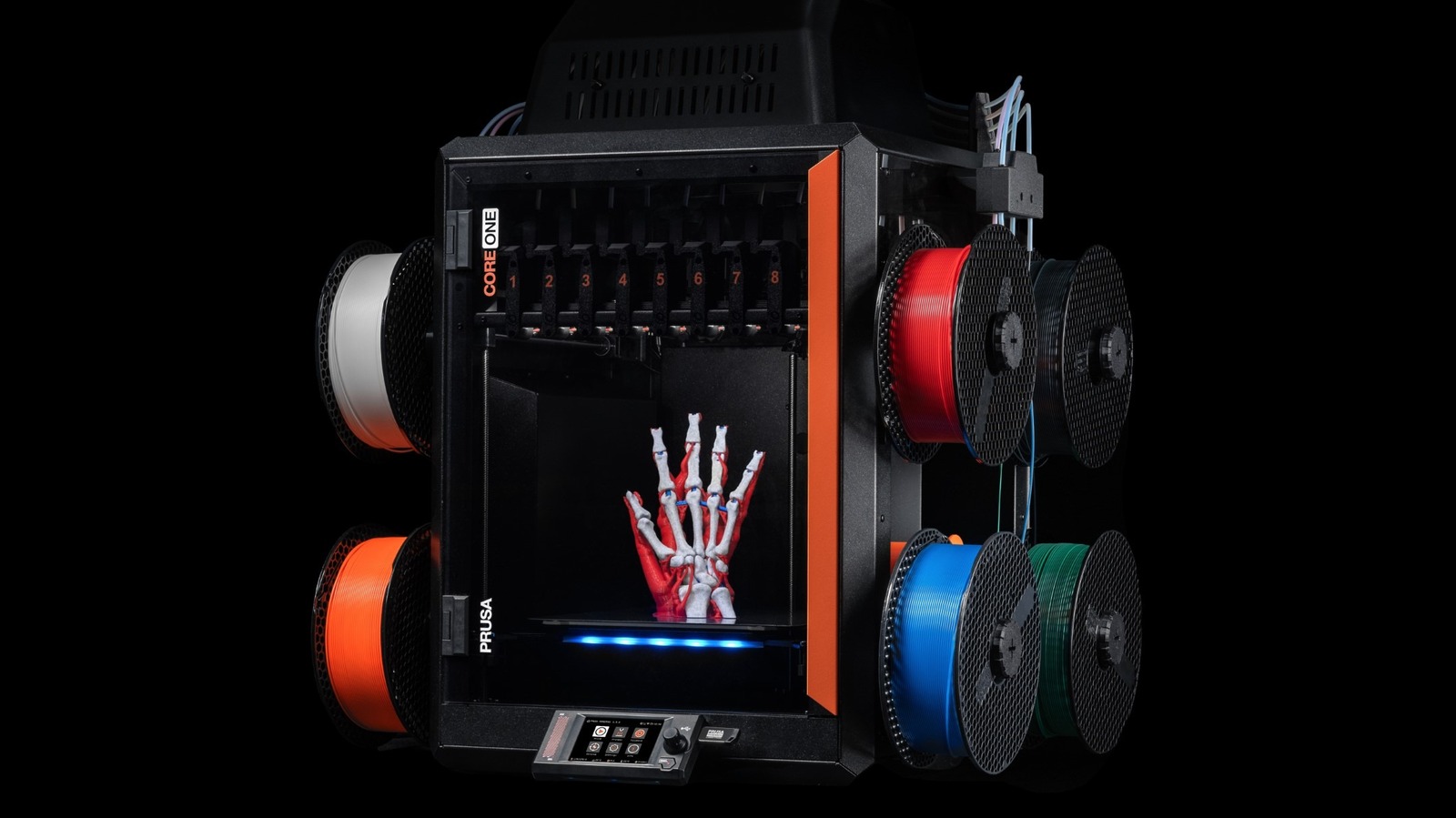
If you want one filament to do almost everything, it must have enough tensile strength, toughness, and thermal endurance demanded by most functional applications that test 3D-printed parts for load-bearing capacity, as well as the heat and impact resistance. That’s a tough proposition because such filaments only print reliably on fully enclosed CoreXY 3D printers.
However, PETG is one filament that ticks the aforementioned boxes, while also being reasonably beginner-friendly and still printable on budget-friendly unenclosed printers. Despite being nearly as easy to print as PLA, PETG still improves heat endurance by 40 percent, in addition to excellent interlayer adhesion and UV resistance. This makes it perfect for functional parts meant for outdoor applications. What’s more, the material is also impervious to most solvents like oils, greases, and acids/bases.
Although PETG is considered difficult to tune for supports and bridging, you can either design your models around that limitation or tune your slicer profiles to make the filament bridge extreme gaps. Need even more heat resistance and tensile strength? Use carbon fiber blended PETG-CF instead. Doing so also makes the material less prone to warping, while also improving its overall printability and ease of bridging. Meanwhile, the glass fiber variant (PETG-GF) has all the benefits of PETG-CF, with improved stiffness, dimensional stability, and electrical insulation thrown in for good measure.
But, in addition to PETG, we also recommend stocking up on TPU. This flexible filament is virtually indestructible thanks to its impressive toughness. That, and its bulletproof UV resistance, makes TPU great for printing flexible, shock-absorbing parts for drones, wearables, phone cases, shoe soles, and even for waterproofing gaskets.
If you have an enclosed CoreXY 3D printer
A premium enclosed CoreXY 3D printer unlocks almost all popular engineering filaments. ABS has excellent toughness and can withstand temperatures well beyond 175 degrees Fahrenheit without breaking a sweat. But you must switch to ASA if you need UV resistance for outdoor applications.
Need even better toughness and heat resistance? PA6 (Nylon 6 or polyamide 6) is a better choice, but its propensity to absorb moisture over time also causes the printed parts to soften up. Well, that makes PA12 a wiser alternative. And then there’s PC (polycarbonate) for when you need the ultimate in tensile strength and temperature resistance.
It’s almost like choosing a 3D printing filament is a compromise between various parameters. Just like we had established at the outset. That is, unless you have deep enough pockets to activate a $150 (per spool) cheat code known as PPA CF, which is short for polyphthalamide blended with carbon fiber.
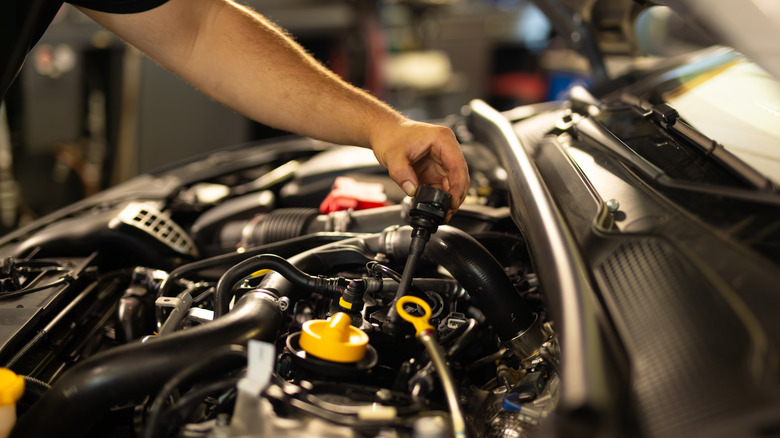
This derivative of PA trades in its shortcomings, such as moisture retention and relative softness, for incredibly high temperature and impact resistance, mechanical strength, creep resistance, dimensional stability, and relative ease of printing. These virtues, combined with PPA CF’s excellent chemical resistance to gasoline, diesel, coolants, and most oils, make it ideal for automotive use even inside engine bays, and perhaps even deeper inside still, like a 3D printed cylinder head.
The only real downside to this filament is the fact that it needs either a dehydrator (with some 3D printed modifications) or a filament dryer capable of reaching 195 degrees Fahrenheit. You’ll still need to stock up on TPU for 3D printing gaskets and other use cases that demand flexibility.