What Does Power Freeze Mode Mean On A Samsung Refrigerator?


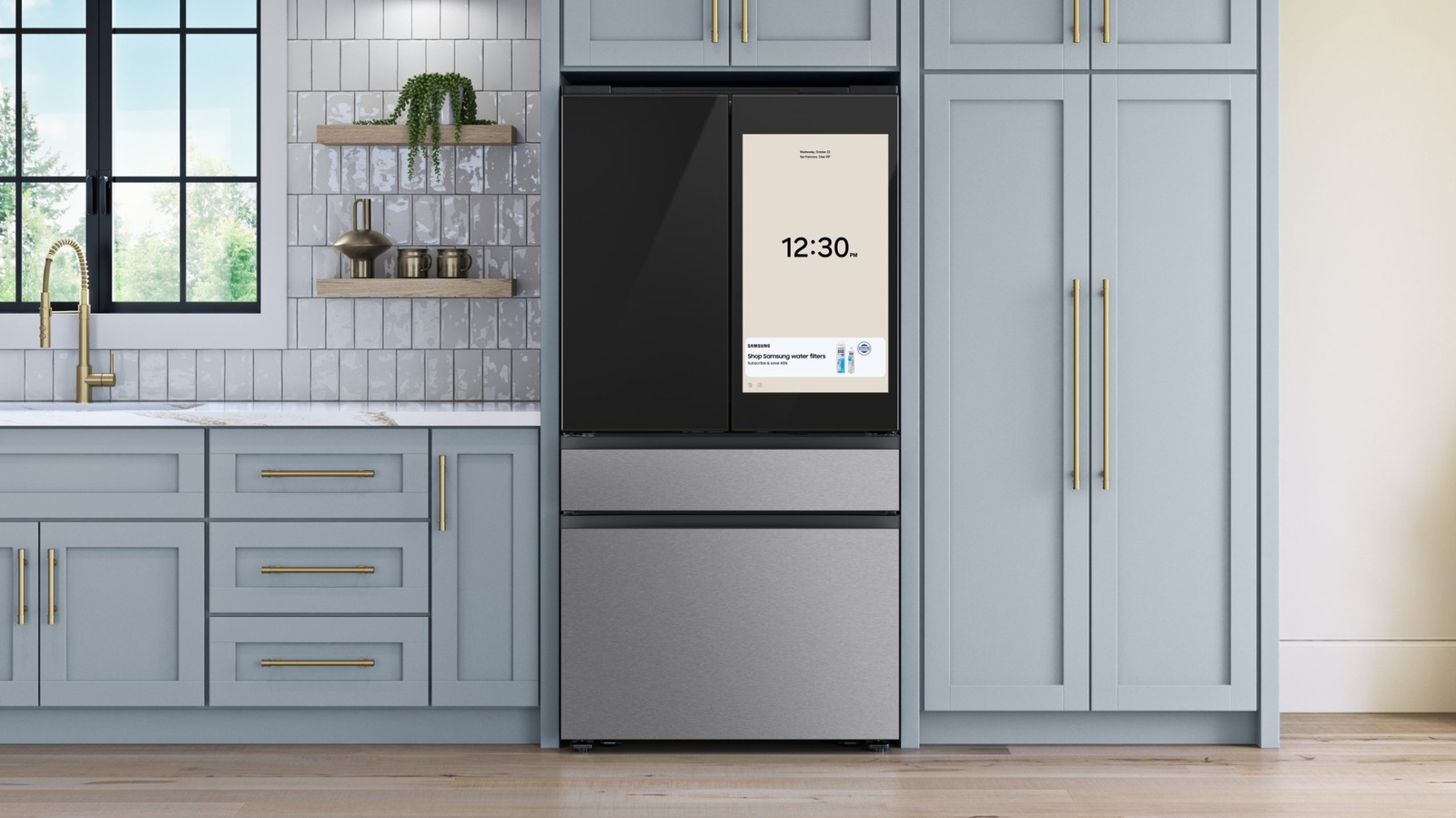
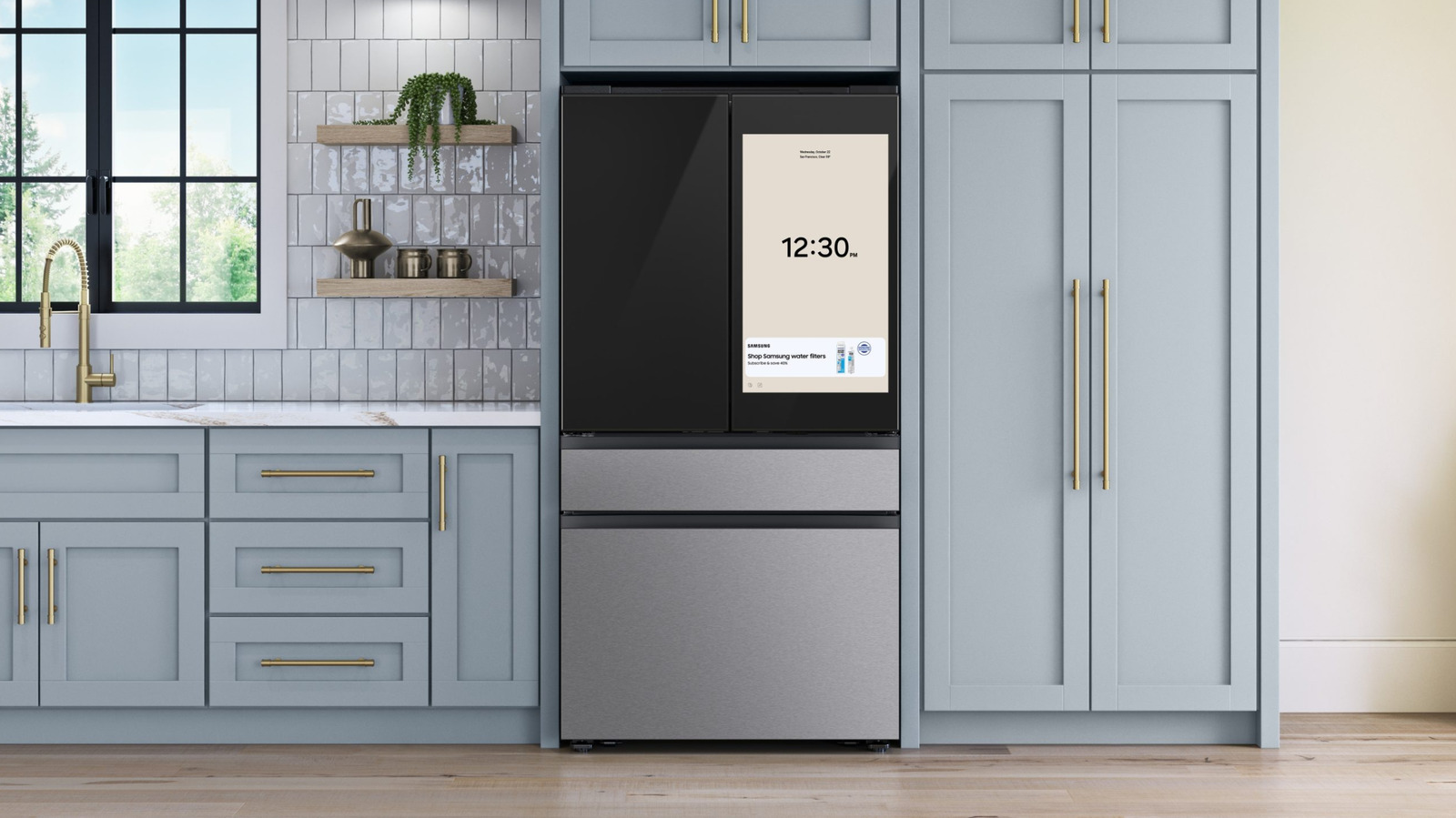
Many modern refrigerators come with price tags that stretch comfortably into four-figure territory, but they also come with more features than ever before. At the higher end of the market, offerings like Samsung’s Bespoke refrigerator line come with many cool features, but even the brand’s more everyday models might have a few buttons with functions that are not immediately obvious.

One of these you might have noticed on your Samsung refrigerator is the “Power Freeze” button. If you press and hold this button for three seconds, the freezer will increase its fan speed and crank its cooling powers up to a maximum. It will stay at that maximum level for up to 50 hours before automatically switching off, but you can also manually turn it off again by pressing the button for another three seconds. Once Power Freeze is deactivated, the freezer will revert to its normal settings.

As well as cooling down food to freezing temperatures as quickly as possible, you can also use the Power Freeze function to freeze a large amount of food at once. Samsung recommends enabling the Power Freeze function 20 hours before you intend to put your latest bulk buys into the freezer to make sure it’s already as cold as possible when the new food is added. Samsung isn’t the only brand to offer an enhanced freezing option in its fridge-freezers. Several rival brands have done the same, although the name of the function differs between brands. On an LG refrigerator, the “Ice Plus” button does the same job.

Power Freeze can also speed up ice making

If you need your fridge-freezer to produce a larger amount of ice in a short period of time, Power Freeze might also come in handy. Samsung says that most of its fridge-freezers produce roughly 120 cubes of ice per day on normal settings, with the ice maker producing one tray of ice in around 90 minutes. If you turn on Power Freeze, the fridge-freezer should be able to produce a tray of ice in just under an hour. This increased ice production will continue until you either turn the Power Freeze function off, or until the ice bucket is full.

If your freezer is making significantly less ice than it should, it might be down to one of a handful of common causes. First, it’s worth checking that the valve on the water supply line is completely open. If it isn’t, the water supply might be restricted, which can reduce ice production. Another potential cause is a blocked water filter. Usually, your refrigerator will display a warning icon on its display to let you know when the filter needs replacing. However, it’s worth checking it manually if you notice a decrease in ice production.

It’s also best to check that the ice container isn’t blocked if the ice maker hasn’t been used for a while, since blockages are a common problem with Samsung refrigerators. You also might want to reset the ice dispenser, too. Instructions for how to do both tasks vary between models, so you’ll need to consult your fridge’s user manual.


Source link

Leave a Reply

Subscribe to Our Newsletter

Get our latest articles delivered straight to your inbox. No spam, we promise.

Recent Reviews


To paraphrase a famous superhero, flying is, statistically speaking, the safest way to travel. It is, of course, also one of the more expensive modes of transportation available to travelers. And yes, if you’ve rolled a suitcase into an airport any time in the past couple of decades, you know travelers are required to adhere to dozens of rules and regulations before they board a plane, and even more while they’re up in the air.

Most of those rules are put in place by the Transportation Security Administration (TSA) and the Federal Aviation Administration (FAA), the government agencies tasked with overseeing and regulating transportation and civil aviation in the United States, respectively. Apart from the myriad rules drawn up by those factions, many major airlines have added to the list with regulations that their passengers must adhere to in-flight, and yes, you agree to those terms anytime you buy a ticket by way of a “contract of carriage.”

United Airlines just added a pretty major new rule to its CoC that requires all passengers to use headphones when enjoying content with audio from a personal device like a laptop, tablet, or mobile phone. The rule is intended to limit environmental noise in the plane’s cabin, thereby ensuring a more pleasurable flight for both passengers and crew. Still, you may be surprised just how far United is threatening to go in punishing those who refuse to adhere.  

United may take its headphones policy to extreme measures in some cases

If you’ve ever been seated near someone who isn’t using headphones (which is one of the necessary in-flight gadgets) while watching a movie, listening to music, or even scrolling through social media in flight, you no doubt agree that United’s new headphones rule is one that’s very much worth enforcing. In fact, many other airlines already have similar policies in their own contracts of carriage. Even still, none of those policies are quite as severe as United’s, with the airline’s new CoC amendment stating that failure to adhere to the headphones rule could ultimately result in your removal from the flight.

That CoC goes on to state that not only might you be removed from the flight you’re on if you refuse to use headphones, but you may also be permanently banned from flying with United Airlines. As travel expert Scott Keyes told CBS, United is the first major airline to take such a hardline stance on the matter of headphones, but it wouldn’t be surprising to see its competitors quickly adopt similar policies.

Interestingly enough, it is not made entirely clear just how far United is prepared to go in enforcing the rule. For instance, it would be relatively easy to remove a passenger from the plane prior to takeoff. It’s much harder to imagine that United would go so far as to land a plane mid-flight to the same end. But perhaps that is where the threat of a permanent ban comes into play. Only time will tell.


Source link